I save Home Assistant on my Onedrive Business

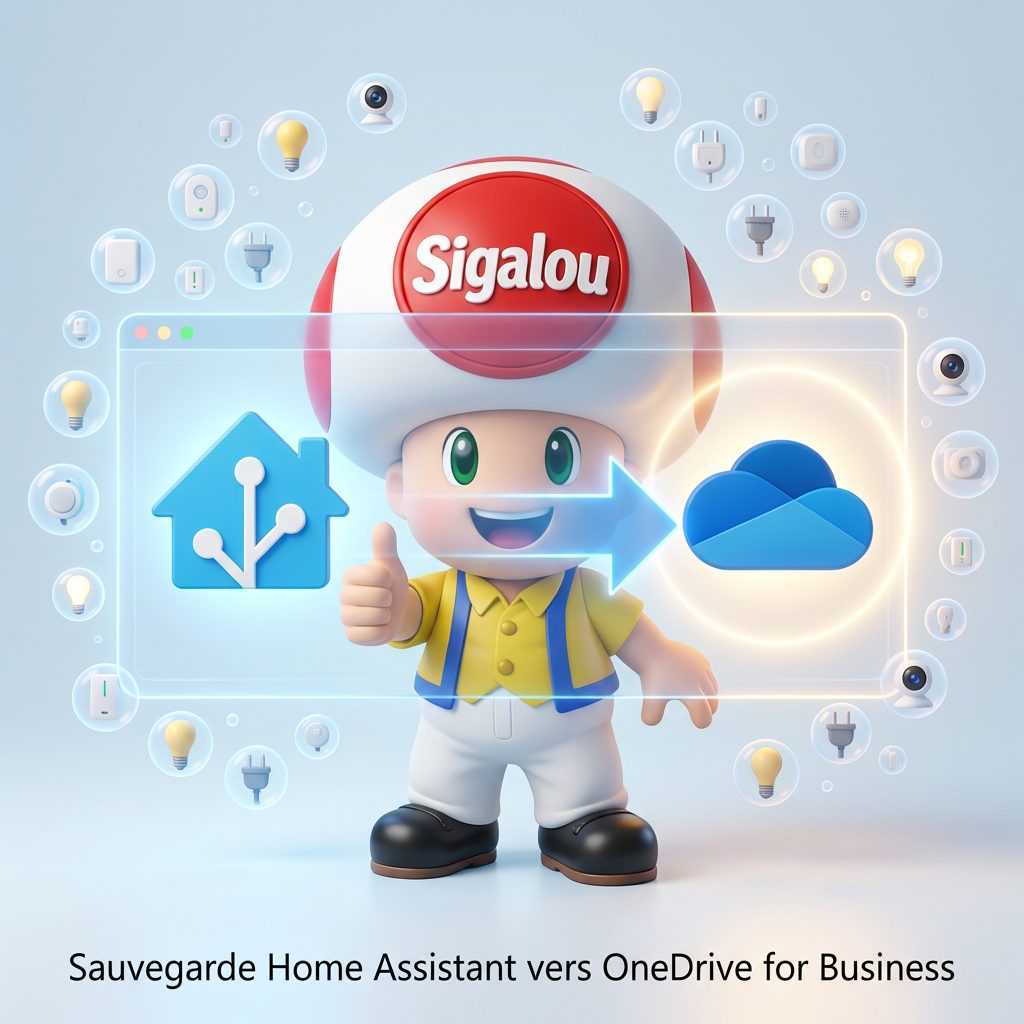
I wanted to use OneDrive for Business as a backup destination in Home Assistant.

Official integration allows backups to be sent to OneDrive for Business, but asks to prepare an application in Microsoft Entra beforehand, with a Tenant ID, a Client ID, a Secret Client and a precise redirect URI.

Prerequisite

Before you start, you need to:

  • A functional Home Assistant.
  • A Microsoft 365 / OneDrive for Business account.
  • Access to the Microsoft Entra portal with an account that can create an application. Microsoft indicates that at least one Application Developer role is required.
  • Knowing the redirect URL used by Home Assistant will be: https://my.home-assistant.io/redirect/oauth.

Read More

I test the undesirability (spam) of my emails

Objective

I had some problems configuring my mail servers.

Obviously, to make it simple, I mix a lot of things, a Microsoft Tenant, domain names at OVH and hosting at Ionos, at one point, there is a configuration parameter that blocks.

I discovered a great site that in a few seconds checks everything for me and tells me if the DNS settings are compliant, if the SPF, KDIM, DMARC… configurations are up to speed. Read More

Using a Synology VM to Automate a Powerautomated Stream under W10

  • In the tutorial Automate local newspaper delivery on Teams I used a home automation computer (the one in my kitchen) that displays Jeedom all the time, but when I go on vacation, I turn that computer off, I wanted the log recovery to continue working.
  • having a Synology NAS, so I decided to use its VMs to retrieve the log

Here are my notes to create this VM

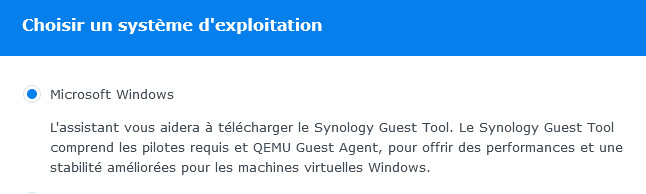
On Synology, we use Virtual Machine Manager

  • Creating the VM is very simple

Then we follow this Tuto very well done.

Once launched, we do a big cleaning to delete everything that is useless, just read the paragraph optimisation the Tuto Reinstall Windows 10


  • Download and install Setup.Microsoft.powerAutomate.exe
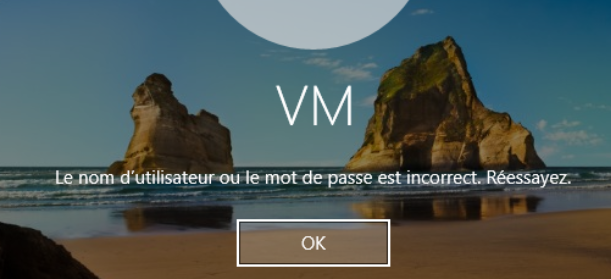
  • For theautolog of the windows session (since it is imperative to have a password), here is the Microsoft Tuto

If services UIFlowService and UIFlowAgentLauncherService do not start, make a small bat with:

  • Net start UIFlowService 
  • Net start UIFlowAgentLauncherService 

and launch it at the start of the VM


Reinstall Windows 10

Since the last versions of Windows 10, the installation that is intended to be simple has finally become quite complex. This tutorial summarizes the steps to have an installation as operational as possible (and as clean as possible).

Create a bootable USB flash drive with Windows 10

With the proliferation of pirated (and often checked) versions, Microsoft has finally decided to offer a complete tool for creating an installation usb key, no need to provide original CDs or iso files, everything is done on its own in the installer.

Read More