

Objective
Team members (thus from a 365 group) can get the team calendar in a channel of their team.
Procedure
- Create the team Teams (example Sigalou team)


- Go allow the use of the exchange client to no longer hide the calendar
In PowerShell:
#Install Exchange Online Management Shell

Install-Module -Name ExchangeOnlineManagement

#Connect to Exchange Online

Connect-ExchangeOnline

#Run Get-UnifiedGroup

Get-UnifiedGroup
In the event of a glitch (only), start again from the beginning:
Install-Module PowershellGet -Force
Update-Module PowershellGet
Set-ExecutionPolicy RemoteSigned
Install-Module -Name ExchangeOnlineManagement
This displays the list of groups, logically the last one is ours:

Use the command:
Set-UnifiedGroup -identity <group name> -HiddenFromExchangeClientsEnabled:$false

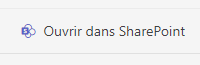
- Go to General Channel / Files / Open in SharePoint
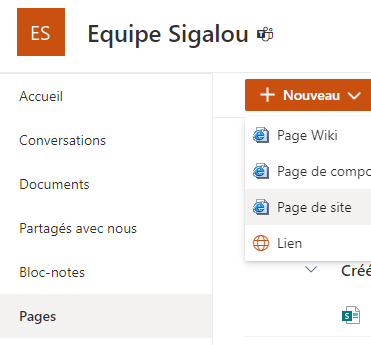
- Go to Pages / New / Site page
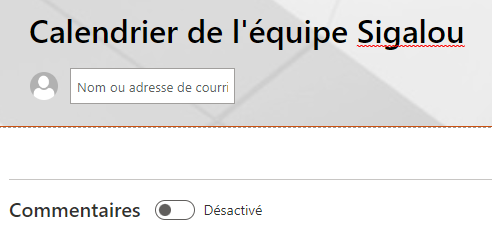
- Change title, delete author and uncheck comments, possibly simplify title area
- Place the mouse under the title frame and click the + to add a Web Part
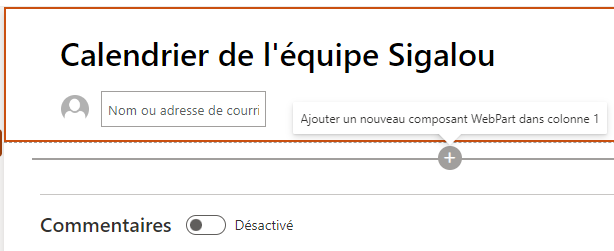
- Choose Group Calendar

- Publish page

- Click on Create meeting
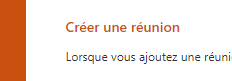
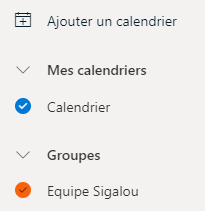
And this is where the magic happens, a few seconds later Outlook on line opens and adds the calendar to the list of groups:
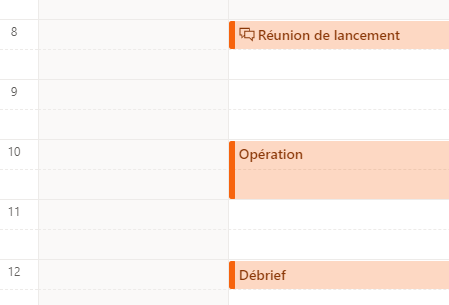
A few meetings were added:
- You can close Outlook Online, SharePoint Online and go back to Teams
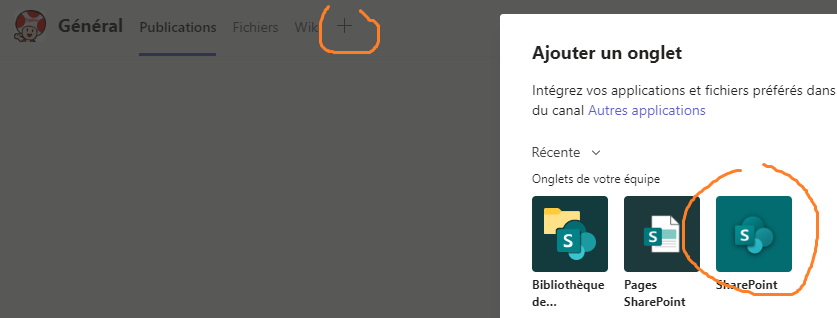
- In the general channel (or elsewhere), we do + to add a tab and we will look for sharePoint
- We will look for our Calendar page:
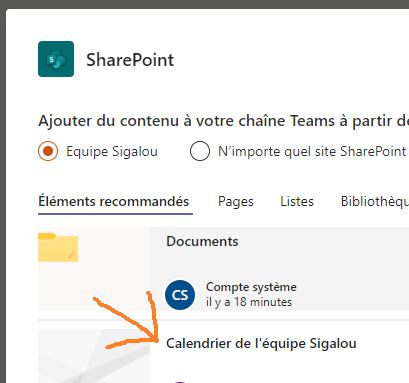
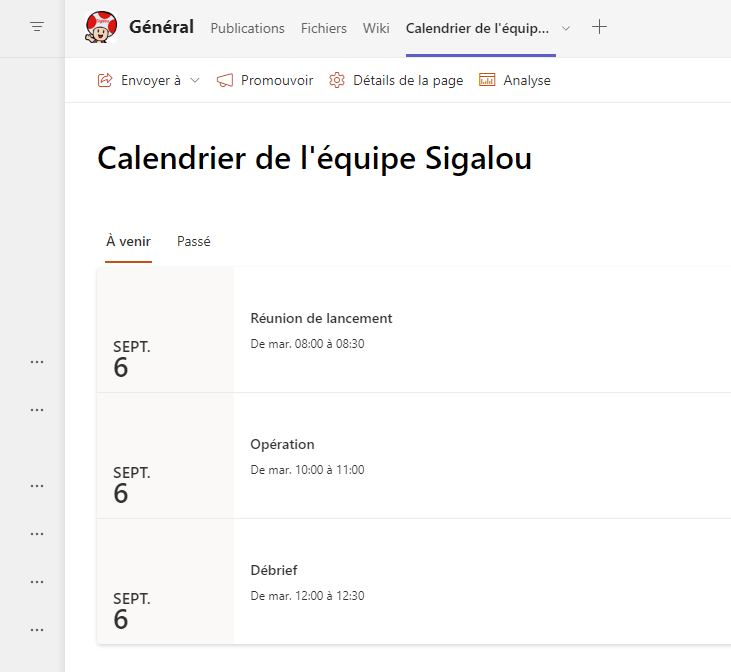
There you go, the calendar is a tab in the Teams general channel:
 English
  French
  Spanish
  Chinese
  German