

- In the tutorial Automate local newspaper delivery on Teams I used a home automation computer (the one in my kitchen) that displays Jeedom all the time, but when I go on vacation, I turn that computer off, I wanted the log recovery to continue working.
- having a Synology NAS, so I decided to use its VMs to retrieve the log
Here are my notes to create this VM
On Synology, we use Virtual Machine Manager
- Creating the VM is very simple
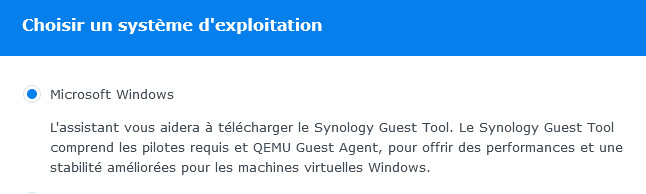
Then we follow this Tuto very well done.
Once launched, we do a big cleaning to delete everything that is useless, just read the paragraph optimisation the Tuto Reinstall Windows 10
- Download and install Setup.Microsoft.powerAutomate.exe
- For theautolog of the windows session (since it is imperative to have a password), here is the Microsoft Tuto
If services UIFlowService and UIFlowAgentLauncherService do not start, make a small bat with:
- Net start UIFlowService
- Net start UIFlowAgentLauncherService
and launch it at the start of the VM
 English
  French
  Spanish
  Chinese
  German