
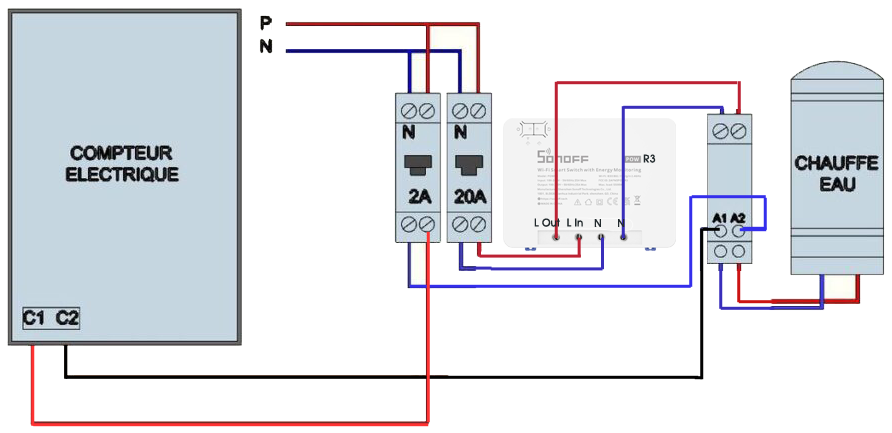
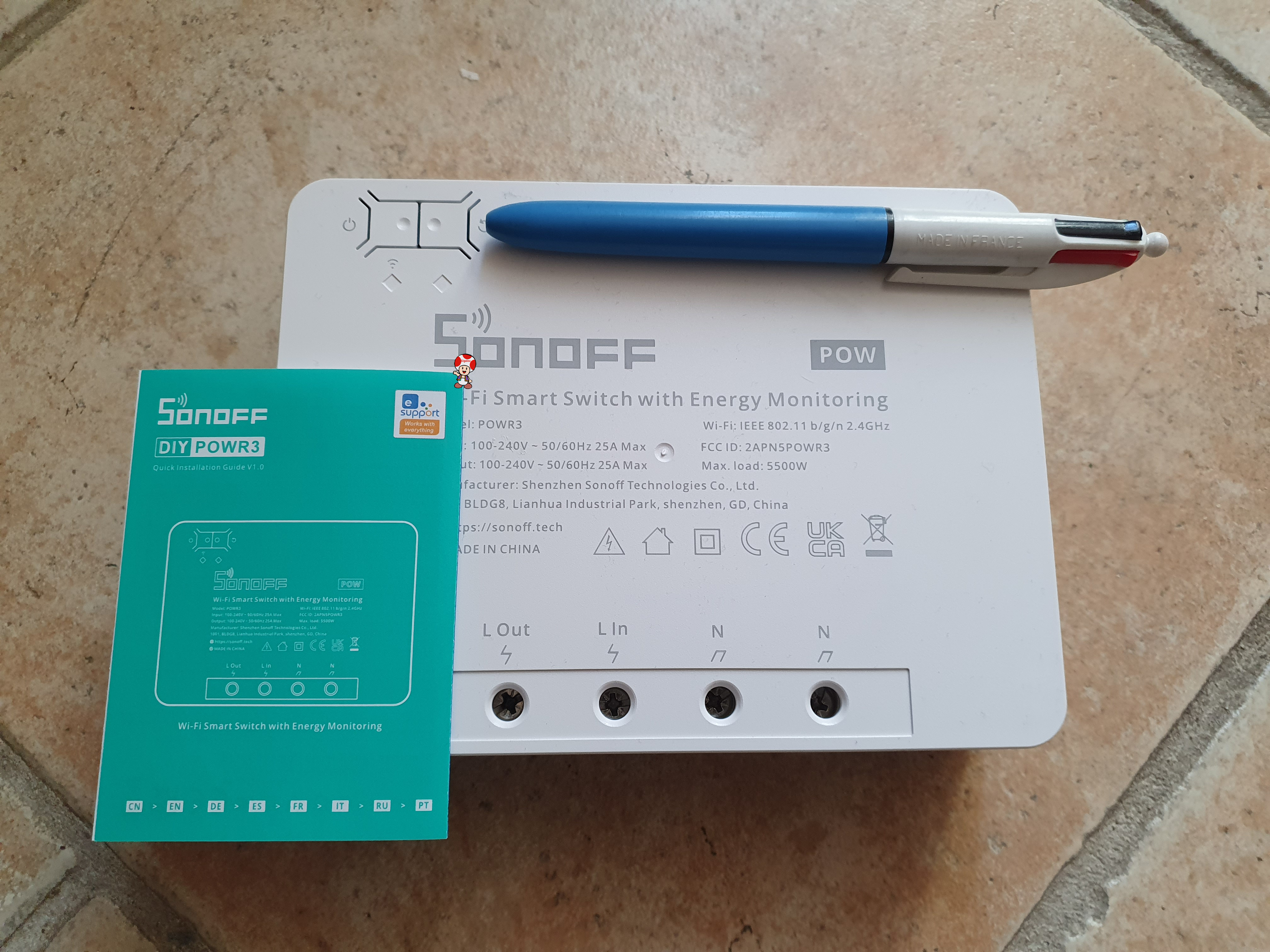
The arrival on the market of the Sonoff POW R3 which accepts 25A gives me the idea of embarking on the control/piloting of my water heater. Until now, the low loads of previous equipment had pushed me back. Read More

The arrival on the market of the Sonoff POW R3 which accepts 25A gives me the idea of embarking on the control/piloting of my water heater. Until now, the low loads of previous equipment had pushed me back. Read More
⚠ This page was updated in September 2025.
For a more recent and optimised method: I flash an ESP Sonoff POW R3 with ESPHome. Read More
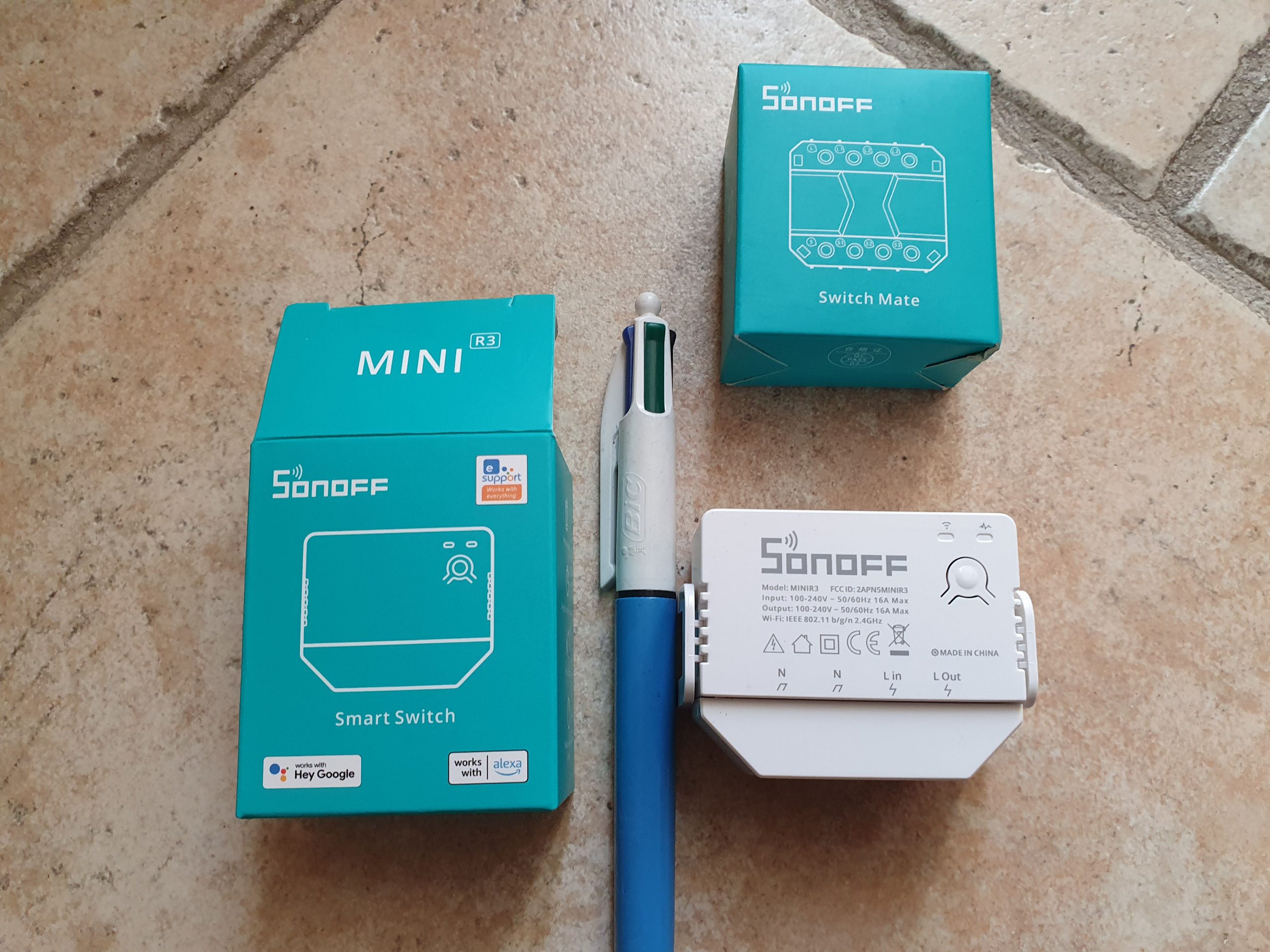
To complete the documentation page of the Sonoff-DIY plugin and the page explaining the integration of the Mini R3 in Jeedom, I come here to present what I will describe as the best Sonoff product in years!!
Before using the Sonoff Mini R3, as for all products in the range, it is worth checking the firmware version and updating it. This step is optional, but advised, I received a Sonoff Mini R3 in 1.2.0 and updated it to 1.4.0. The update is done following the integration into eWelink. Read More
 |
|
Here are my notes to create this VM
On Synology, we use Virtual Machine Manager
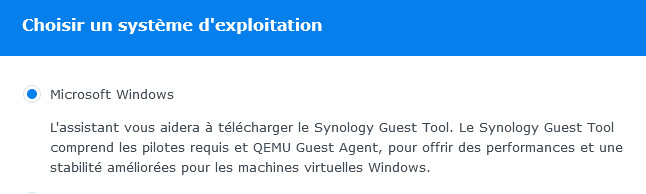
Then we follow this Tuto very well done.
Once launched, we do a big cleaning to delete everything that is useless, just read the paragraph optimisation the Tuto Reinstall Windows 10
If services UIFlowService and UIFlowAgentLauncherService do not start, make a small bat with:
and launch it at the start of the VM
|
|
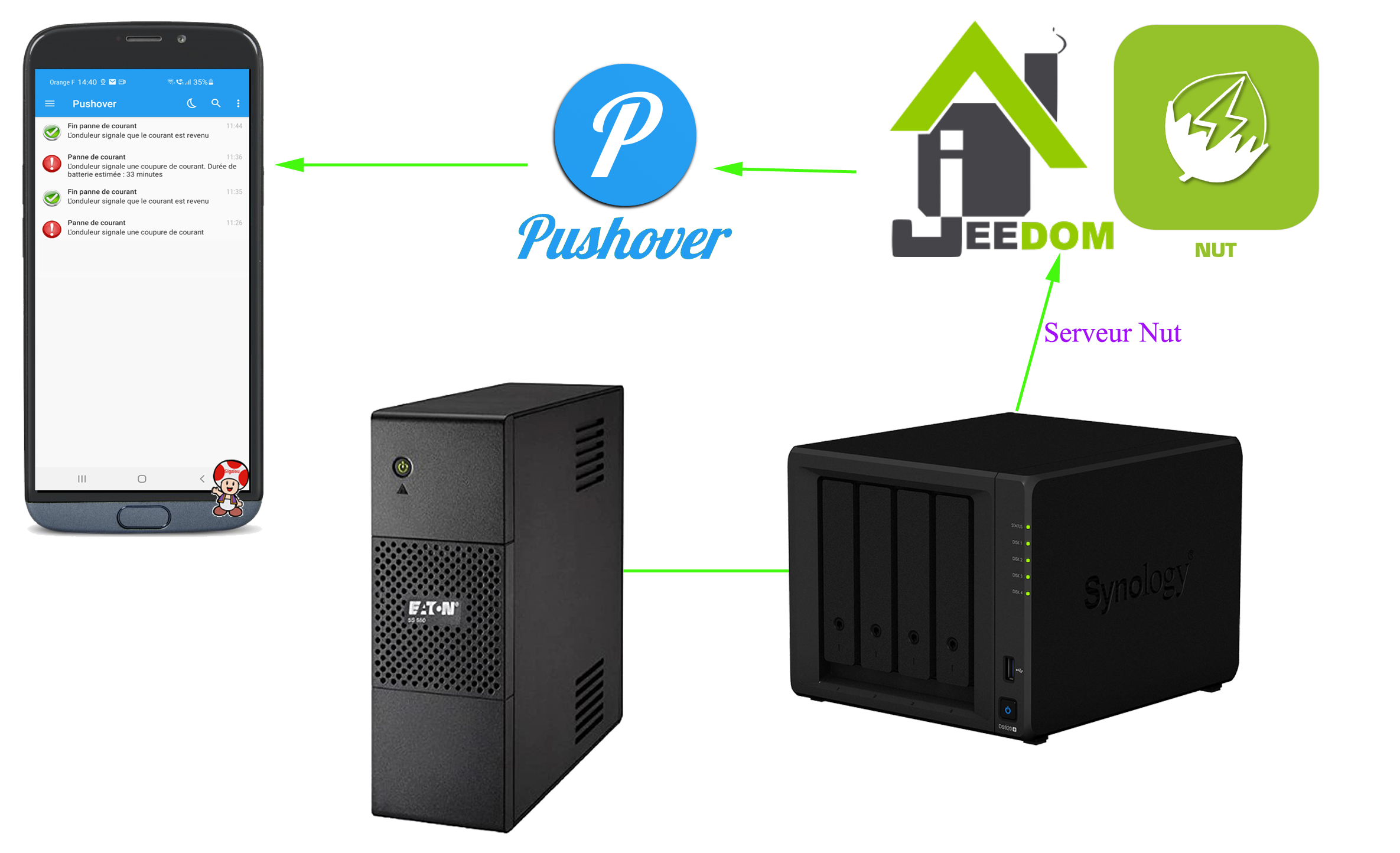
The aim is to be notified in the event of a power cut and the return of the juice.
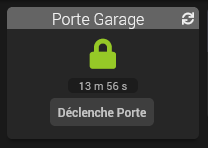
My garage door is already motorised, I will adapt a control module to domotise it, the objective is for example to say ‘Alexa opens the garage’ or that at 9 p.m., Jeedom checks that the garage is closed, otherwise she informs me that she closes it.
 English
  French
  Spanish
  Chinese
  German