
Error 0x80071129
An error occurs and you can no longer delete a file or folder in a OneDrive sharing area

An error occurs and you can no longer delete a file or folder in a OneDrive sharing area

If like me you synchronize your Repository GitHub with your Jeedom development, you encounter since August 13, 2021 a new error.
… then generate a locally hosted photo album
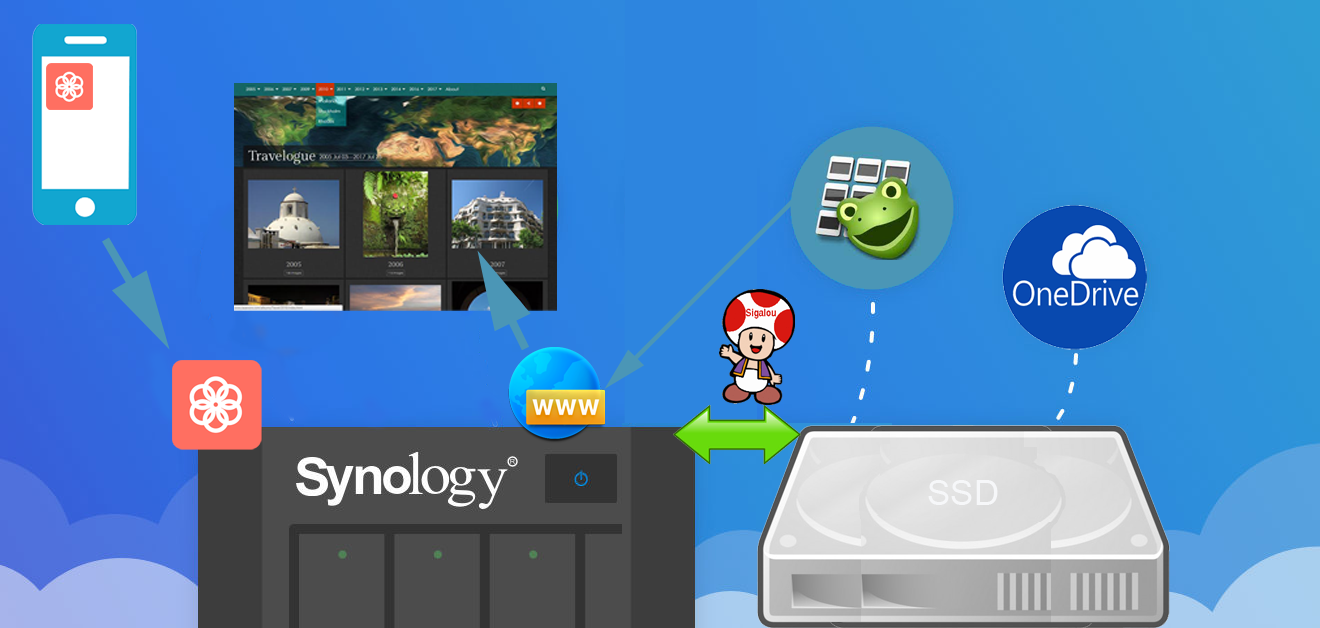
We are all overwhelmed by the photos taken on Mr.’s mobile phone, on the holiday SLR, on Ms.’s phone, on the tablet, all this is not synchronised, archived, classified and when you want to get started it is so insurmountable that you drop it.
And it’s a shame because having the photo album of ‘his life’ and the life of his family is so nice …
Technology can and should help us.
This tutorial is a topo of years of testing and experience with tools such as OneDrive, Amazon Photos and others, each abandoned for different reasons. The presentation below is adaptable to everyone.
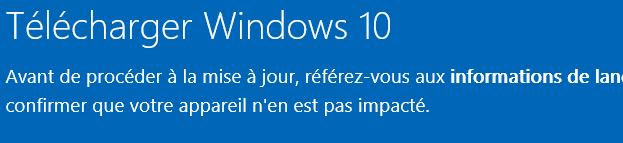
Since the last versions of Windows 10, the installation that is intended to be simple has finally become quite complex. This tutorial summarizes the steps to have an installation as operational as possible (and as clean as possible).
With the proliferation of pirated (and often checked) versions, Microsoft has finally decided to offer a complete tool for creating an installation usb key, no need to provide original CDs or iso files, everything is done on its own in the installer.
On my salt electrolyser, I have a blue LED that indicates that production is ongoing, if it goes out, I would like my home automation system (Jeedom or Home Assistant) to know to warn me.
I was not going to disassemble the electrolyser to recover a power supply or not from the LED, even if I was itchy, I looked at how to recover rather the ‘visual’ info of the LED on or off.
My idea was to find out if there was a brightness detector, which was simple to interface on my computer. Existing control management system for my pool. My system using an I2C port, I looked for this type of chip and it had to be interfacing on Esp Easy for simplicity.
Using a Chinese home automation relay: 10A/250VAC 10A/30VDC associated with a WIFI module (ESP8266 module), we can have a relay in electrical cut-off or dry contact.
And as a bonus, in addition to the interface in Jeedom, it is possible to order this relay from anywhere in the world with a simple internet connection. Read More
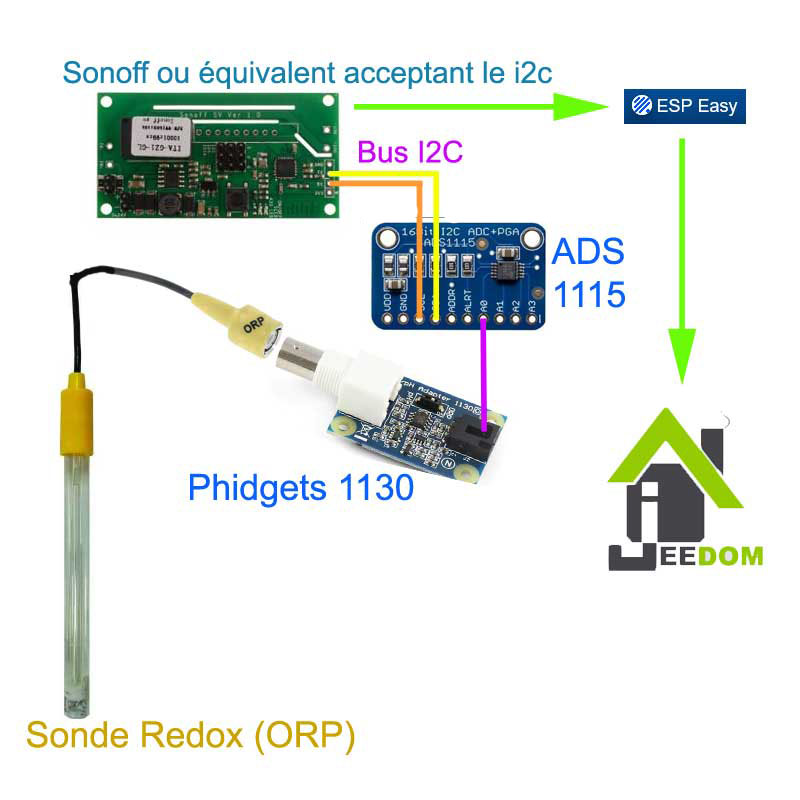
For the past two years, I have been trying to understand how the data retrieved from a Redox probe works and how it is interpreted. I have a salt pool and controlling the Redox seems like a good way to monitor water disinfection.
The page Redox (ORP) or Ph home automation control from a pool to Jeedom described my installation and the management of the Redox was missing because when I created my installation, I had not been able to understand it despite the many forum and tutorial readings. Each using its own formula. Thanks also to the support of Phidgets who directed me to the right method.
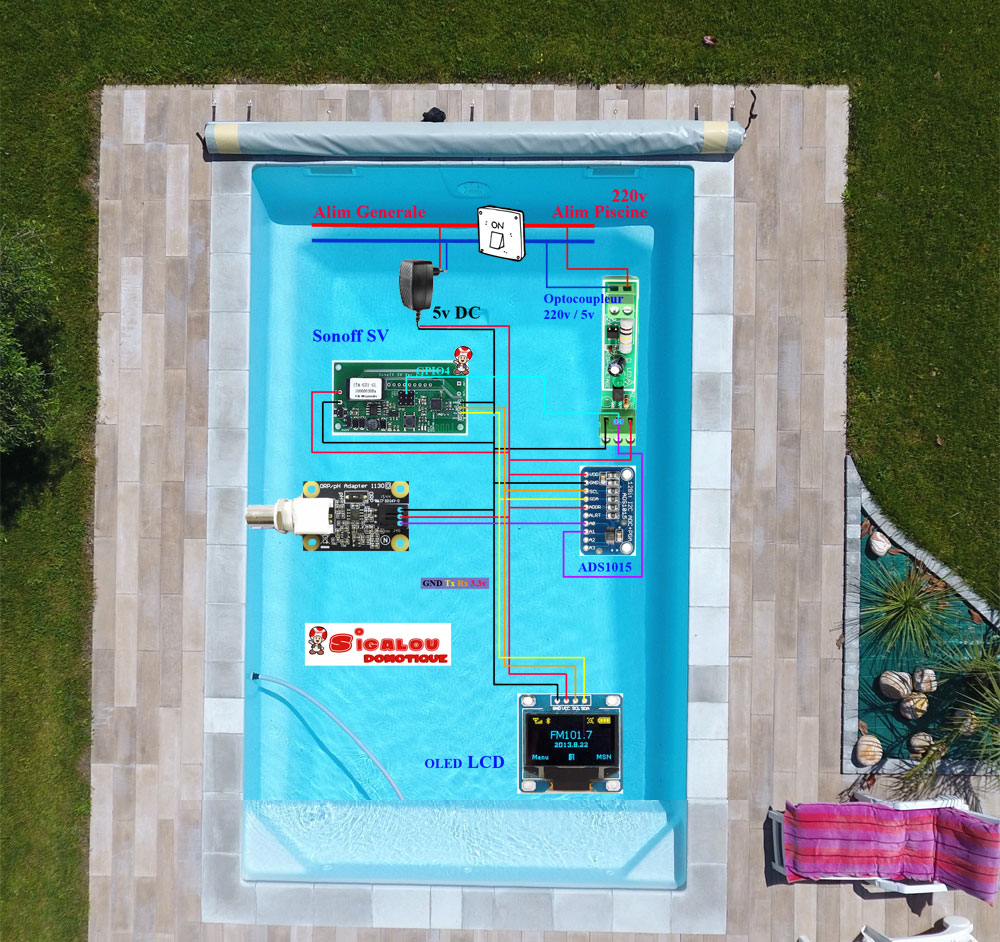
A pattern that is always better than a long speech, here is the installation
This manipulation is already documented but I have adapted my method, everyone will be able to follow his own, here are some references:
I chose to use the SynologyVirtual Machine Manager application
Here are, in order, the screens and what I chose to use
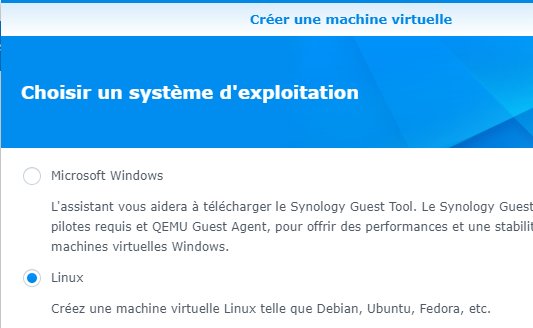
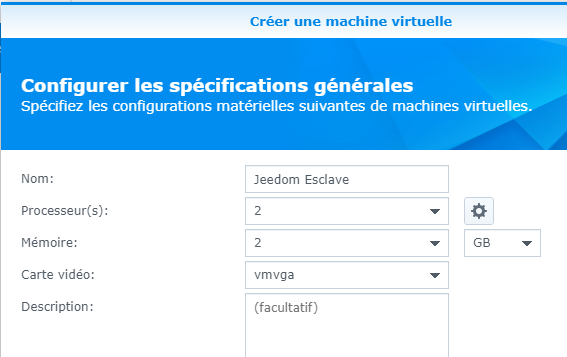
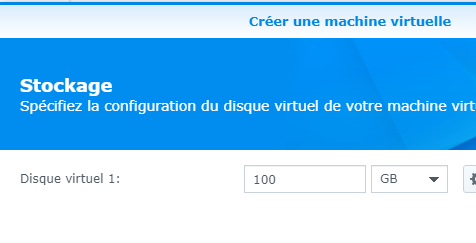
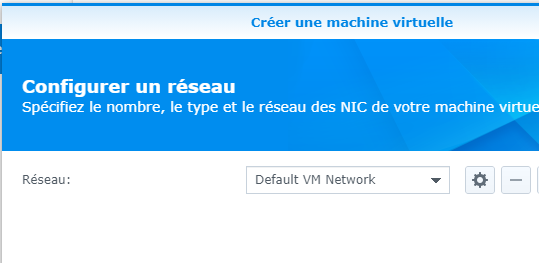
It was on the next screen that I chose to send the image of Jeedom.
The most recent ISO file should be downloaded from:
Copy it to a folder on the NAS and fetch it in the "ISO Startup File" field.
At this point, I leave USB device disassembled, I will mount it later.
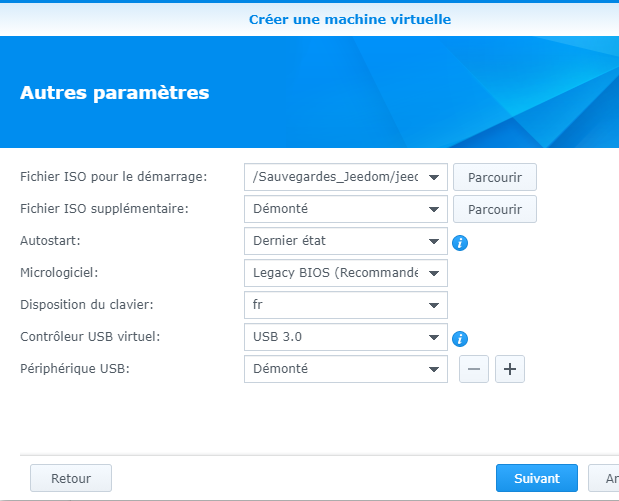
On the next screen, give the rights to your Syno users and then validate the installation
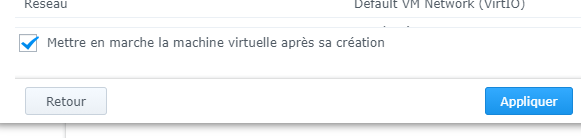
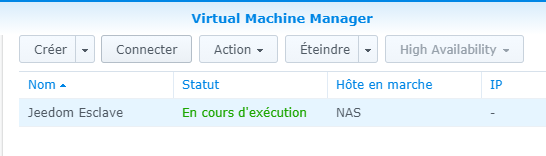
Click on the "Connect" button
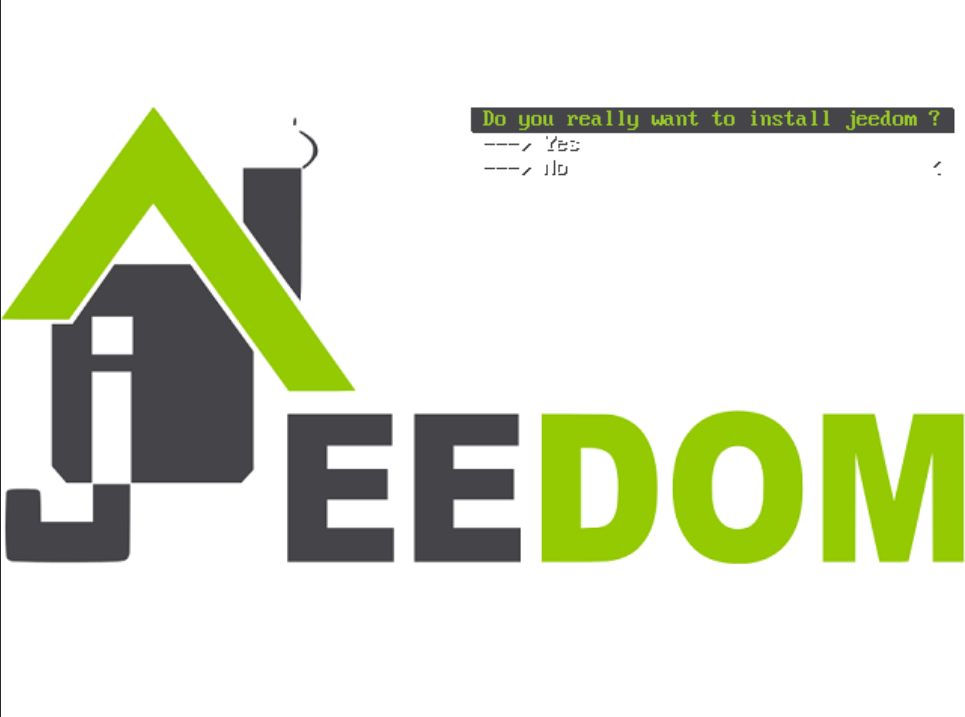
The installation screen appears:
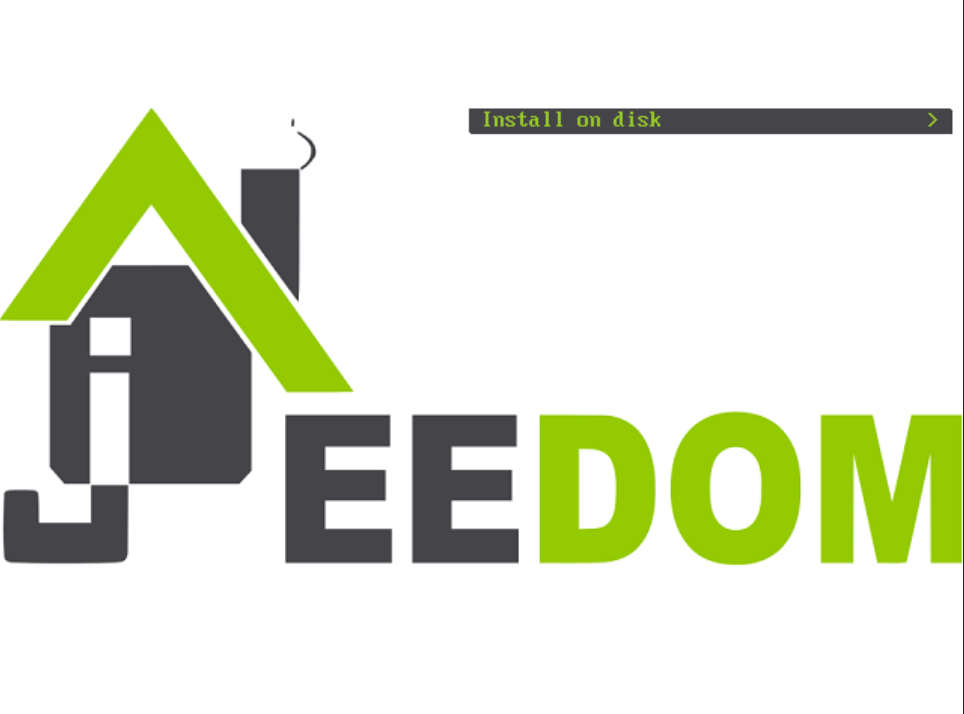 |
 |
Let's let … turn
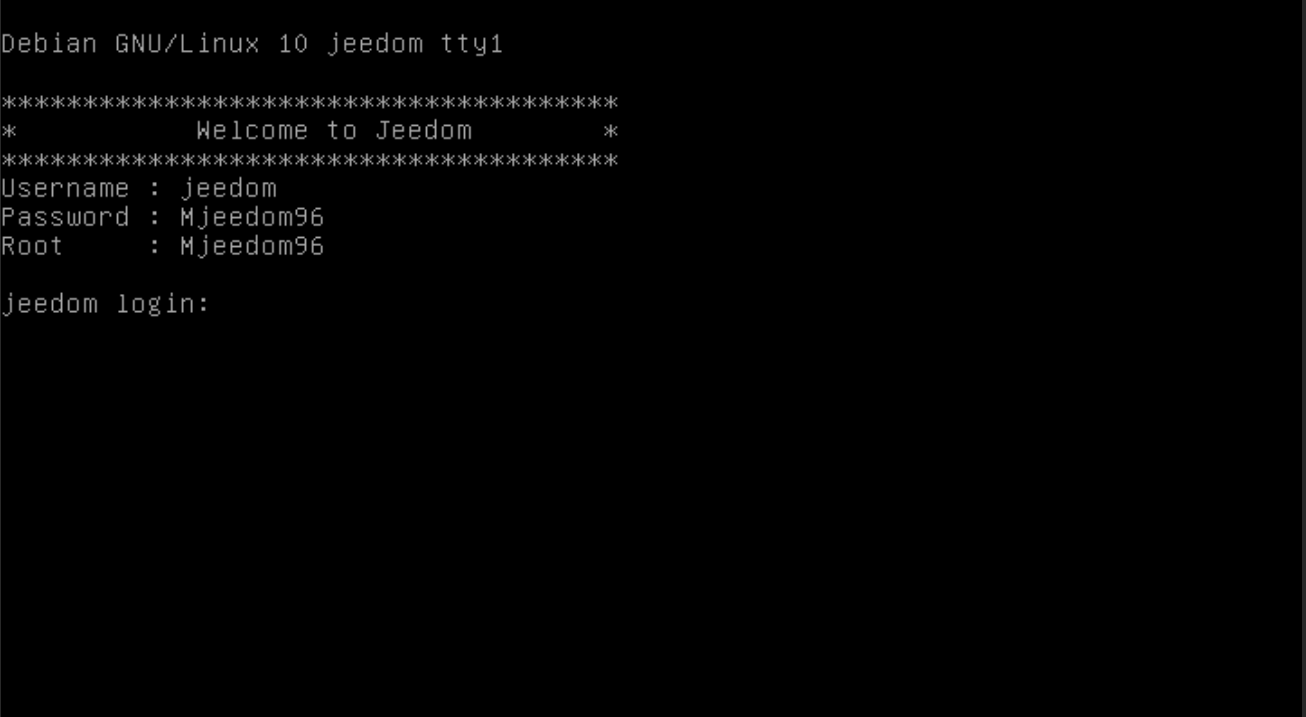
Once the installation is complete, the IP must be found in the router, and the DHCP will give it an address.

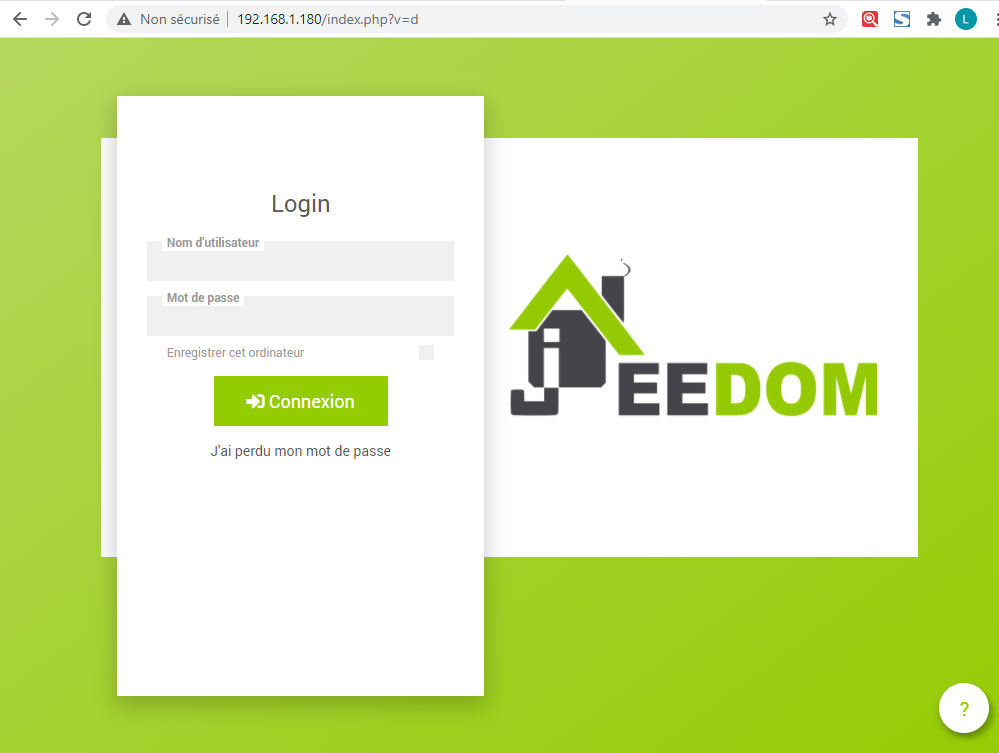
By habit, once the VM is detected I freeze the address on 192.168.1.180

Then Jeedom can be accessed via IP in the browser
And send orders on the order line:

 English
  French
  Spanish
  Chinese
  German