


The NEO Outdoor Intelligent Siren NAS-AB06B2 offers a reliable Zigbee alarm to secure a garden or terrace. Compatible with Zigbee2MQTT and Home Assistant, it combines powerful ringtone, stroboscope and solar panel. This detailed test explains its unpacking, installation and use over more than a year to guide home automation beginners.
Presentation of the NEO brand

NEO is a trademark of a Chinese company specialising in home automation products and smart home solutions. The company offers a diverse range of connected equipment, including smart plugs, sensors and alarms. I have known NEO for a long time for the reliability of its Zigbee sockets, which allows me to approach this siren with confidence. The NAS-AB06B2 model (reference SR01-ZB) uses the Zigbee 3.0 protocol, ensuring wireless range up to 55 metres outdoors and extended compatibility with home automation hubs.
Where to buy this equipment?
Here is the link to the page dedicated to NAS-AB06B2. I referenced the sellers and prices.
I open the box and check model SR01-ZB


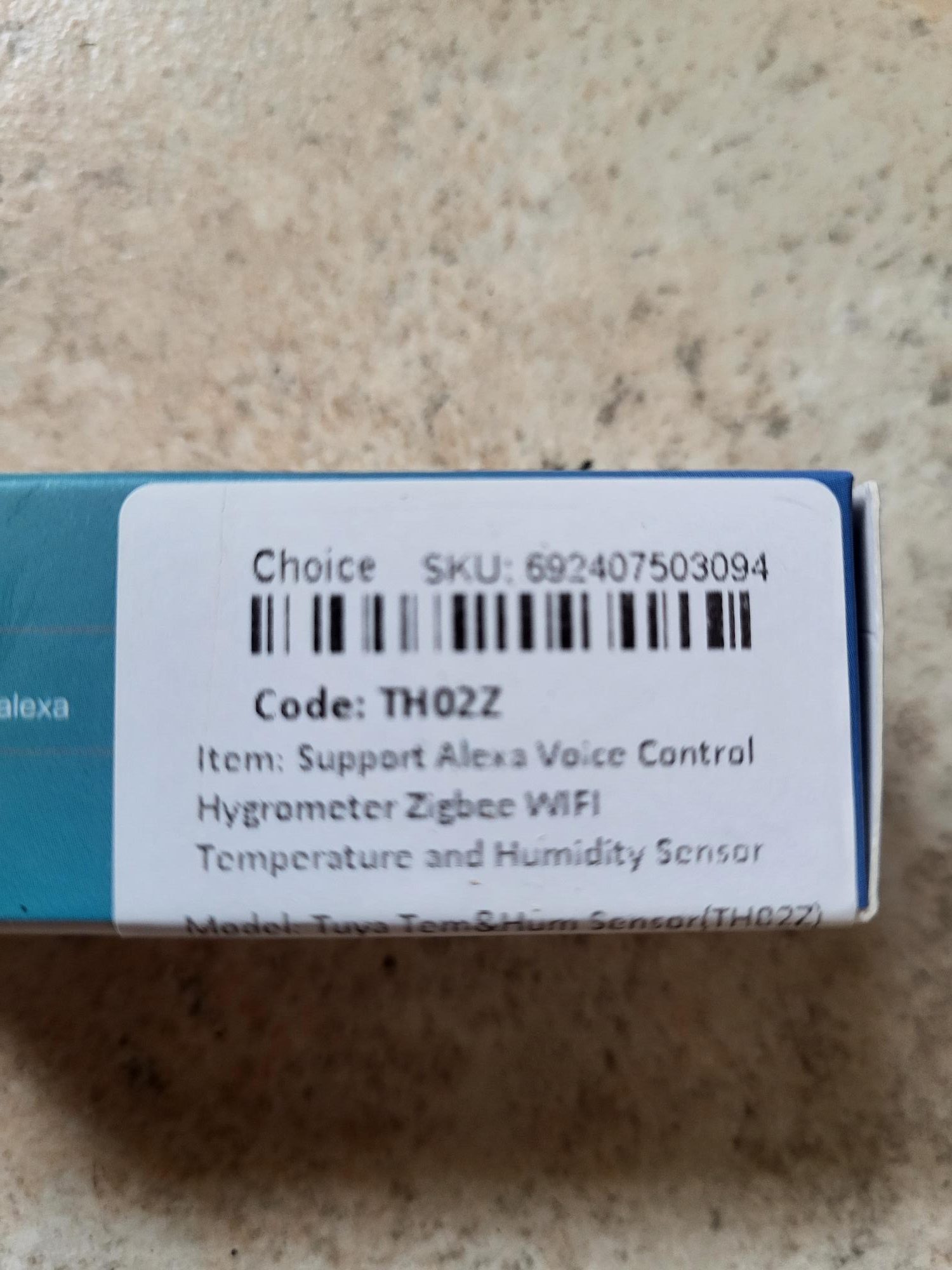
A label specifies the reference SR01-ZB, confirming the model NAS-AB06B2. The box contains the siren with its battery installed, a USB-C cable for charging and sometimes an optional solar panel. Always check the polarities of the battery when replacing it in the future: The + and – signs are small, close to the barcode.
I turn the siren over and examine the back

The rechargeable 18650 grey battery dominates the back: This standard lithium-ion format offers a large capacity (usually 2000-3500 mAh) and is easily found as a replacement. It ensures a long battery life, rechargeable via USB-C 5V/1A or a 132×62 mm solar panel producing about 5V in full sun. A burglary (anti-sabotage) sensor is at the top, triggering the alarm if the siren is removed from the wall. Under the battery, the Type-C port allows fast charging and a reset button for pairing.
I integrate the NEO siren into Zigbee2MQTT
For ZHA users, note that this siren is not yet fully supported; Zigbee2MQTT remains the recommended solution for all features. I activate the pairing mode in Zigbee2MQTT, remove the battery protection tab: Nothing happens initially. I plug the USB-C cable into a 5V charger: the bottom of the siren lights blue and then turns off. I press the reset button for a long time: it blinks blue, successful pairing signal.


The siren appears as NAS-AB06B2, corresponding to the label. The battery percentage flashes red: Normally, sirens often take 24 hours to report the exact value. The integration succeeds in seconds, the smoothest of all the Zigbee sirens tested.
Orders available in Zigbee2MQTT

Alarm state : Indicates the initial state ‘no _alarm’, changing to ‘alarm _sound’, ‘alarm _light’ or ‘alarm _sound _light’ depending on the configuration.
Alarm_switch : Simple ON/OFF button. ON triggers the alarm, OFF stops it immediately – a rare simplicity compared to other Zigbee sirens.
Tamper alarm switch : Activates anti-sabotage. The alarm is triggered instantly if the siren is removed from the stand.
Tamper alarm : State of sabotage, ON in case of break-in, OFF otherwise.
Configuration options
Alarm Melody : 3 melodies available (melody_1, melody_2, melody_3). Choose one to vary the sounds and avoid habituation.
Alarm Mode : sound (sound alone), light (stroboscope alone) or sound+light. Combined mode effectively deters.
Alarm time : Duration from 1 to 60 minutes (cursor per minute). In France, limit to 3 minutes maximum to comply with the regulations.
Charging : True if USB-C plugged in, False otherwise. The solar panel doesn't always trigger this live info.
Battery : Percentage in % (updated every 24 hours). Edited one year later: no reliable lift, but impeccable operation.
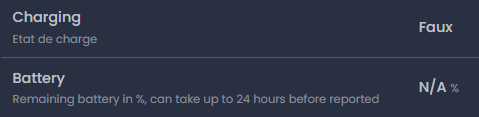
Documentation Zigbee2MQTT
The official Zigbee2MQTT page confirmed all presentations: alarm_state, alarm_switch, tamper, melody, mode, time, charging and battery. No surprise, everything is documented precisely.
I integrate and test in Home Assistant
I rename the siren in Zigbee2MQTT for clear identification.

The entities first appear dispersed in Home Assistant; a restart aligns everything via MQTT. The equipment is displayed correctly with all controls.

All buttons work perfectly: ON/OFF, tamper, modes and durations. The alarm reaches approximately 95 dB at 1m (90 dB at 3m), strong and non-adjustable volume, IPX5 waterproofing for the outside (-10°C at 60°C).
Assessment and feedback
This NEO NAS-AB06B2 siren at a mini price (less than €35) excels: Perfect integration Zigbee2MQTT/Home Assistant, durable 18650 battery, practical solar panel, reactive anti-sabotage, 3 melodies and modes. Powerful volume (95dB), deterrent stroboscope. She dominates my Classification of outdoor Zigbee sirens.
- Installation in production : 01 June 2024.
- Back to 04 September 2025 : Battery still operational after 15 months, siren sounds perfectly on trigger.
- Back to 10 December 2025 : The siren went offline on the Zigbee network, I removed it from the wall, it was open, it was full of water, the electrical circuit died. HS siren.
- March 2026 : I am looking for a model that could replace this product, which is impossible to find better, I recommend a new one with the secret desire to silicon everything before installation.
- 14 March 2026 : I note that Néo reviews the sealing of its external siren Zigbee NAS-AB06B2 and after writing this Article, I'm putting this new siren back into service.
Records for archives


Complete comparison of Zigbee sirens
To choose the best outdoor alarm, check out my detailed comparison.


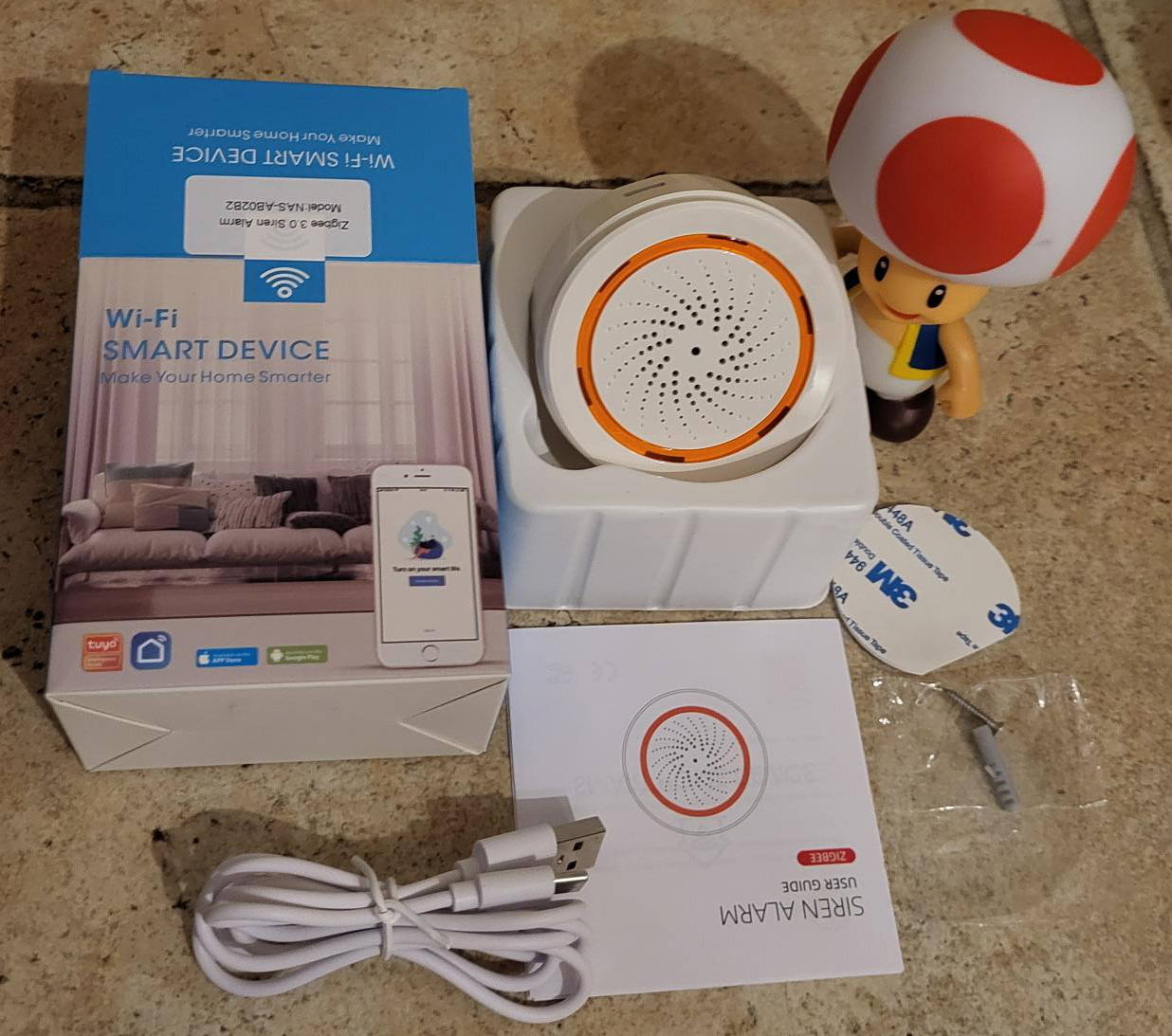
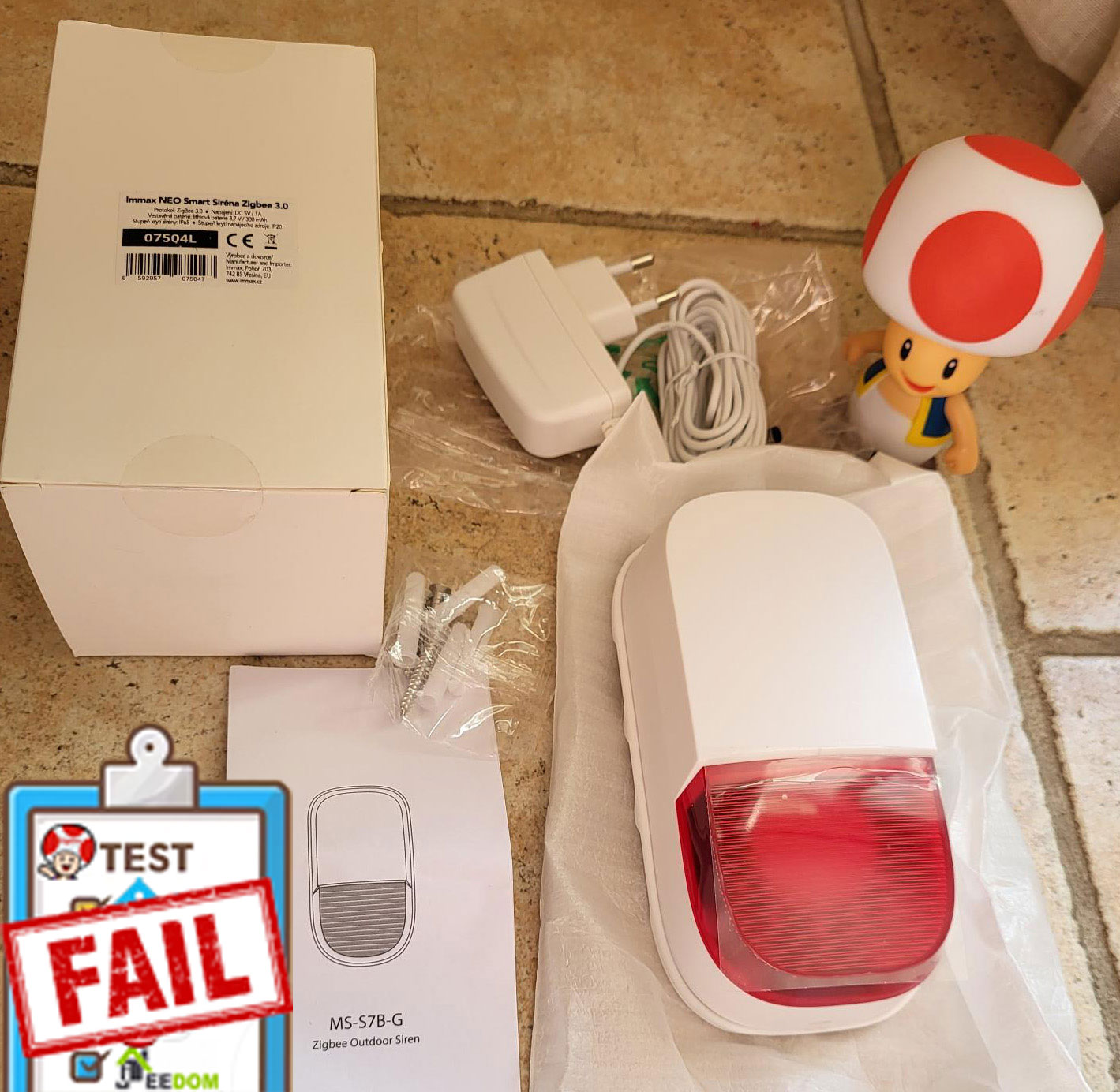


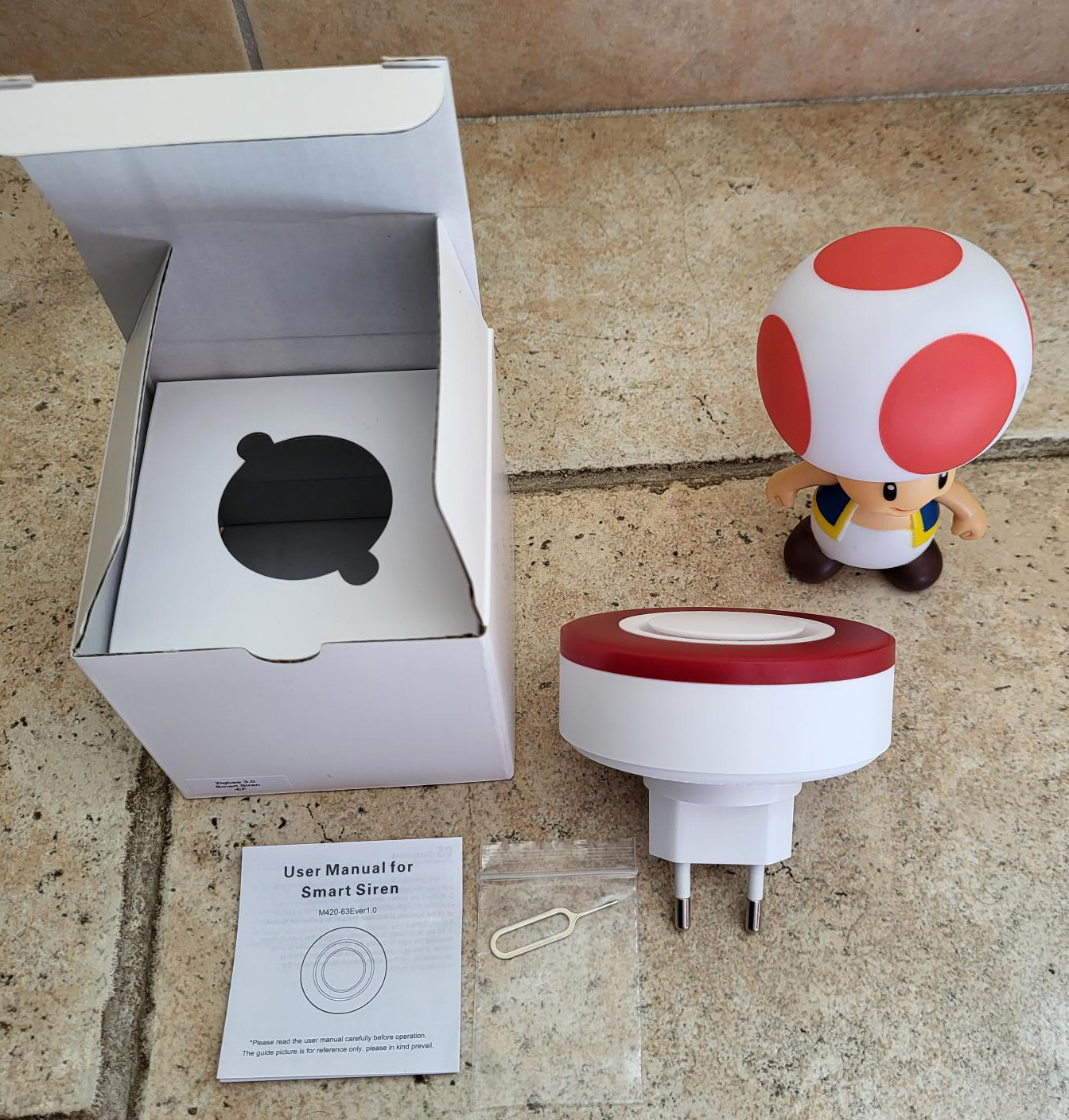

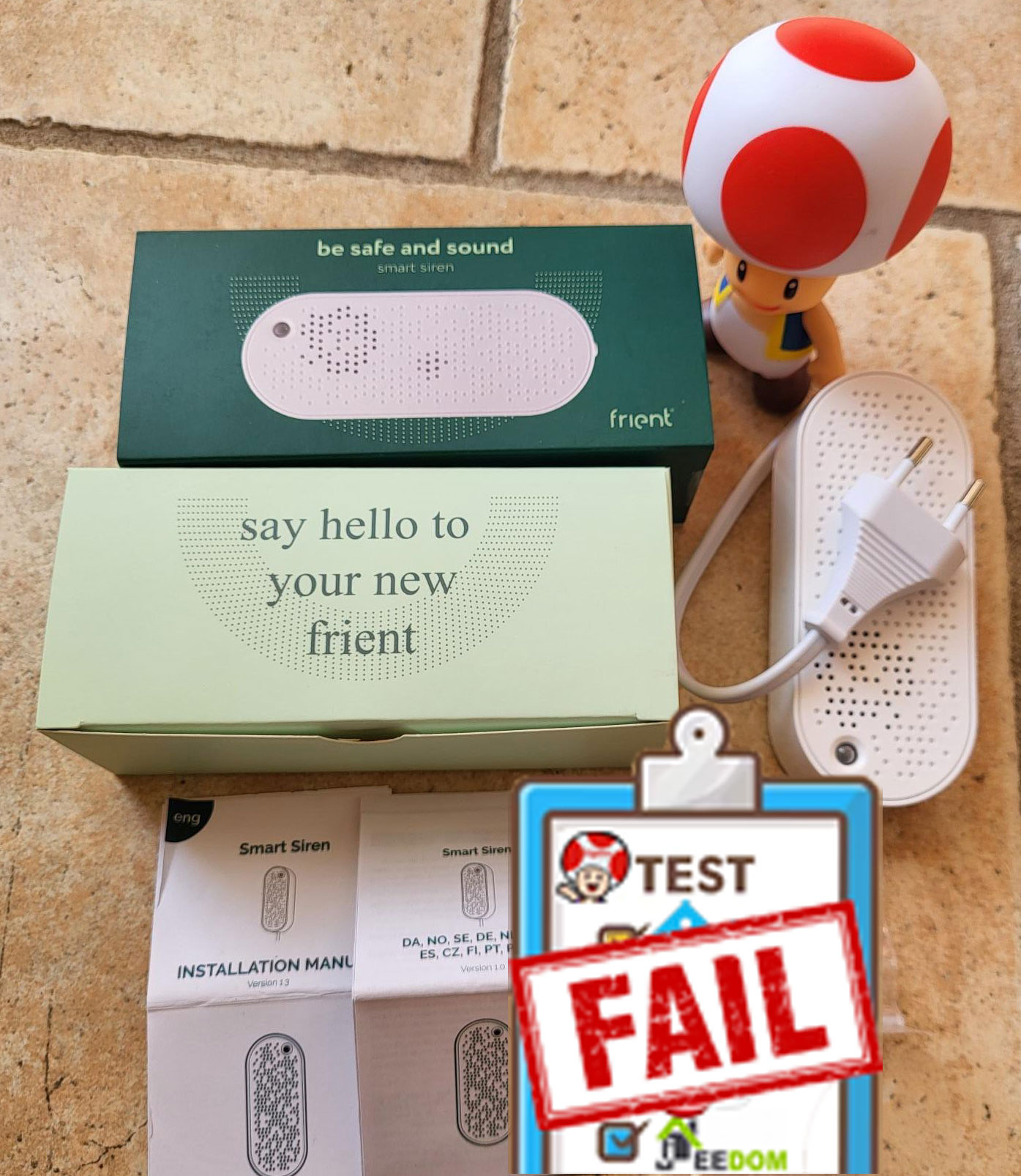
 I am aware that this is particularly subjective, but Frient is a mark that I like very much. I already have several equipments of this brand, I never had any concern of losing Zigbee link or pairing. The batteries last a long time, so I imagine that the circuits are well optimised and well designed.

 English
  French
  Spanish
  Chinese
  German