A home automation relay for 2.61€

Objective

Using a Chinese home automation relay: 10A/250VAC 10A/30VDC associated with a WIFI module (ESP8266 module), we can have a relay in electrical cut-off or dry contact.

And as a bonus, in addition to the interface in Jeedom, it is possible to order this relay from anywhere in the world with a simple internet connection. Read More

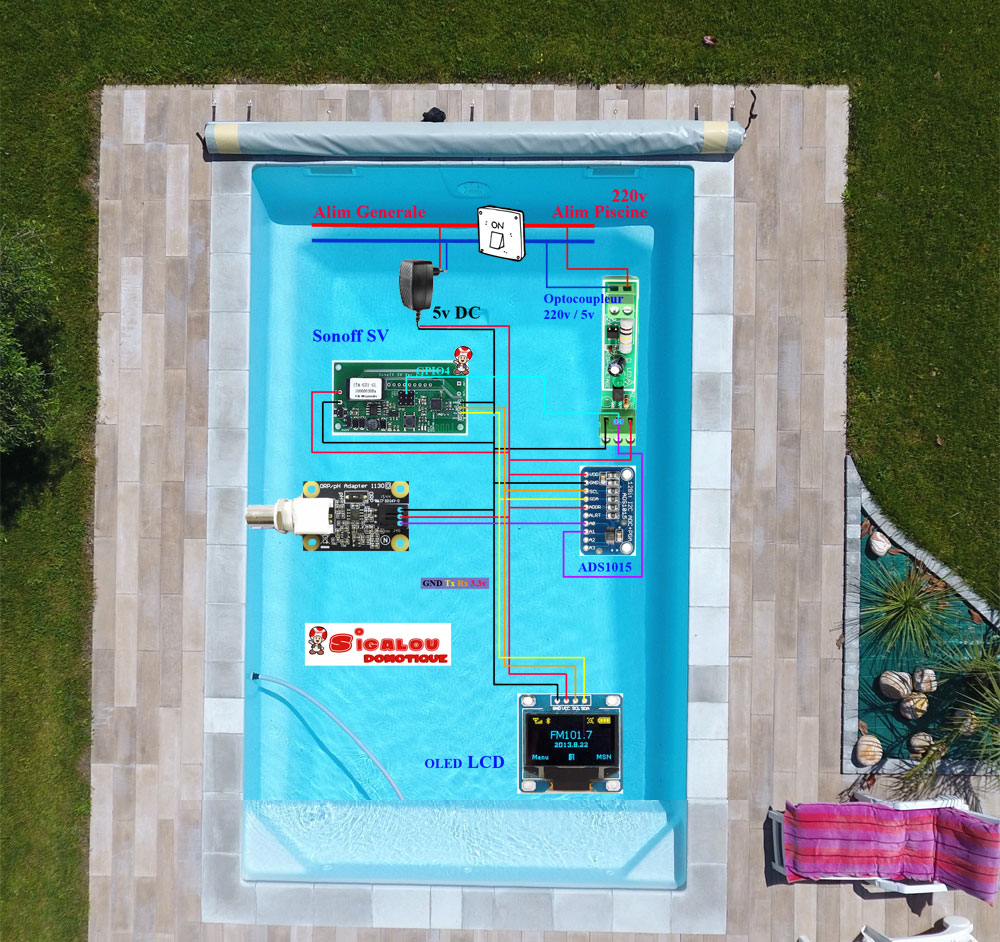
Redox Probe ADS1115 I2C Easy ESP

Objective

For the past two years, I have been trying to understand how the data retrieved from a Redox probe works and how it is interpreted. I have a salt pool and controlling the Redox seems like a good way to monitor water disinfection.

The page Redox (ORP) or Ph home automation control from a pool to Jeedom described my installation and the management of the Redox was missing because when I created my installation, I had not been able to understand it despite the many forum and tutorial readings. Each using its own formula. Thanks also to the support of Phidgets who directed me to the right method.

Description of the installation

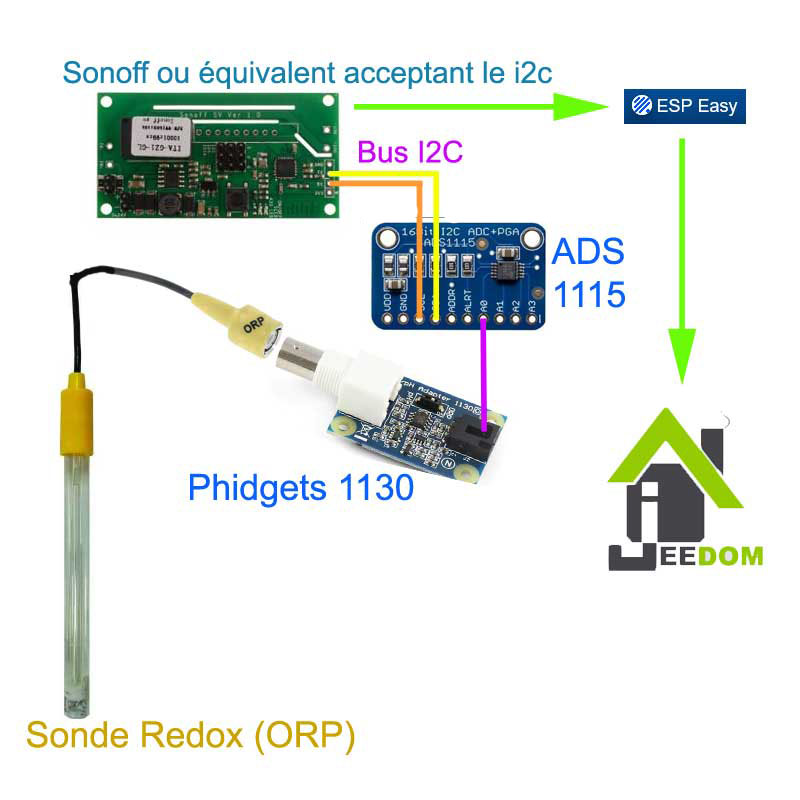
A pattern that is always better than a long speech, here is the installation

Read More

Install Jeedom on Synology NAS VM

This manipulation is already documented but I have adapted my method, everyone will be able to follow his own, here are some references:

I chose to use the SynologyVirtual Machine Manager application

Installing the latest version of Jeedom on the VM

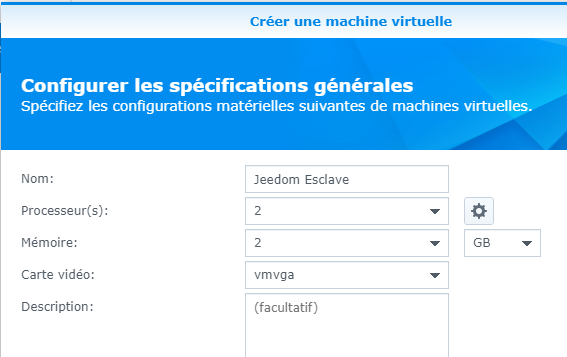
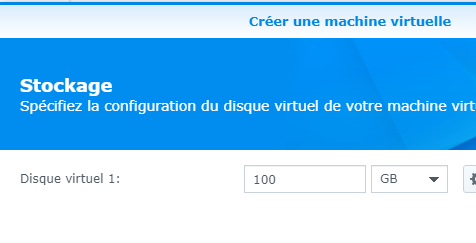
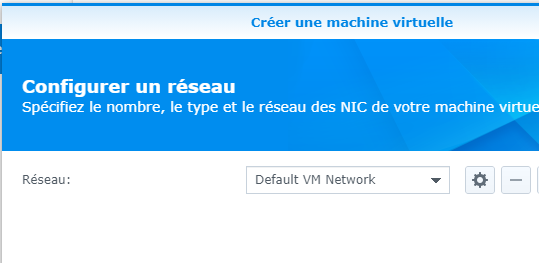
Here are, in order, the screens and what I chose to use
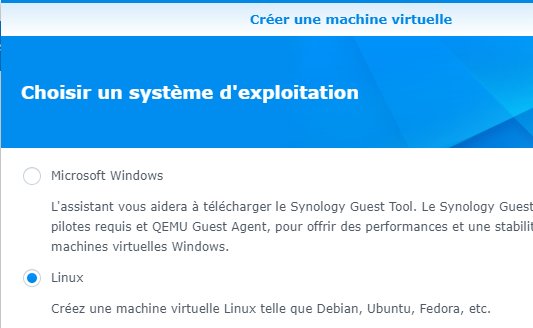


It was on the next screen that I chose to send the image of Jeedom.

The most recent ISO file should be downloaded from:

Copy it to a folder on the NAS and fetch it in the "ISO Startup File" field.
At this point, I leave USB device disassembled, I will mount it later.
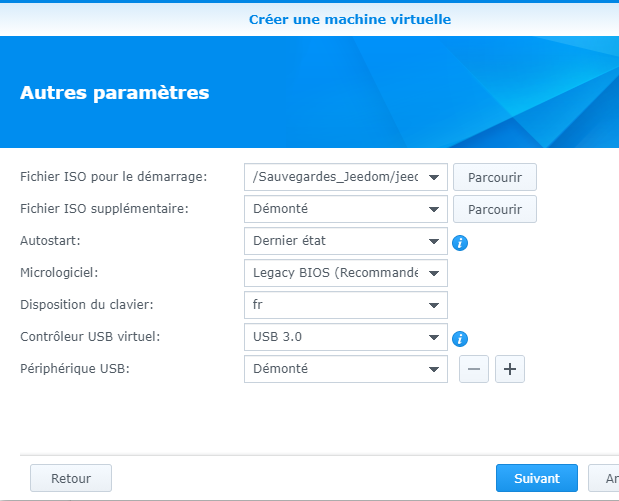
On the next screen, give the rights to your Syno users and then validate the installation
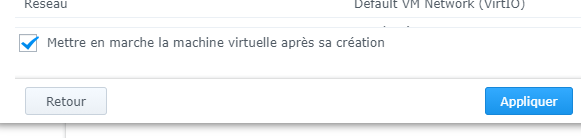
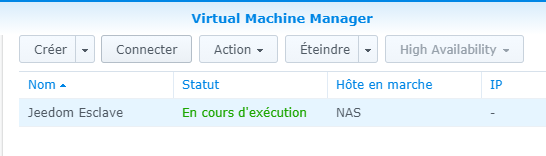
Click on the "Connect" button

The installation screen appears:


Let's let … turn
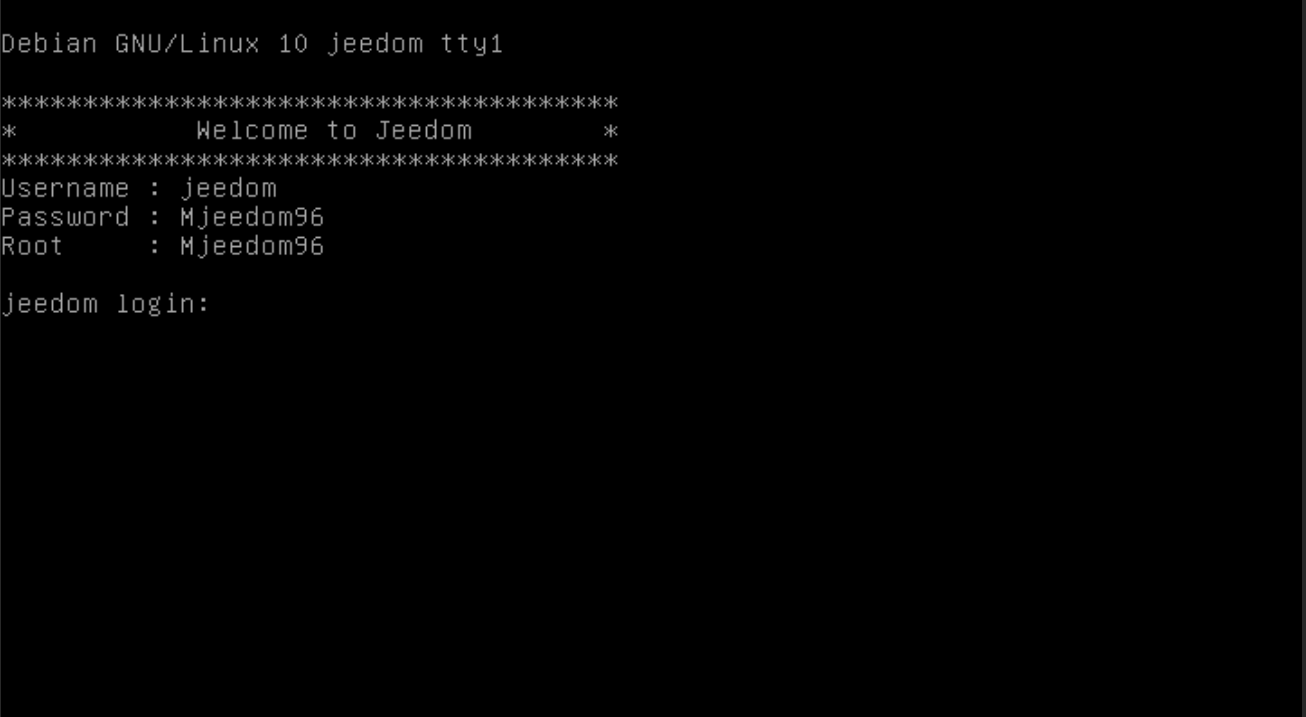
IP address recovery and first connection

Once the installation is complete, the IP must be found in the router, and the DHCP will give it an address.

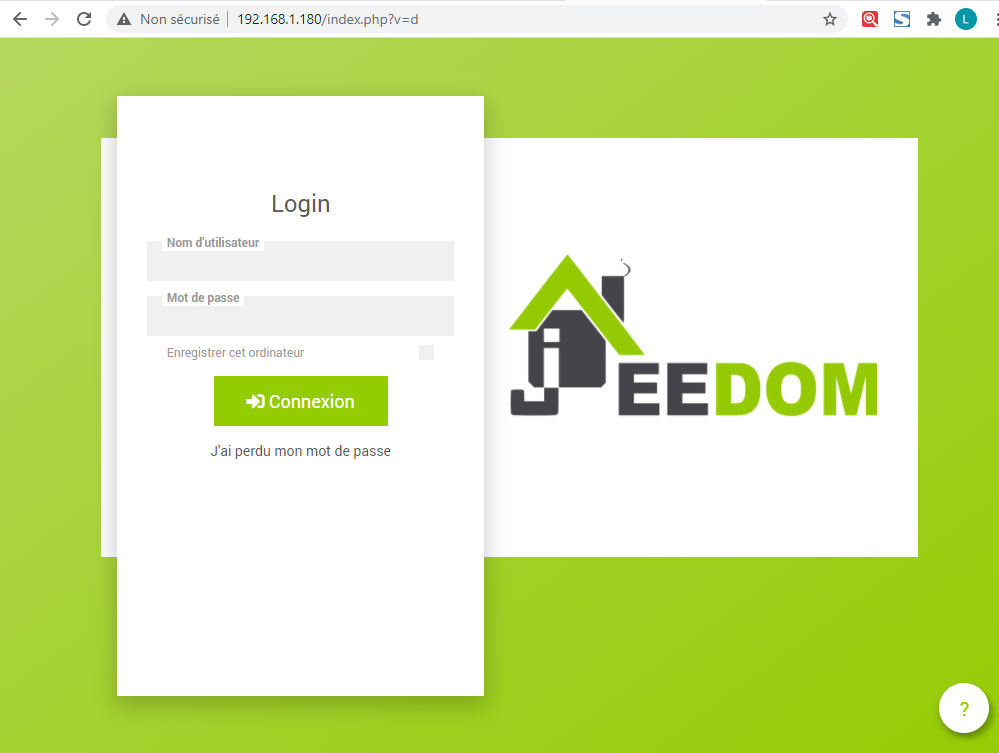
By habit, once the VM is detected I freeze the address on 192.168.1.180

Then Jeedom can be accessed via IP in the browser
And send orders on the order line:



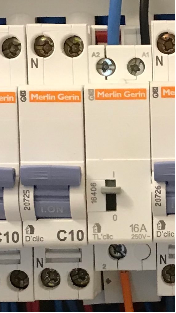
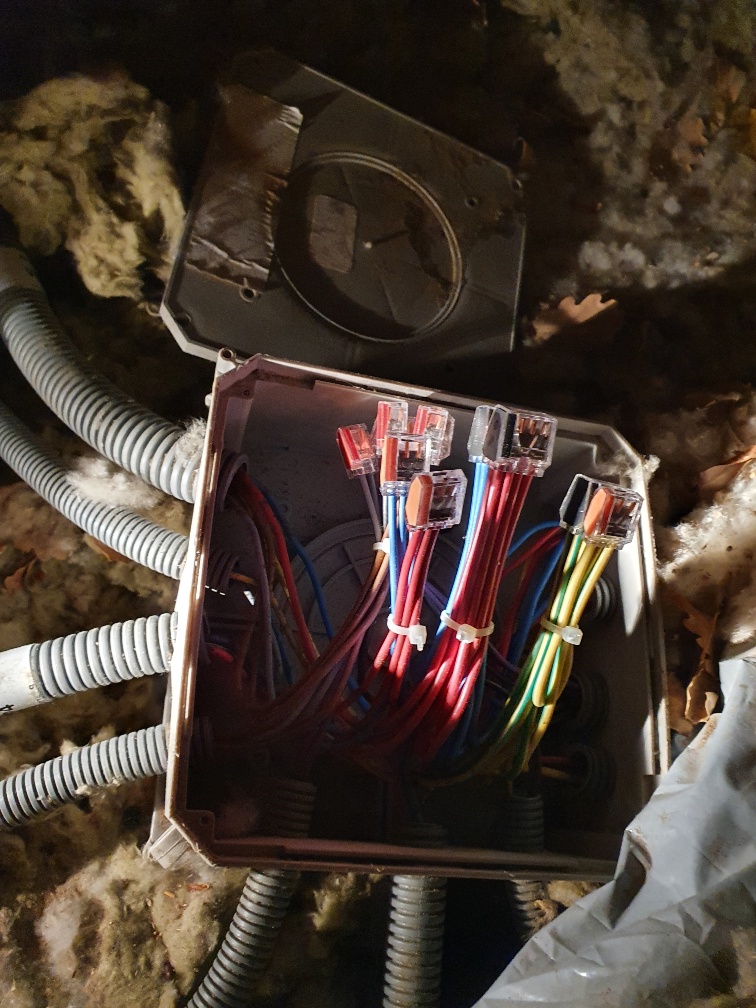
Domotise a come and go (not originally neutral) in the bypass box.

Warning: any intervention on electrical equipment must be carried out by an electricity professional, this can be dangerous.

Objective

I have classic back-and-forths in the rooms, there is no neutral to switches.
I want to add a Sonoff Zigbee to domotize this light (it works with SonofMini or other equivalents)
Note: : You must have access to the bypass box to make this tutorial

Production time 10 minutes

Read More

Flash XIAOMI Mijia Bluetooth lywsd03 Sensor for Jeedom

NB : To enlarge the images: right-click / open the image in a new tab

/!\ ATTENTION /!\ below 30% battery displayed on Jeedom there is a decrease in the reliability of the info, around 20% a LOW BATTERY display is visible on the LCD with loss of Bluetooth

When we start home automation, we start groping and our choices quickly turn to the cheapest products. Many of us start with a brand that is not (too) expensive and with a good reputation, Xiaomi!

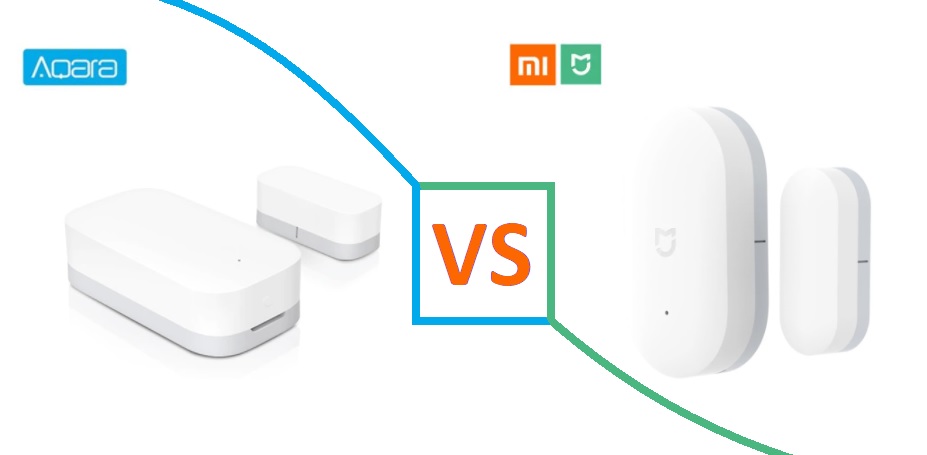
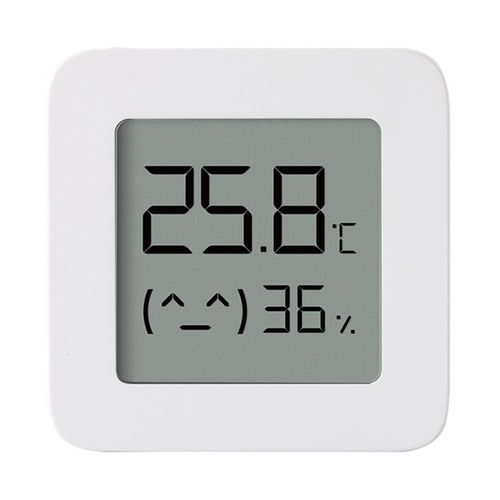
Given the price, many of us choose this product:

Read More