

The aim here is to be able to manage the brightness and warmth of the whites of all the hue bulbs from a single interaction.
Basic settings
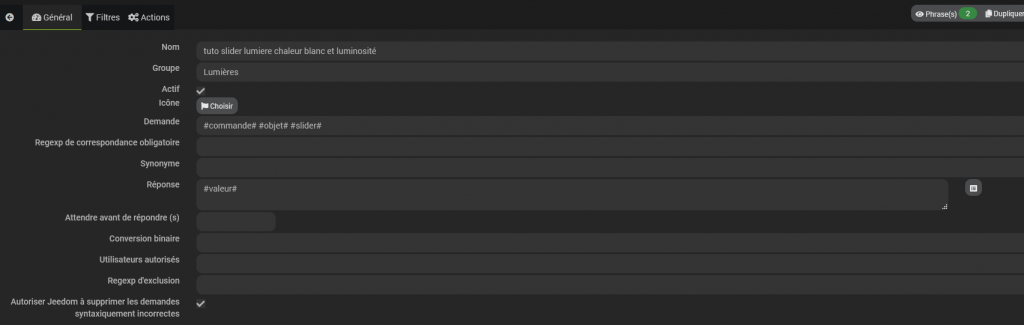
- General tab, the base:
in the application: #order# #subject# #slider#
#equipment# can also be used with or as a replacement
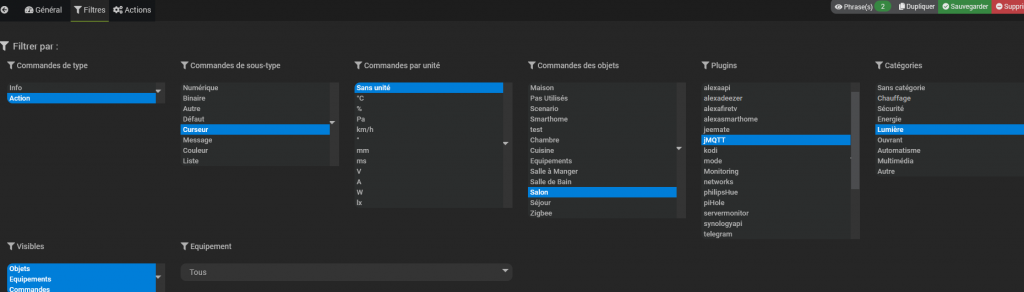
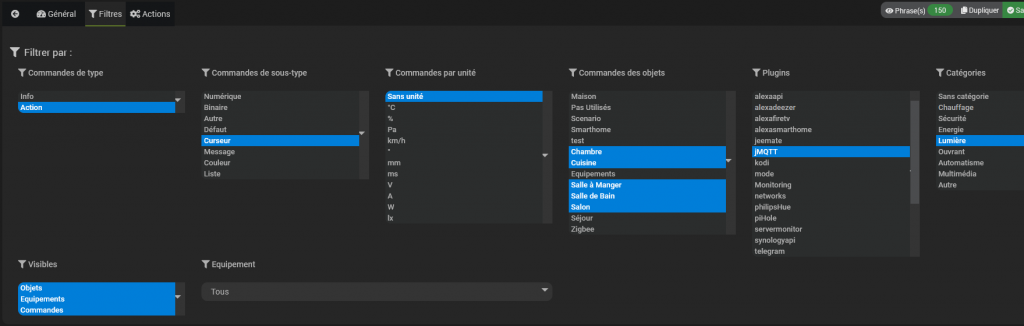
- Filters tab:
Command/action,
Sub-type/cursor,
Unit/without unit (if using the % or Lx select the appropriate one),
Objects/living room (to make the settings it is easier to start with one),
Plugin/jMQTT (the plugin that manages the periph, here a bulb hue)
Category/light
This gives us:
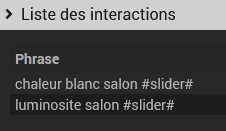
Synonym management

which gives 4 sentences
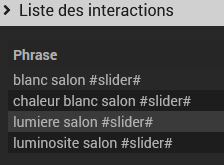
Regexp Exclusion Management

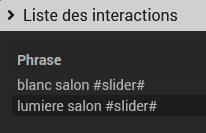
Construction of the sentence

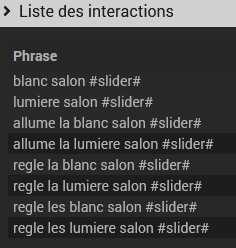
the words/phrases between [] are optional, the | corresponds to a or
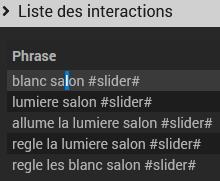
Addition of Exclusion Regexp:


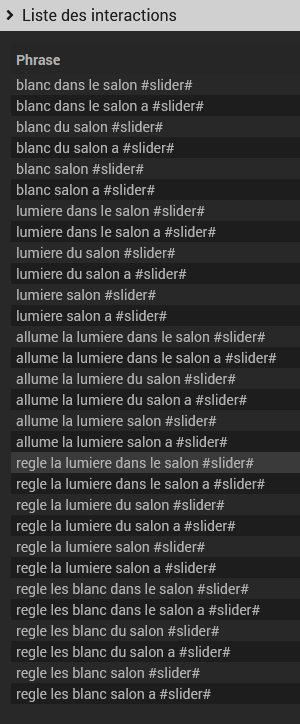
From there, we manage whites or brightness as we want in the living room by having a wide choice of syntax. To control the rest, simply add the additional . objects to the filter tab
 English
  French
  Spanish
  Chinese
  German