

My goal
Sometimes I put my phone in silence or vibrate and it is precisely when I have done this that I can no longer find my phone.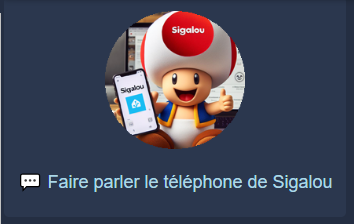
I install the Home Assistant Android app
There are tons of documentation to install the HA application, I do not go back to it.
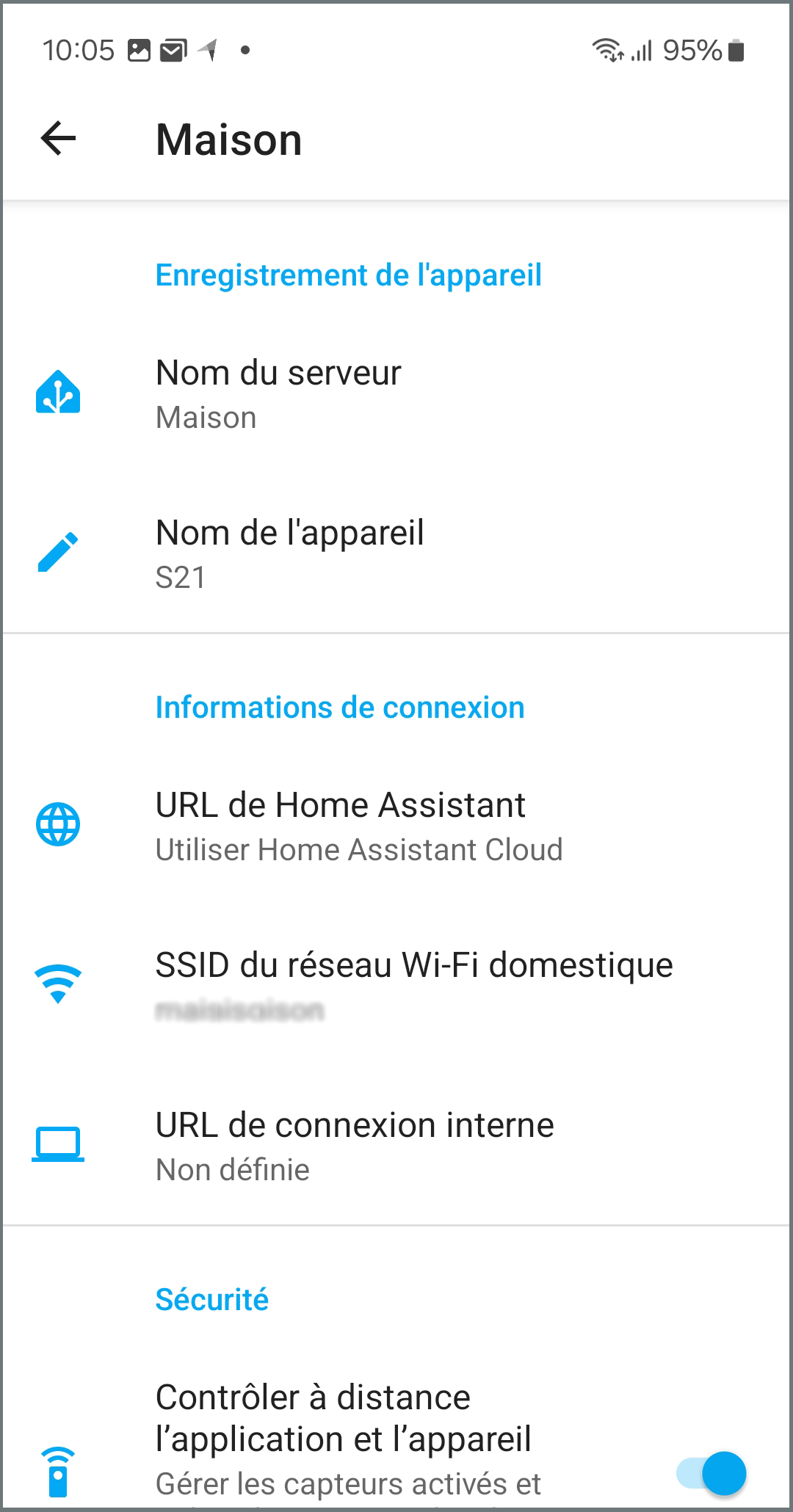
I configure the link between the application and my HA
Everyone chooses the link they establish locally or remotely. For my part, I subscribed to the Nabu Casa subscription for the link with Alexa.
For a long time, I tried to configure the IP:port local or the URL link of Nabu Casa externally, but I encountered some malfunctions.
I gave up the idea of defining an internal URL, because it only gave me trouble.
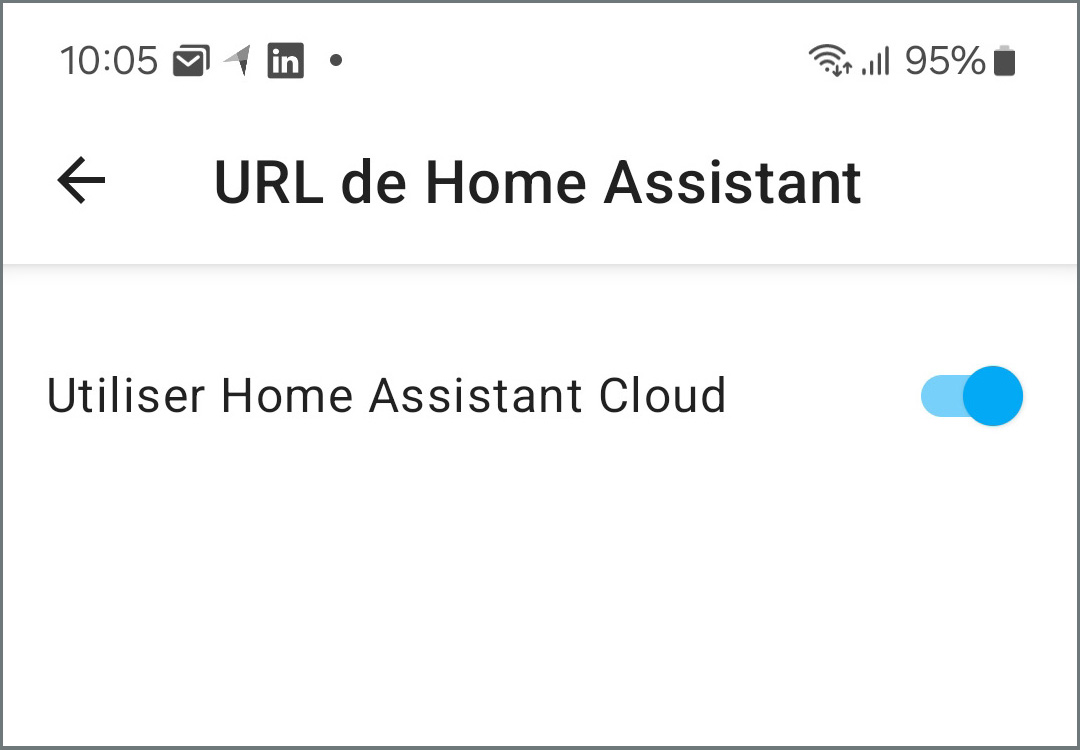
Finally, the easiest way is to check Ha Cloud, without an internal URL, and everything has worked perfectly since then.
I identify my phone on HA
When configuring my phone, thanks to my great inspiration, I specified the name: S21 for my Samsung S21.
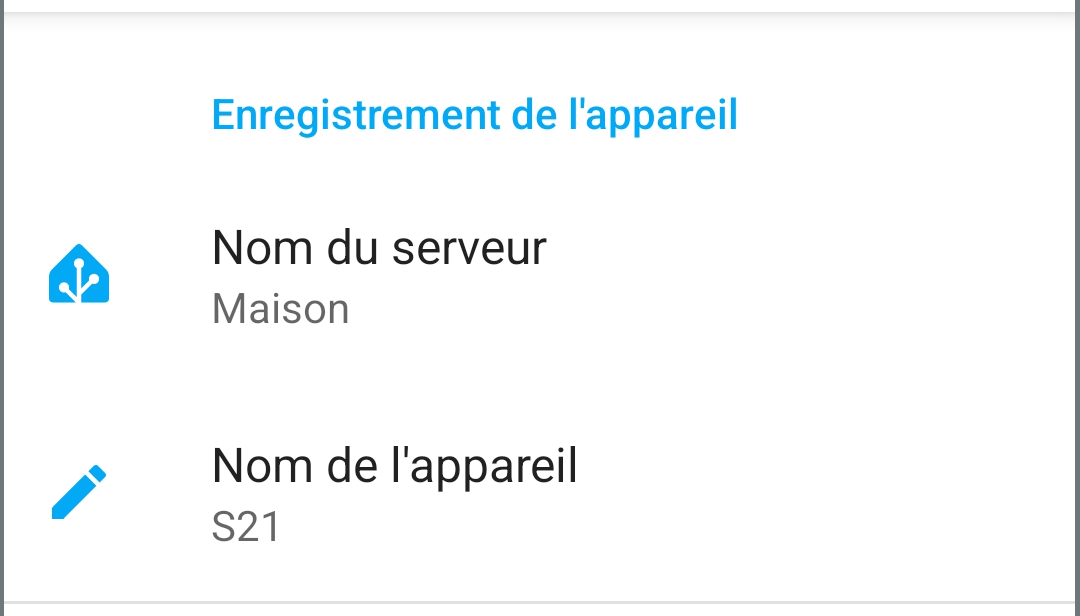
I'm going to Home Assistant and I'm going to get my phone.
I struggled a bit to find the notification command, finally, I found, it will be this service that will be used:
- service: notify.mobile_app_s21
I find the Notify service settings
My goal is to get the phone talking. even if it is silent.
Here is the Yaml of the service to be triggered:
service: notify.mobile _app_s21 data: message: TTS data: ttl: 0 priority: high media _stream: alarm_stream _max tts_text: Sigalou's phone is here!
Here is what the different parts of this code mean:
service: This is the service I use to send the notification. In this case, it isnotify.mobile_app_s21, indicating that this is the notification service for the mobile application on a Samsung Galaxy S21 device.data: This is the section where I provide the notification-specific data.message: This is the text of the notification I want to send to your device.ttl: It means "Time to Live". This is the lifetime of the notification, in seconds. In this example,0means that the notification will not be kept if the device is not available to receive it immediately.priority: This defines the priority of the notification. In my example, the priority is set to "high" to indicate a high priority.media_stream: This can be used to send media streams with notification. alarm_stream _max will temporarily set the alarm flow volume to the maximum level, broadcast the notification, and then return to the original volume level.tts_text: This means "Text-to-Speech Text". I use this option to specify a text that will be read aloud when the notification is received on the device.
I add automation
To trigger this service from the Dashboard, I add an HA automation
alias: Find the Phone of Sigalou description: "" trigger: [] condition: [] action: - repeat: count: 2 sequence: - service: notify.mobile _app_s21 data: message: TTS data: ttl: 0 priority: high media _stream: alarm_stream _max tts_text: Sigalou's phone is here! - delay: hours: 0 minutes: 0 seconds: 4 milliseconds: 0 - service: notify.mobile _app_s21 data: message: TTS data: ttl: 0 priority: high media _stream: alarm_stream _max tts_text: Sigalou's phone is here! - delay: hours: 0 minutes: 0 seconds: 4 milliseconds: 0 mode: single
I add a button on my Dashboard
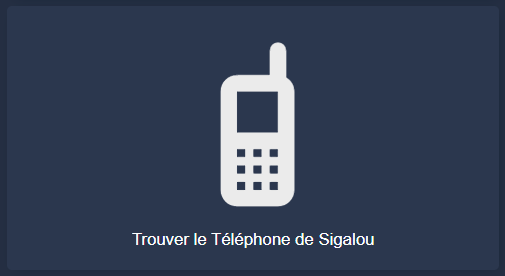
There is an amount of possibility to make a button that triggers automation.
To make it very simple at first, I add a ‘button’, here is its Yaml code:
show_name: true show_icon: true type: button tap_action: action: call-service service: automation.trigger service _data: {} target: entity_id: automation.find_telephone_sigalou entity: automation.find _telephone _sigalou icon: mdi:cellphone-basic
User improvement project
The RetEx can stop there, but I will continue to improve the user interface.
I noticed a possible (and random) latency between the moment I press and the moment the phone speaks. Thus a user will be tempted to press a few quickly on the button. To avoid this, I will acknowledge receipt on the screen of the sending of the order and allow the user to track the sending of orders, for this, I will feed an input _text variable that I will display on the screen when it is not empty.
I add an input_text to display a message during sending
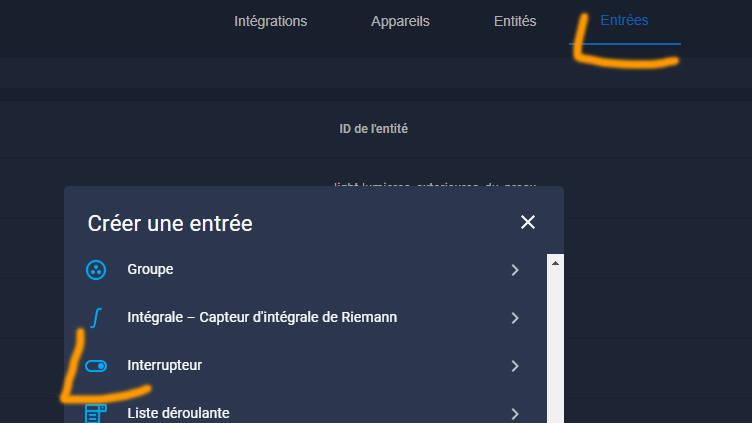
In Settings / Devices and Services / Inputs, I add a Switch. I would add Text on screen
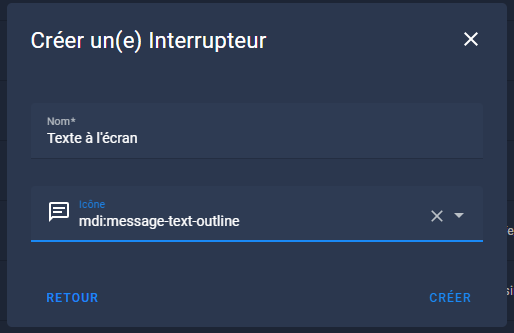 This new input_text is therefore called input_text.texte_a_l_ecran
I change the automation to add power to this input_text
Here is the new Yaml code for my automation:
alias: Find the Phone of Sigalou description: "" trigger: [] condition: [] action: - repeat: count: 2 sequence: - service: input_text.set_value target: entity_id: input_text.text _a_l_ecran data: value: Order sent to {{ now().strftime(')%H:%M:%S') }} - service: notify.mobile _app_s21 data: message: TTS data: priority: high media _stream: alarm_stream _max tts_text: Sigalou's phone is here! - service: input_text.set_value target: entity_id: input_text.text _a_l_ecran data_template: value: >- {{ states('input _text.texte _a _l _ecran') }} . [ Sigalou's phone is here ] - delay: hours: 0 minutes: 0 seconds: 4 milliseconds: 0 - service: notify.mobile _app_s21 data: message: TTS data: priority: high media _stream: alarm_stream _max tts_text: Sigalou's phone is here! - service: input_text.set_value target: entity_id: input_text.text _a_l_ecran data: value: >- {{ states('input _text.texte _a _l _ecran') }} . [ Sigalou's phone is the ] - delay: hours: 0 minutes: 0 seconds: 4 milliseconds: 0 - service: input_text.set_value target: entity_id: input_text.text _a_l_ecran data: value: "" mode: single
This modified automation will send messages to input_text.texte _a_l_ecran at each step and then purge input_text.texte _a_l_ecran at the end.
I add a conditional card that will display the message
This just great map will display a map with the content of input_text.text _a _l _ecran but only when input_text.text _a _l _ecran is not empty.
- type: conditional conditions: - condition: state entity: input_text.texte_a_l_ecran state_not: '' card: type: markdown content: | ## {{ states('input _text.texte _a _l _ecran') }}
Playing with horizontal-stack and vertical-stack, I displayed this map across the entire width of my Dashboard at the top.
I am improving the map that displays the tile on the dashboard
type: custom:button-card entity: light.basement _wall show _entity _picture: true entity_picture: /local/home/Presence/sigalou.1.png?v=2 name: 💬 Make Sigalou tap _action's phone speak: action: call-service service: automation.trigger service _data: {} target: entity_id: automation.find _telephone _sigalou styles: entity_picture: - width: 140px name: - font-size: 18px - color: lightblue - align-self: middle - padding-bottom: 10px - padding-top: 20px
Questions or info needs
Bibliography
 English
  French
  Spanish
  Chinese
  German