

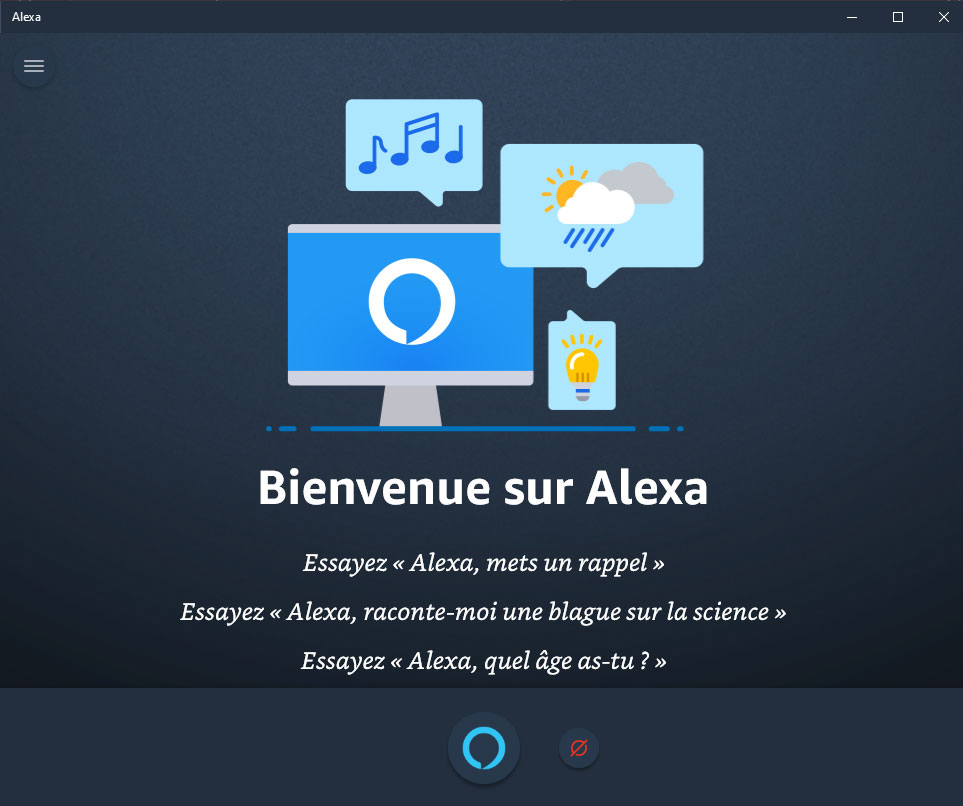
Here is a tutorial to install the Alexa app on Windows 10 and then use your computer as an Amazon Echo (send it music, play playlists, use it to send an ad on all your … equipment)
Installing Alexa for Windows 10
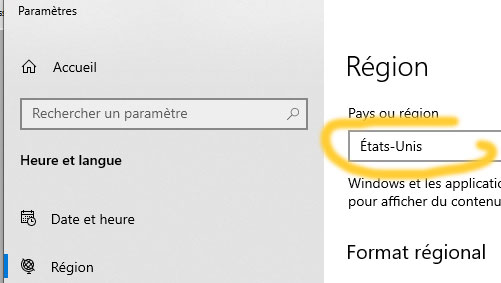
The trick is to make the Microsoft Store believe that you are entitled to download the application, so you have to tell it that you are in the United States.
- In the search bar, type Region :

- Then click on:

- Change the country and put United States of America instead of France
- Launch the Microsoft Store :

- Type Alexa in the search bar and start the installation ofAlexa for Windows
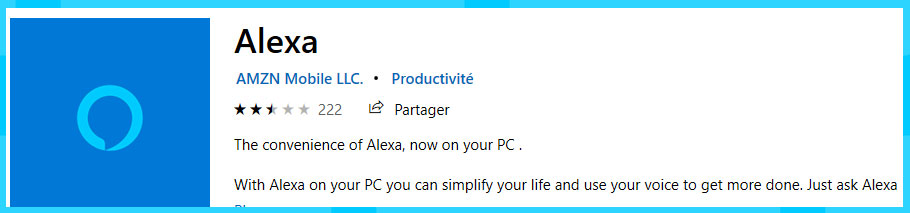
And surprise, Alexa for Windows is … in French!!
Setting up the Alexa app for Windows in the Alexa-API plugin and in Alexa-AmazonMusic
- Run scan from Alexa-API
- The device is added automatically in Alexa-API :
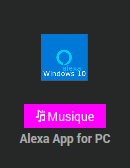
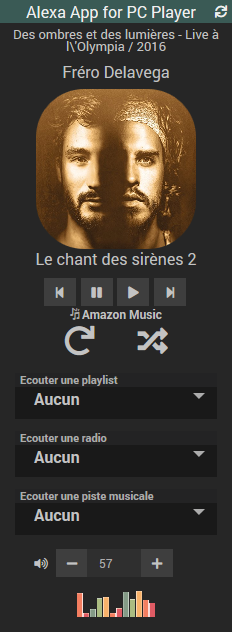
And the widget is as follows (the displayed functions work)
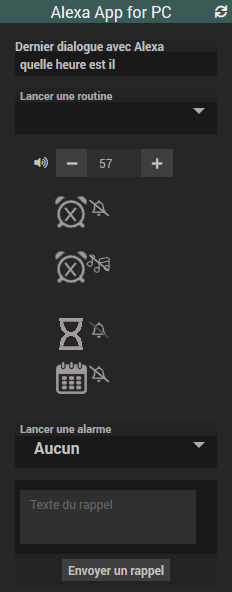
- Device player and playlist are added automatically in Alexa-AmazonMusic
 |
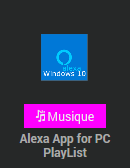 |
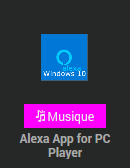
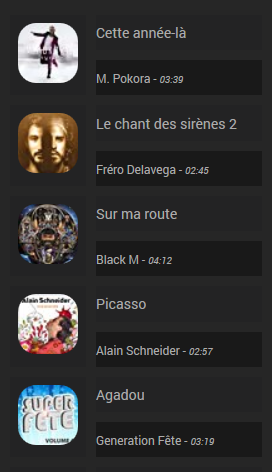
And the widgets are as follows (the displayed functions work)
Player left, Playlist right
 |
 |
 English
  French
  Spanish
  Chinese
  German