
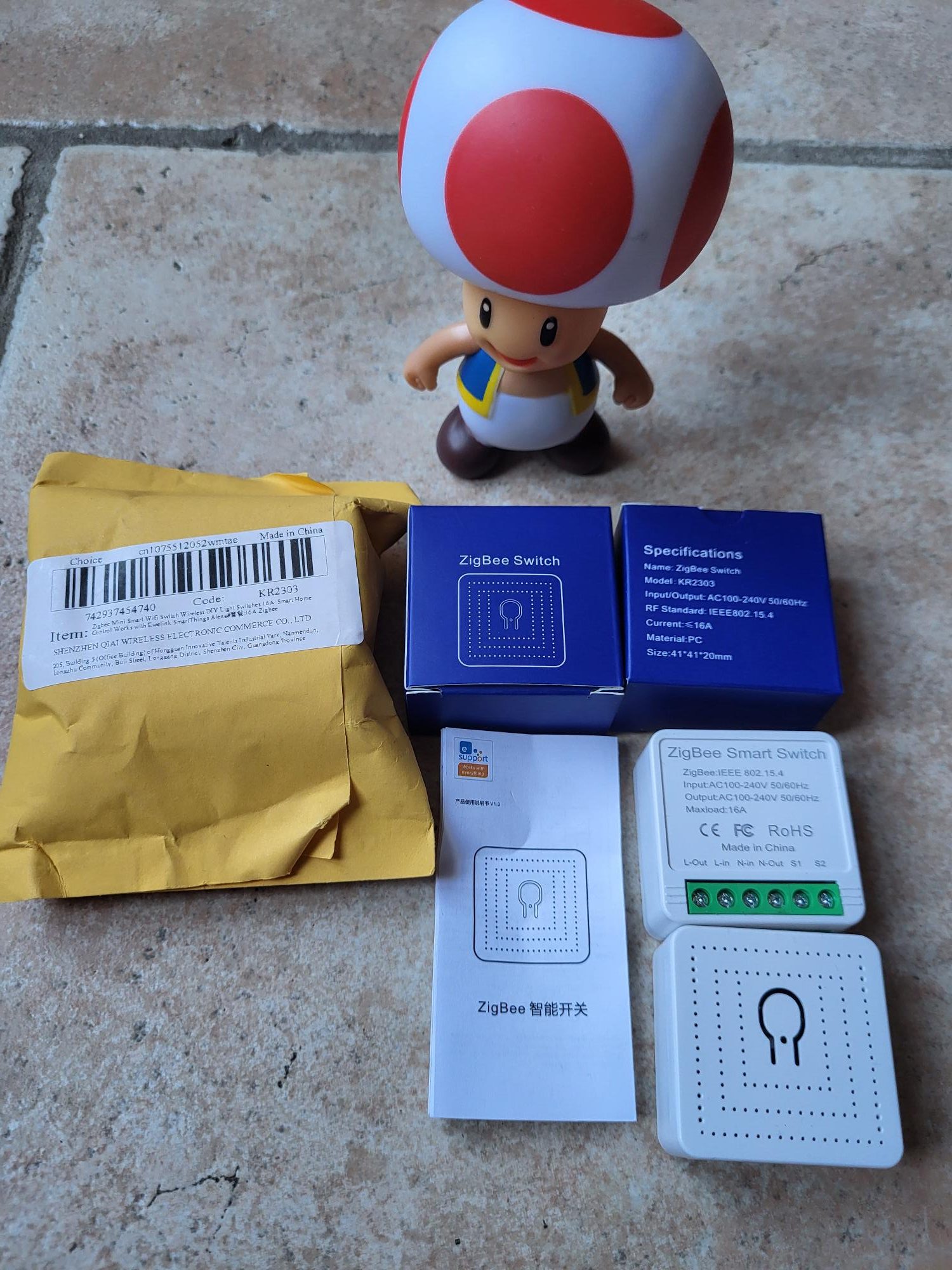
I'm testing the Zigbee switch KR2303

Installation KR2303: Verification and connection

The switching module KR2303 facilitates the integration of Zigbee into a home automation system. This detailed guide explains every step of checking, connecting and pairing for optimal operation with Zigbee2MQTT and Home Assistant. Follow these precise instructions to replace a faulty switch without difficulty.

I check the received model

Many references of Zigbee modules exist on the market, each with different specificities. The model I received clearly bears the reference KR2303 engraved on the case. This identification is crucial to ensure compatibility with available firmwares and tutorials.

This model KR2303 is distinguished by the lack of an integrated energy monitor. Unlike other more advanced versions, it focuses only on on/off switching, making it ideal for simple applications such as controlling lighting or basic electrical appliances without the need for consumption tracking. Read More
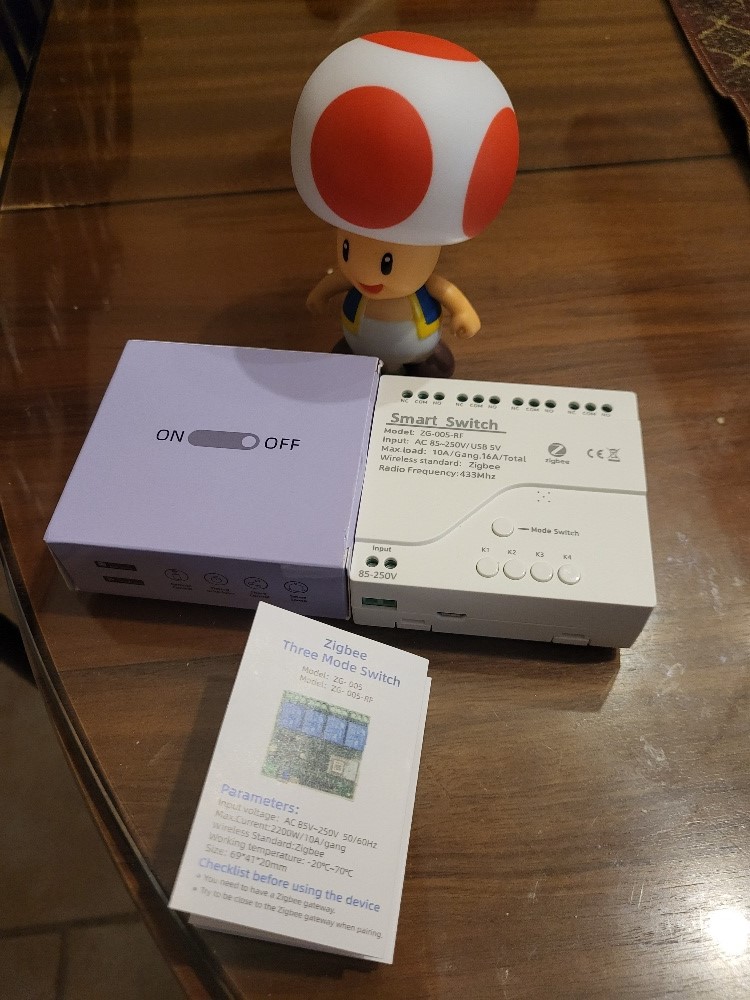
I'm testing the Smart Switch ZG-005-RF

Zigbee 4-channel dry contacts are an advantageous replacement for Sonoff modules. This ZG-005-RF case offers 4 NO/NC outputs that can be controlled via Zigbee2MQTT and Home Assistant. Discover my complete test to order lights, valves or gates in home automation.

The dry contacts (potential free) are essential in home automation. They make it possible to control any electrical appliance without supplying any voltage themselves. The current only passes when the contact closes, making this type of module universal and secure.

I tested this Zigbee module purchased with my own funds. No sponsorship, just realistic tests. 

This housing supports a voltage of up to 240V maximum. Maximum load: 10A per channel (2200W to 220V resistive), limited to 220W with LED. Total 16A for all 4 channels combined.

Read More

Timing the start of a switch

[and optionally, be able to restart its switch in zigbee]

Background and objective

I have a high-performance Synology 2600 Router but it takes a few minutes to be fully operational on my local network.

In the event of a general power outage (caused or suffered) when all the equipment is turned on at the same time, the equipment that is on the POE switch also starts at the same time as the router that is not able to assign their IP address to them (since it has not completed its initialisation), this can sometimes be problematic.

So I looked for a way to slow down the switch by a few minutes.

I did not want to use ‘home automation intelligence’ such as a controlled socket or other, I wanted a stand-alone system that shifts the power on the switch over time. Read More
