

Background and objectives
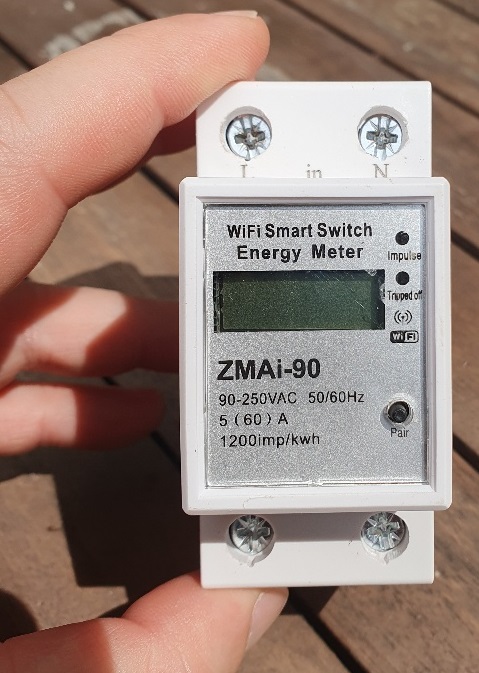
For some time now, I had a ZMAi-90, I had never been able to integrate it into Jeedom. Moving on to Home Assistant, I wonder if ESP Home could not accept it. Indeed, the ZMAi-90 is equipped with a esp8266.
I search on the net, no tutorial, no video, nothing about the possibility of installing ESP Home on a ZMAi-90. …, I'm getting started.
Presentation of the ZMAi-90
This equipment that costs less than 23€ is equipped with a relay with a cut-off power of 60A (the relay is an 80A relay). At this price, it makes it possible to measure energy consumption, which makes it a particularly cheap piece of equipment.
The connectors are of good quality and when I opened it, I found a well-structured and well-made product.
Flash the ZMAi-90
I'm disassembling the case
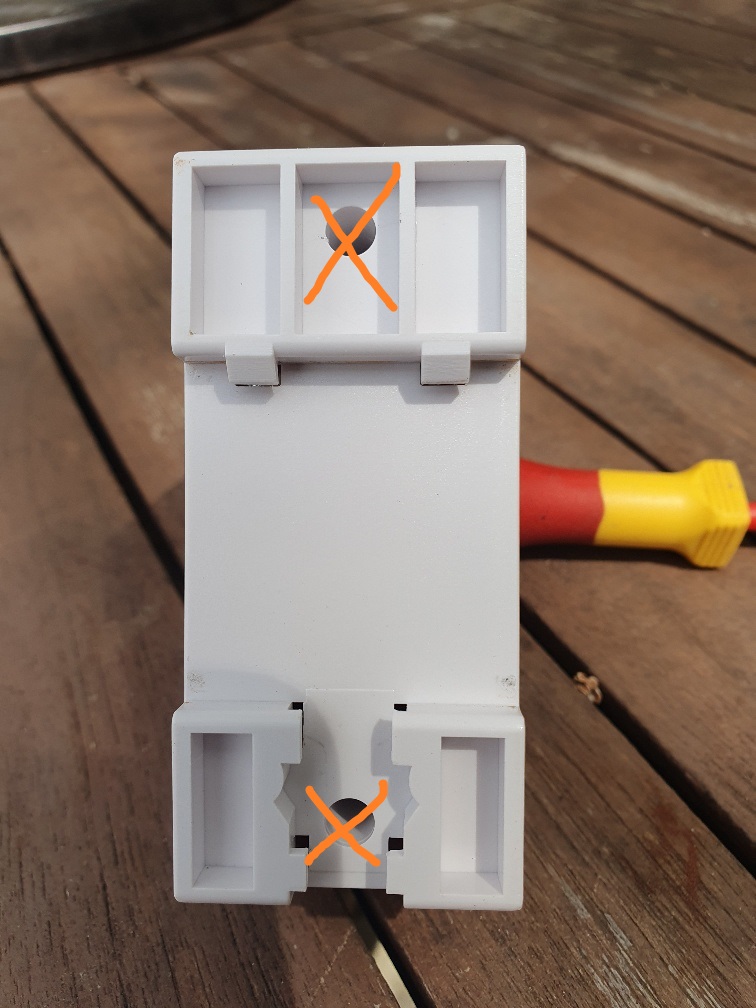
I start by disassembling the beast, two screws one in the middle at the top and one in the middle at the bottom, simple to unscrew, simple to open.
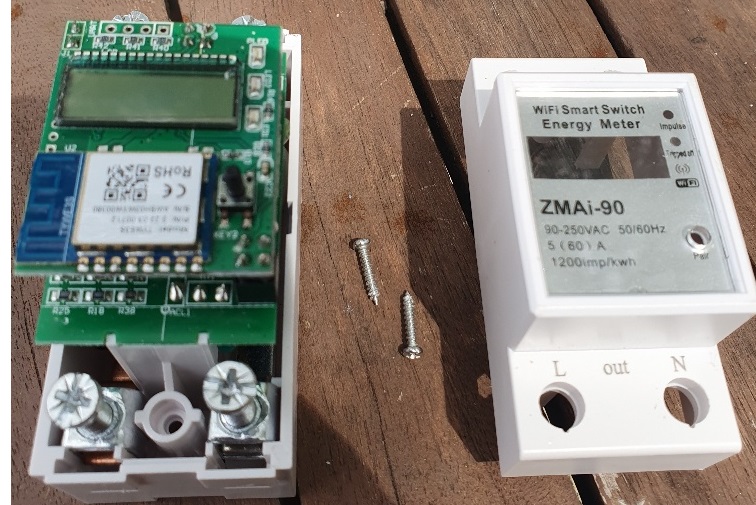
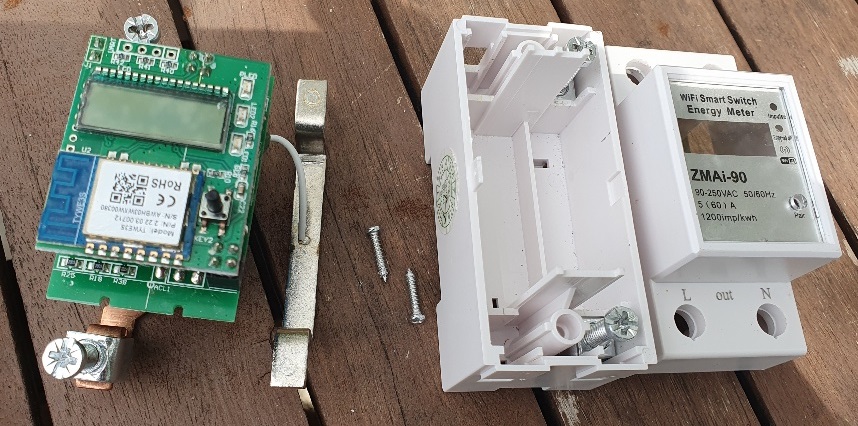
The module is built around a high-voltage board and a low-voltage board that will be separated from each other.
I'm isolating the electronic order card.
The quality of the assembly between these cards surprises me, so much the better, it is very well thought out, twice 4 embossed plugs and a fixation of two welded plugs.
These 2×4 plugs are not welded:
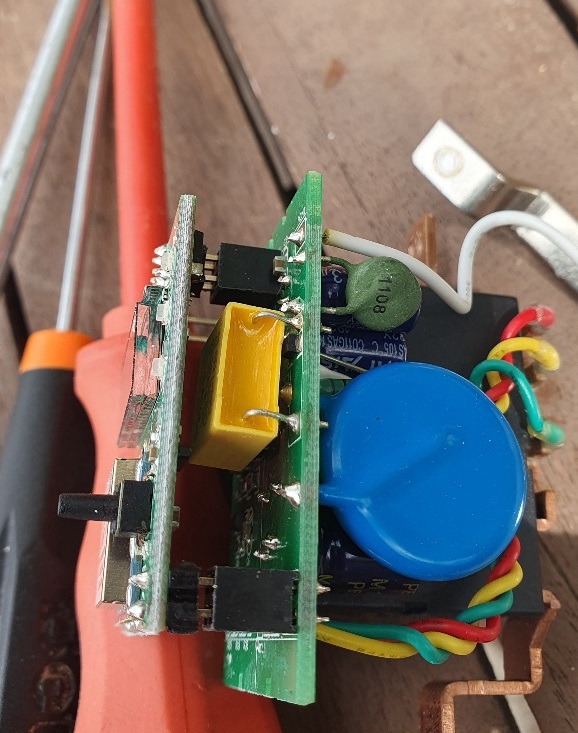
On the left side, these two connectors are to be unwelded:
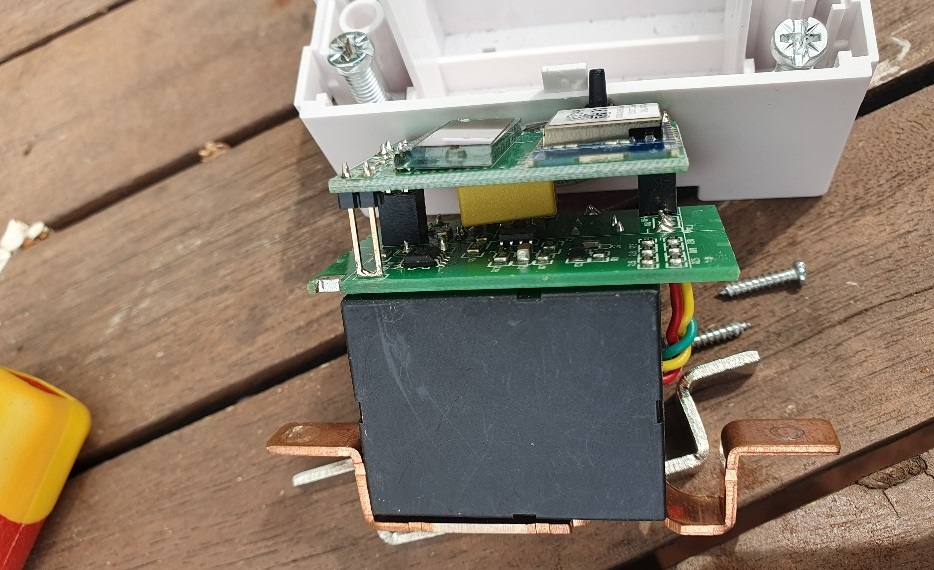
So I desolder them to separate the control card.
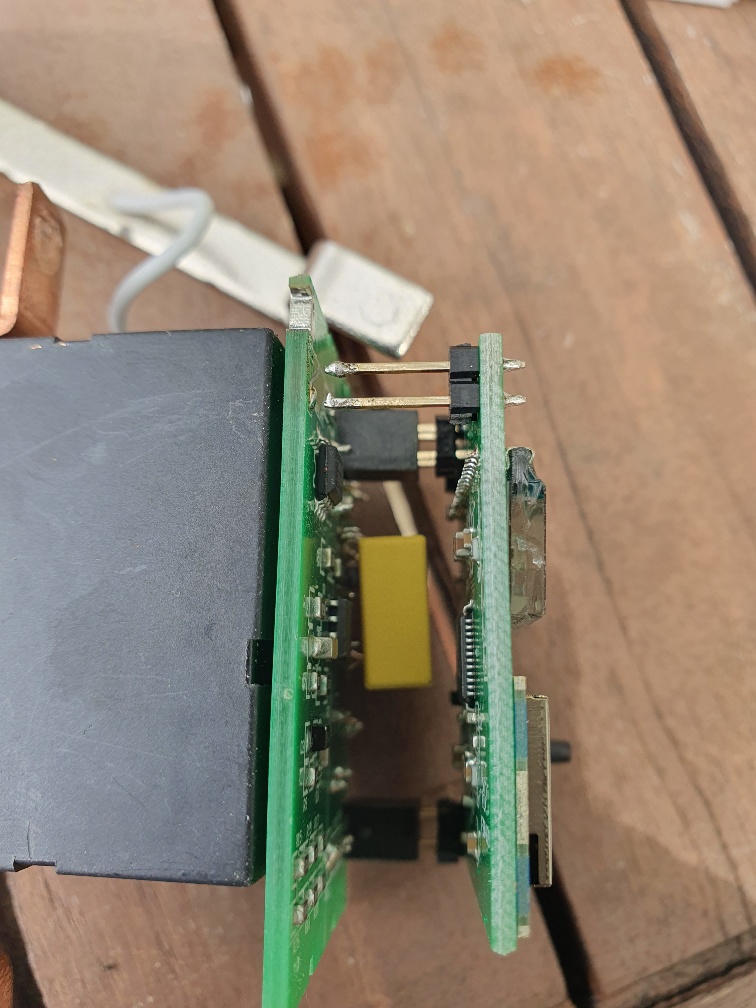
I look at the e-card
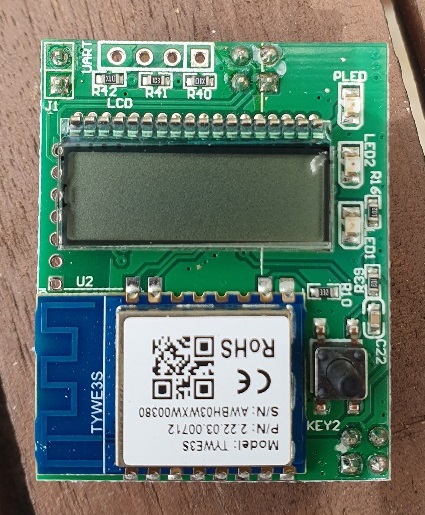
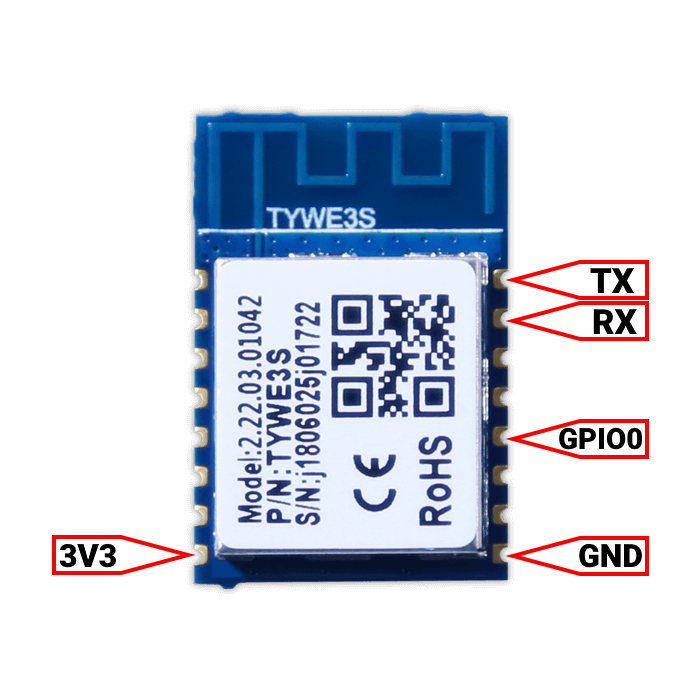
The card is equipped with a TYWE3S, an integrated low-power Wi-Fi module developed by Tuya. It consists of a highly integrated wireless RF chip (ESP8266), a few peripherals, an integrated Wi-Fi network protocol stack and various library functions.
I quickly spot the pine trees that will interest me:
On the other side
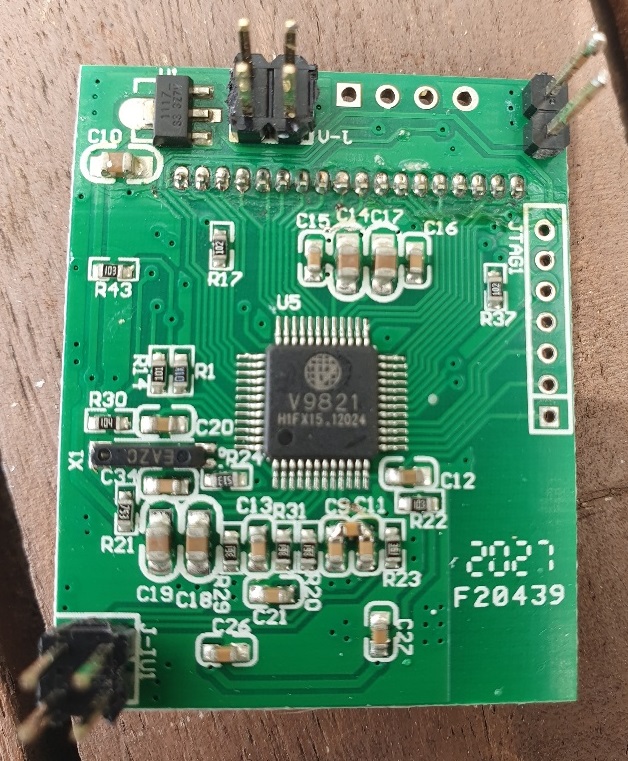
The V9821 is a single-phase energy measuring chip manufactured by Vango. It should be noted that I will not have to feed it when I flash the ESP, I explain this right after.
I soda dupont connectors on pins
To flash the ESP, I need to interact with the Gnd/VCC/Rx/TX terminals and to put the ESP into programming mode, I will need to switch GPIO0 to GND. So I will weld 5 wires on these 5 pins:
To locate myself, I will weld 3V3 on a red thread, GND on a brown thread, Tx on a yellow thread and Rx on an orange thread.
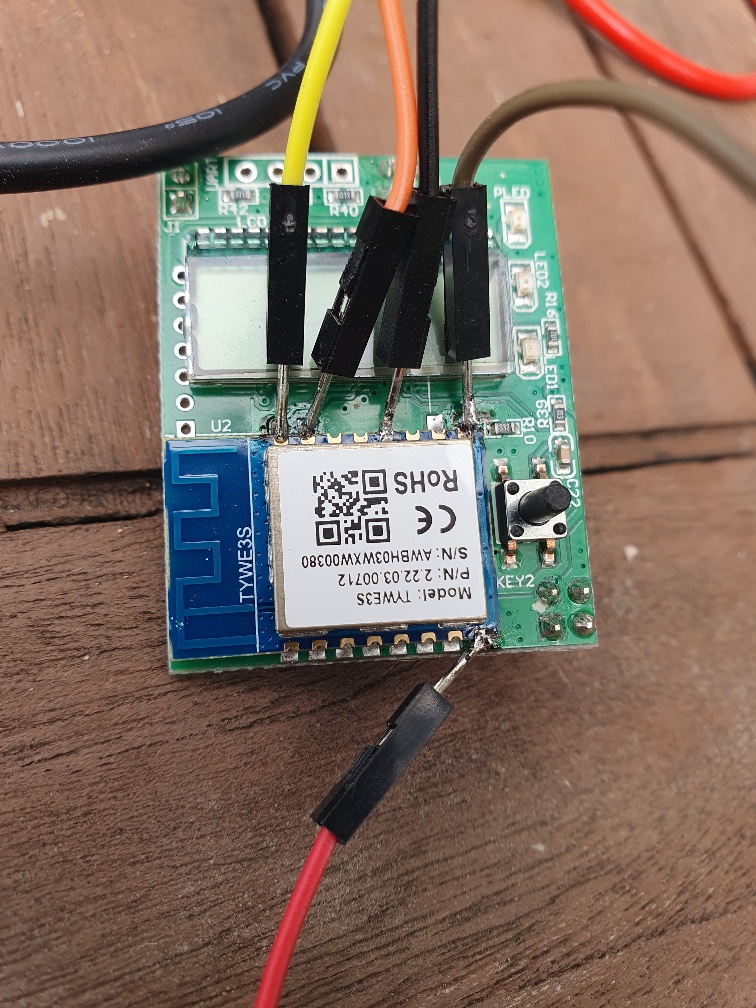
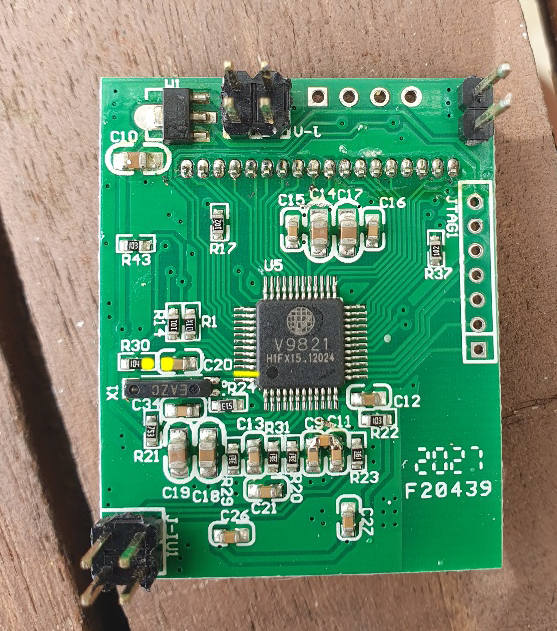
On the other side, I have to make sure that the microcontroller does not start, so I put its RSTn terminal at GND. I spot the marker that I coloured yellow, I point
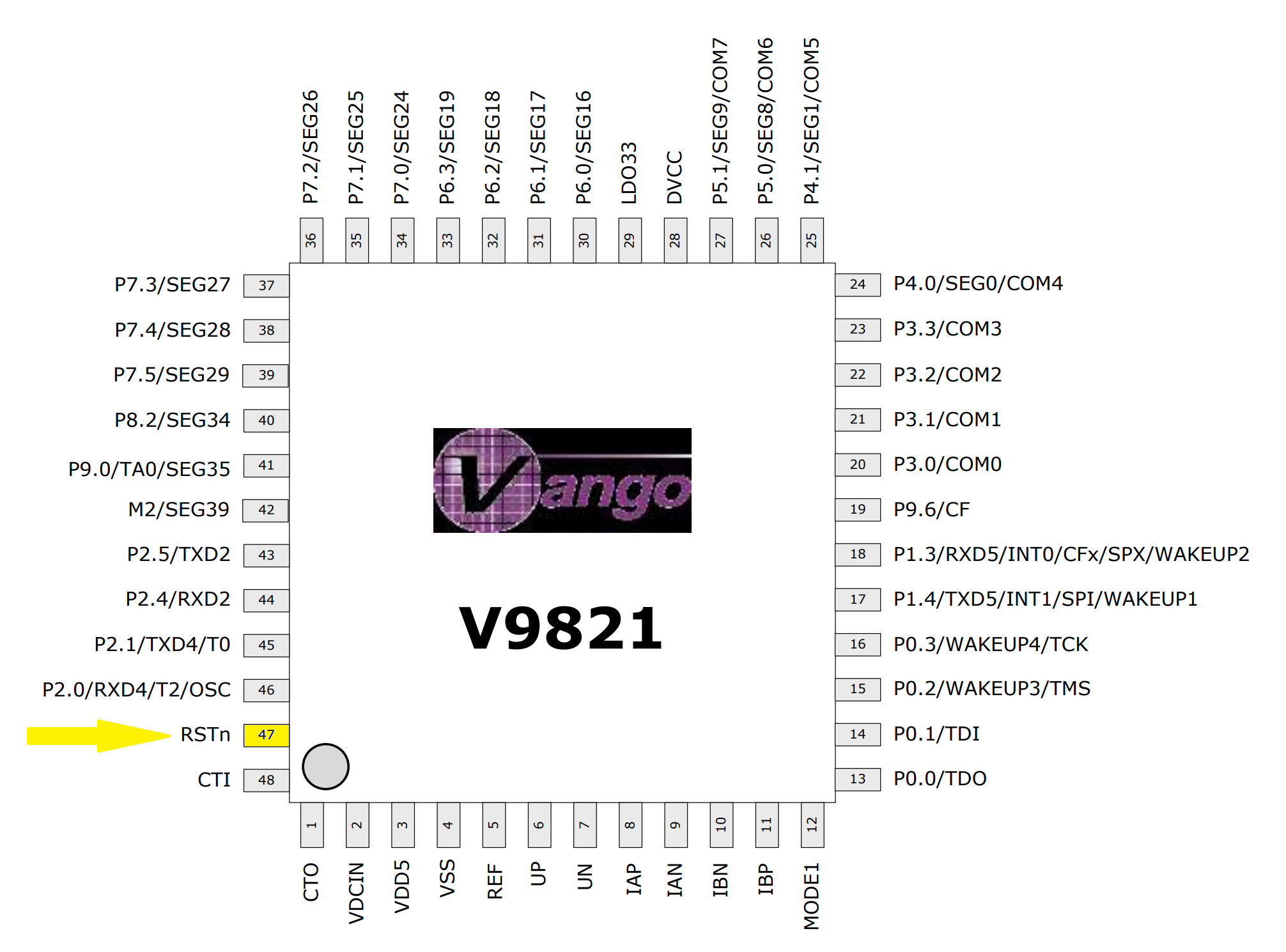
I identify the tracks that correspond to this spindle because I am not equipped to weld so small. The yellow dots are connected to the RSTn spindle
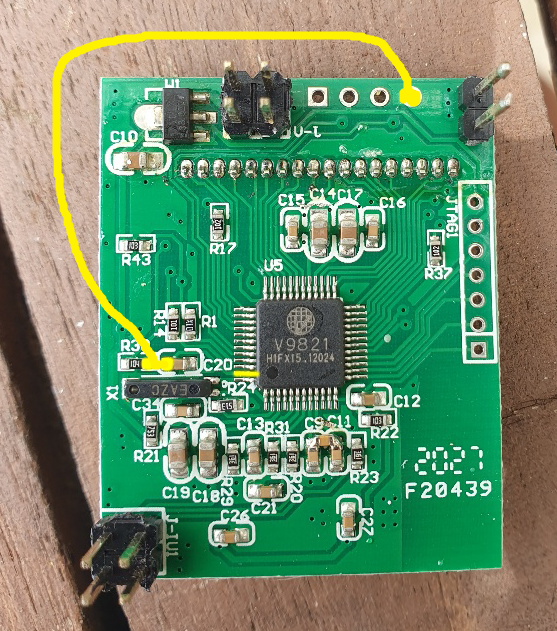
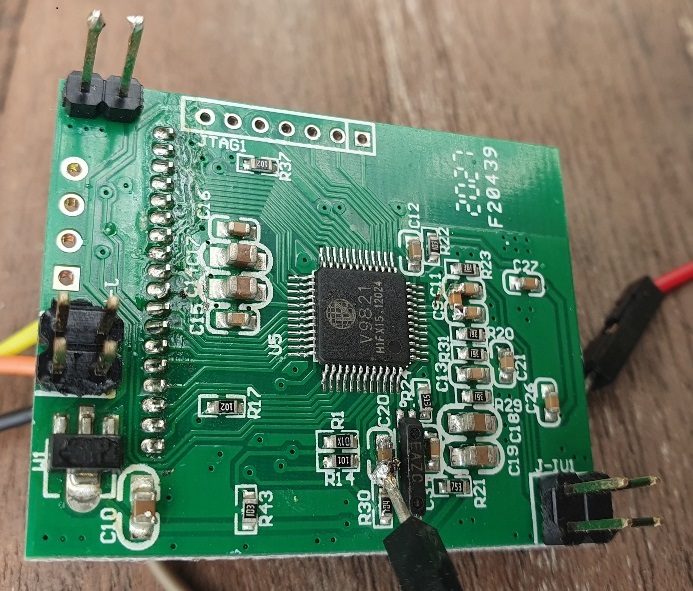
I soda a little evil dupont on it and I reread it to the GND which is at the top right
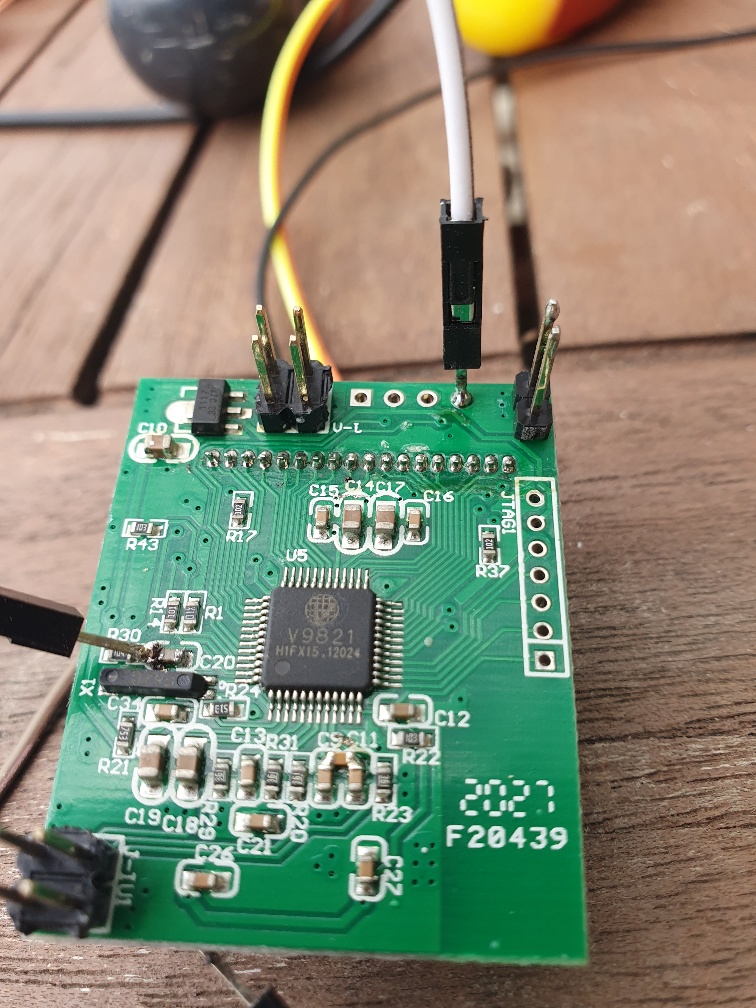
I connect the welded dupont connectors to the FDTI232
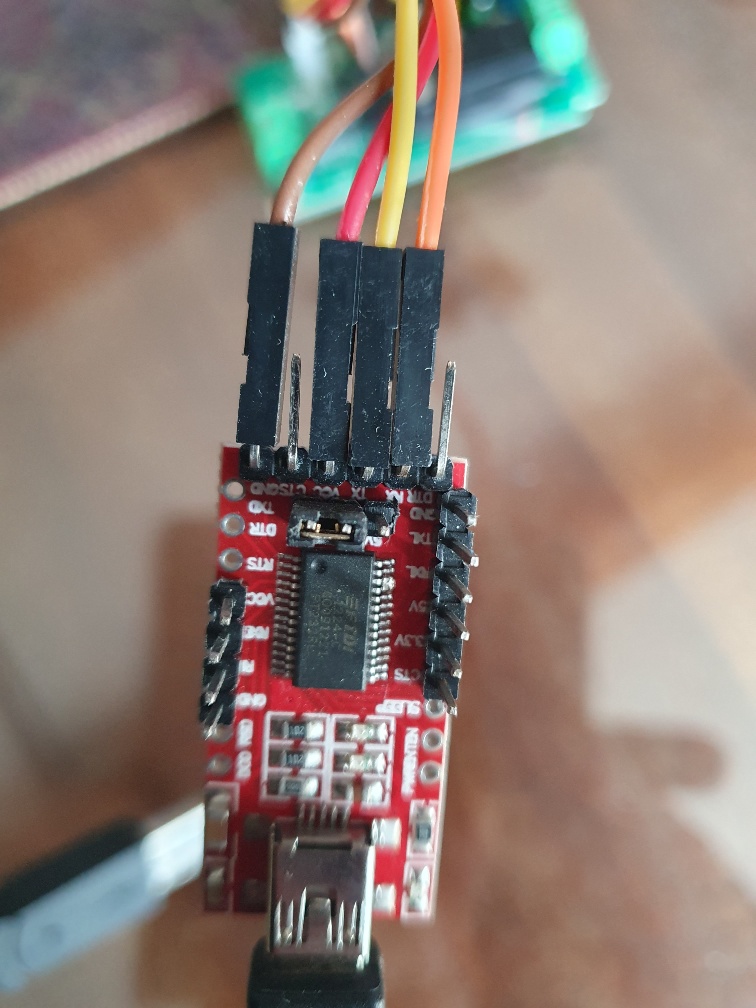
It should be noted that I had to reverse the Tx and RX, i.e. yellow and orange. With these two pins, it is always a one-in-two chance.
I install the ESP Home integration
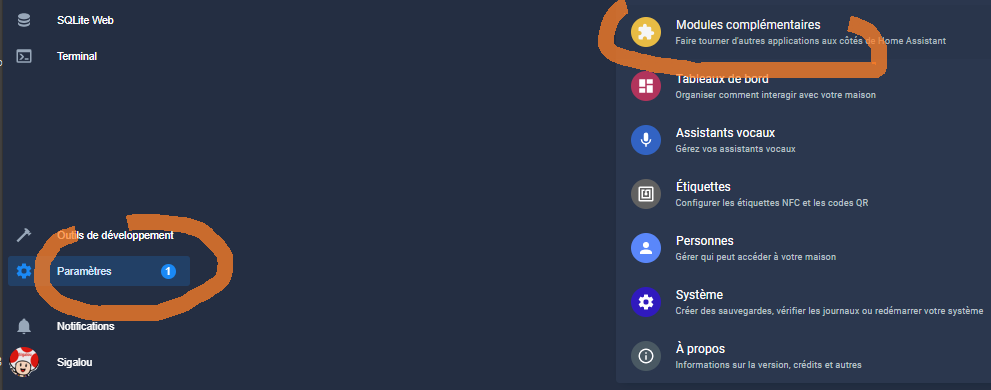
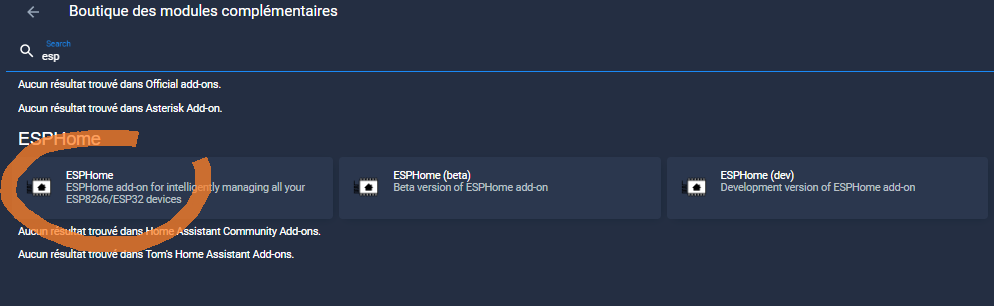
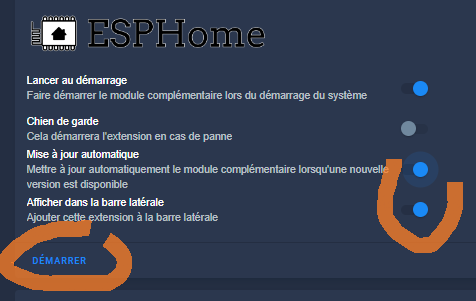
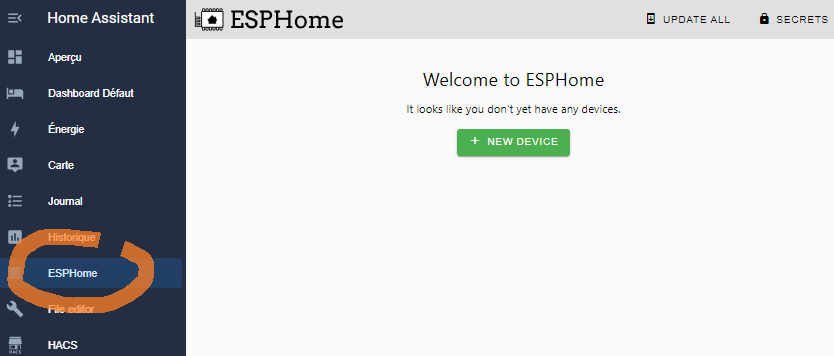
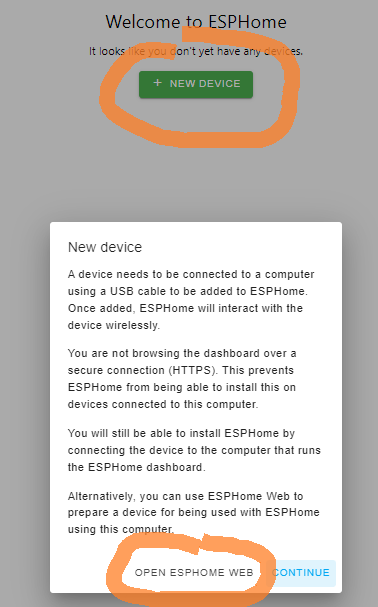
Here I connect the USB jack of the FTDI232, care must be taken to connect GPIO0 to GND so that the ESP can be programmed when the USB is connected. For this, I touch the black thread at the edge GND.
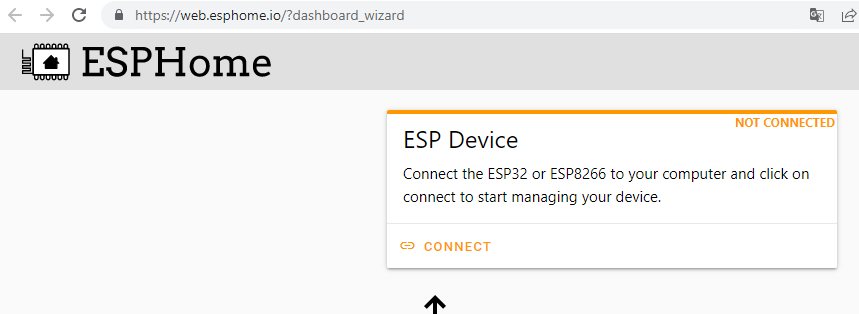
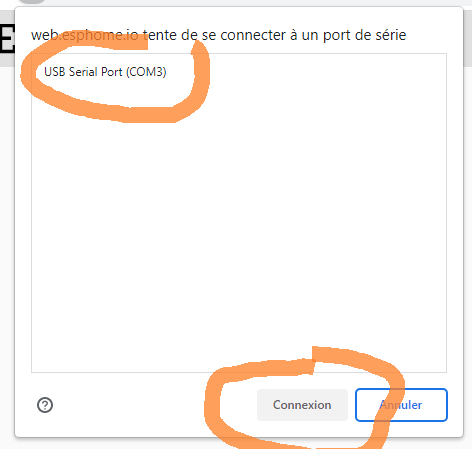
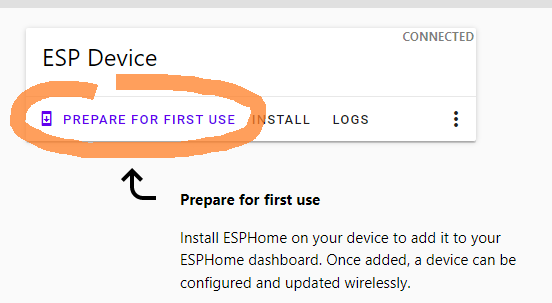
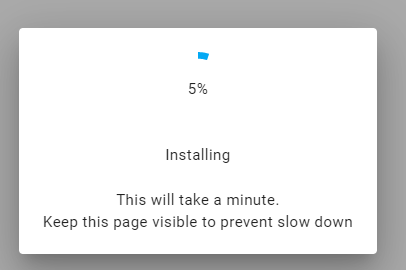
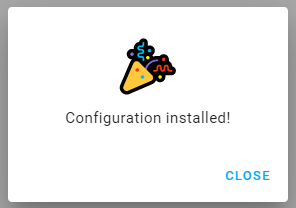
I unplug and then reconnect the USB connector.
If the WiFi configuration is not proposed, I will reconnect and go to:
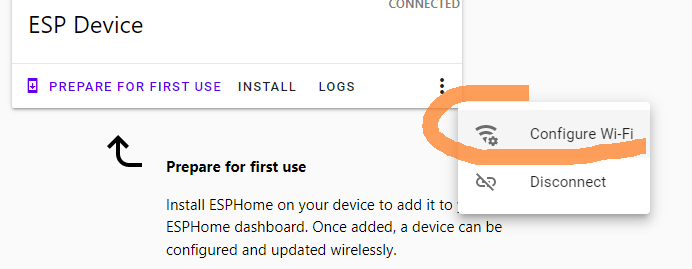
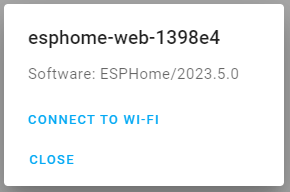
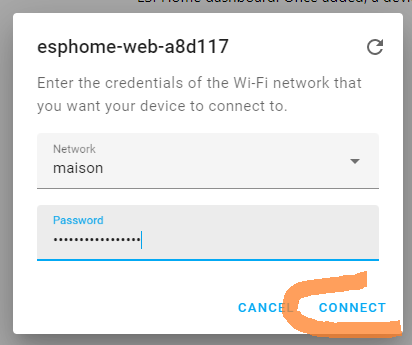
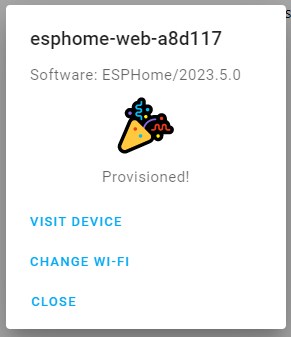
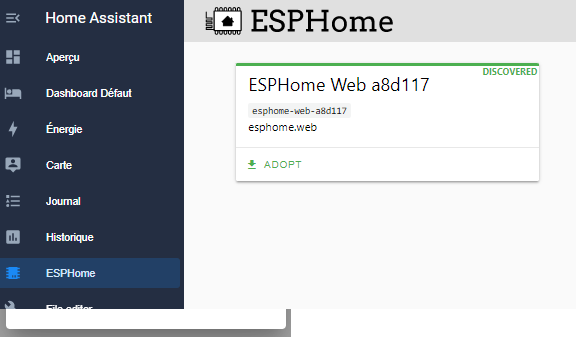
I close web.esphome.io, back in Home assistant, ESP Home tab, the device has arrived.
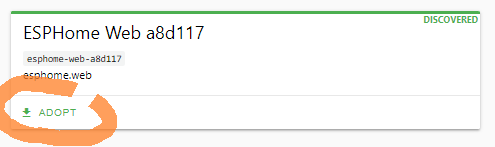
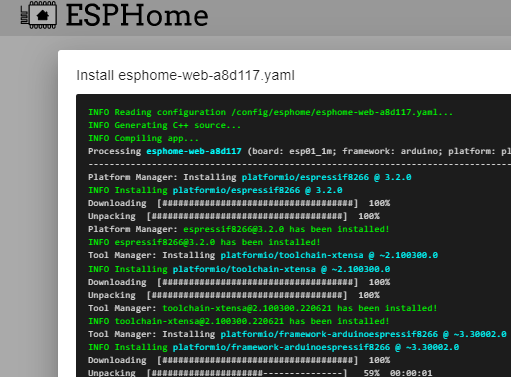
I add the link between ESPHome and HA
The easiest way is to go through notifications

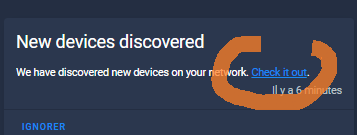
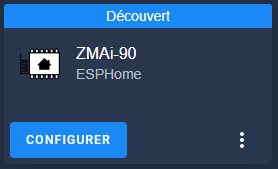
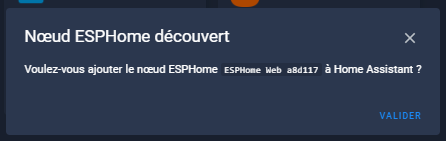
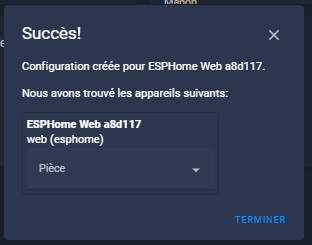
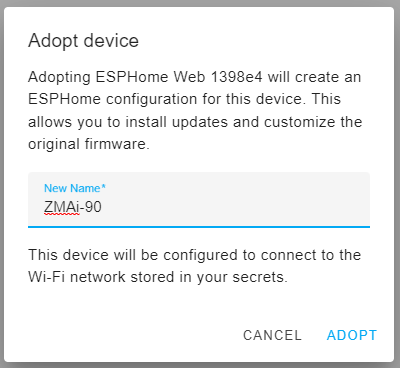
I can rename it.
The device and its update entity shall be installed.
I dissolve and reassemble the device
At this stage, there will be no more manipulation, I unsold all the duponts and I put the case back up.
I replace the two screws at the back and reconnect the equipment to the power grid.
I configure the sensors of the ZMAi-90 in ESP Home
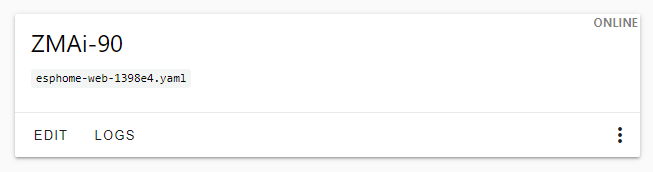
I click on Edit.
The configuration of the Yaml file ZMAi-90 It is not easy but I found a example I was inspired by it.
After several tests, here is the code of my equipment:
substitutions: name: "ZMAi-90" node_name: zmai90 # ZMAi-90 TuyaMCU datapoints dp_switch: "1" dp_total: "17" dp _power: "19" dp_current: "18" dp_voltage: "20" esphome: name: esphome-web-1398e4 friendly_name: ZMAi-90 esp8266: board: esp01_1m # Enable logging logger: baud_rate: 0 # Enable Home Assistant API API: encryption: key: "xxxxxxxxxxxxxxxxxxxxxxxxxxxxxxxxx" ota: wifi: ssid: !secret wifi _ssid password: !secret wifi _password # Enable fallback hotspot (captive portal) in case wifi connection fails ap: ssid: "Esphome-Web-1398E4" password: "xxxxxxxxxxxxxxx" captive _portal: time: platform: homeassistant id: g_time uart: rx_pin: RX tx_pin: TX baud_rate: 9600 tuya: time_id: g_time switch: - platform: "tuya" id: sw_power name: Jus switch_datapoint: $dp_switch icon: "mdi:power" sensor: # total - platform: "tuya" id: Total name: "Energy" sensor_datapoint: $dp_total accuracy_decimals: 3 filters: - multiply: 0.001 unit _of _measurement: "kWh" icon: "mdi:sigma" device_class: "energy" state_class: _increasing Total # active power - platform: "tuya" id: power name: "Power" sensor_datapoint: $dp_power accuracy_decimals: 1 filters: - multiply: 0.1 unit_of_measurement: "W" icon: "mdi:flash" device _class: "power" state_class: measurement # current - platform: "tuya" id: current name: "Current" sensor_datapoint: $dp_current accuracy_decimals: 3 filters: - multiply: 0.001 unit _of _measurement: "A" icon: "mdi:current-ac" device_class: "current" state_class: measurement # voltage - platform: "tuya" id: voltage name: "Voltage" sensor_datapoint: $dp_voltage accuracy_decimals: 1 filters: - multiply: 0.1 unit_of_measurement: "V" icon: "mdi:sine-wave" device_class: "voltage" state_class: measurement - platform: uptime name: "Active since" device_class: duration - platform: wifi_signal name: "Signal WiFi"
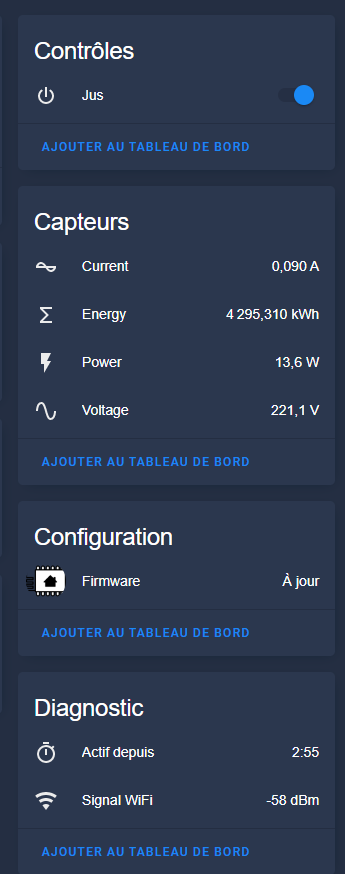
And here's the … result.
 English
  French
  Spanish
  Chinese
  German