

Objective
Installation of a WiFi socket and connection with Alexa and Jeedom.
Purchase of the plug
I ordered this catch (11.02€)
I chose this one because it was sold with a beautiful glass plate, I do not regret, it is very beautiful.

Receipt of the plug
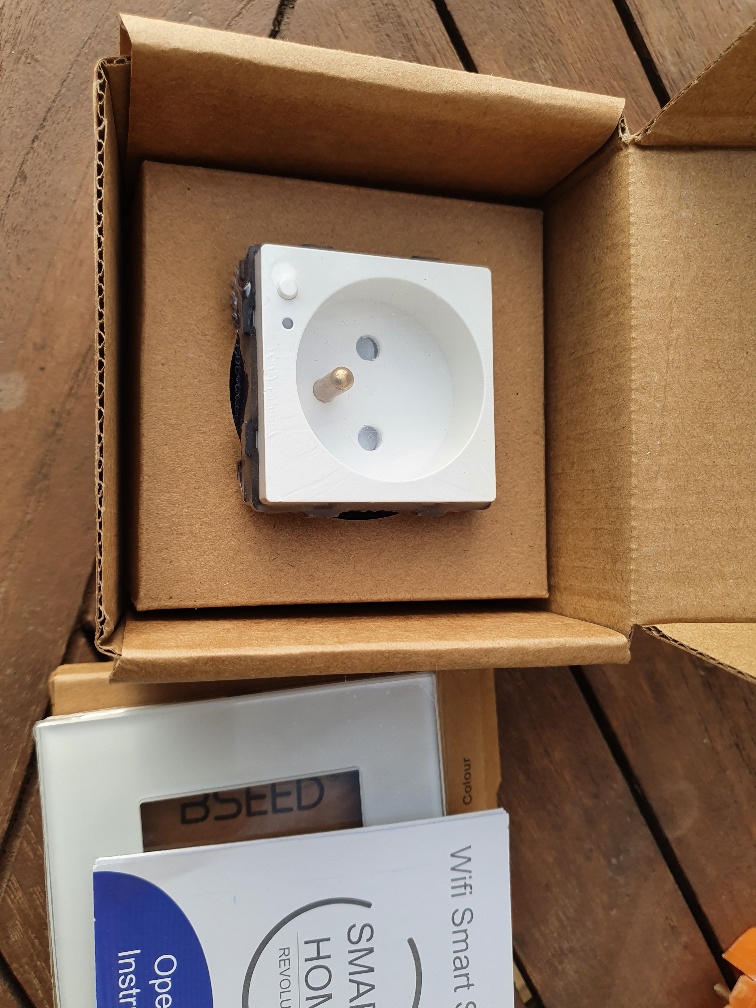
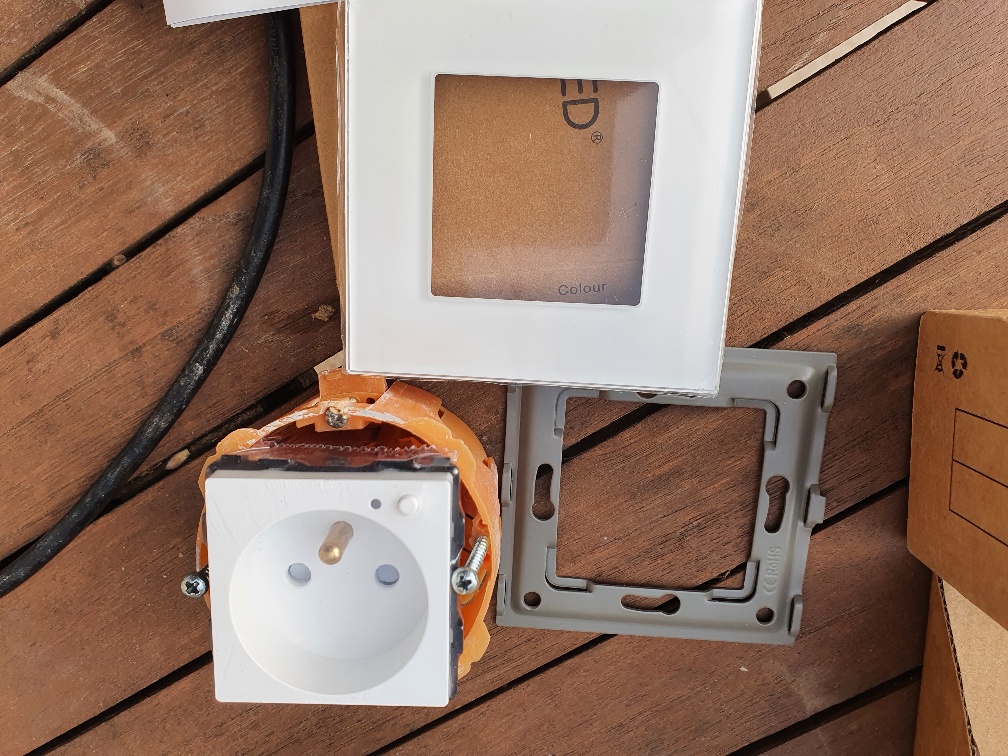
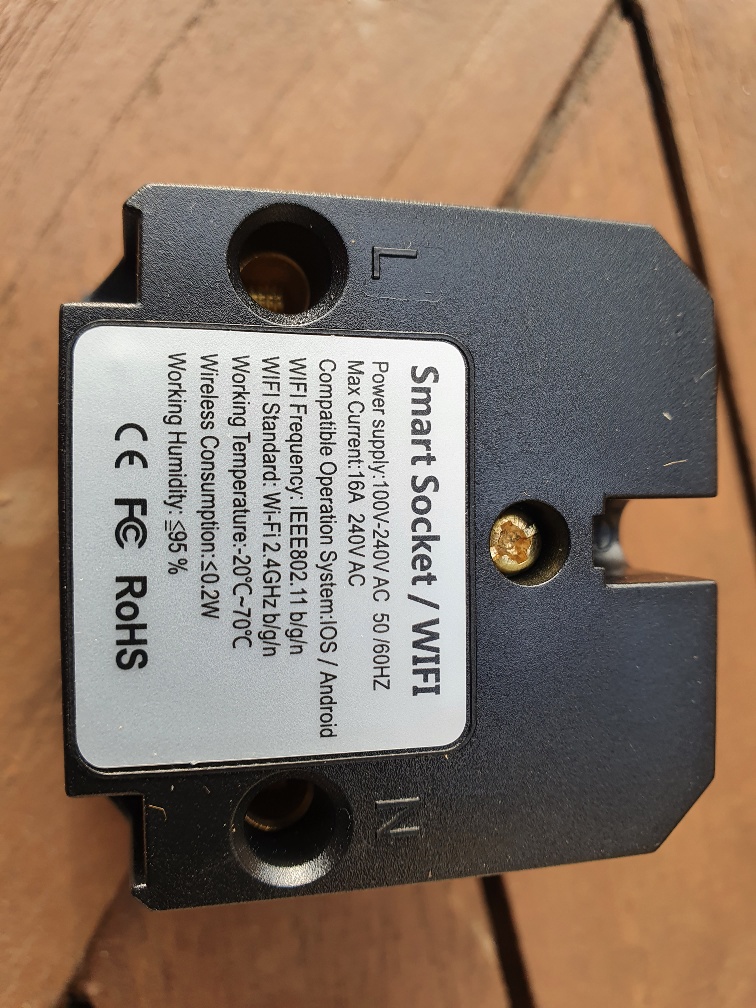
I checked that she fits well in a placo box, it’s fair but it’s good.
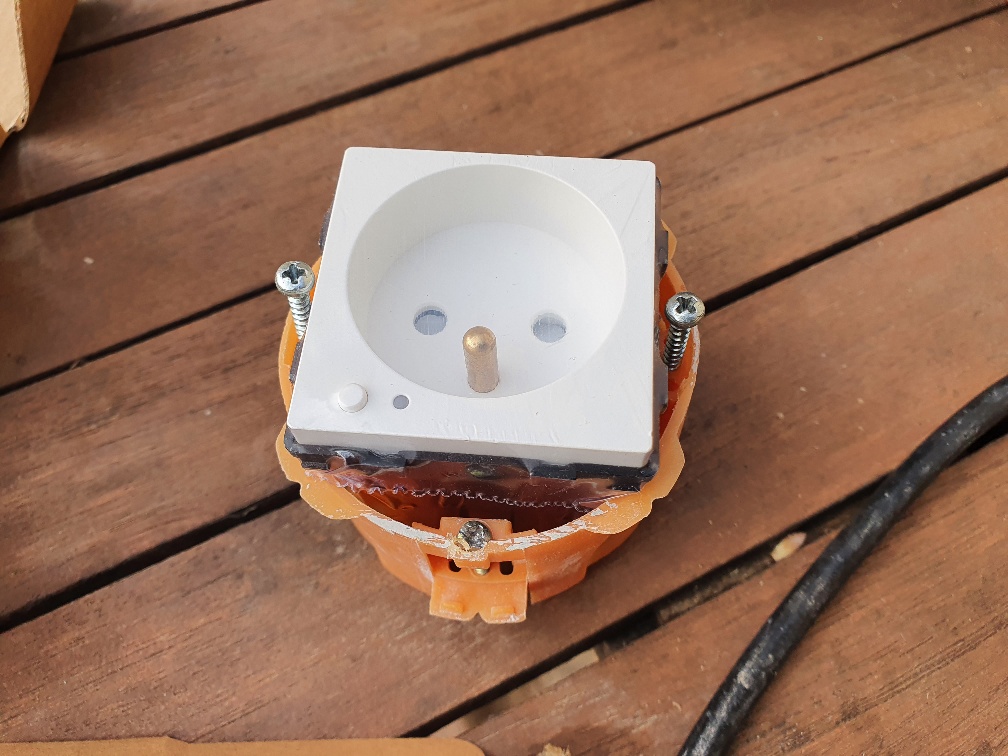
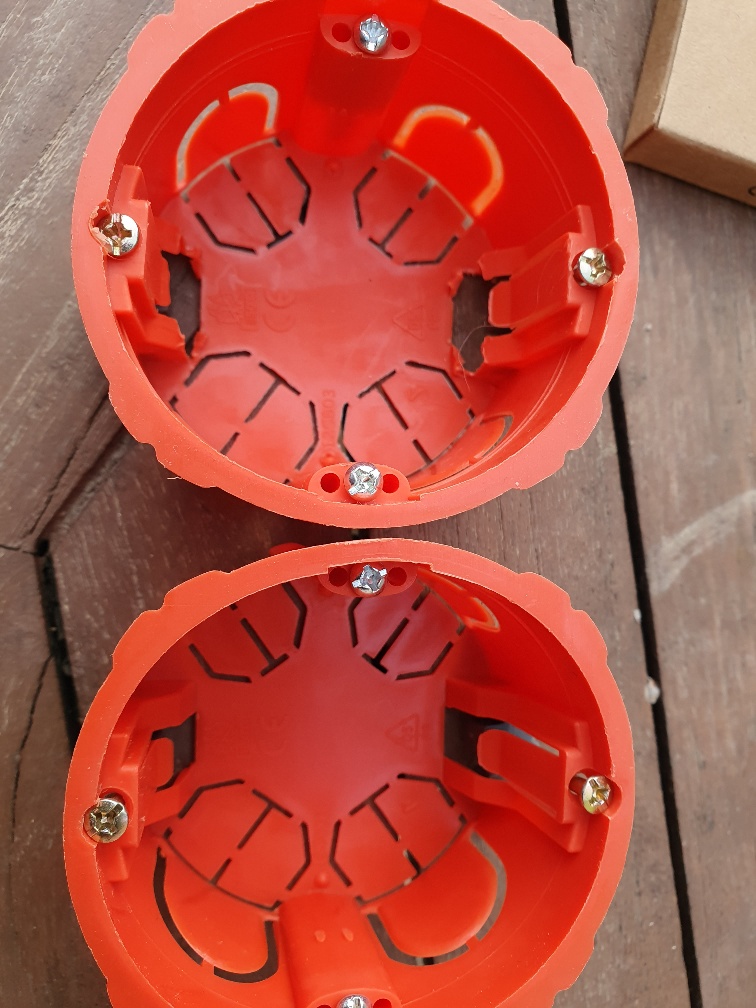
Adaptation of the placo flush-mounted box
I put two sharp clamps on the bottom of the placo box so that the socket fits well, below a photo with a modified box and a new box:
Adding the plug to Smart Life

The plug is immediately recognized on Smart Life
An update is even proposed:

Link Smart Life <-> Alexa
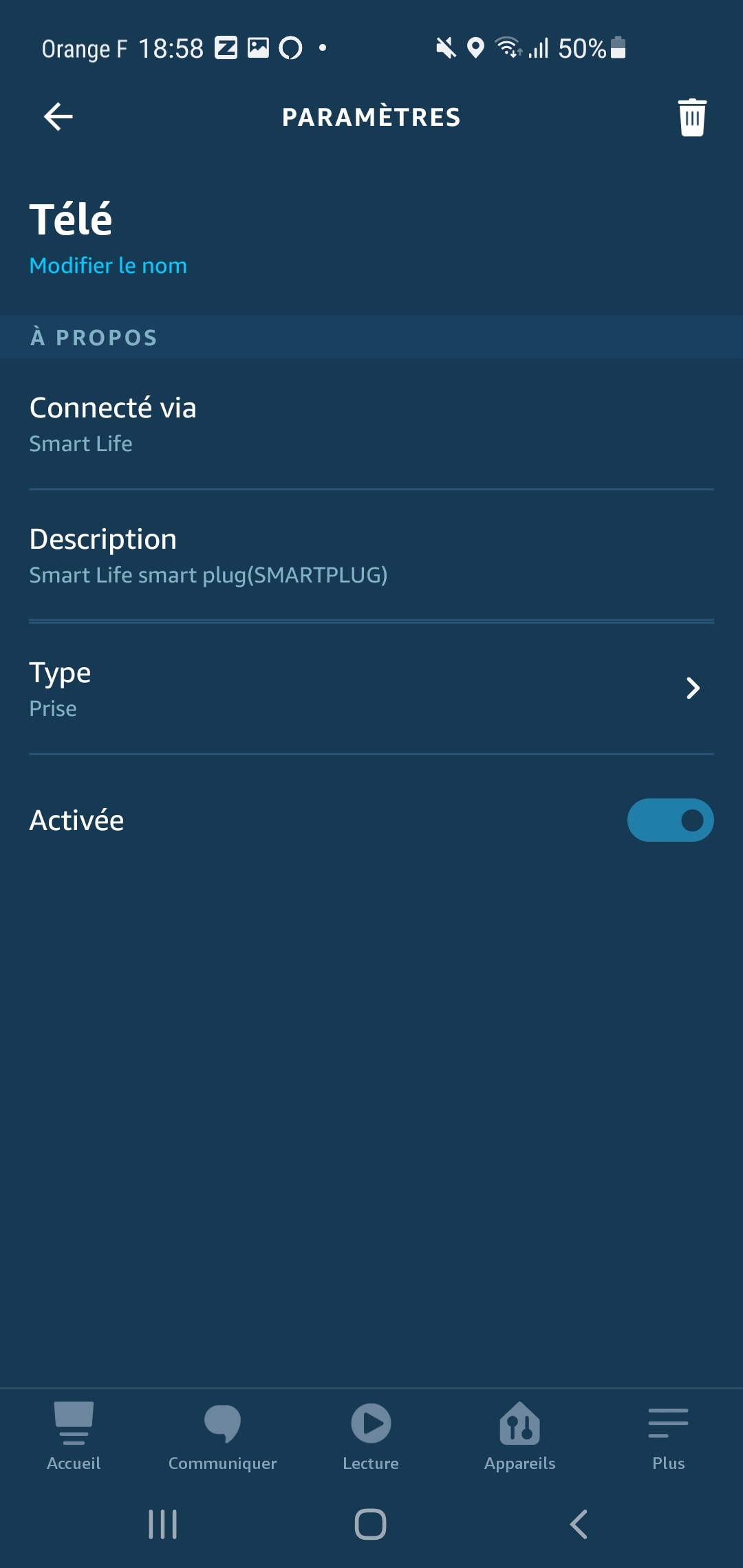
The Smart Life Skill installed on Alexa makes it possible to make the link between the Plug (Tele) and Alexa.
Thus, if we say ‘Alexa turns on the TV’, the socket is activated.
Link Alexa <-> Jeedom

The Alexa-smartHome plugin will make the link between the TV jack that is on Alexa and Jeedom.
On the Alexa-API plugin, a scan is launched and the socket is detected
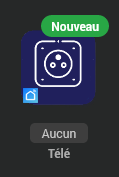
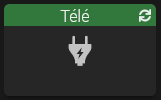
One can turn on or off by the Widget or by voice therefore.
 English
  French
  Spanish
  Chinese
  German