

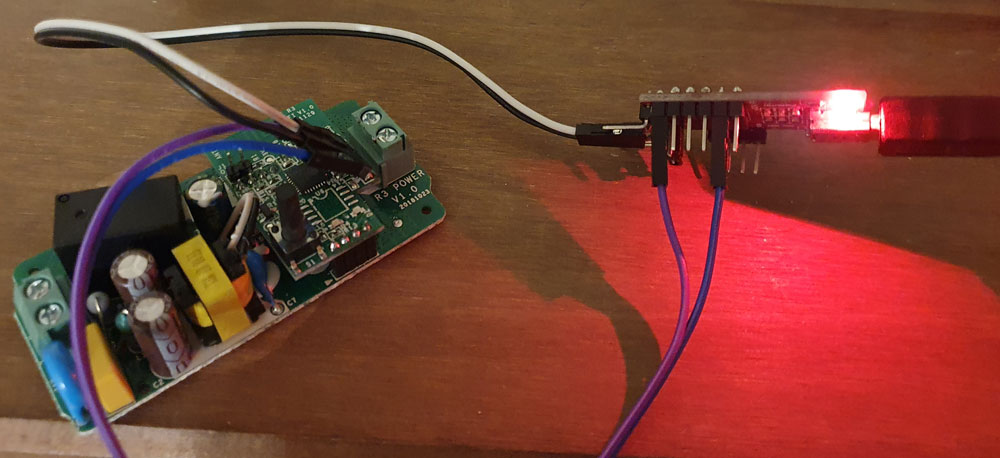
Prepare the circuit board by welding male connectors:
Welding the classics 2.54mm connectors on the Sonoff’s printed circuit board, this model does not allow access under the printed circuit board, I slightly curved the connector to weld on top (each its technique)
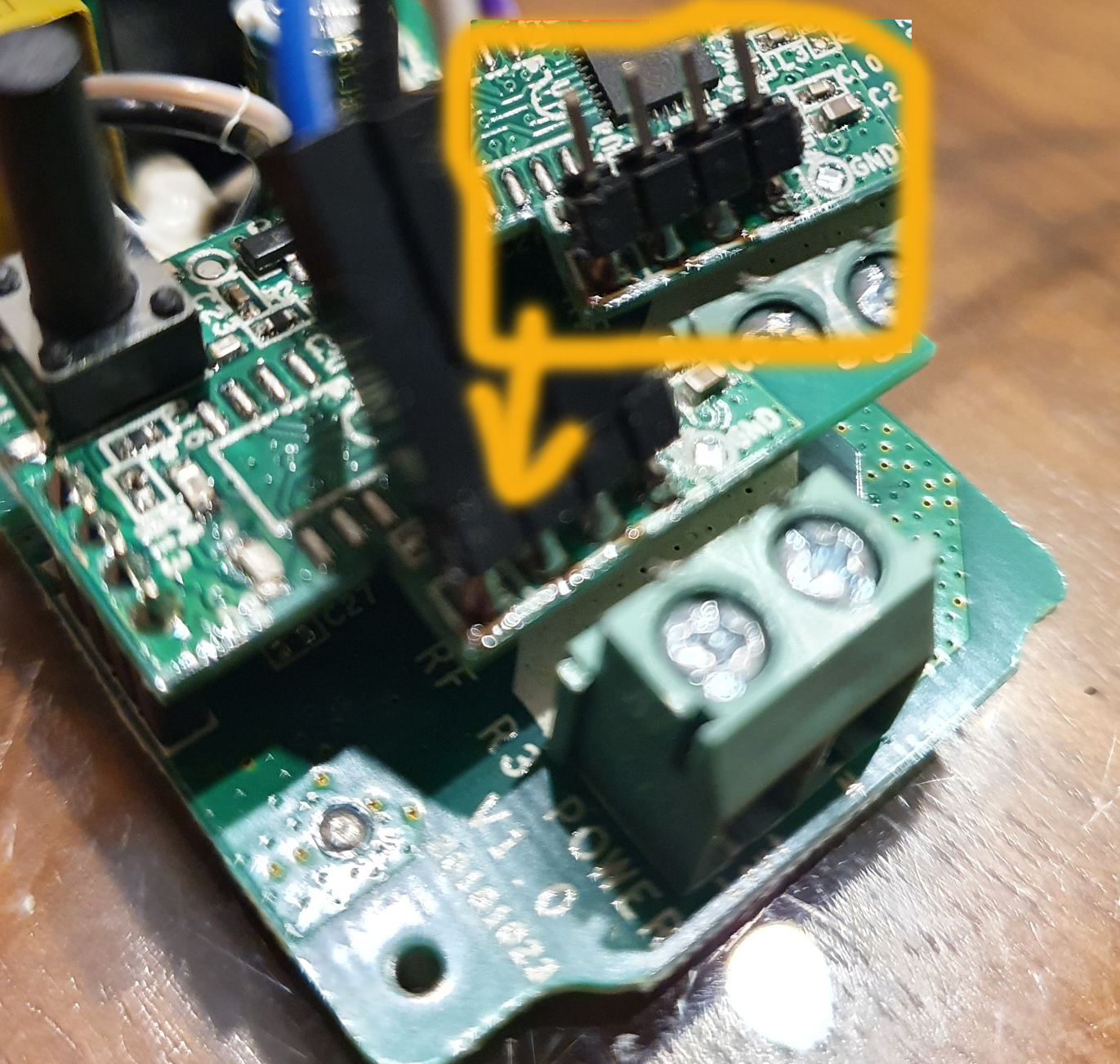
Prepare the FTDI232 before connecting it to the computer
The FTDI232 will allow your computer to chat via a serial port with the Sonoff.
To connect the Sonoff to the FTDI232, it is simple, connect Rx on Rx, Tx on Tx Gnd on Gnd and 3v3 on 3v3
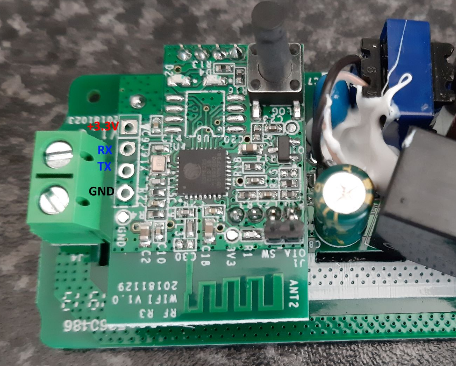
(image from https://github.com/arendst/Tasmota/issues/5921)
Prepare Flashing Software
Be careful, this Sonoff is equipped with an ESP 8285 and not an ESP 8286 like most Sonoffs.
Download page for the latest version of ESPEasy:
https://github.com/letscontrolit/ESPEasy/releases
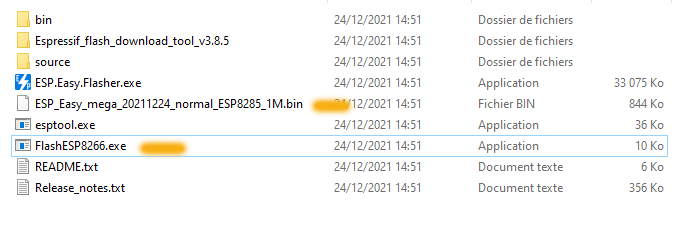
- Save the ZIP file, unzip it in a folder and in that folder, launch FlashESP8266, Select the port of the FTDI232 and the file Easyxxx_normal_ESP8285_1024.bin and launch the Flash, taking care to feed the Sonoff into programming mode.
Reminder, to put it in programming mode:
- Press the black button (this glue GPIO0)
- Connect the FDTI232 to the USB port of the computer
- You are in programming mode (no LEDs need to be switched on until then, otherwise you have to start again).
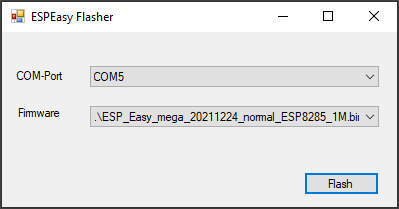
Once the Sonoff is flashed, it must be connected to the WIFI network
For this, as the procedure is identical to all Sonoffs, you can look at this article: After Flashing, connect a Sonoff to the WIFI network and link to Jeedom
 English
  French
  Spanish
  Chinese
  German