

This is Sonoff’s new ESP32-equipped equipment. I ordered the POW version, within 16€, received in a few days, it looks like this:
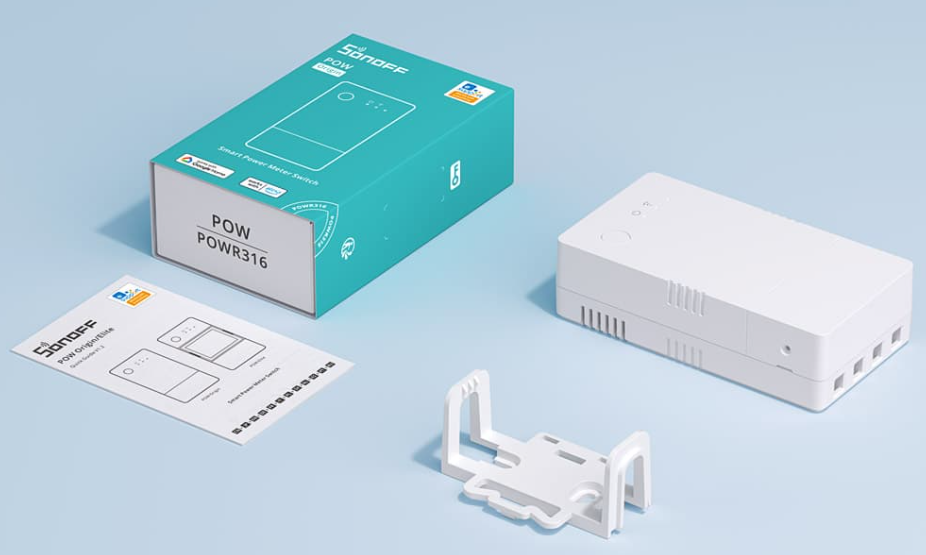
This version is not DIY so I cannot use the plugin SonoffDIY. So I'll flash it to install it ESP Easy.
To date, as the module is recent, I have not found a tutorial or video that explains the flashing, so I search for myself and put online, over the course of time, my method.
Dismantling of equipment
I am looking for the classic Sonoff equipment pins:
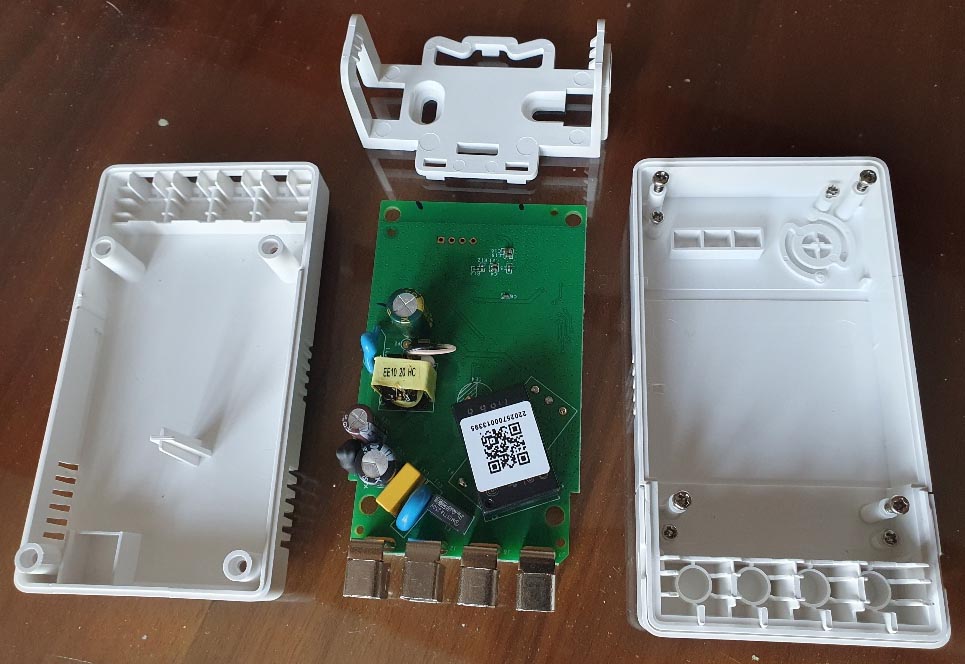
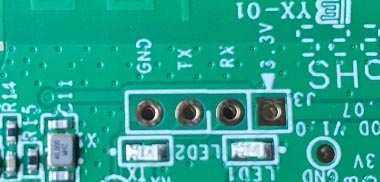
They are at the top of the module:
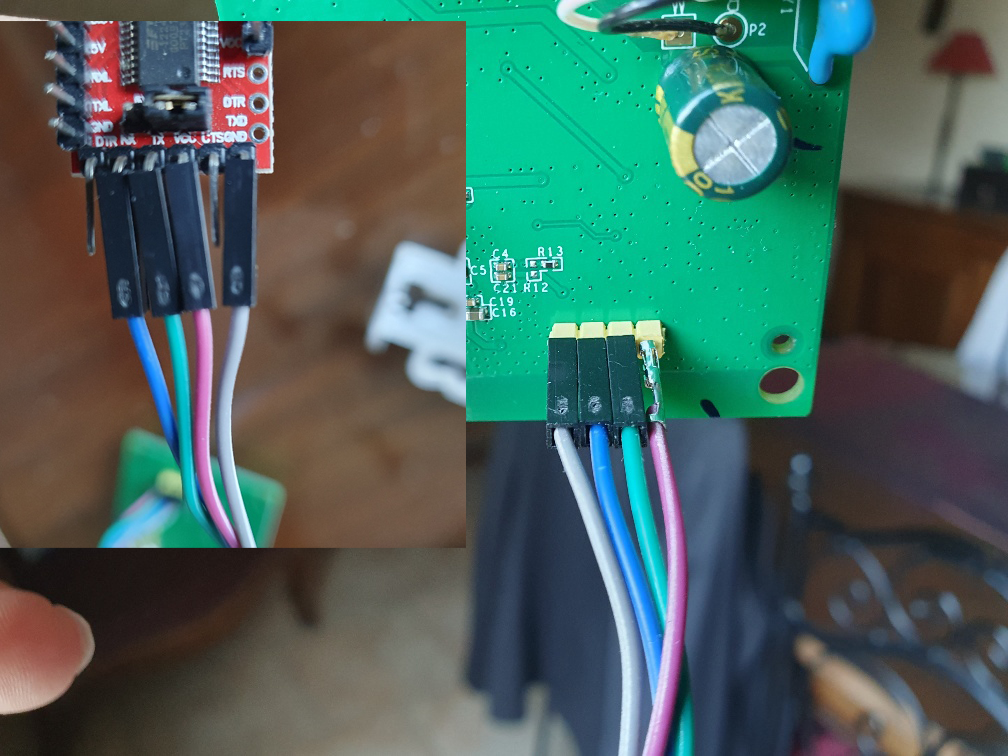
I connect a FTDI232 to the Sonoff:
For some reason, theinstallation with the classic FlashESP8266.exe file did not work.
I flashed the module via a technique I did not know, i.e. with the browser, here is the link I used:
For the record, the latest versions of ESP Easy are on this page.
Installation via the browser
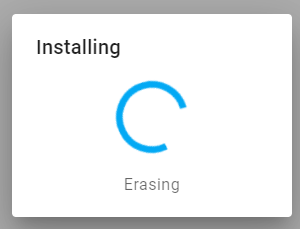
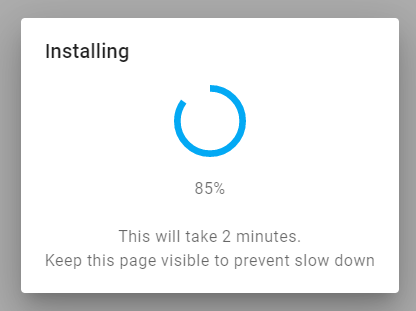
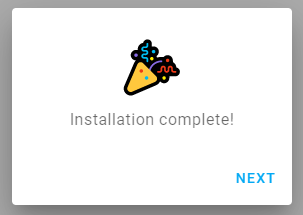
I followed the procedure (quite simply), I took the ‘energy’ version since the Pow has control over consumption. The CSE7766 Plugin is required.
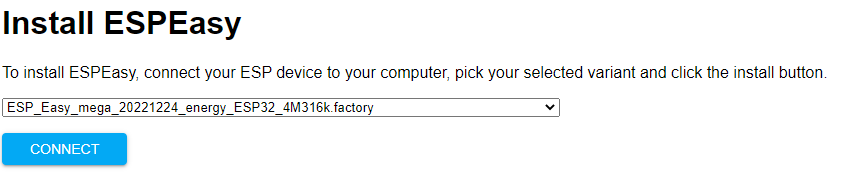
Thinking press the button on the Sonoff to put it into programming mode when it is connected to the USB of the FTDI232
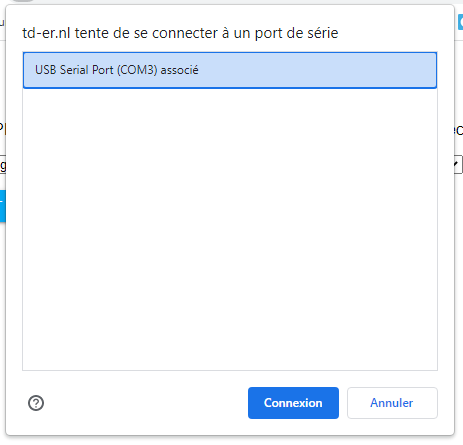
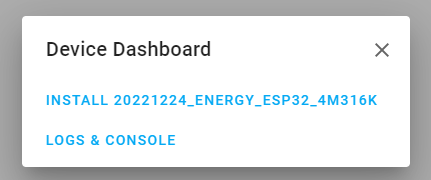
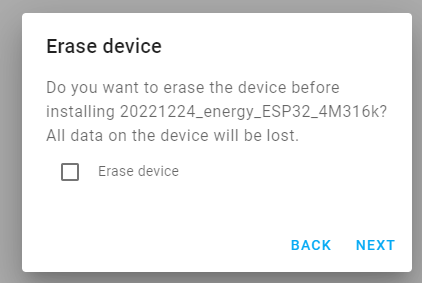
Wifi connection
Once the flash is finished, you can restart the module, wait for it to create an internet access point, it is called ‘Energy’, connect to it (with a mobile phone for example) and then launch a browser, go to 192.168.4.1 and enter the Wifi and its password and then restart.
I pass quickly because all this is already detailed on other tutorials on this blog.
Adding Devices and Tests
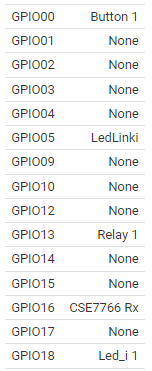
I do tests, the button, the leds and the relay work well, like all Sonoff modules.
Here are the correspondences:
I have a problem with the CSE7766 plugin, the version delivered with the ESP Easy version of 24-12-2022 does not allow to adjust the information retrieval routes.
After a lot of research and dialogue with the developers of the plugin, they have just integrated it into a pre-release that I offer you: ESP_Easy_mega_20230211_energy_ESP32_4M316k
To do the update, I did it in the simplest way, I did it in the ESP Easy configuration, it happened the first time.
It is done, the information of conso goes back.
 English
  French
  Spanish
  Chinese
  German