
I check the received model
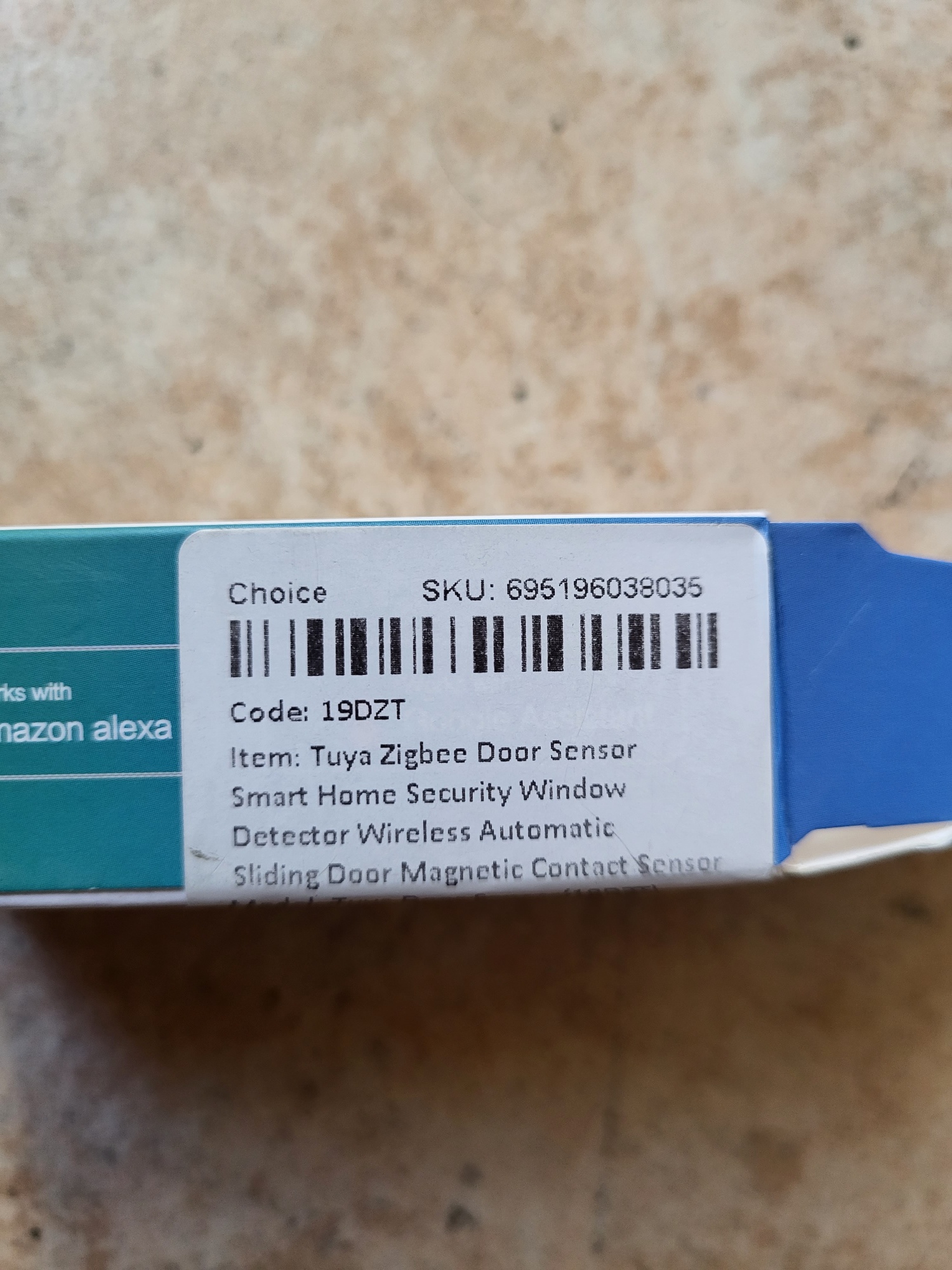
There are a lot of references, the model I received is well stamped 19DZT.

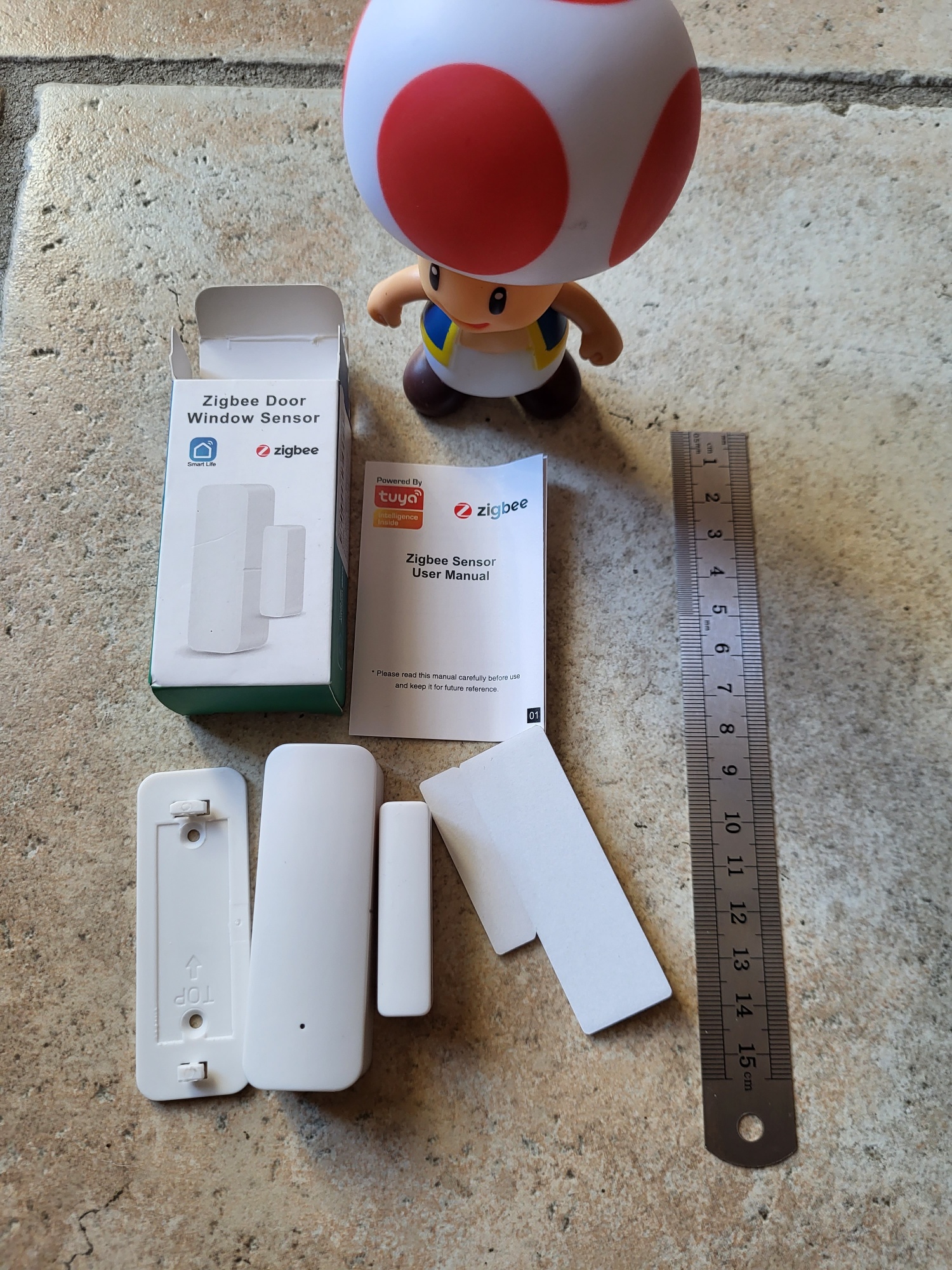
There are a lot of references, the model I received is well stamped 19DZT.
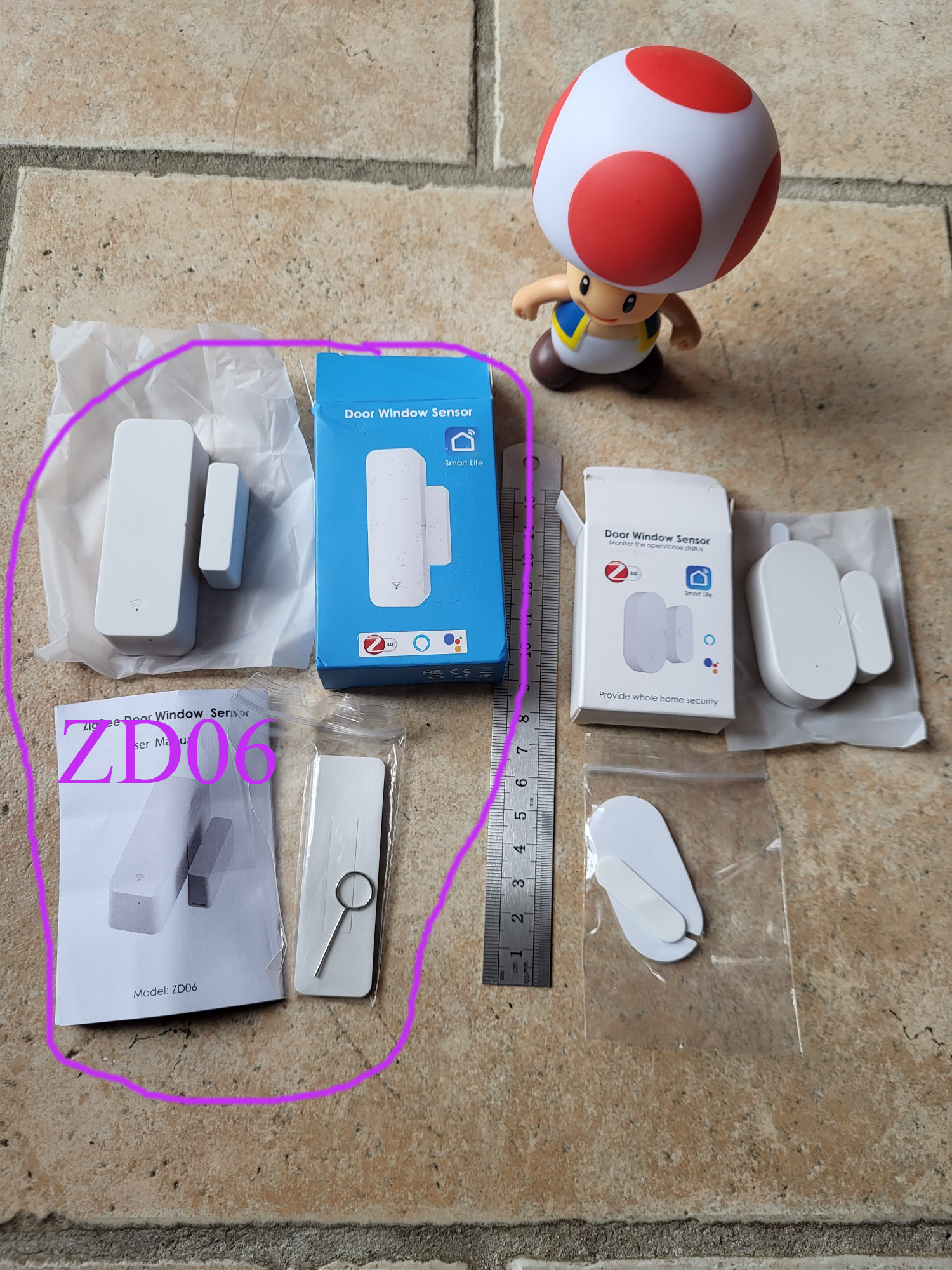
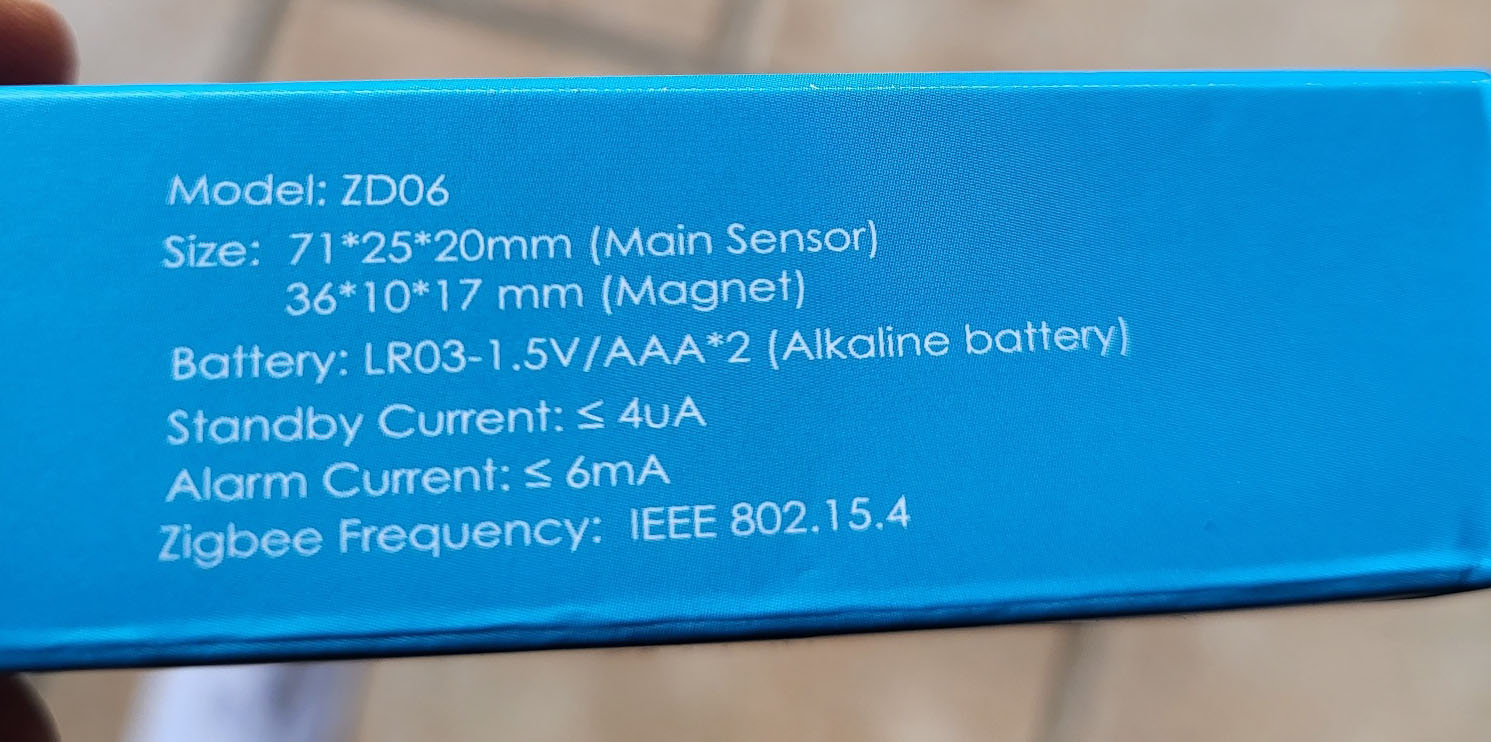
There are a lot of references, the model I received is well stamped ZD06.
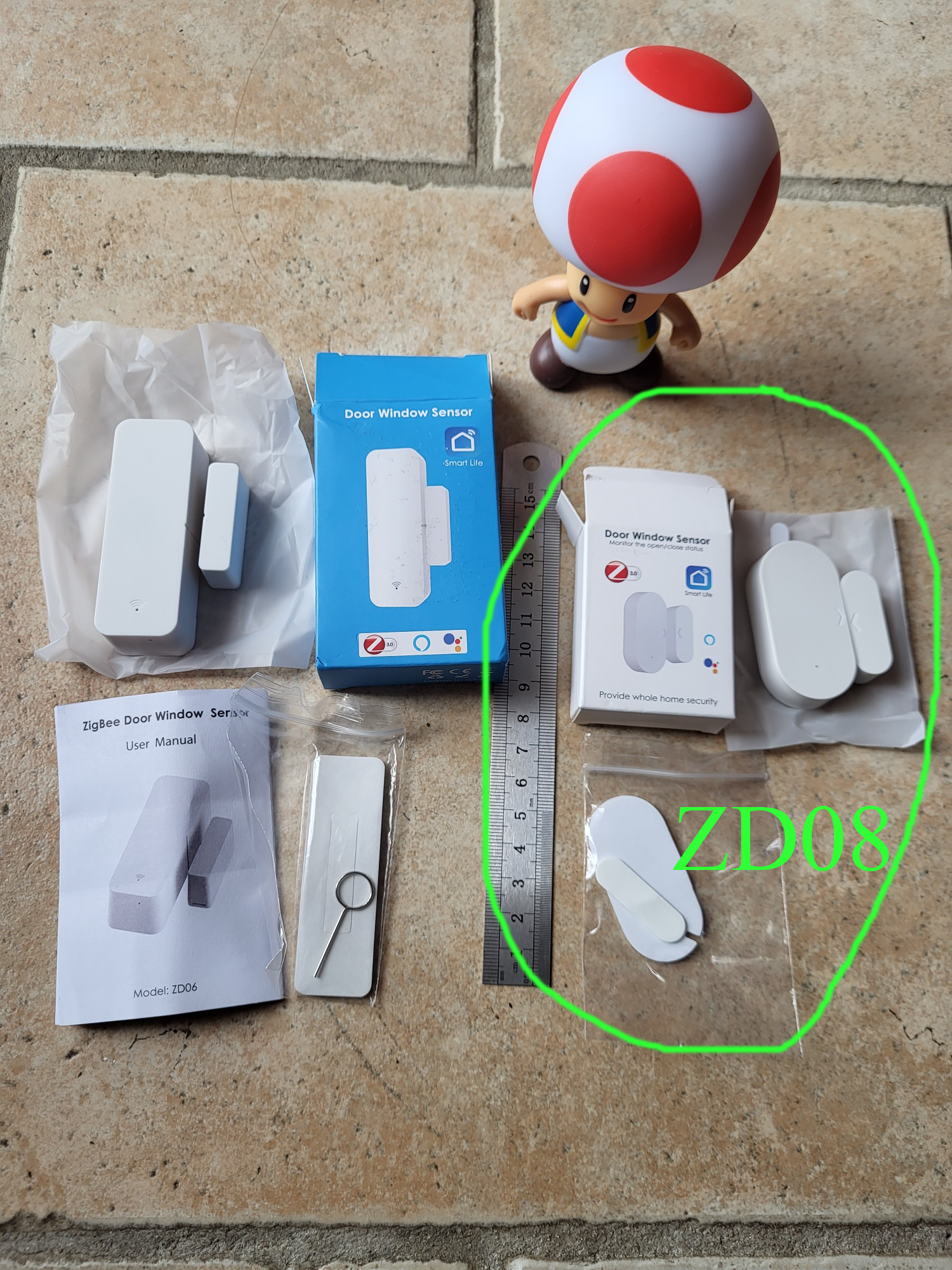
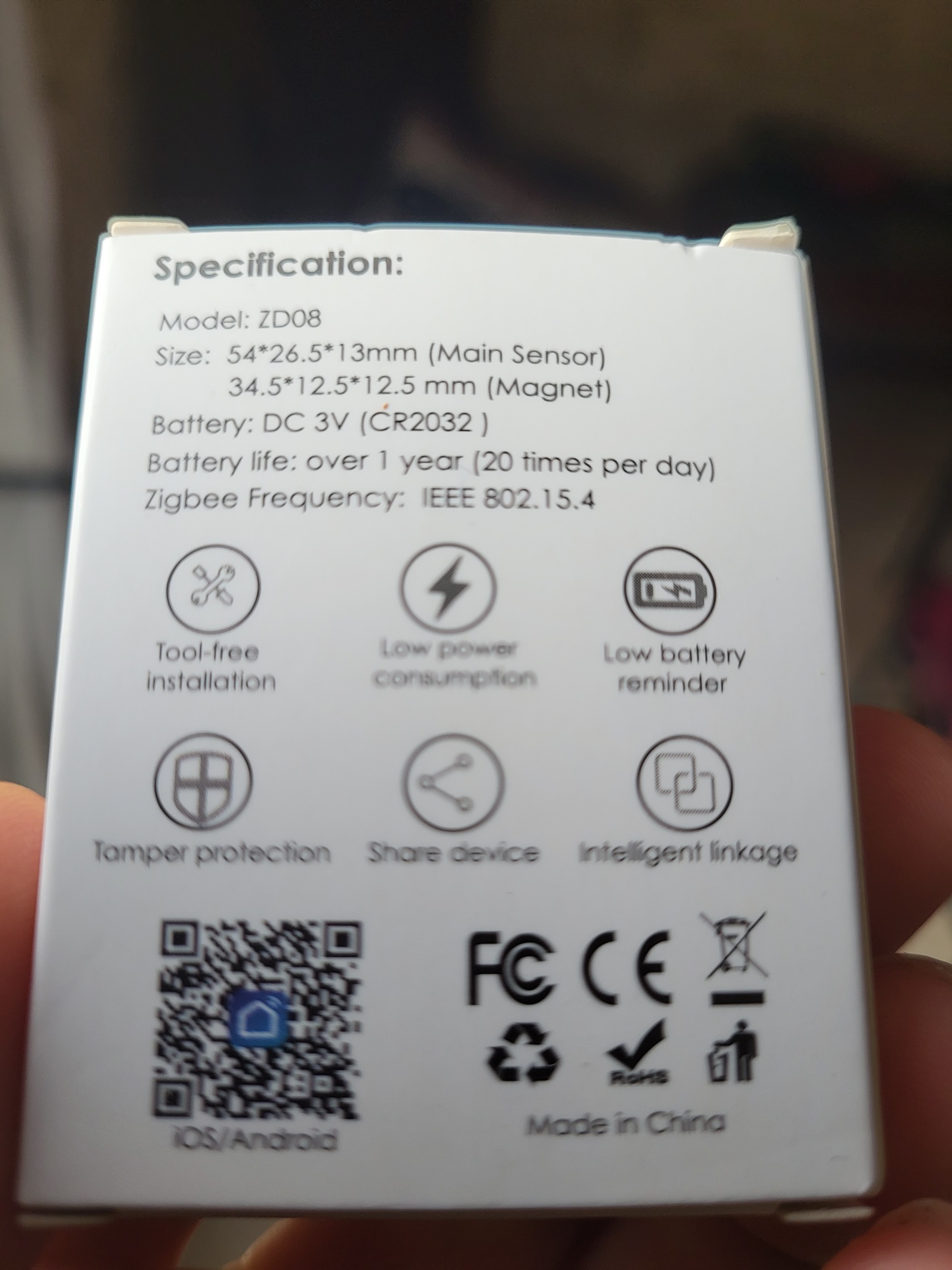
There is a whole lot of reference, the model I received is well stamped ZD08.
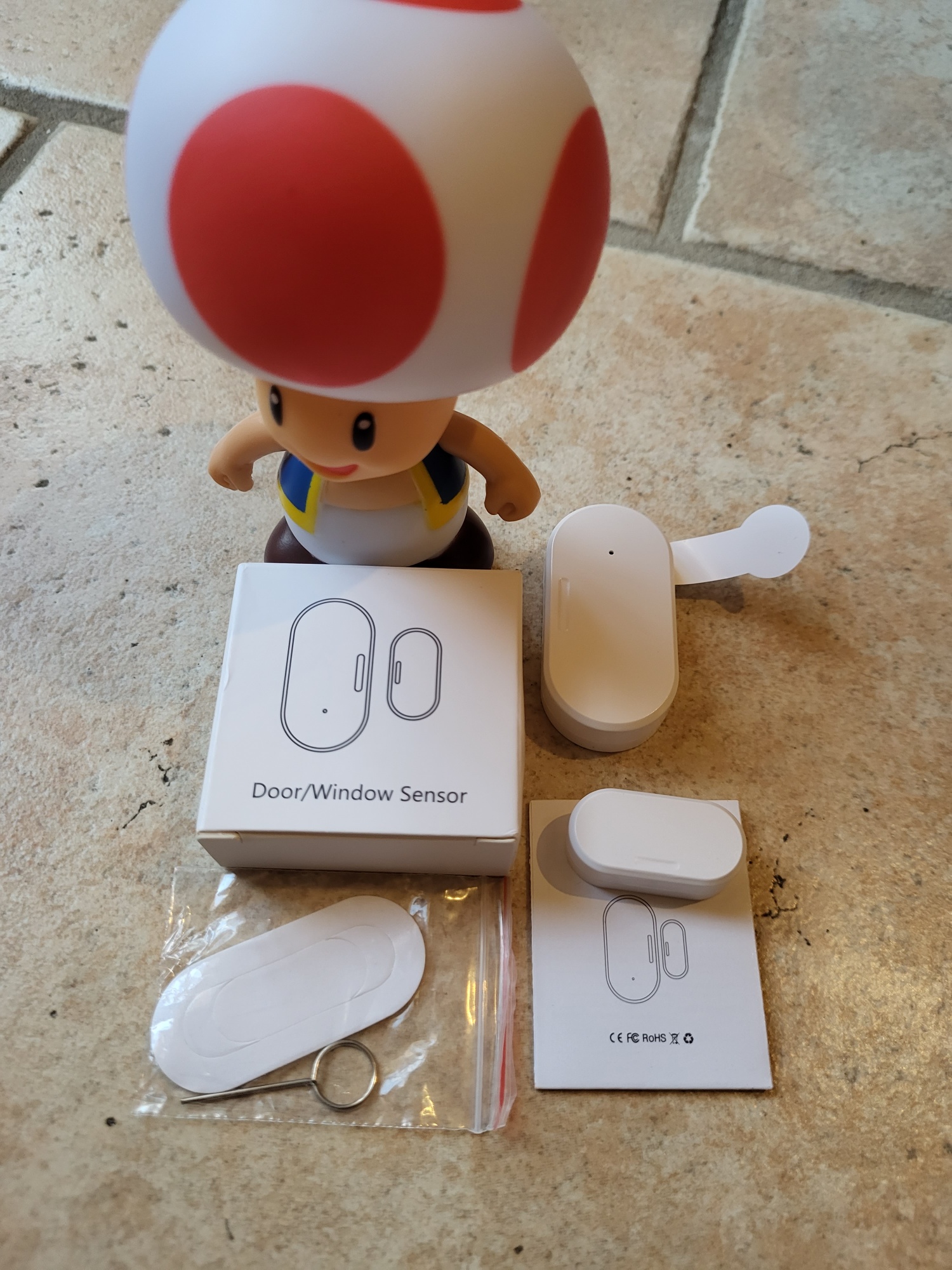
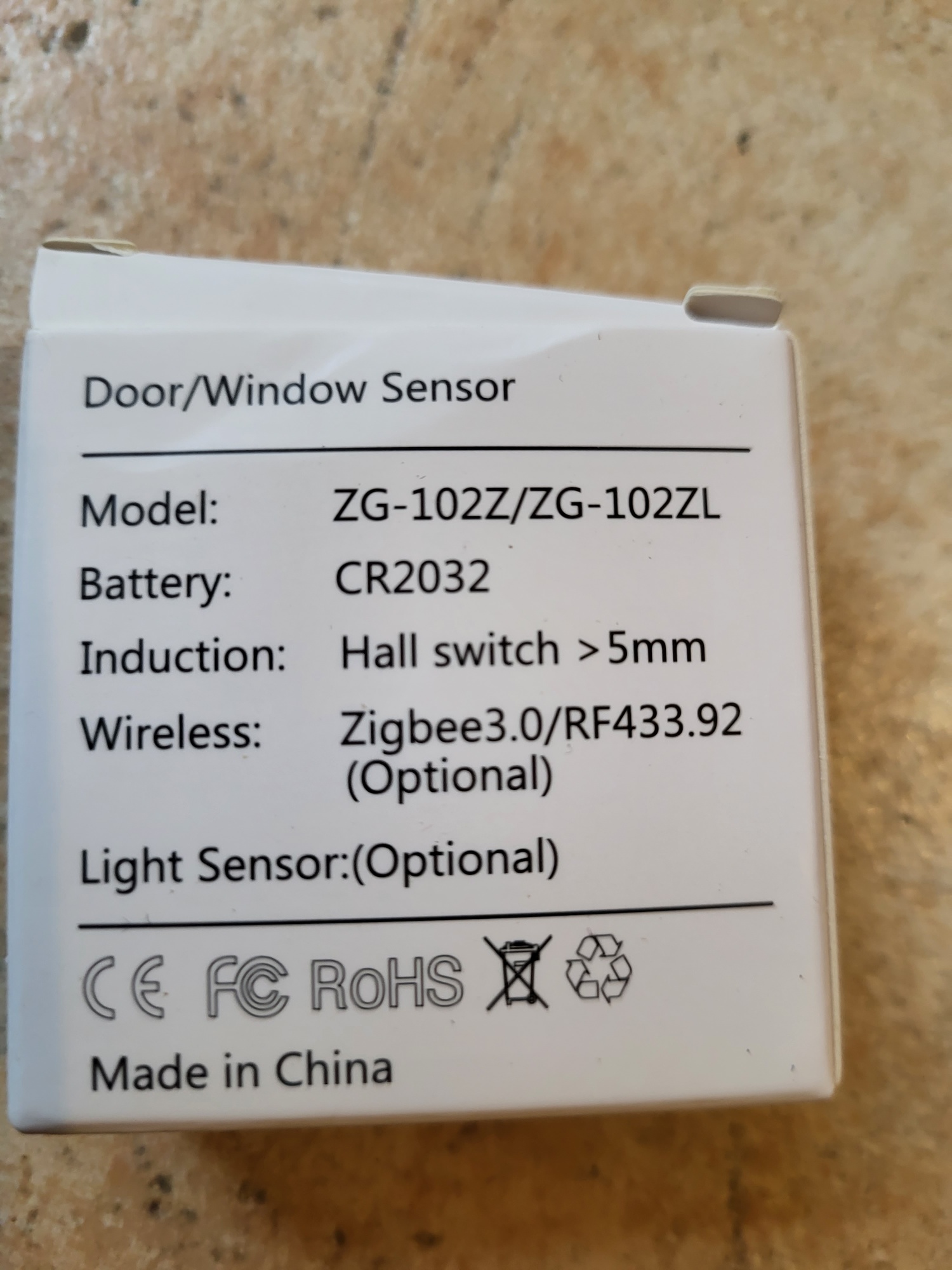
There is a whole lot of reference, the model I received is well stamped ZG-102ZL.
The version I received incorporates a brightness sensor.
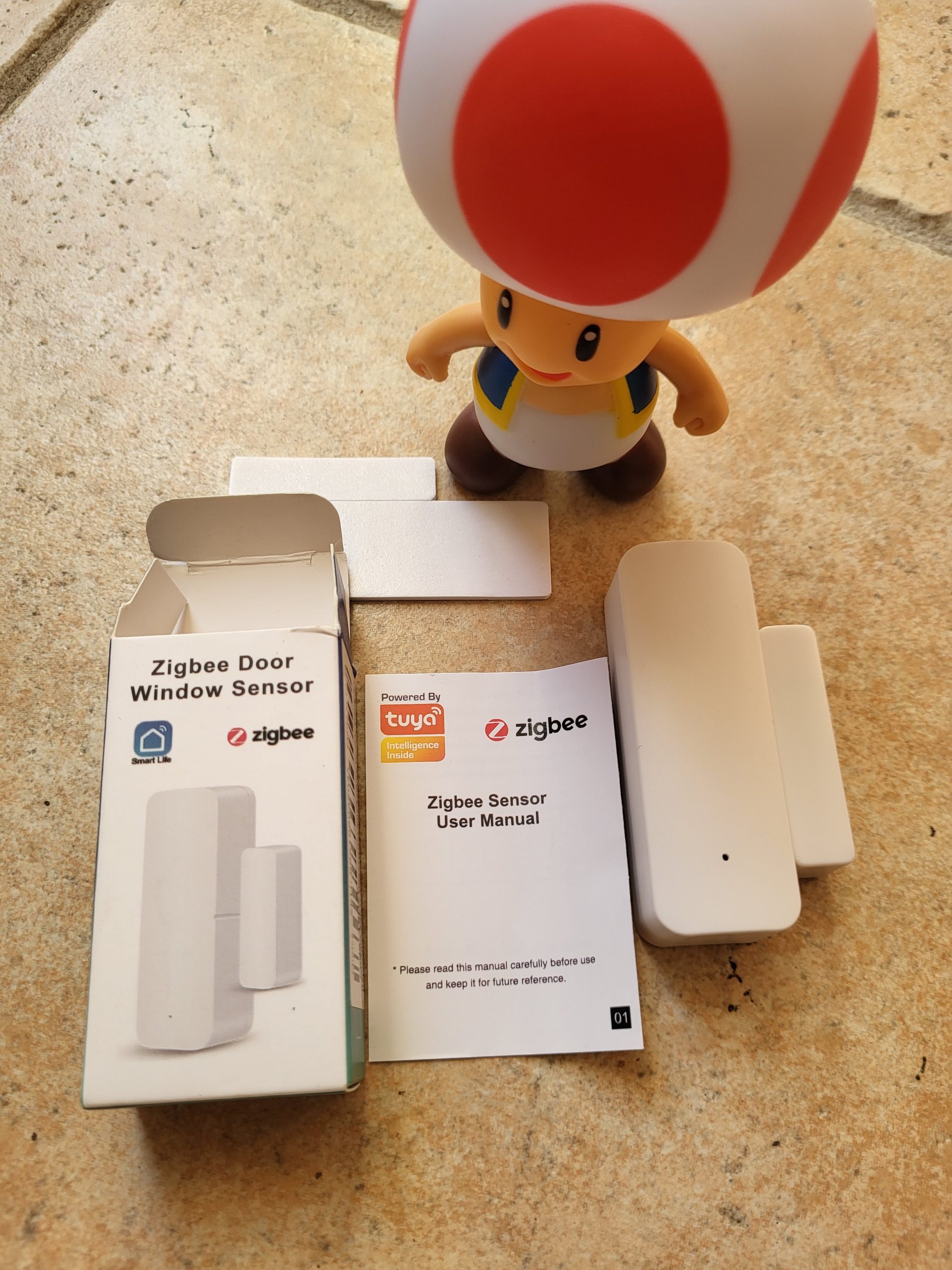
There is a whole lot of reference, the model I received is well stamped 19DZT
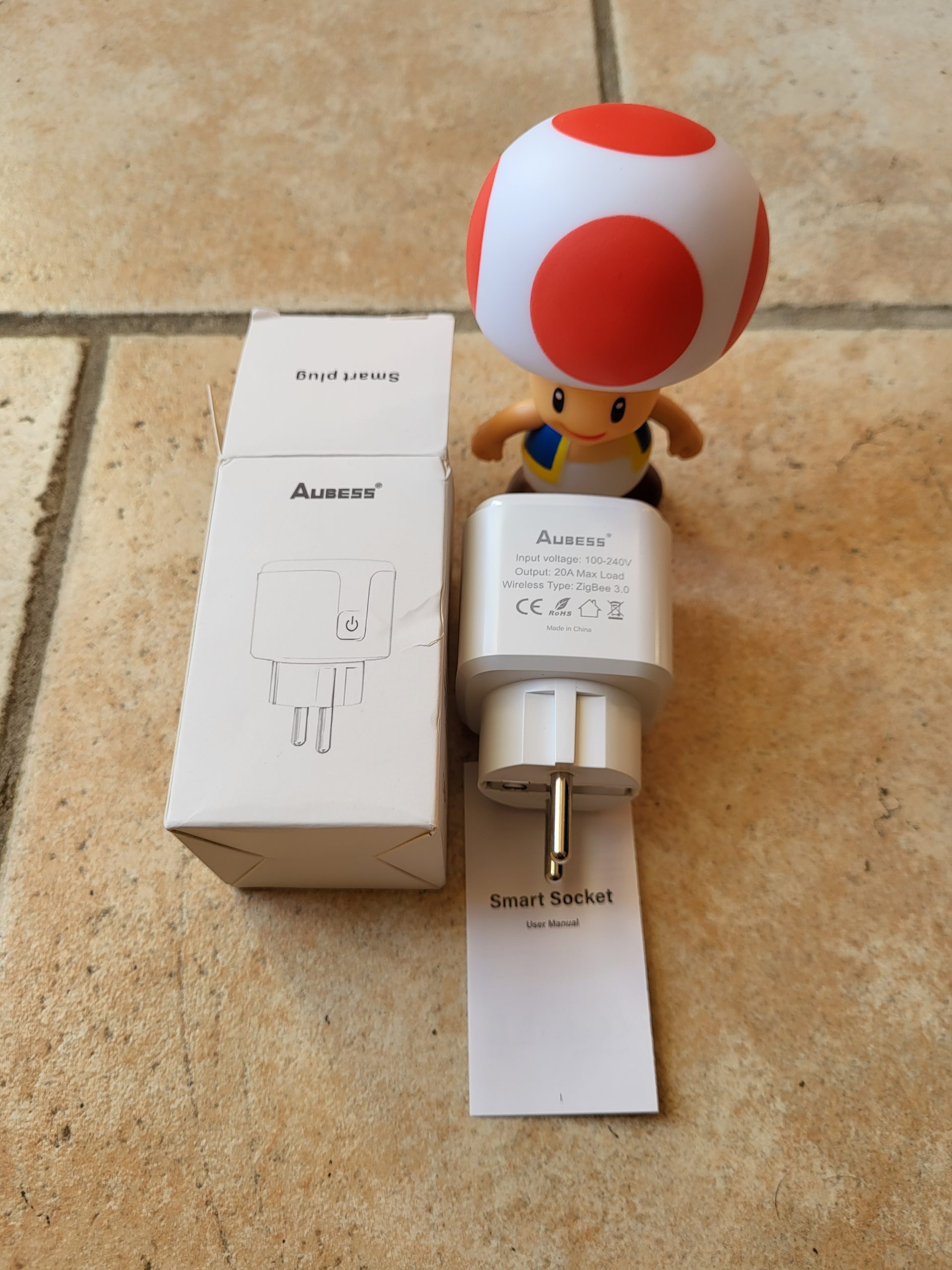
There is a whole lot of reference, the model I received is well stamped Aubess, 20A Read More
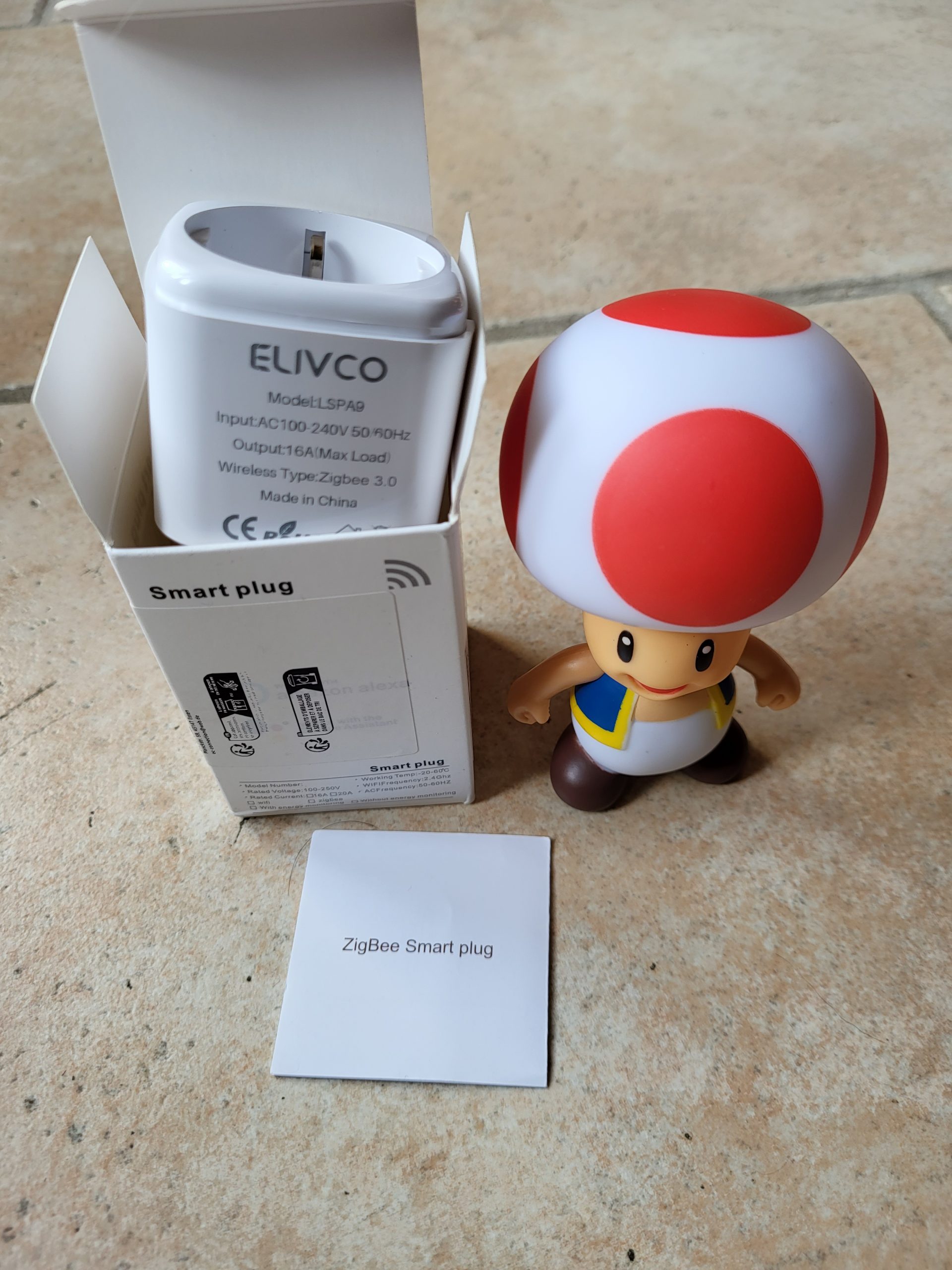
There is a whole lot of reference, the model I received is well stamped LSPA9, mark ELIVCO
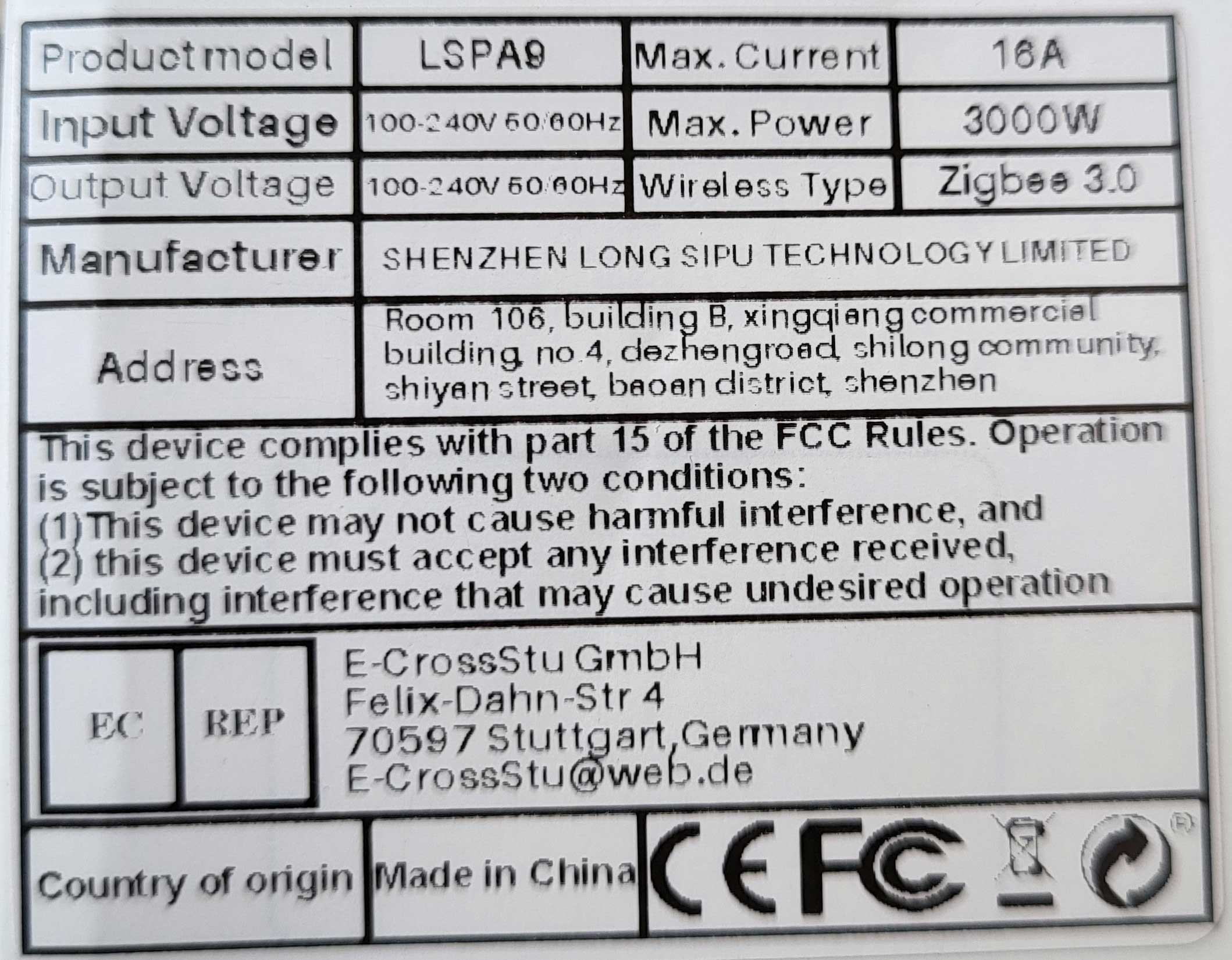
On the date of writing of this Retex:
I switch Zigbee2MQTT to pairing mode. I plug in the plug
The pairing starts…
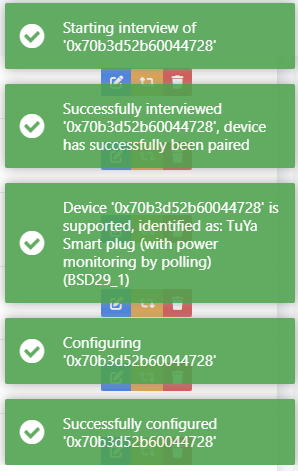
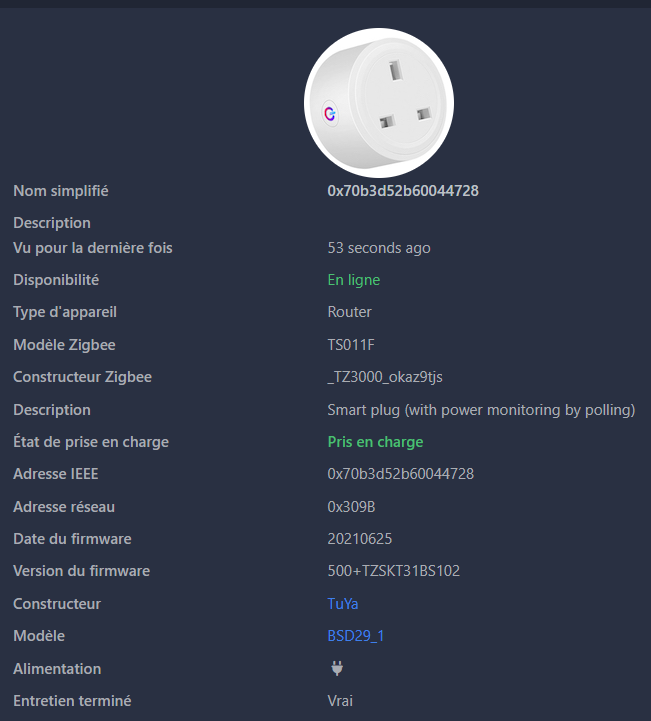
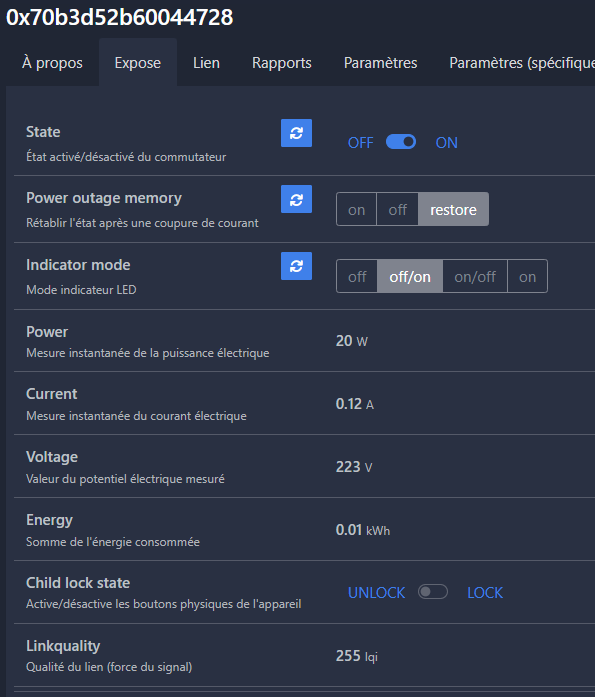
I put a device on the socket, the power goes up well.
I can find my equipment there
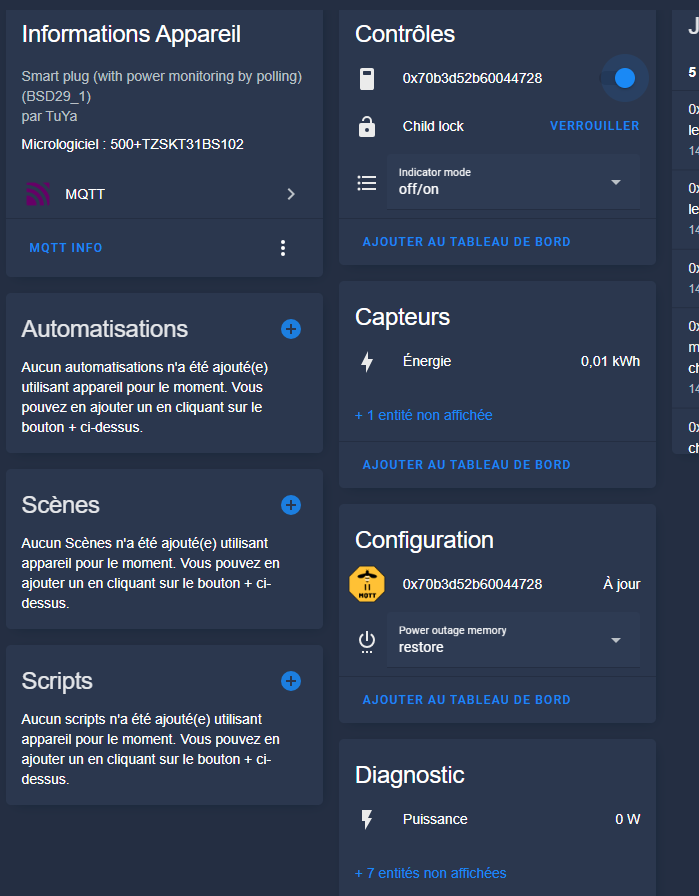
It is perfectly integrated!
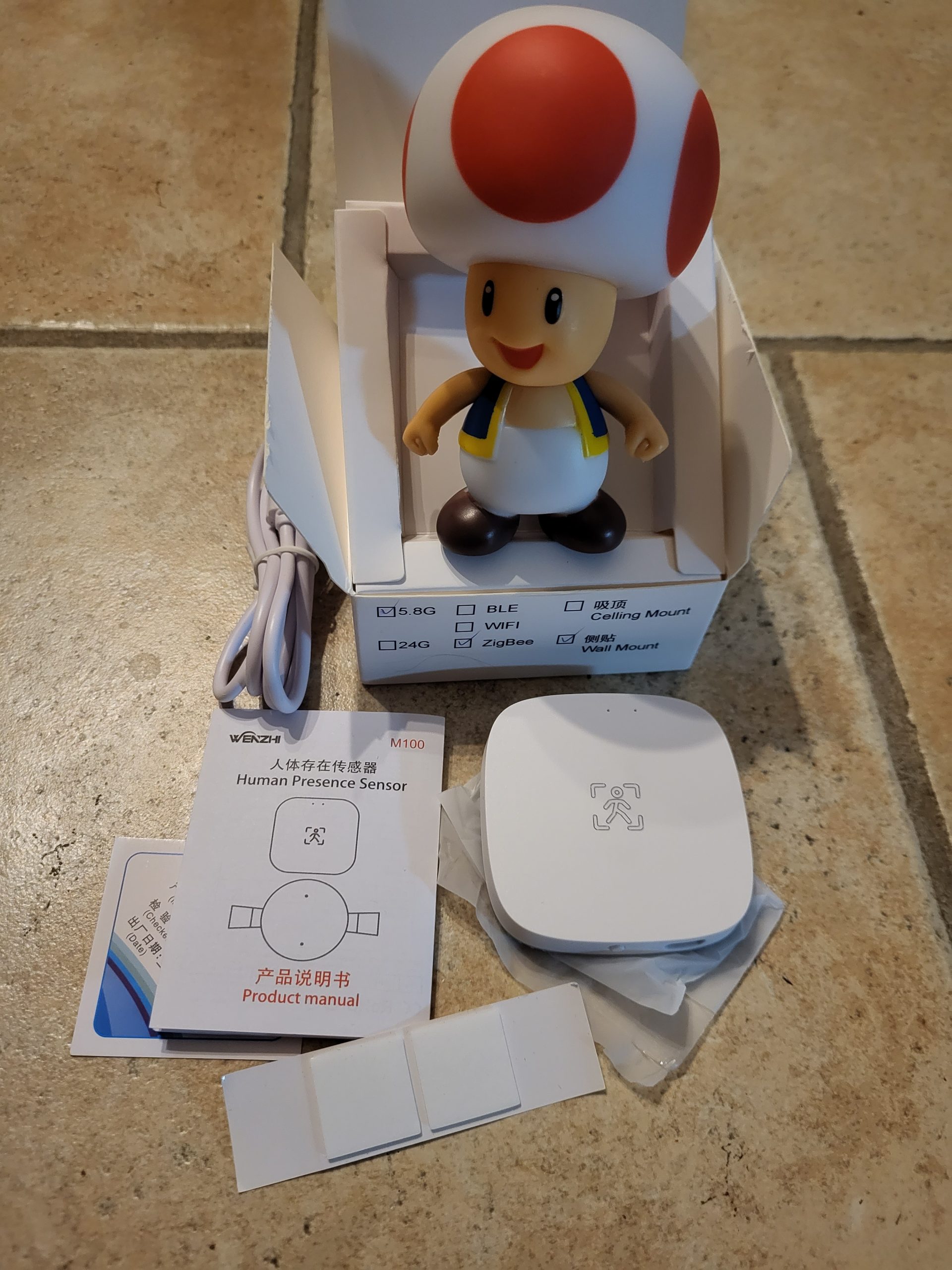
The Zigbee presence detector market offers a multitude of models at very variable prices. I am always wary of unusually cheap equipment: Some sellers display approximate descriptions or deliver different models of the photo. To make no mistake, I always carefully compare the reference (here WZ-M100-W) and visuals with those of the official Zigbee2MQTT documentation.
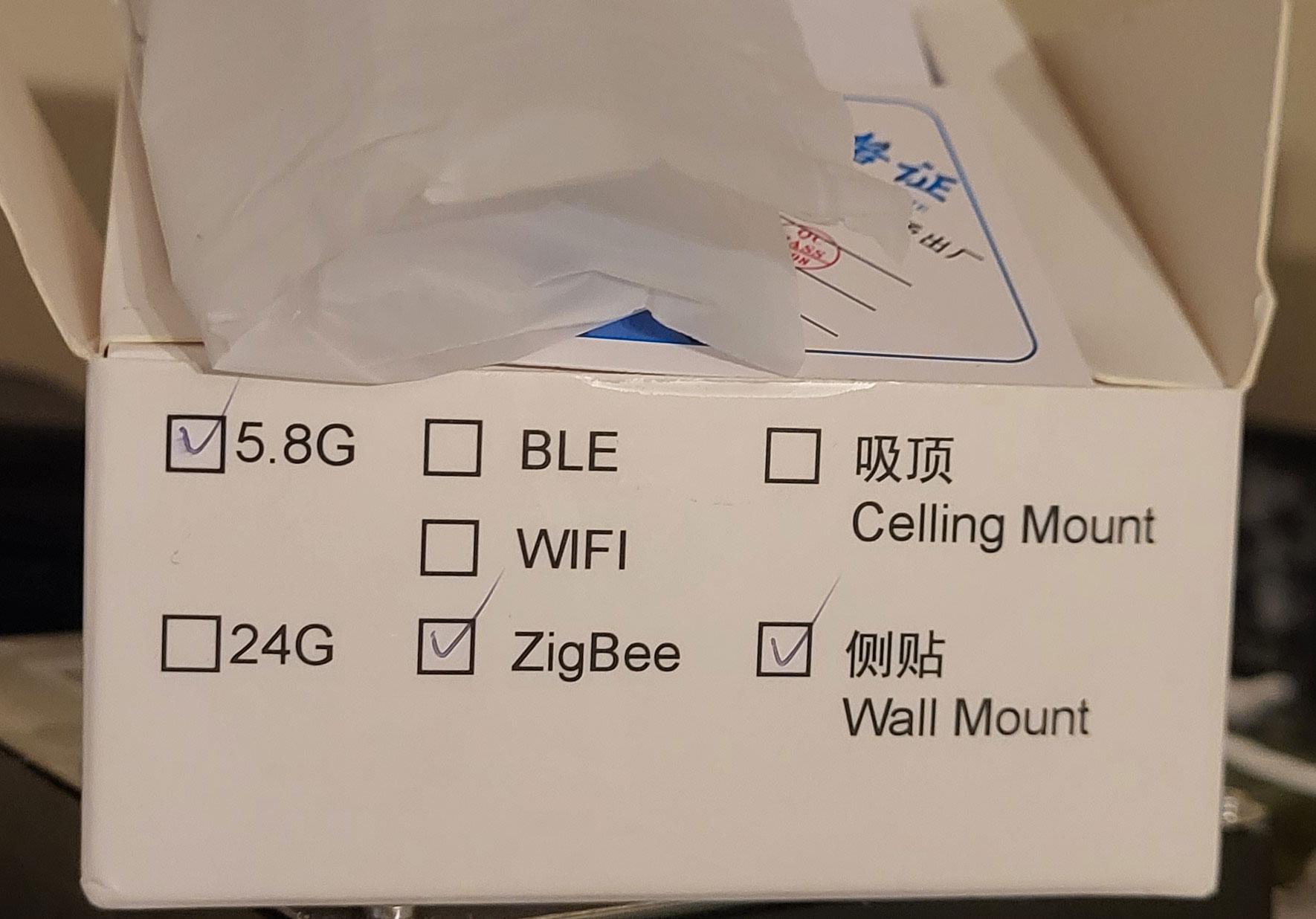
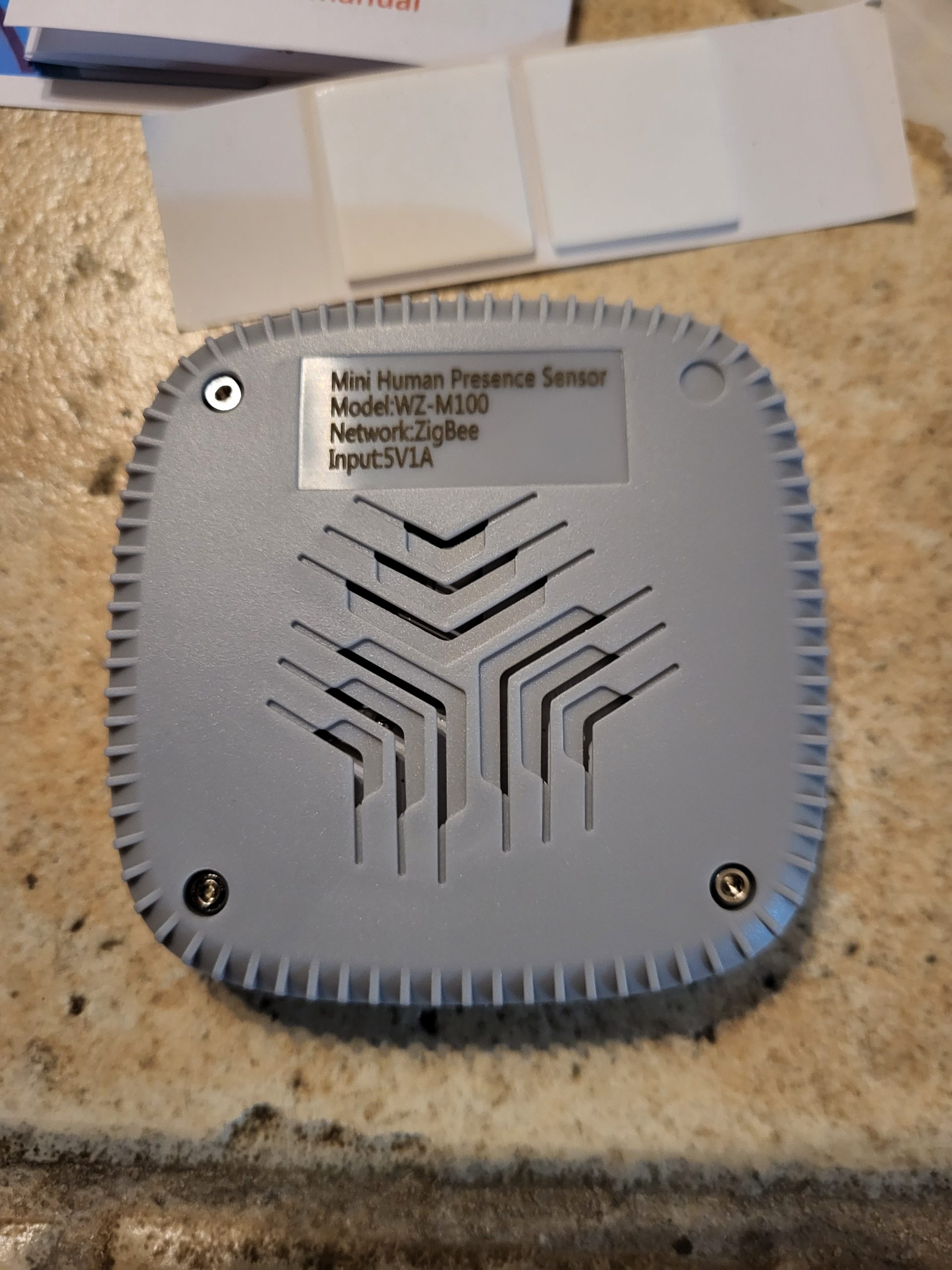
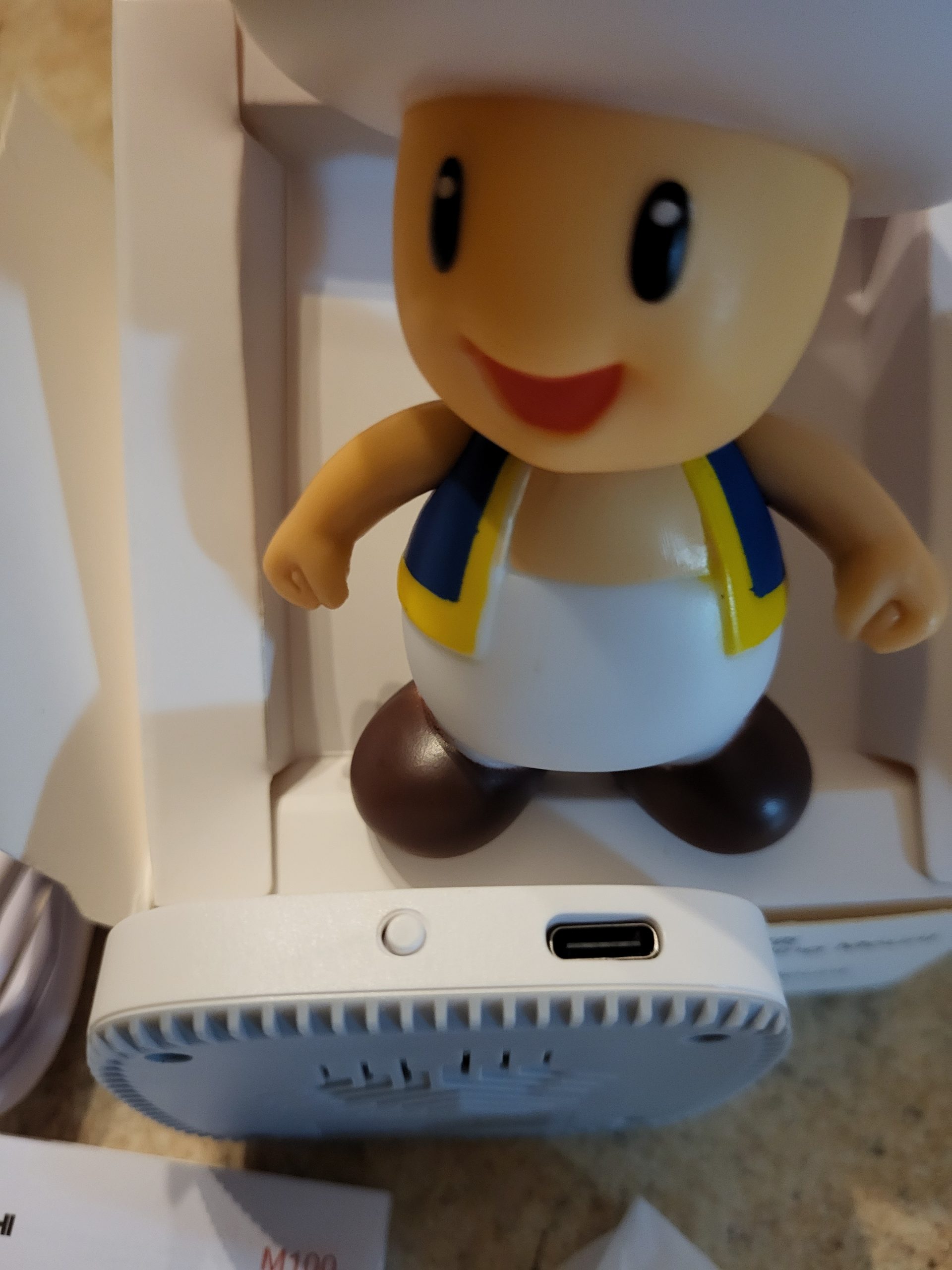
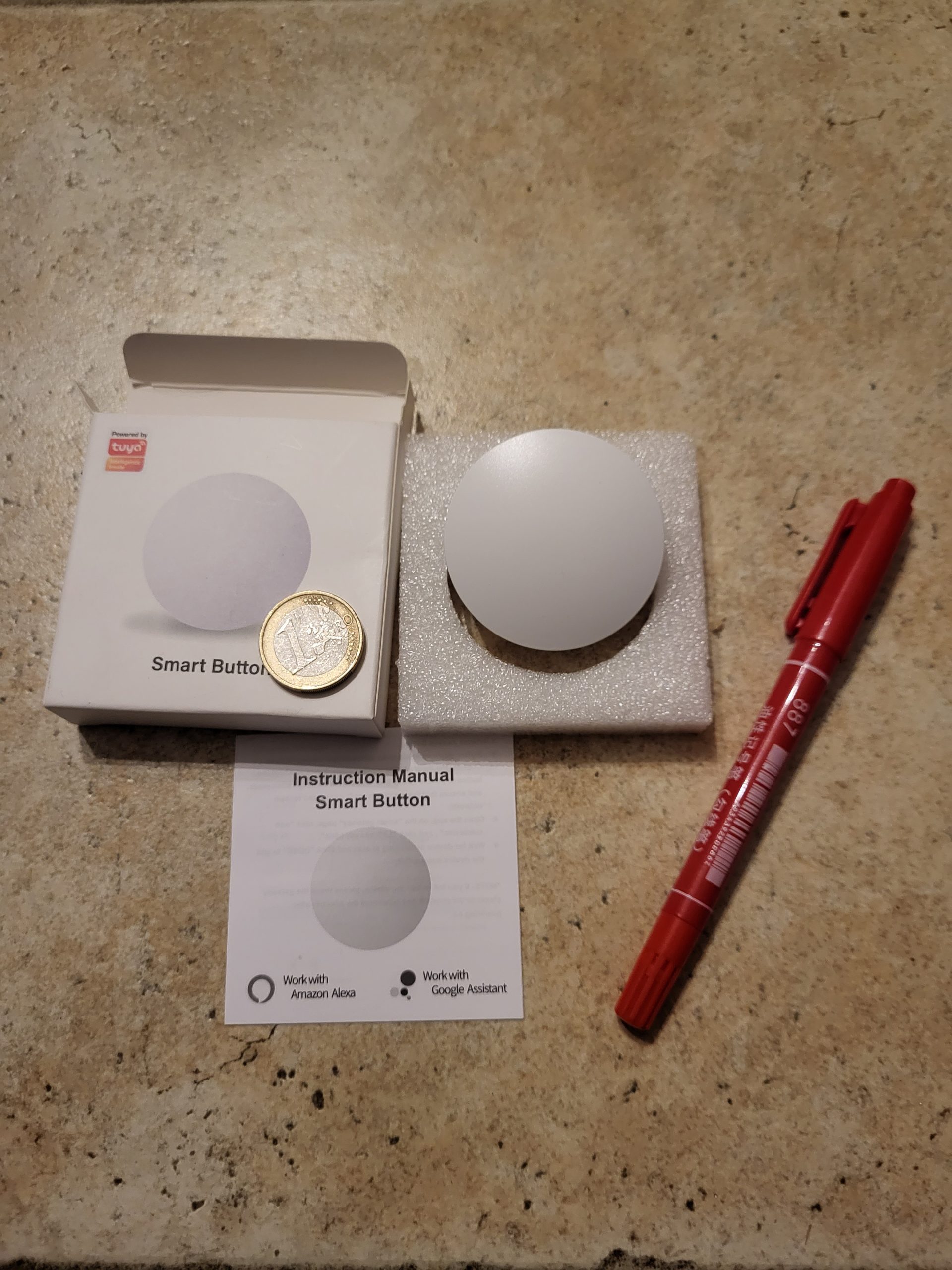
The Zigbee button market is experiencing a significant price increase for popular models like Sonoff or Aqara. I tested this cheap Zigbee 22WZ button, purchased with my own funds without sponsorship, to check its native integration into Zigbee2MQTT and avoid the Tuya cloud ecosystem.

The cardboard only mentions "Tuya", but a precise label confirms Zigbee compatibility. This reassures me because my objective is direct integration via Zigbee2MQTT, without going through the Tuya Smart application, which requires a cloud account and exposes me to risks of external dependence.
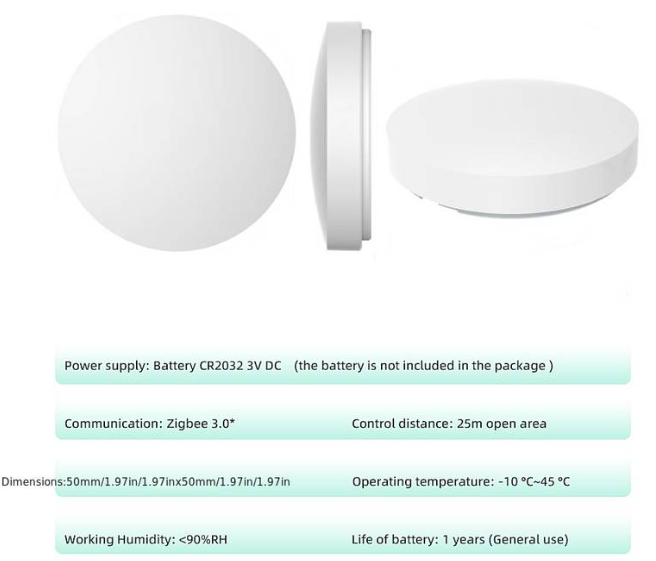
The technical specifications indicate a Zigbee 3.0 certification, a CR2032 battery included, and several possible actions: single support, double support, long support. Zigbee 3.0 ensures better interoperability between brands and an extended mesh network range of up to 100m indoors thanks to the repeaters.
At the time of this feedback:
I switch Zigbee2MQTT to pairing mode via the web interface (Permitter join: ON, 255 seconds). I open the button by rotating the anti-clockwise rear cover by 2-3mm without forcing – an important trick to avoid breakage.
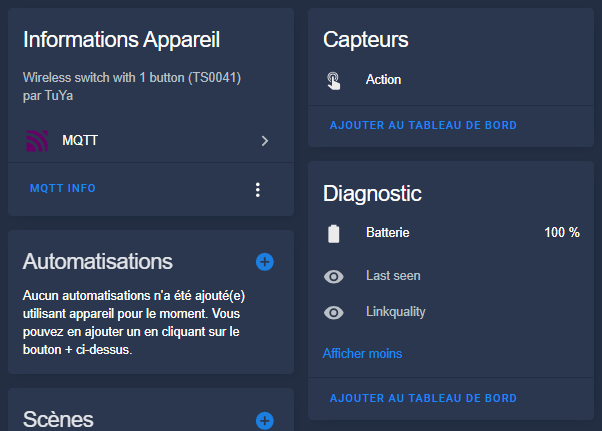
I insert the CR2032 battery by pulling the protective tab. Immediately, the blue LED near the battery flashes quickly, signaling the Zigbee pairing mode. Zigbee2MQTT detects the device in seconds: model TS0601 _TZE200 _zqp2d5dt or similar, exhibited "action" with single, double, long press.
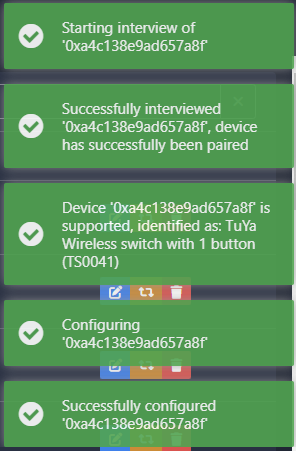
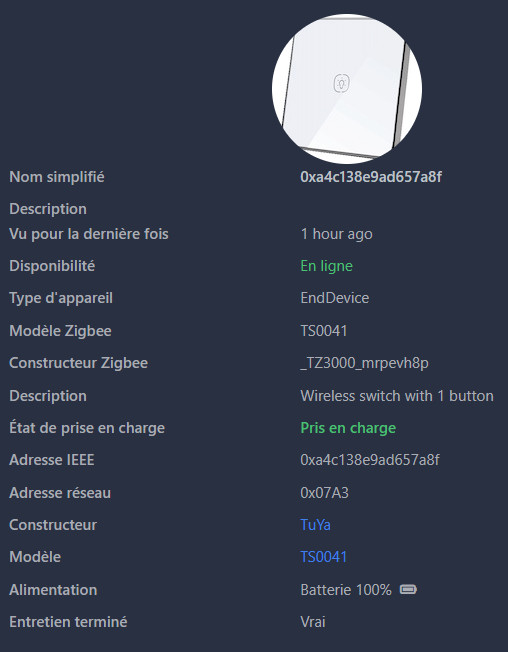
The pairing succeeds perfectly, the button exposes the right entities.
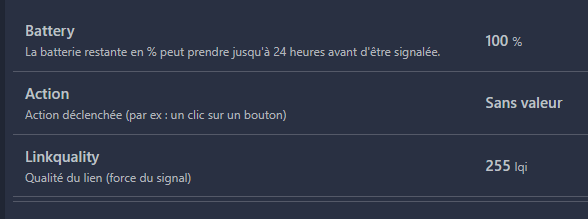
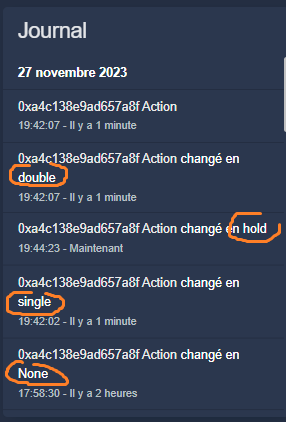
A simple press changes the "Action" field to "single", double to "double", long to "long _press". The battery is displayed at 100% initially; Check it after 1-2 months of actual use.
Via the Zigbee2MQTT > MQTT integration, the button automatically appears as the _zigbee _action sensor.button. Single/double/long _press states are natively recognized for creating automations or scripts.
Example of simple automation: trigger "action == single" > lights living room light. For double: active "cinema" scene. Long press: "Good night" scenario. Copy and paste into YAML Automations to test.
This Zigbee 22WZ button offers excellent value for money to extend Tuya cloud-free home automation. It consumes little (estimated battery >2 years), perfectly integrates Zigbee2MQTT/Home Assistant, ideal for advanced automations.
On the date of writing of this Retex:
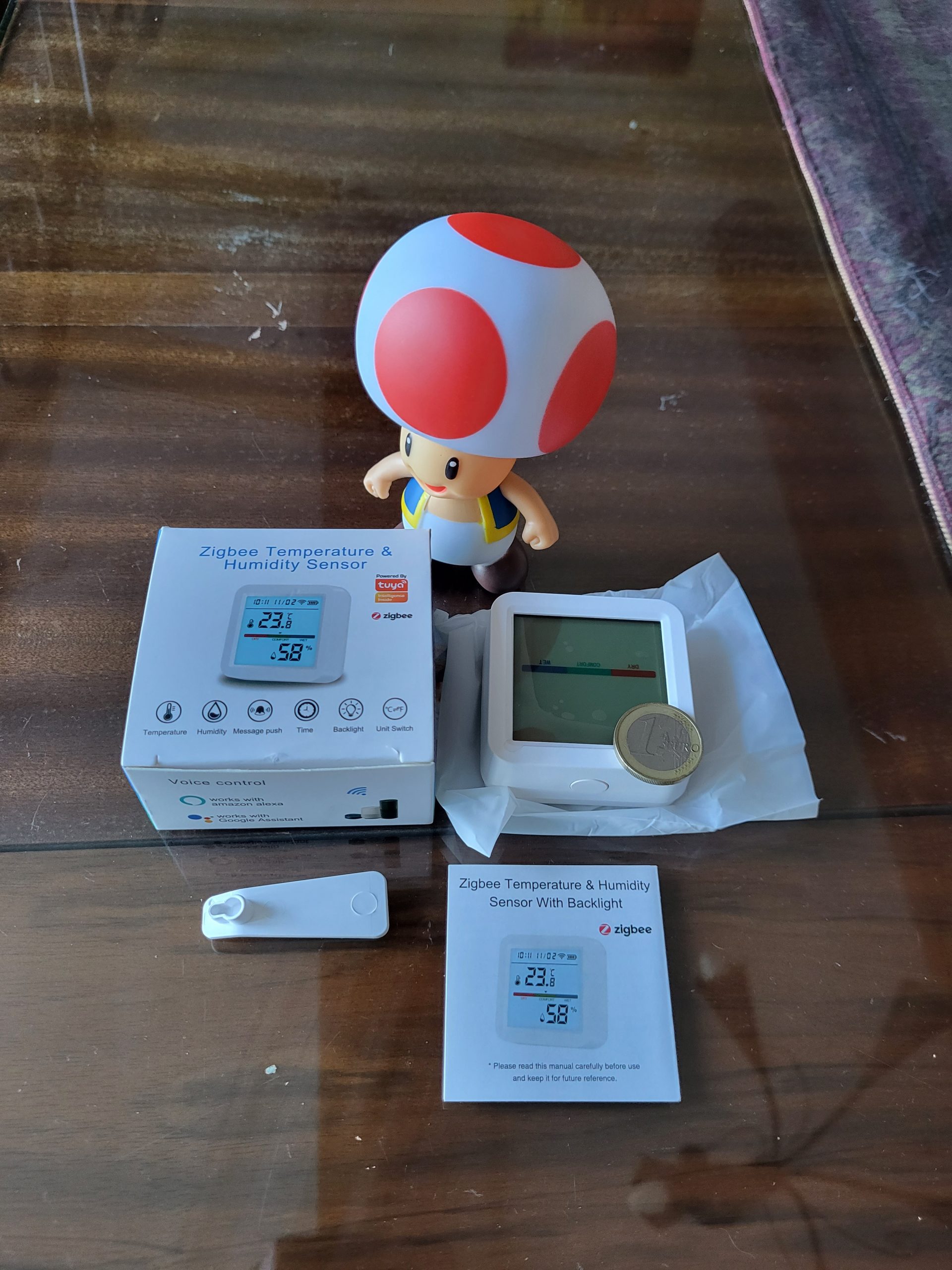
This thermometer uses 3 AAA batteries not supplied
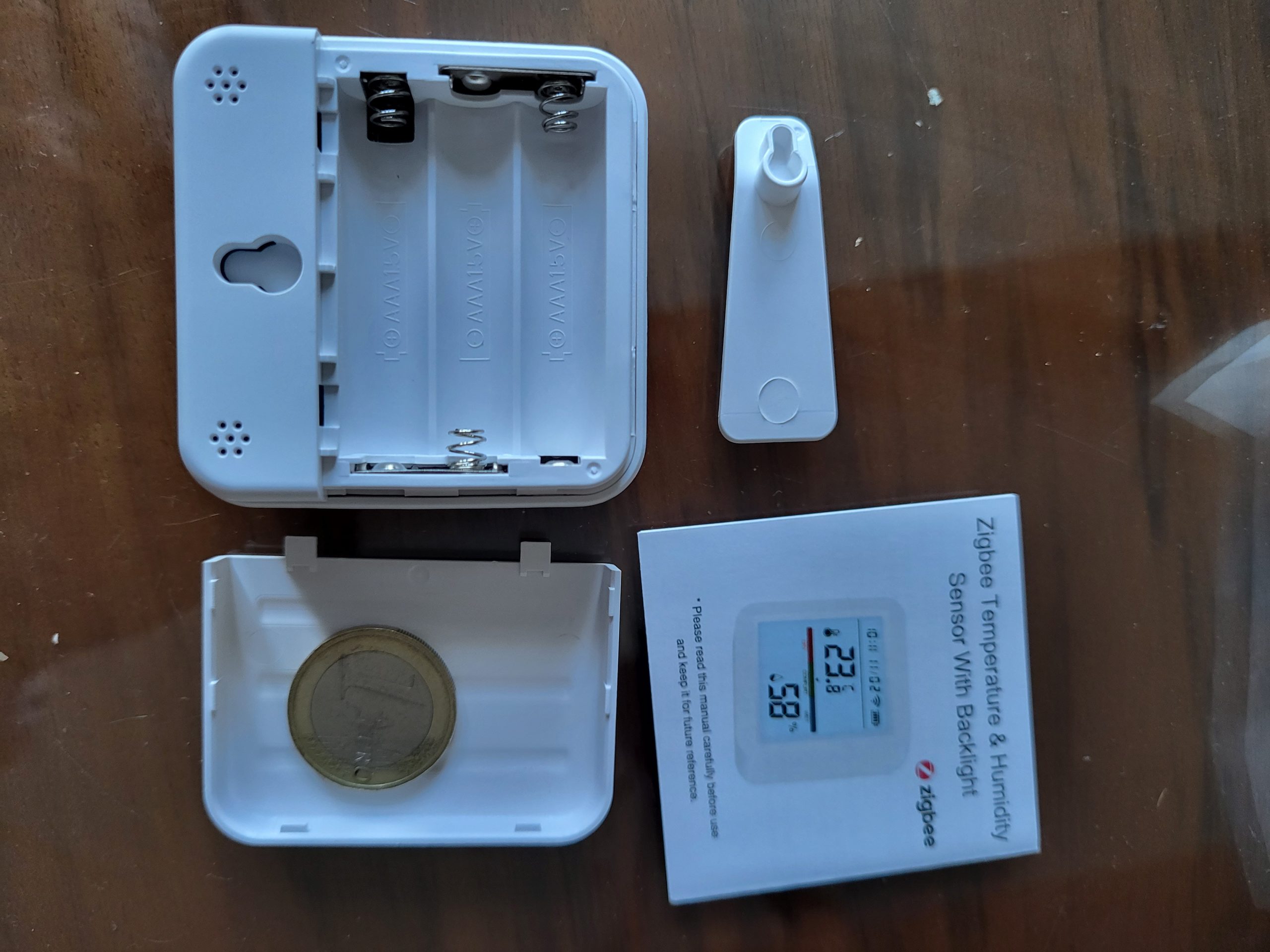
I switch Zigbee2MQTT to pairing mode and plug in the last stack.
When connecting the battery, the temperature is displayed on the thermometer screen, it is just right.
The pairing starts…
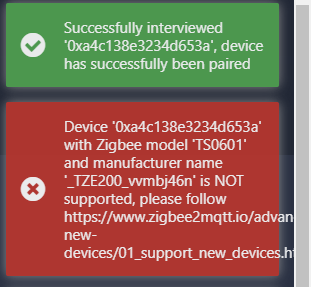
My test stops there, we will have to wait until this thermometer is integrated into Zigbee2MQTT…
It remains a beautiful product, well finished, but if we want to integrate it, we will have to go through Tuya and not Zigbee2MQTT directly, which I refuse to do.
 English
  French
  Spanish
  Chinese
  German