

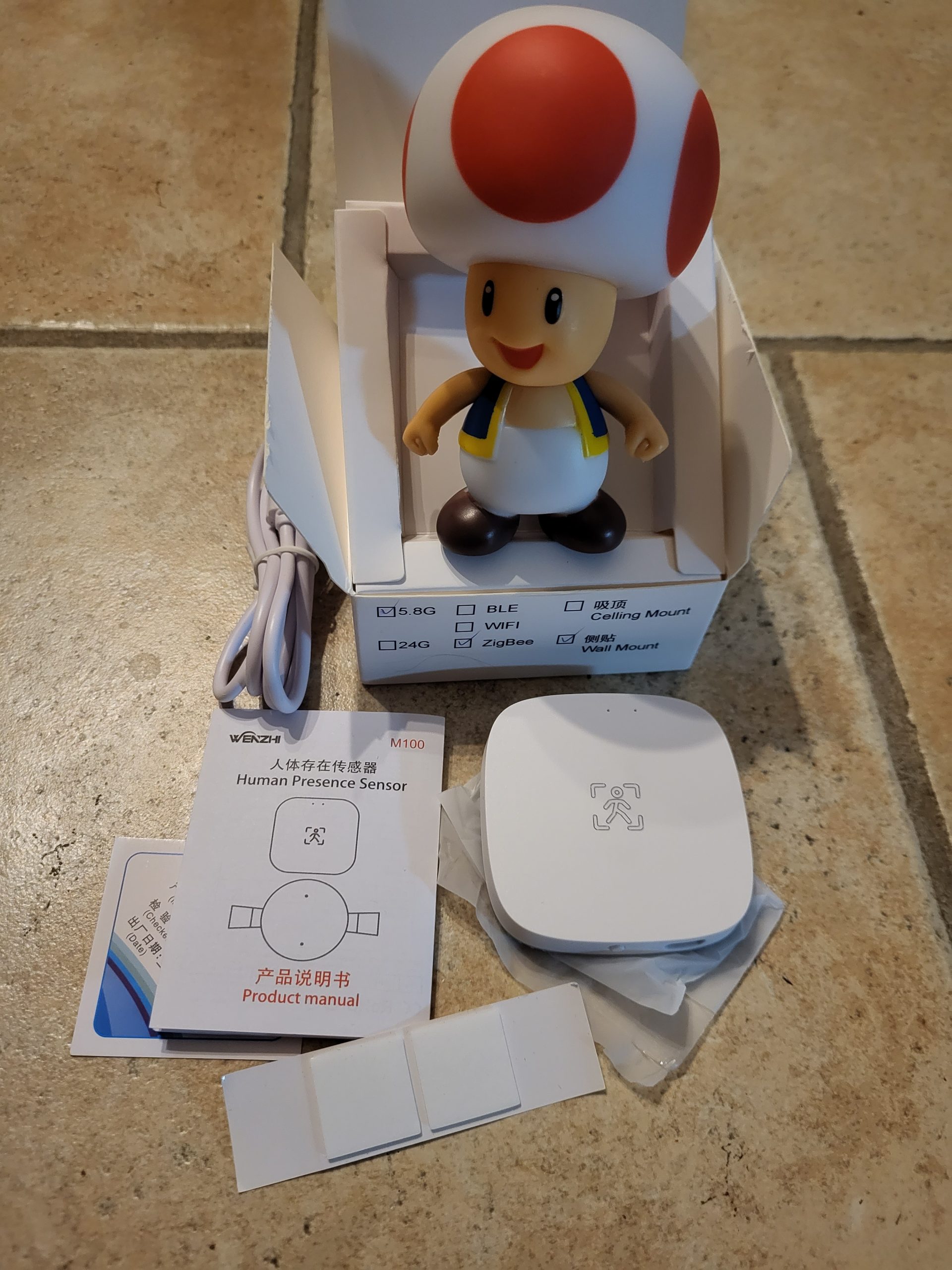
🕵 I check the received model
The Zigbee presence detector market offers a multitude of models at very variable prices. I am always wary of unusually cheap equipment: Some sellers display approximate descriptions or deliver different models of the photo. To make no mistake, I always carefully compare the reference (here WZ-M100-W) and visuals with those of the official Zigbee2MQTT documentation.
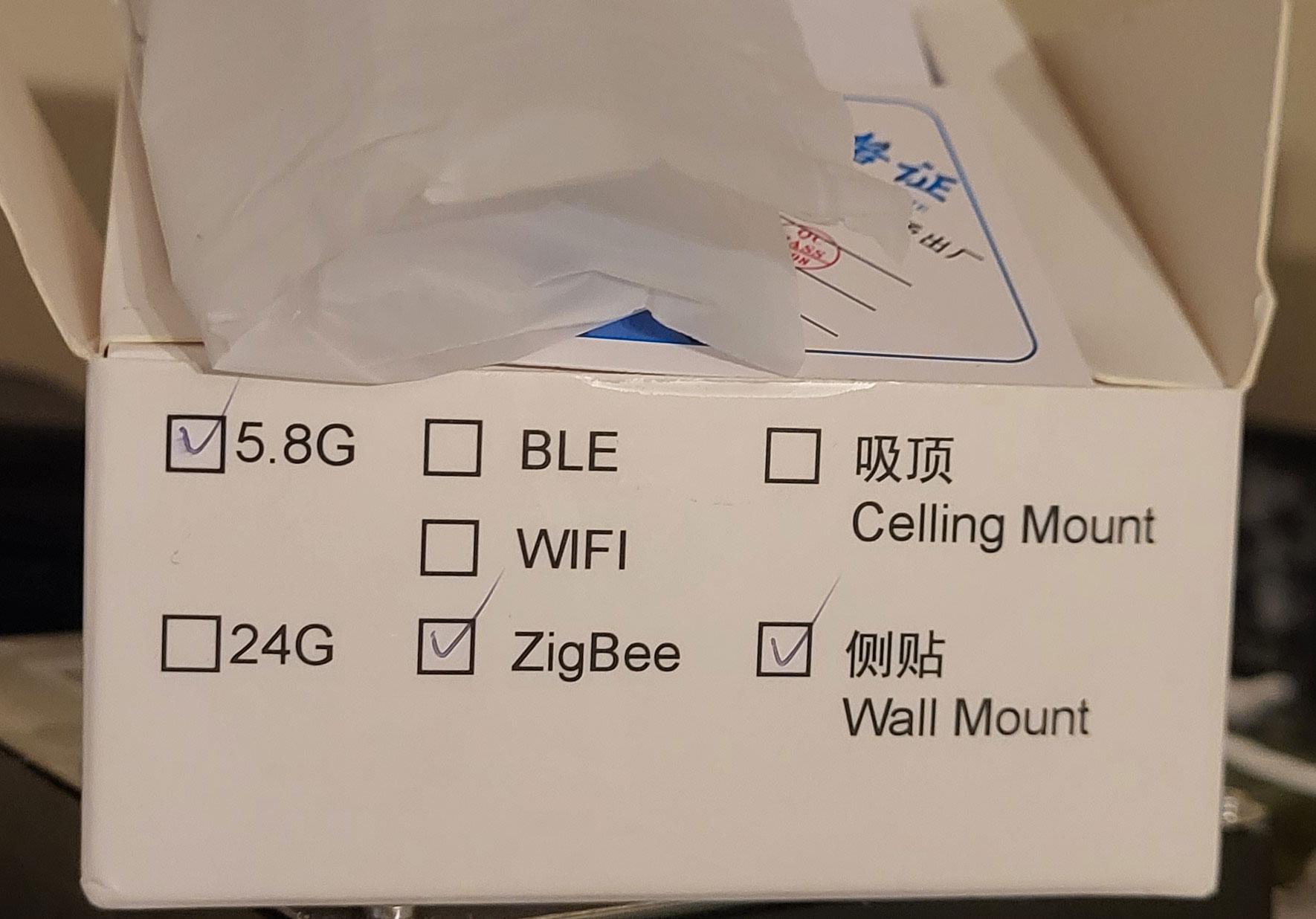
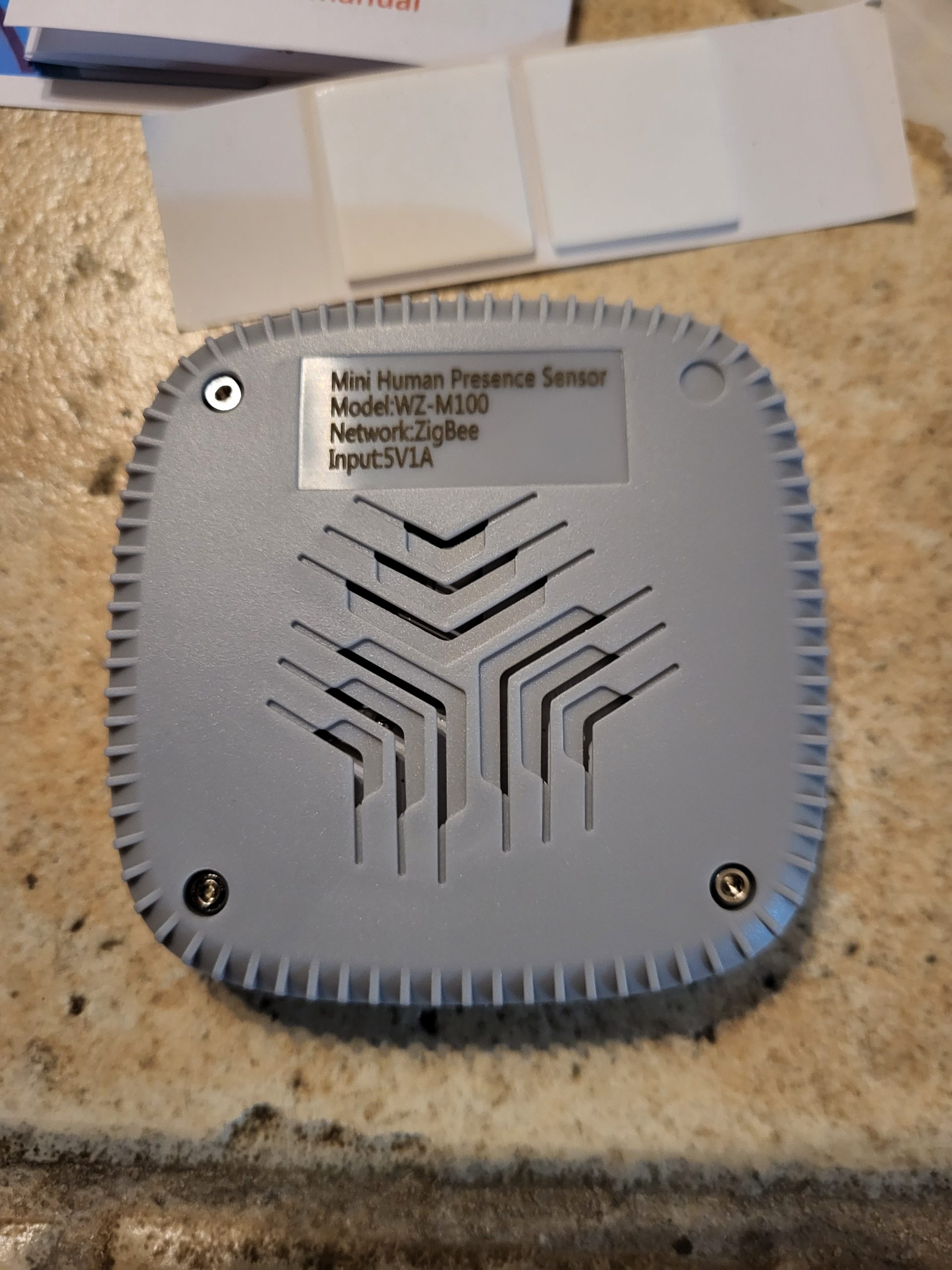
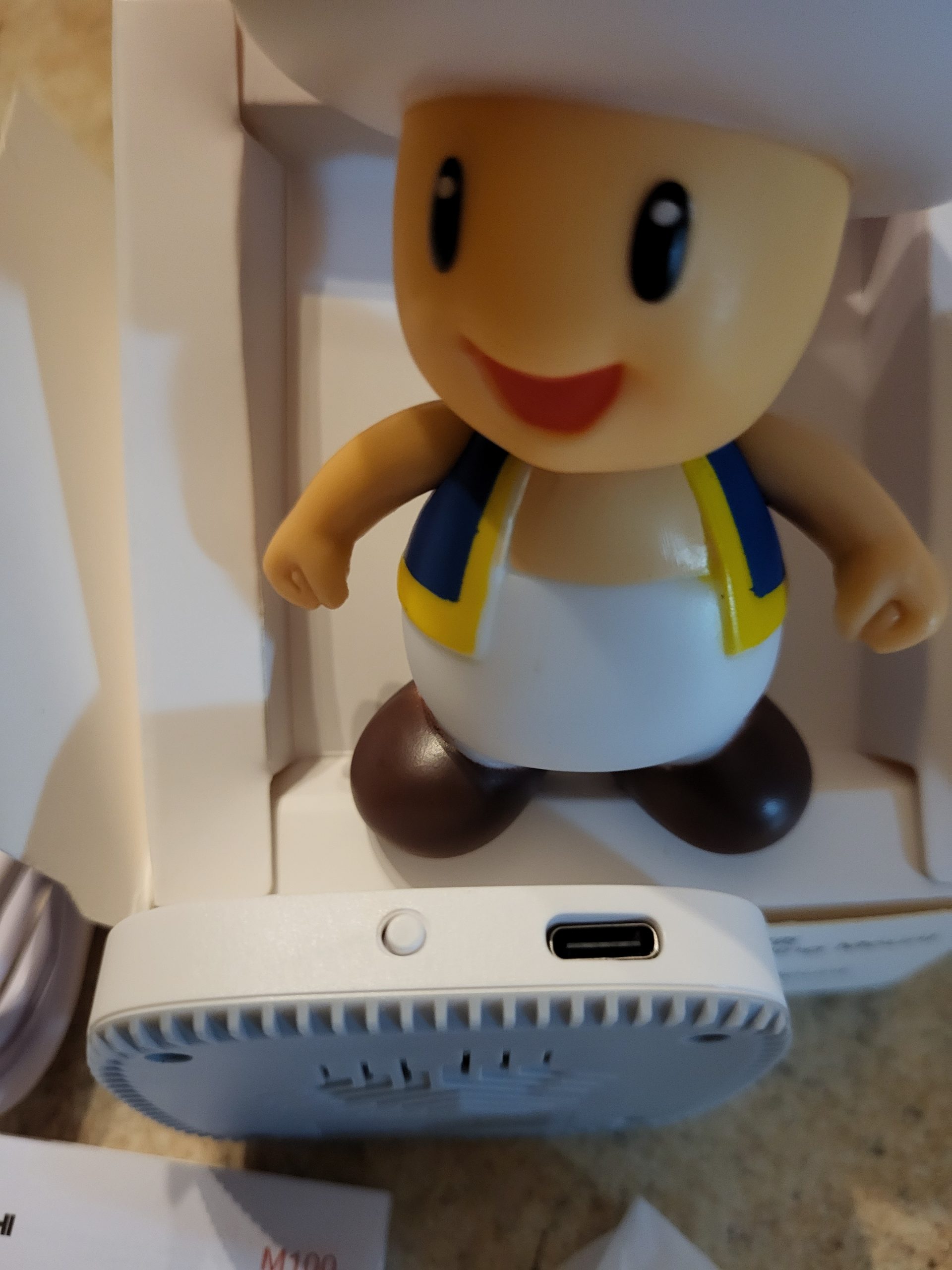
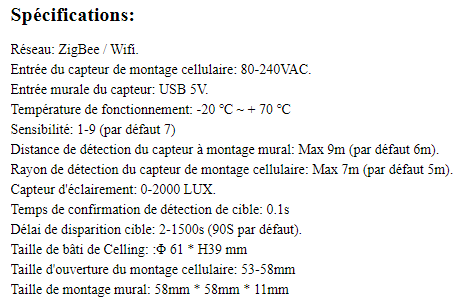
The technical specifications of the model received are consistent with the announcement:
🛒 Where to buy it?
Very variable prices, obviously between €15 and €20, I am waiting for this to stabilise to complete here.
⚠ Advice: Before buying, I always check the exact model (WZ-M100-W) and I prefer sellers with good reviews and real photos of the product to avoid any unpleasant surprises.
🔗 I integrate this box with Zigbee2MQTT
I switch Zigbee2MQTT to pairing mode and then connect the detector’s USB-C power supply. The pairing starts, but on the first test, Zigbee2MQTT (version 1.33.2 at the time of testing) does not yet recognise the product.
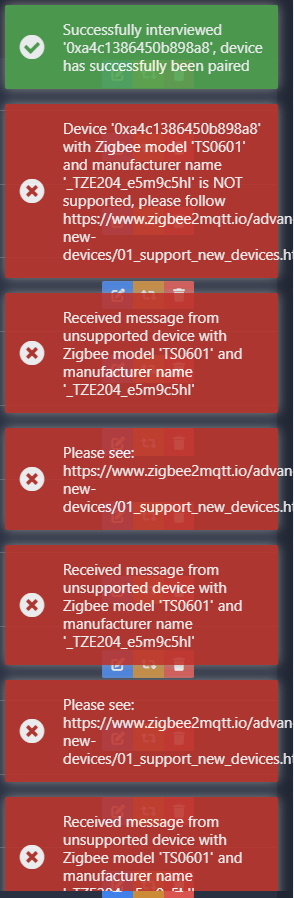
The module is not detected, so integration is not yet possible.
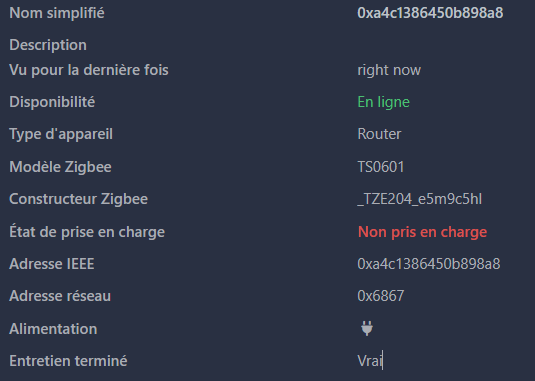
🚧 Software support under development
Good news: this model has recently joined the Zigbee2MQTT documentation:
- Official sheet Zigbee2MQTT – WZ-M100-W
- Last update: 27/11/2023 19:44:46
I was then using the version 1.33.2 by Zigbee2MQTT. After the software update, support for the module became official and integration was facilitated.
🎉 Test update: 20/01/2024
After updating Zigbee2MQTT (version 1.35.1), the WZ-M100-W detector is now recognised and works perfectly:
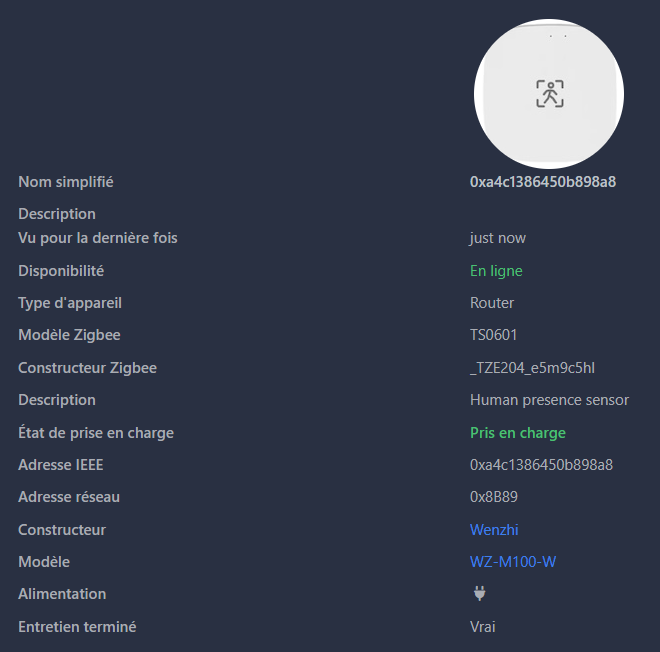
In summary: an update of Zigbee2MQTT is sufficient to enable the integration of this module, which then becomes stable and fully usable. So I always check my version of Zigbee2MQTT before finding an incompatibility.
 English
  French
  Spanish
  Chinese
  German