

Objective
I have a subscription to the local newspaper, my goal is to automate the recovery of the PDF file of this newspaper and then distribute it on Teams
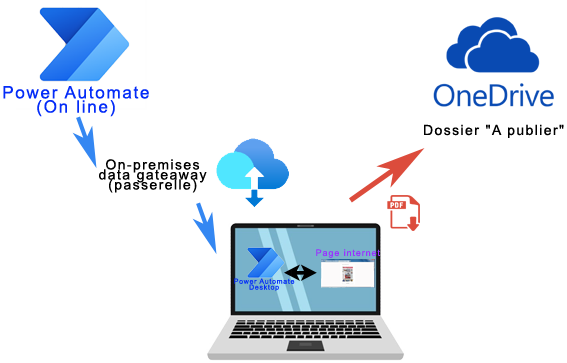
Power Automate communicates with the PC via an On-premises data gateway
Power Automate Desktop will automate the recovery of the PDF by carrying out the following actions:
- Log in to the log user account
- Select the edition of the day and enable playback
- Go to the newspaper reader and retrieve the PDF
- Send this file to OneDrive
- Recover this file in Teams and send a post in a dedicated channel
Creating the link between Power Automate (cloud) and Power Automate Desktop
Power Automate Desktop running on the PC, replacing the user, it is necessary to create a gateway between Power Automate (cloud) and Power Automate Desktop.
This operation, which was rather undocumented at the time, took me a long time to understand the principle. I will detail step by step how to establish this link.
Installing the local data gateway
You can also consult the Microsoft Documentation which evolves over time.
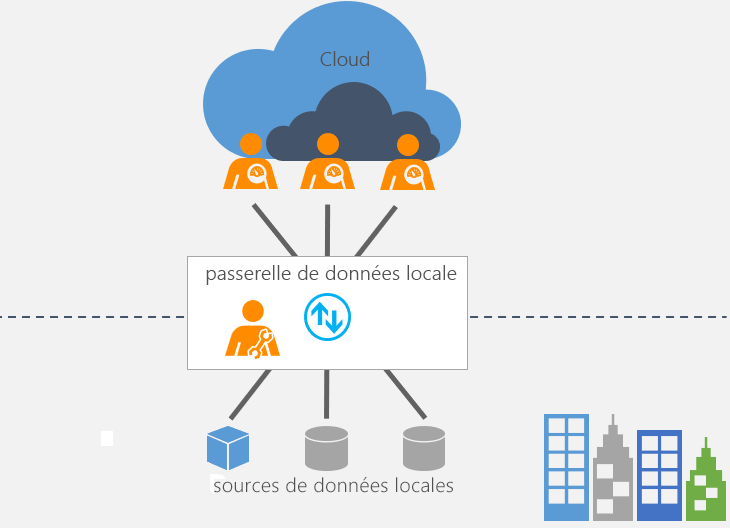
There are two types of gateways:
- Local data gateway
- Local data gateway (personal mode)
I tested the gateway in personal mode but it is not recognised for Power Automate, so you have to use Local data gateway (quite short)
On the computer that will run the recovery scenario of the PDF file, Download and install the gateway. Microsoft documentation is well done and in French, so follow their procedure.
This procedure consists of downloading the latest version of the file GatewayInstall.exe then launch it to follow the installation procedure.
In case of .NET error
The .NET Framework on this machine must have a newer version for the installation or upgrade to continue. Upgrade to the latest version of the available .NET. https://go.microsoft.com/fwlink/?linkid=2101321
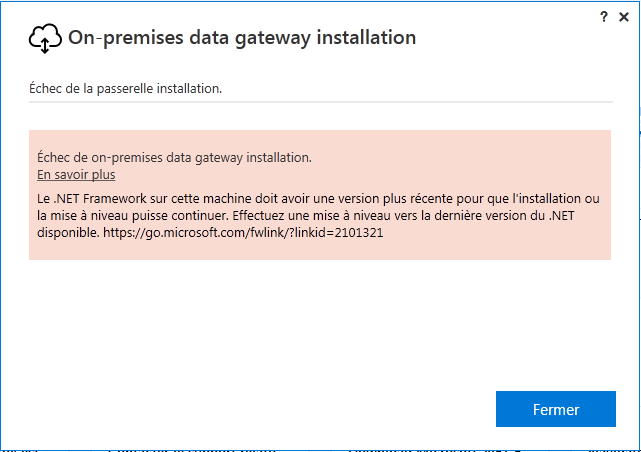
If you have this error, upgrade .NET, for this, go to:
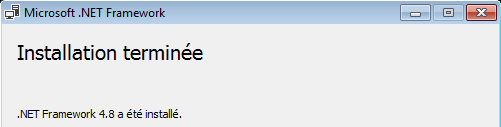
Take the latest version, at the time of writing this article, it was version 4.8:

then
Installation of the Gateway

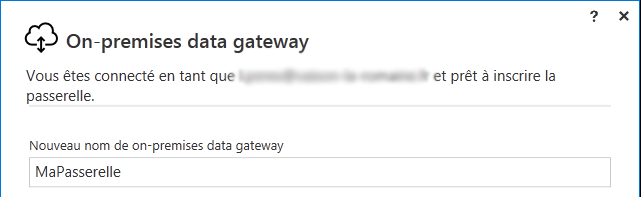
I gave the name MaPasserelle on my footbridge:
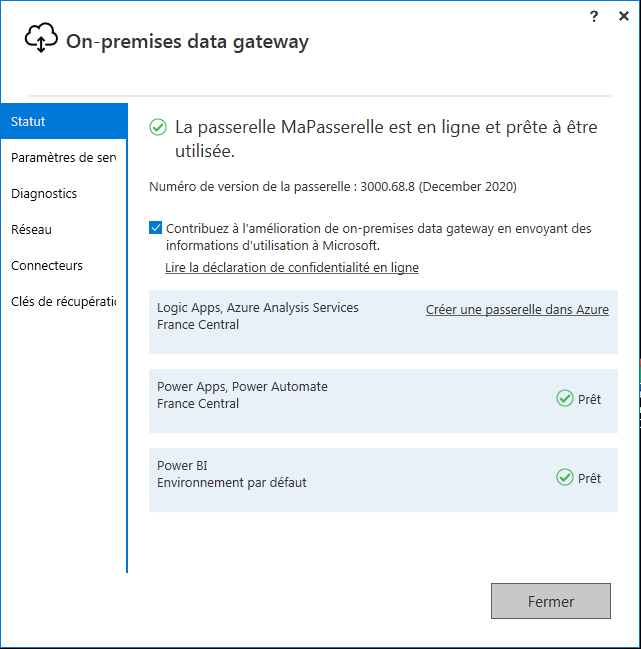
When everything is ready, the following message appears:
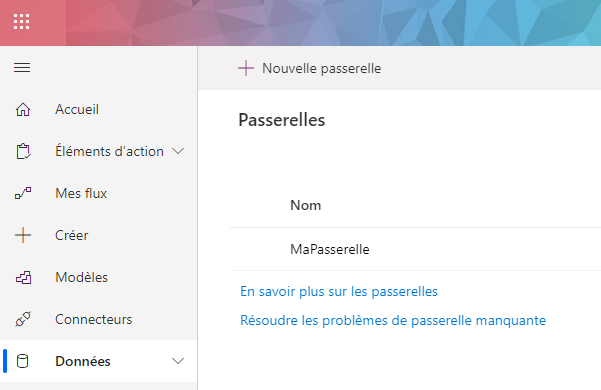
To check that the gateway is working, go to Power Automate Online, then in Data / Gateways, MaPasserelle appears well.
After creating the Gateway, you have to think about giving access rights to this bridge.
Added Common Data Service environment and database
A CDS database is mandatory.
Creating an environment
The management of environments is done in the Power Platform Administration Centre
If you have a particular license, use it, otherwise you can also apply for a developer license from Microsoft, this is my case.
To create developer accounts or development environments, here are some links that can be useful:
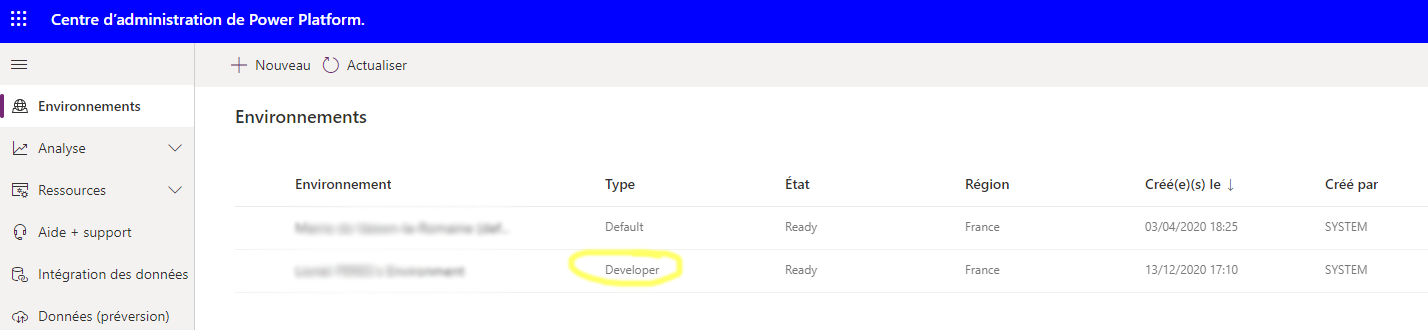
Once the environment is created, you must return it in the Power Platform Administration Centre. In the example below, this is the type environment Developer
Create a database
A database must be added to this environment.
Enter the environment by clicking on it and then add a database by clicking on Add a database
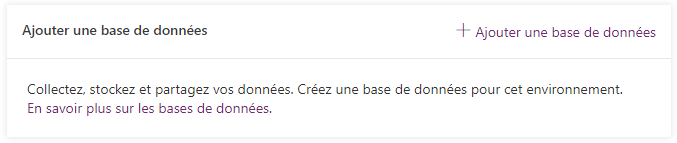
Wait a while, as long as the server connects your new database to your environment

To verify that the environment and the database have been created and are operational, simply go to Power Automate then click on
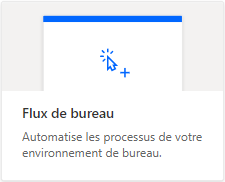
- If this screen appears, it is good
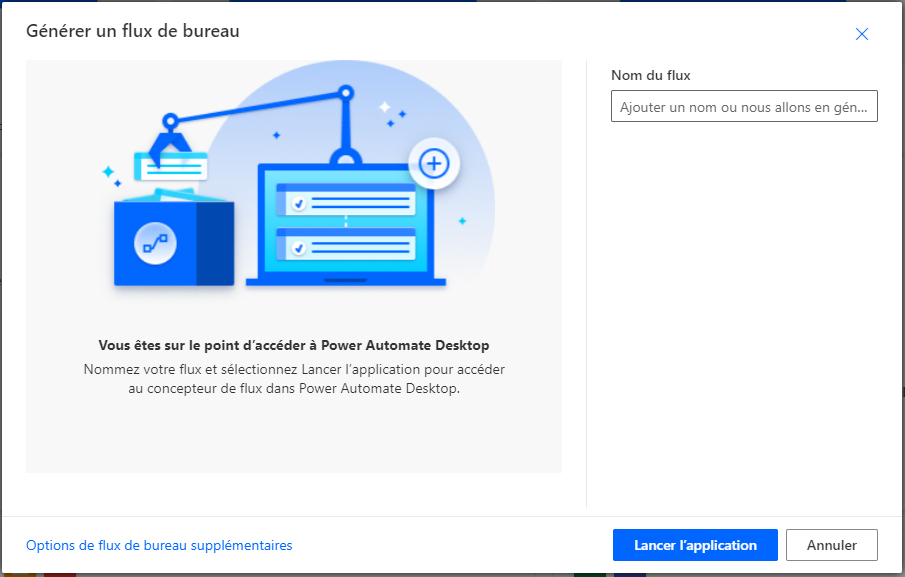
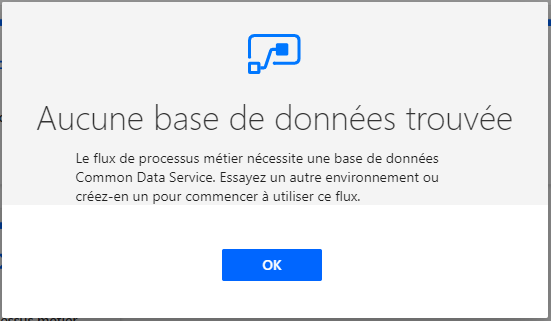
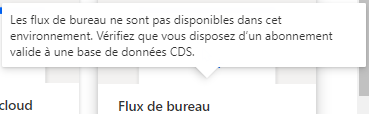
- If you get one of these messages, something has not worked:
No database found
The business process flow requires a Common Data Service database. Try another environment or create one to start using this feed.
Installing Power Automate Desktop
 English
  French
  Spanish
  Chinese
  German