
I looked for a moment how to have Home Assistant in full screen without the left sidebar. Read More
22
Apr, 2023

I looked for a moment how to have Home Assistant in full screen without the left sidebar. Read More
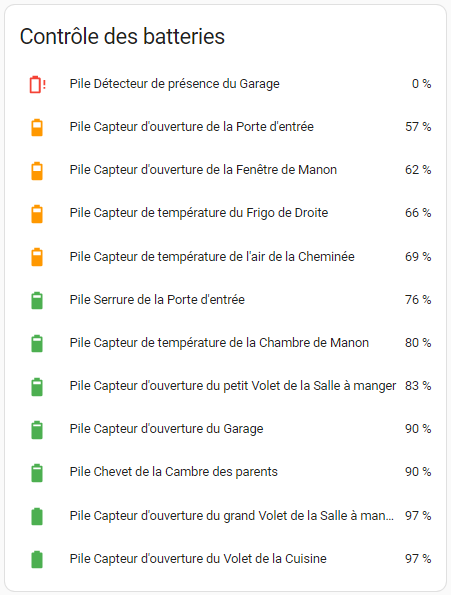

I will not dwell on Jeedom integration.

The control of Synology equipment is achieved thanks to the plugin Synology-API which is one of my plugins.
All documentation is available on this blog. Read More

I have been using the excellent PushOver plugin for a very long time. Read More
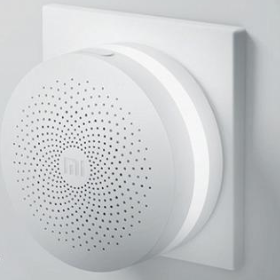
As a first step, I will team up with:
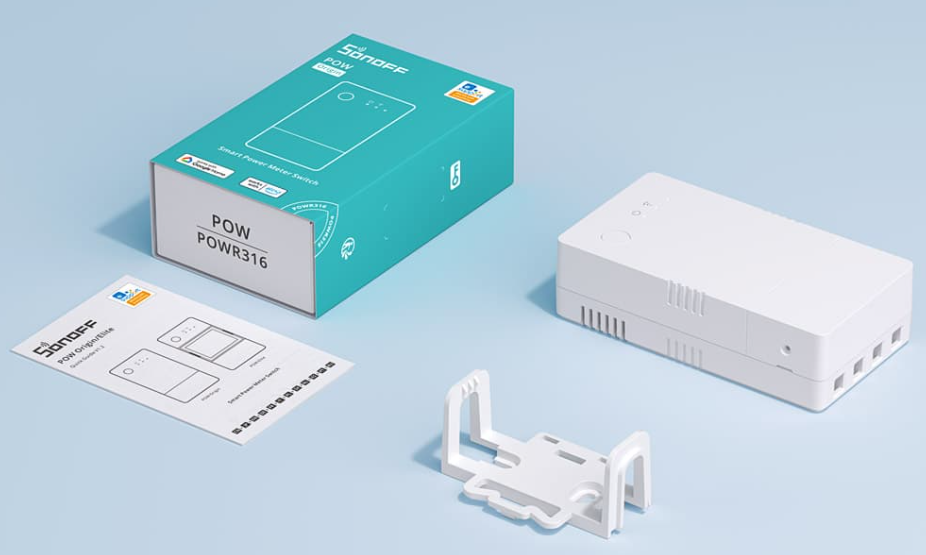
This is Sonoff’s new ESP32-equipped equipment. I ordered the POW version, within 16€, received in a few days, it looks like this:
sudo su -
curl -sL | bash -
apt-get install -y nodejs
sudo npm install -g snips-sam
sudo apt-get update
sudo apt-get install -y dirmngr
sudo bash -c 'echo "deb https://raspbian.snips.ai/$(lsb _release -cs) stable main" > /etc/apt/sources.list.d/snips.list'
sudo apt-key adv --keyserver pgp.mit.edu --recv-keys D4F50CDCA10A2849
sudo apt-get update
sudo apt-get install -y snips-platform-voice
If pgp.mit.edu is down, use:
sudo apt-key adv --keyserver pgp.surfnet.nl --recv-keys D4F50CDCA10A2849
or
sudo apt-key adv --keyserver gpg.mozilla.org --recv-keys D4F50CDCA10A2849
sam connect snips (or sam connect localhost)
By being connected do
Sam Init
We can test a
sam status
But a lot of things are in red, which is normal.
We will configure the sound:
sam setup audio
Set Y to "Is it a Snips Makers Kit"
sam connect
Sam test speaker
Sam Test Microphone
sam setup audio
sam login
Sam install assistant
Sam watch
 English
  French
  Spanish
  Chinese
  German