
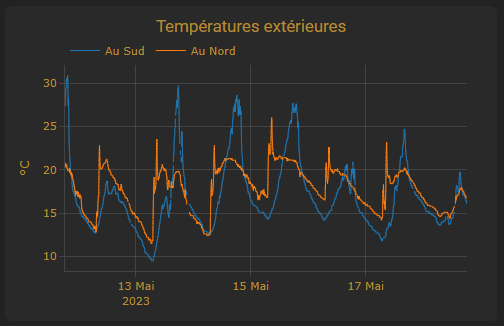
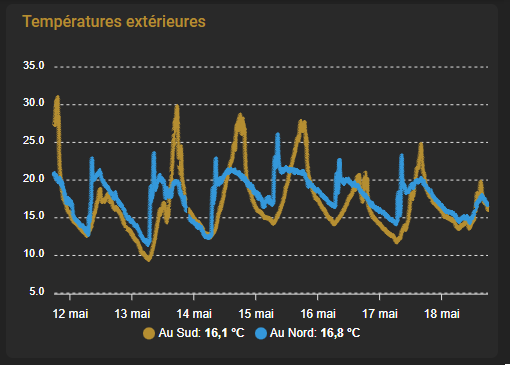
This little feedback to find the most suitable chart display card.
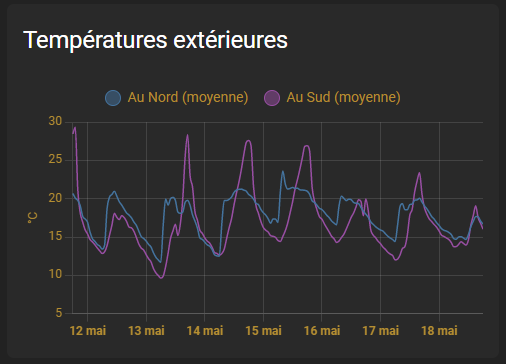
I will compare the maps to show the outside temperatures.

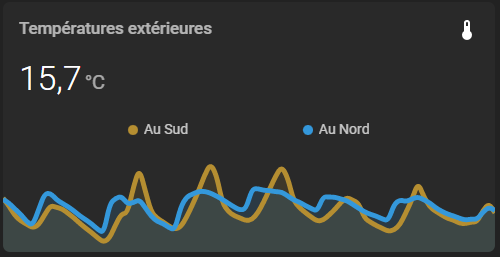
This little feedback to find the most suitable chart display card.
I will compare the maps to show the outside temperatures.
Picture-element maps are particularly useful for locating maps on a dashboard such as a house plan.
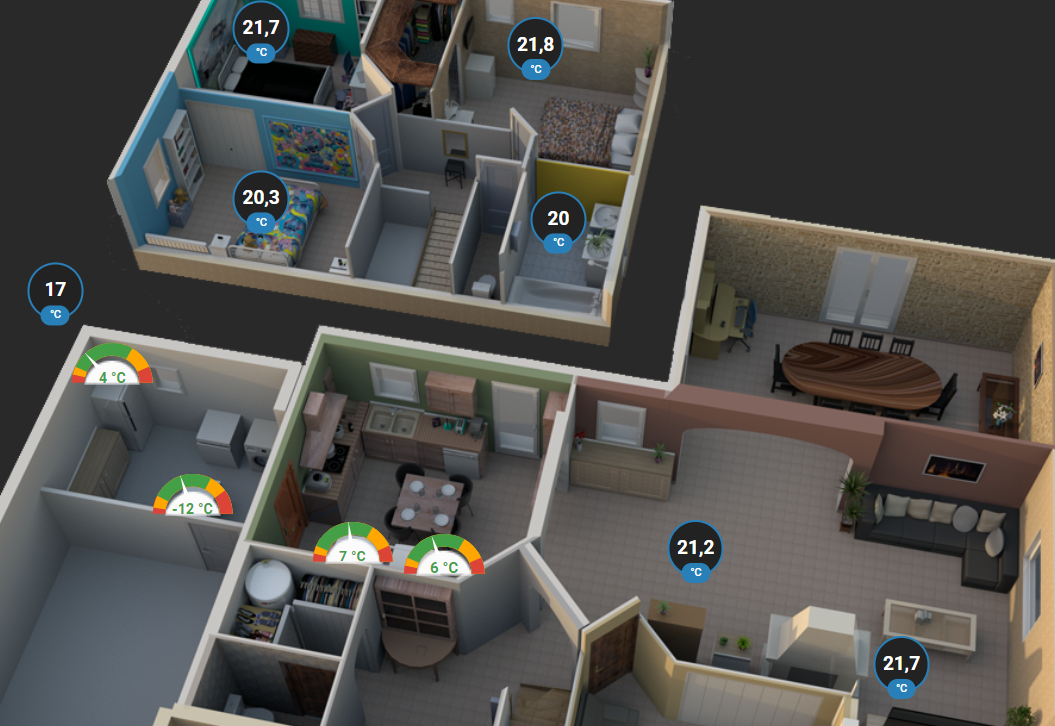
Documentation explains their use. Read More
Once FreePBX installed, We'll link him to Home Assistant.

I have a SIP doorman and Gigaset SIP handsets, I want to connect all this little world locally via the SIP protocol.
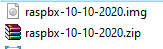
http://download.raspberry-asterisk.org/raspbx-10-10-2020.zip
available at http://www.raspberry-asterisk.org/downloads/
I decompress the file to have a .img file
There is just a great range of Sonoffs called DIY, which allows classic Sonoff equipment to switch over to Sonoff Local without any flashing.

On this blog, there is a whole series of tutorials to explain their integration:
I have some equipment that I did not find in Zigbee or Sonoff DIY, they only exist in Smart Life / Tuya.
It is, of course, totally crazy or even incongruous to connect cloud-based equipment on the Tuya platform to Home Assistant. But as stated in the previous sentence, this concerns particular equipment.
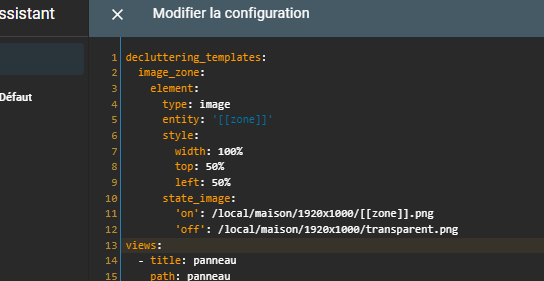
We all use the same configuration block several times in our lovelace configuration and we don't want to change the same things in a hundred places in our configuration every time we want to change something.
This card allows you to reuse the same configuration multiple times in your lovelace configuration to avoid repetitions and supports default variables and values. Read More

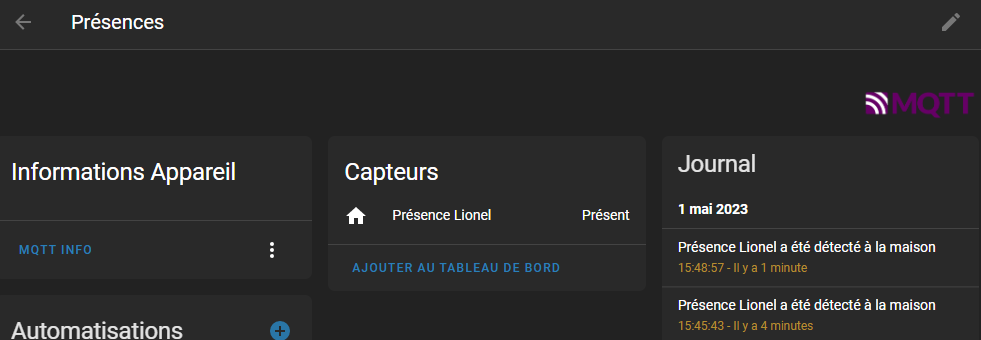
When migrating from Jeedom to Home Assistant, it is sometimes necessary to retrieve information from Jeedom, such as the elements of Presence from Bluetooth sensors.
In this tutorial, we will see how to retrieve presence information provided by NUTS devices.
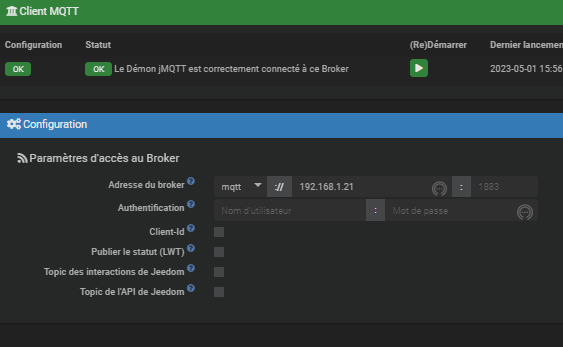
To establish the link on the Jeedom side, first install the jMQTT plugin.
Add the broker located at 192.168.1.21. To simplify, name this broker explicitly.
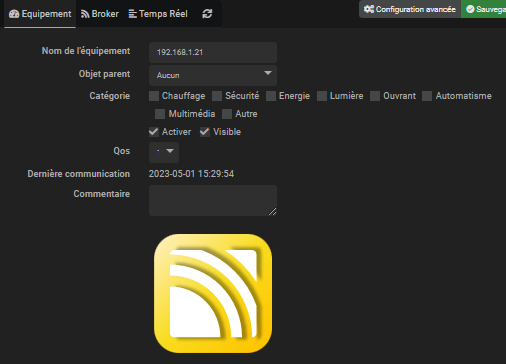
You can choose to add all the items in one piece of equipment, or to separate them according to your preferences. In this example, we add everything in a named equipment Jeedom.
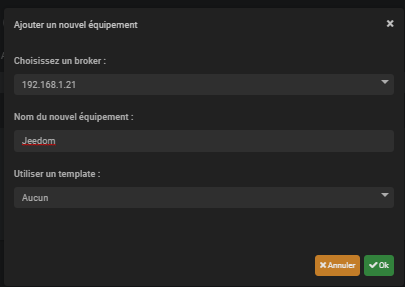
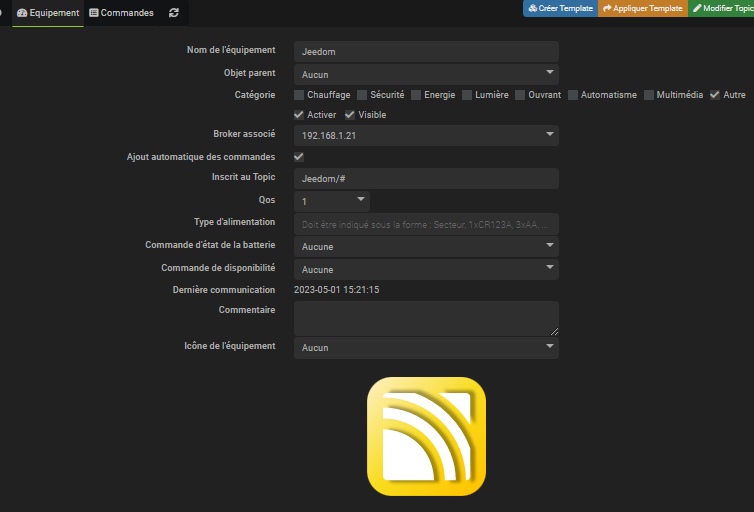

Whenever the value of #\[Alarm Intrusion \]\[Presences \]\[Lionel \]# changes, the corresponding MQTT frame is updated:

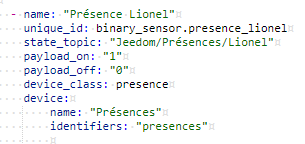
In the file /config/mqtt.yaml, add the following configuration in the section binary_sensor :
– Name: Lionel Presence
single _id: binary_sensor.presence_lionel
state_topic: Jeedom/Presences/Lionel
payload_on: "1"
payload_off: ‘0’
device_class: presence
device:
name: Presences
Identifiers: "Presences"
For now, my ESP (mostly Sonoff) is under ESP-Easy with the link to Jeedom via the plugin:

 English
  French
  Spanish
  Chinese
  German