

Objective
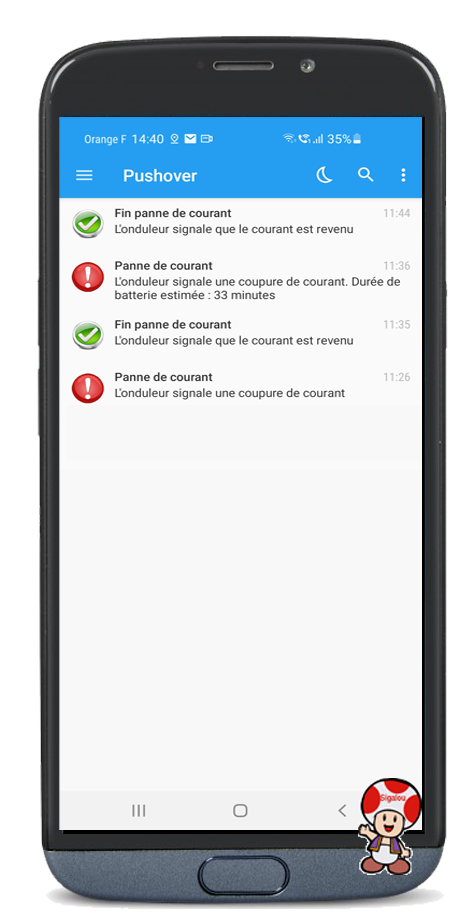
The aim is to be notified in the event of a power cut and the return of the juice.
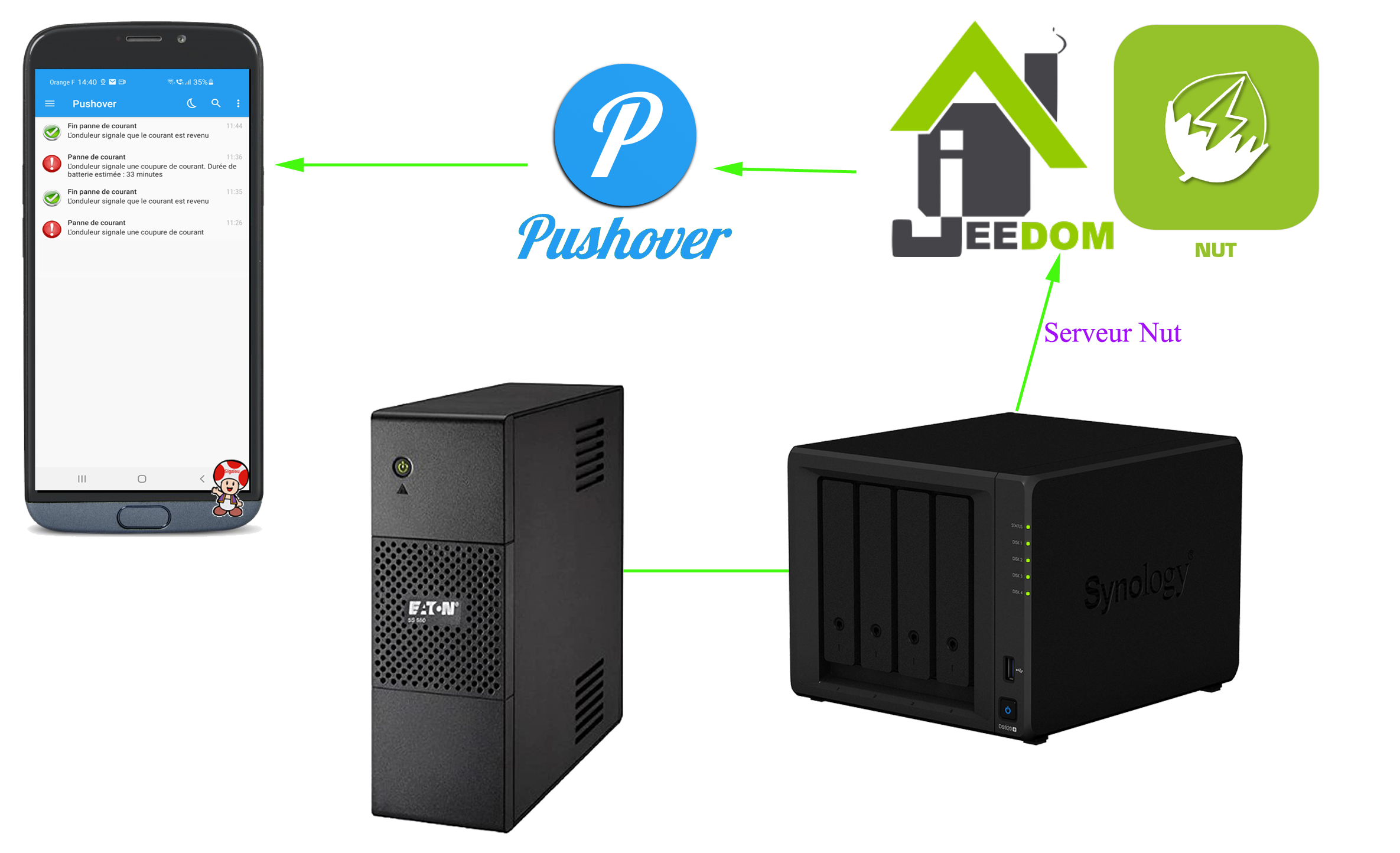
Materials
- A Synology NAS, mine is a DS920+
- A UPS inverter, mine is an Eaton 5S 550i (purchased from Goldway)
Software
- Jeedom with its Nut plugin
- The Pushover plugin or any other way to send a message
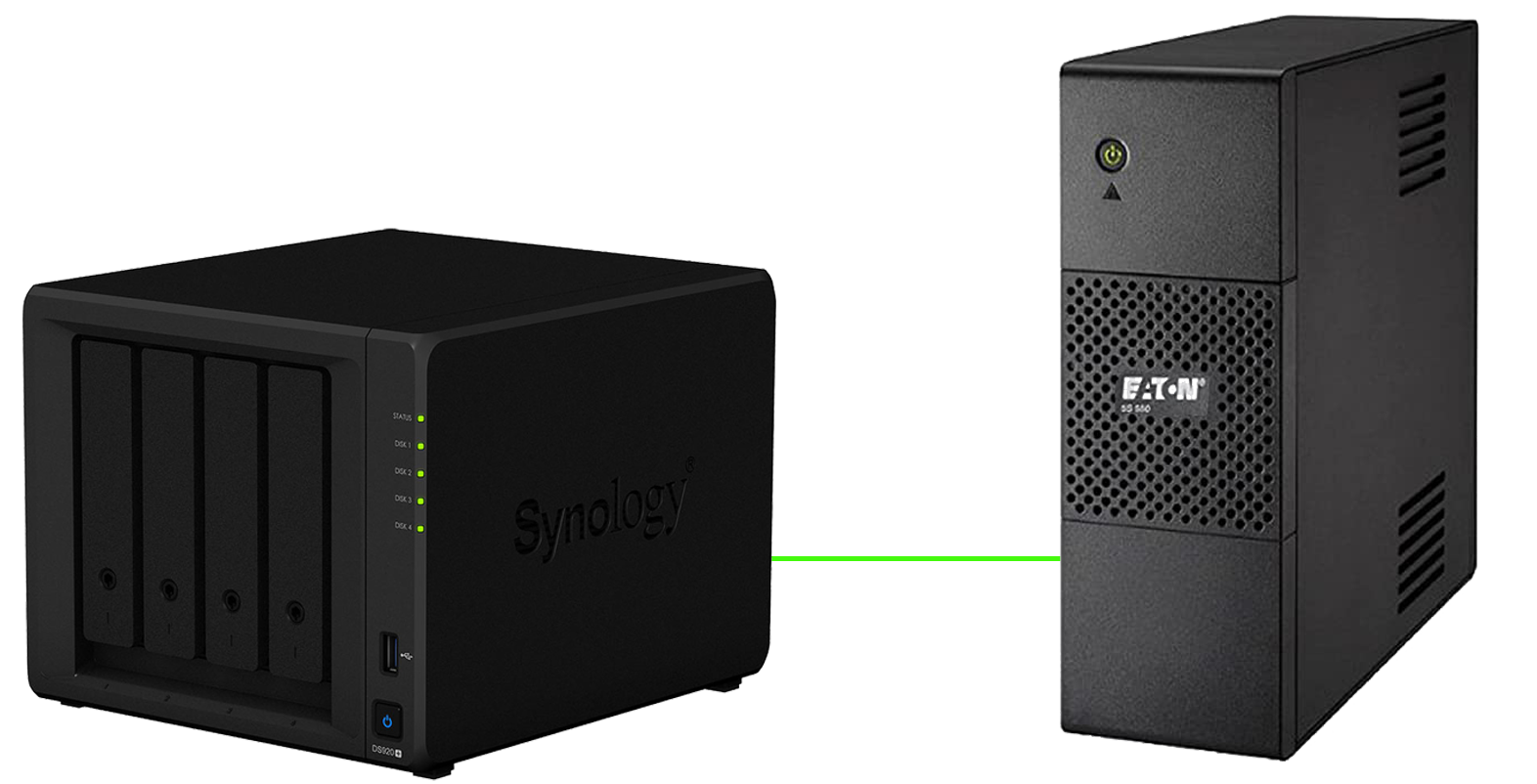
NAS link – Inverter
A simple USB cable (provided by Eaton) will link the inverter to the NAS.
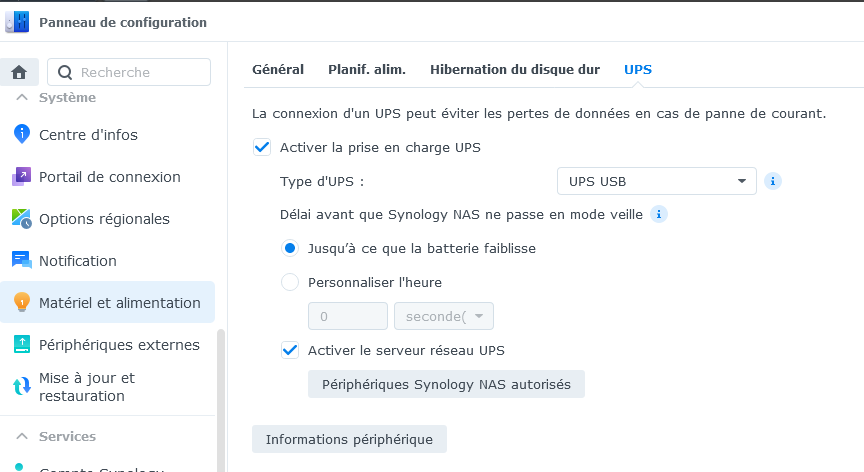
Configuration on the NAS
 |
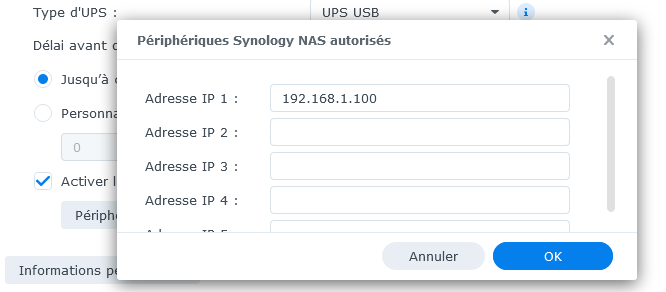 |
It is important here to specify the IP address of Jeedom otherwise the plugin will not have access to the info.
Configuration on Jeedom
Use the Nut plugin

It is an archi archi plugin that is simple to install and configure.
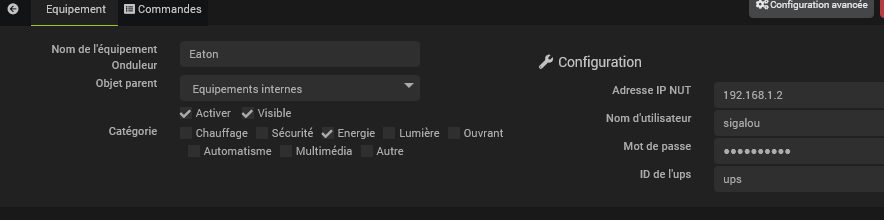
This plugin provides feedback on the equipment:
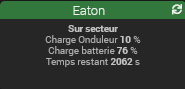
What will interest us is the information On the sector.
To note because I asked myself the question, the term ‘Inverter load’ refers to the power currently used on the inverter, I am at 10% of its capacity, I can therefore put other devices on this inverter.
Configure a control scenario
The scenario Control Inverter will launch all 2 minutes. I find that the refresh at 15 min provided in the plugin should be configurable in the config of the plugin or device, damage.
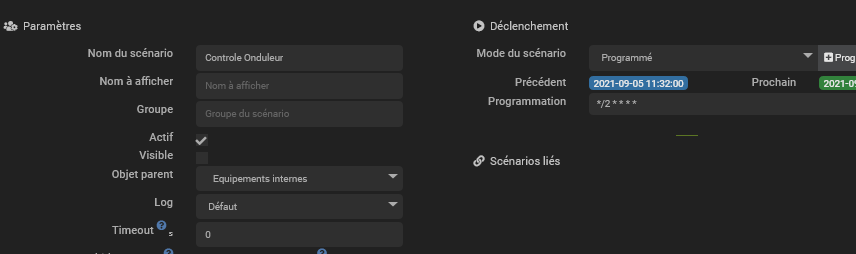
The scenario, quite simple will force the refresh and then react according to the value of the field [Inverter Status]
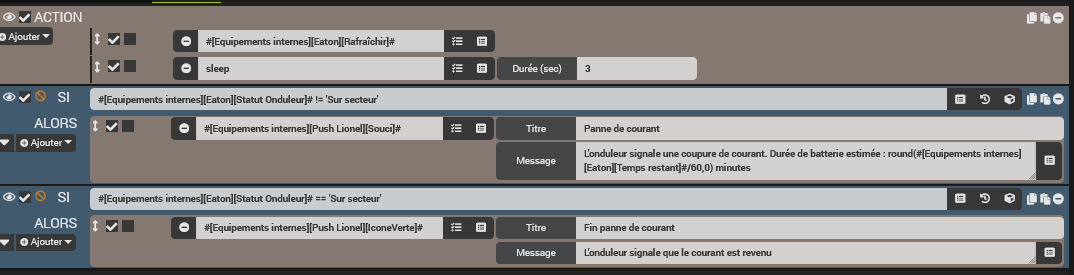
To avoid having a message at each refresh, you should check the box that allows you to repeat the test only if the value has changed, it is this icon:

As the plugin gives the estimated battery time in seconds, I turn it into minutes:
round(#[Internal equipment][Eaton][Remaining time]#/60,0) minutes
Result
Bibliography (thanks)
http://sarakha63-domotique.fr/gerer-son-onduleur-nas-synology-jeedom
 English
  French
  Spanish
  Chinese
  German