

The aim is to remember how to launch the integration on the different devices, each brand, each model having its technique.
Ikea TRADFRI button

- Unscrew the small screw at the back.
- Put the battery on if it is not there.
- Support 4 times on the small button, at the front a red led flashes several times and the equipment is switched on.
Sonoff Thermometer SNZB-02
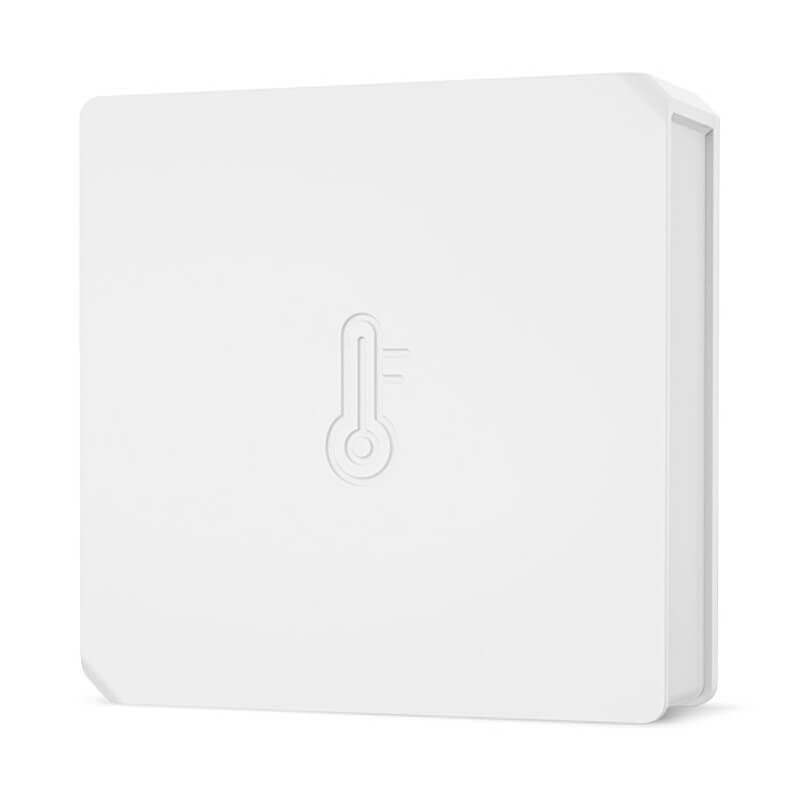
- Press +5s on the button
Mi-Honey smoke detector
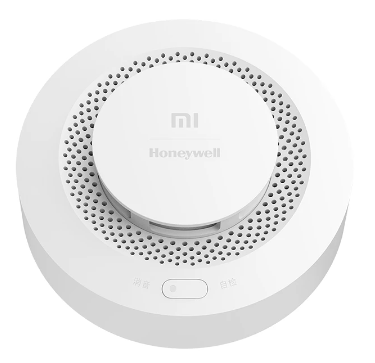
To integrate it, press the button 3 times quickly, hearing a small beep between each.
Danalock lock
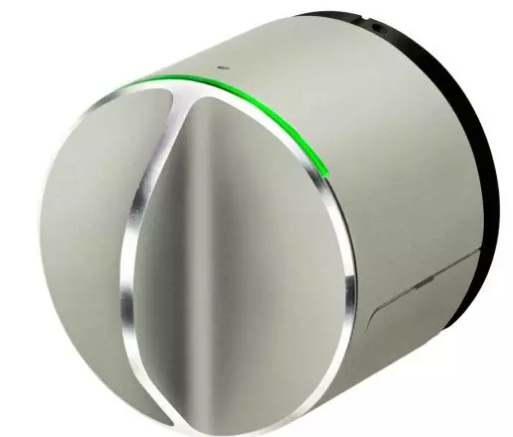
This lock is a bit capricious and sometimes a good general reset will do.
- Remove the batteries, check them, if the voltage is far from 3v, change them.
- Put new batteries back, press the small button 10 times, the lock will flash red, it is reset.
- Launch the Danalock app, delete the device. Log out and reconnect from the Danalock account.
- Add the new lock, go and update the Firmware (important). 0.21.7 to the latest news.
- Listen to Zigbee2mqtt and then go to Smart House in the Danalock app
- Zigbee / join.
- If the app says that the lock is not Zigbee, remove the batteries then put them back and start Zigbee/join again.
SONOFF SNZB-03 PIR Motion Detector

For integration use a rod on the side
- Press the rod for at least 5 seconds until the LED light flashes 3 times.
Door/window detector Tuya First Prize
- Zigbee2MQTT OK – ZG-102ZL (Low Toilet Window) – AliExpress 7€27
- Zigbee2MQTT OK – IH-F001 (Factor Side mailbox) – AliExpress 5€84
- Zigbee2MQTT OK – ZM-CG205 (Houseside mailbox) – AliExpress 5€85
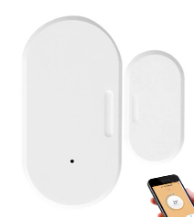
- Press the rod for at least 3 seconds until the LED light flashes rapidly.
 English
  French
  Spanish
  Chinese
  German