

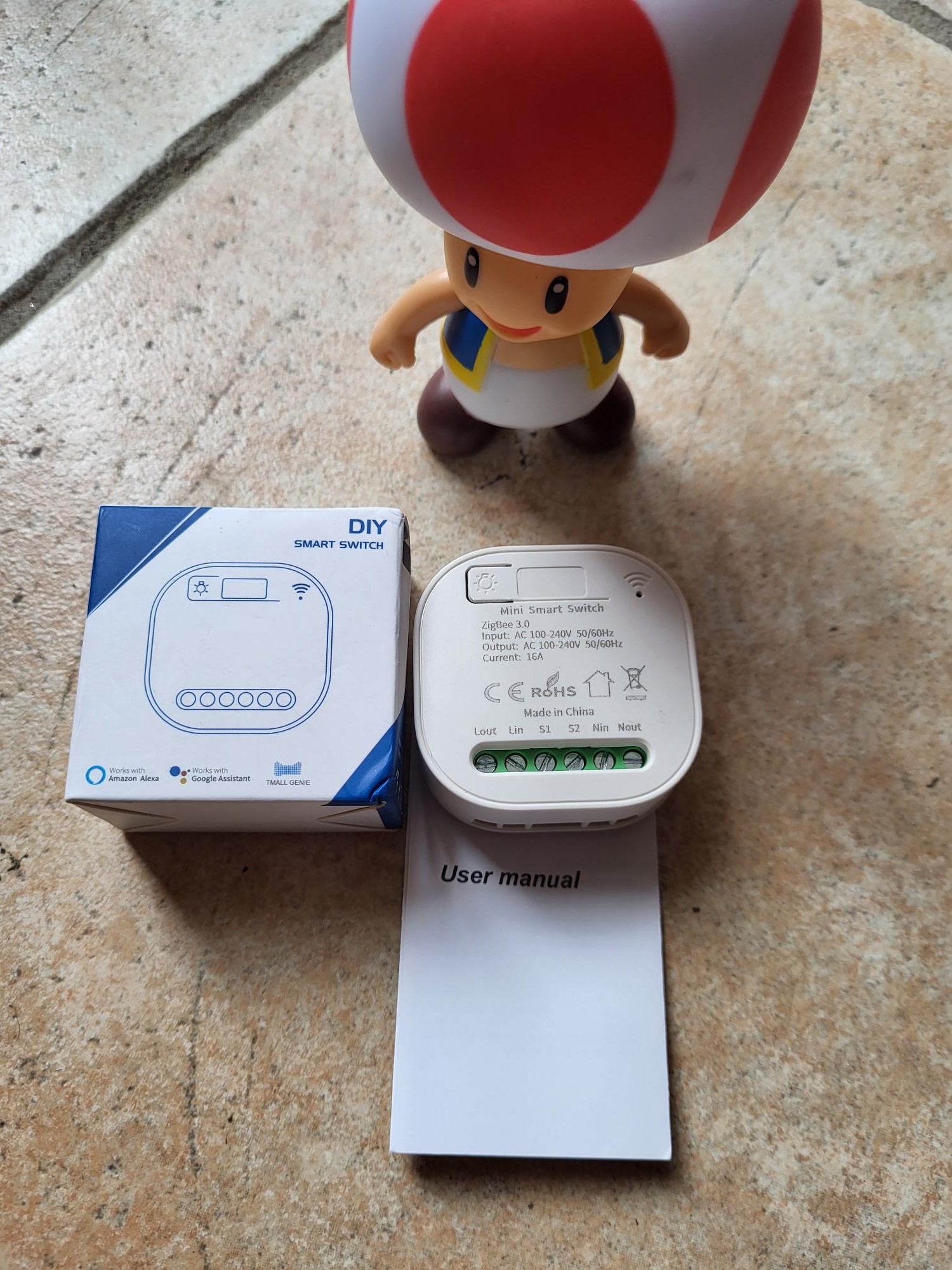
Zigbee WHD02 integration: 5 simple steps
The Zigbee WHD02 module easily connects Lin and Nin for a reliable leakage break. This detailed guide explains each step of checking, connecting and integrating with Zigbee2MQTT and then Home Assistant. A non-specialist reproduces the installation in less than 30 minutes with these precise instructions and complete photos.
I check the received model
The module arrives without a clear reference on the packaging, unlike standard models. The distinctive form helps to identify it: compact rectangular housing with Lin and Nin connectors, central button and blue LED. This lack of marking is common among some generic Chinese manufacturers.
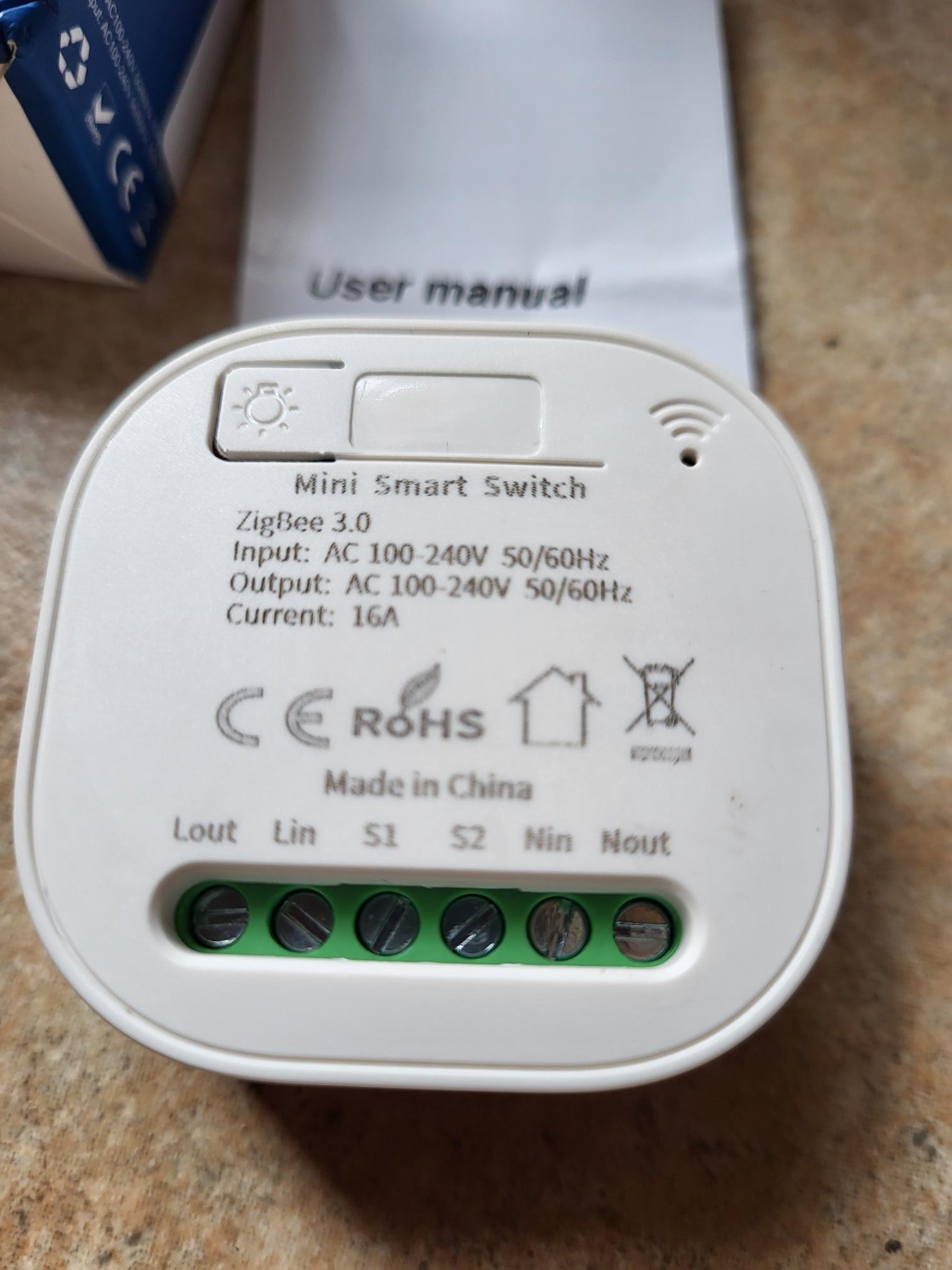
I connect Lin and Nin
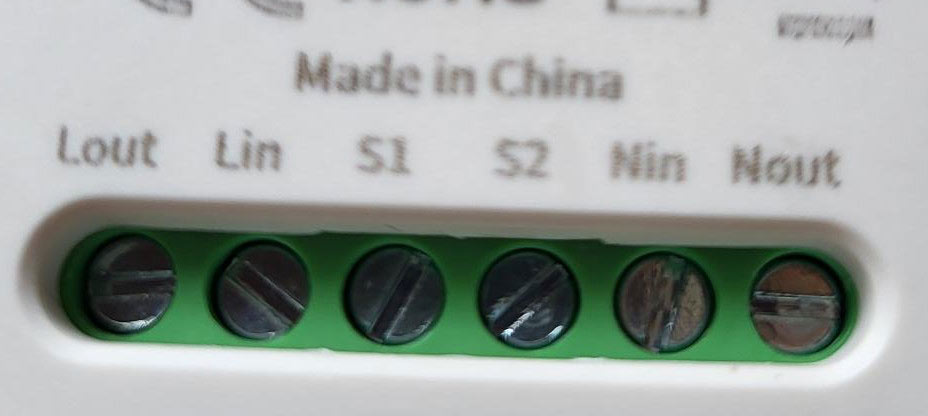
Lin and Nin connectors use standard European sockets such as C14. Connect Lin to the active phase (brown or black thread) and Nin to the neutral phase (blue thread). Check that there is no voltage with a tester before connection to avoid any electrical risk. The module then detects leaks between 30mA and 300mA according to the DIP switch setting.
I integrate this box with Zigbee2MQTT
When powered on, the module remains silent. First activate the pairing mode in Zigbee2MQTT via the web interface (‘Permit Join’ button). Then press the center button of the module for 5 seconds until the blue LED flashes quickly, indicating that the pairing starts.
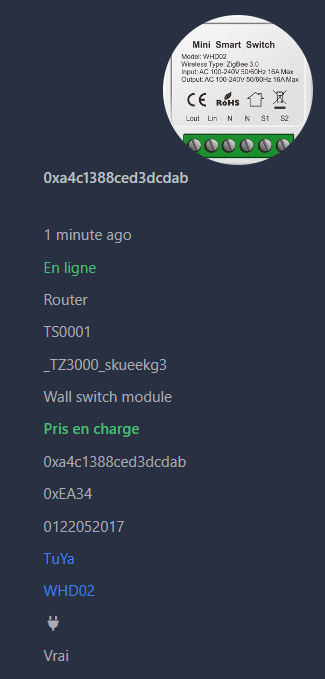
The module appears as “WHD02” despite an inadequate illustration image in the interface. Orders go up perfectly: circuit breaker status, leakage level detected, manual reset button. Test by simulating a leak with a defective device to validate operation.
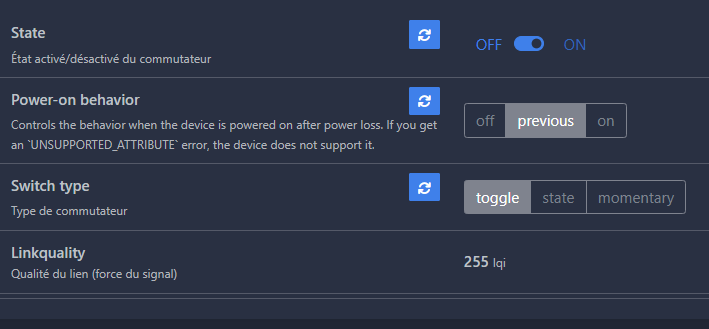
I'm going to Home Assistant.
The equipment automatically migrates via the MQTT integration. It appears in the list of Zigbee devices with all the entities: main switch, leak sensor, armament button. Configure automations for push notifications or group break in case of a detected leak.
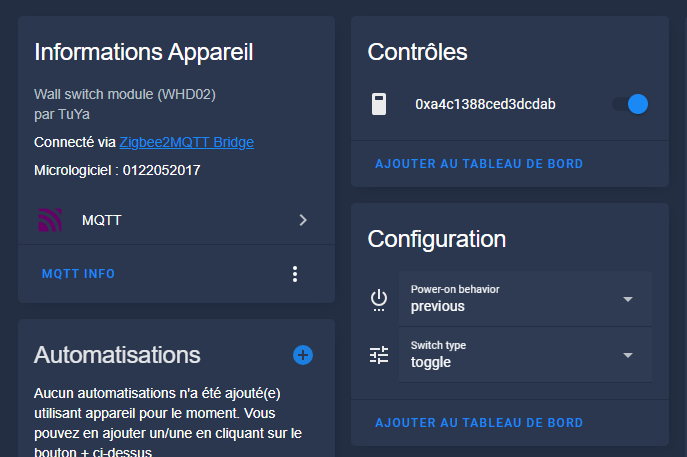
The integration is immediate and complete, with no additional configuration required.
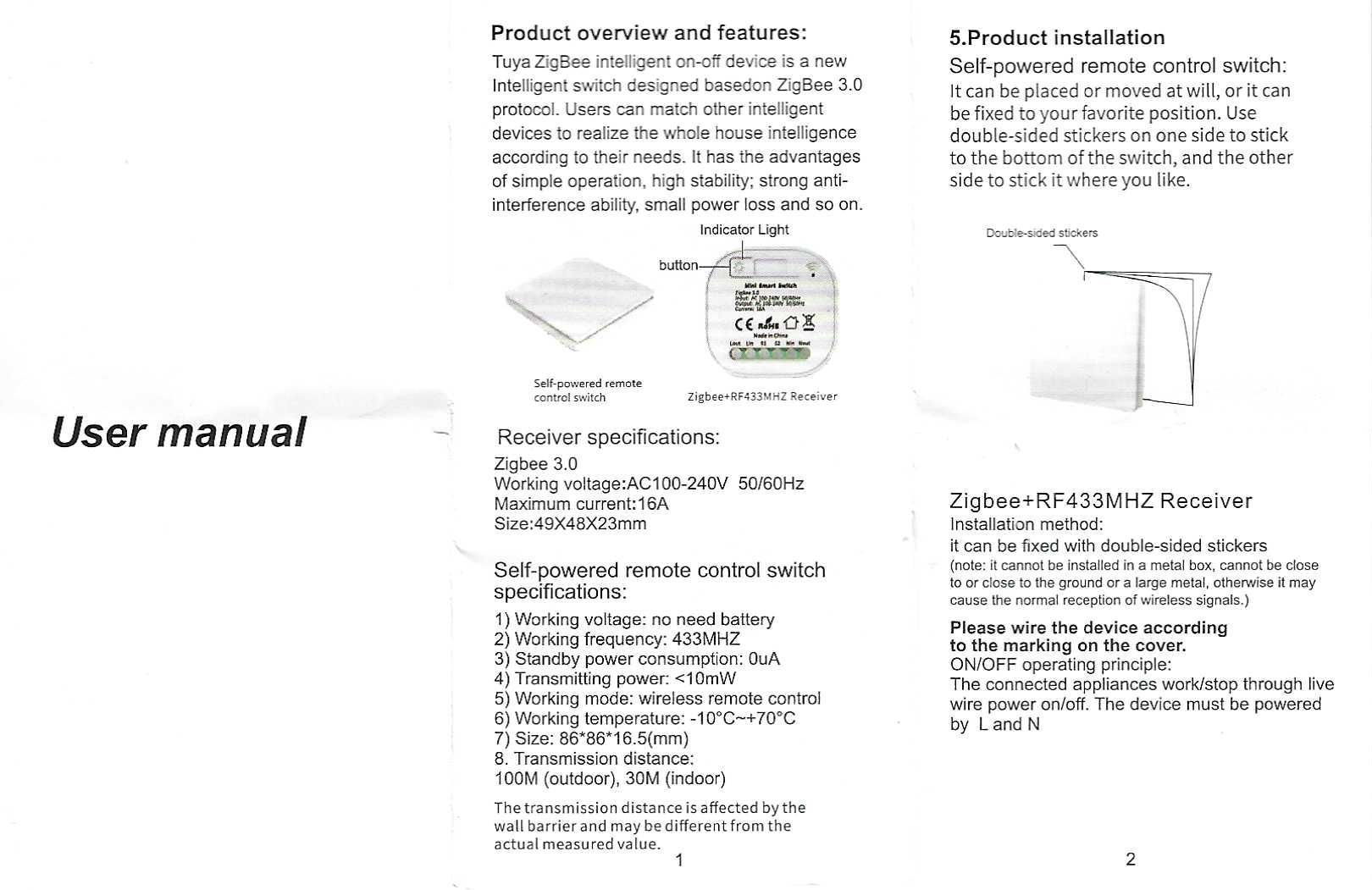
For archive: the complete instructions for use
Two-sided instructions with wiring diagram and technical characteristics:
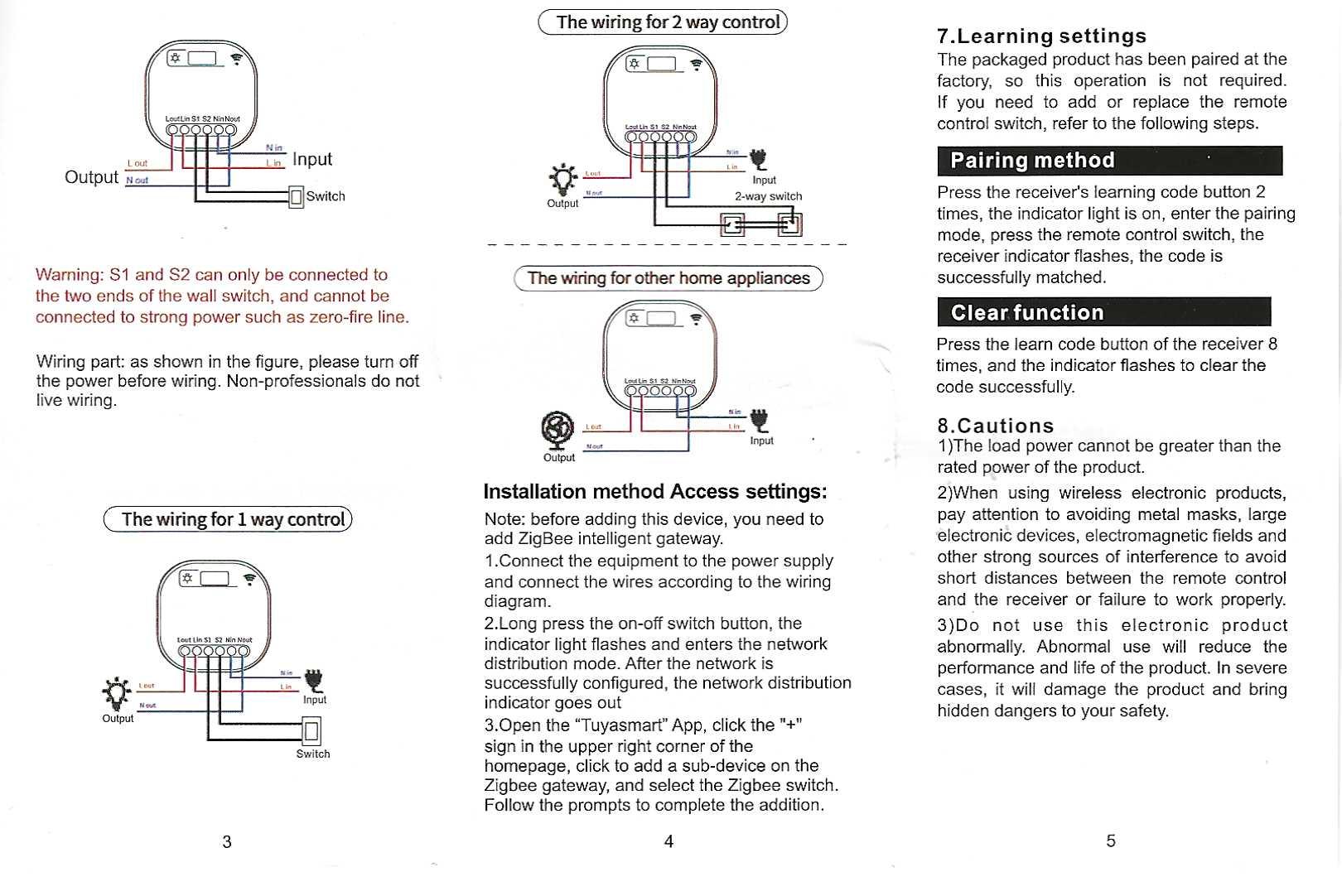
Reverse notice with DIP switch settings and table of detection thresholds:
 English
  French
  Spanish
  Chinese
  German