

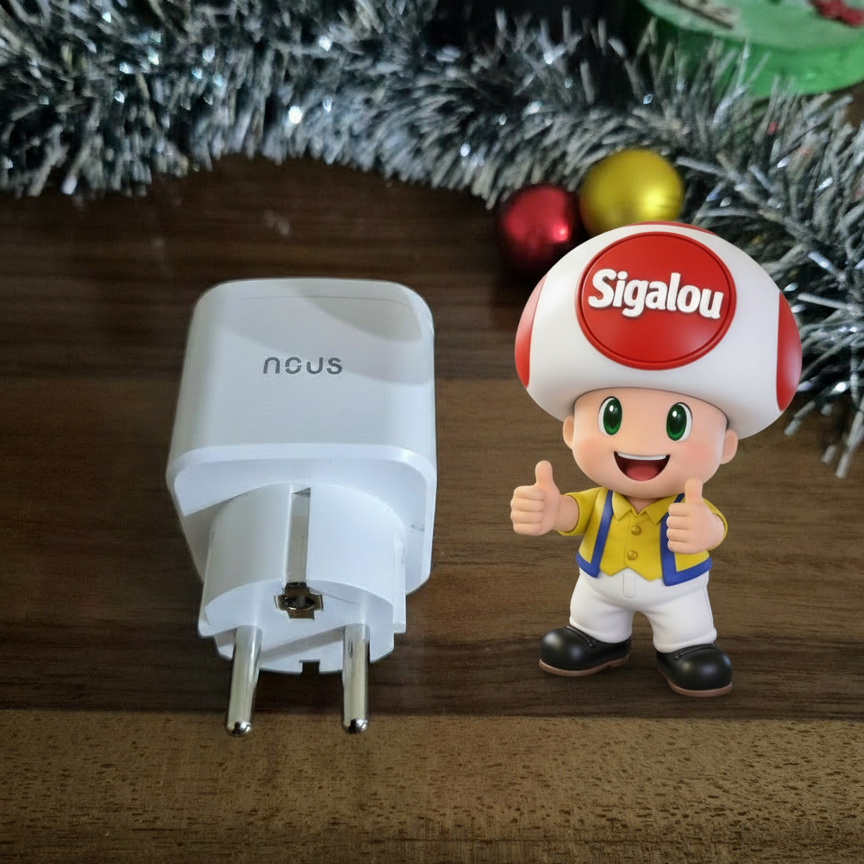
🎯 My objectives
I want to remotely control the devices. I have chosen the Connected plug US A7Z 16A with consumption measurement. It integrates seamlessly with my Zigbee2MQTT network and Home Assistant for reliable automation.
🔍 I check the received model
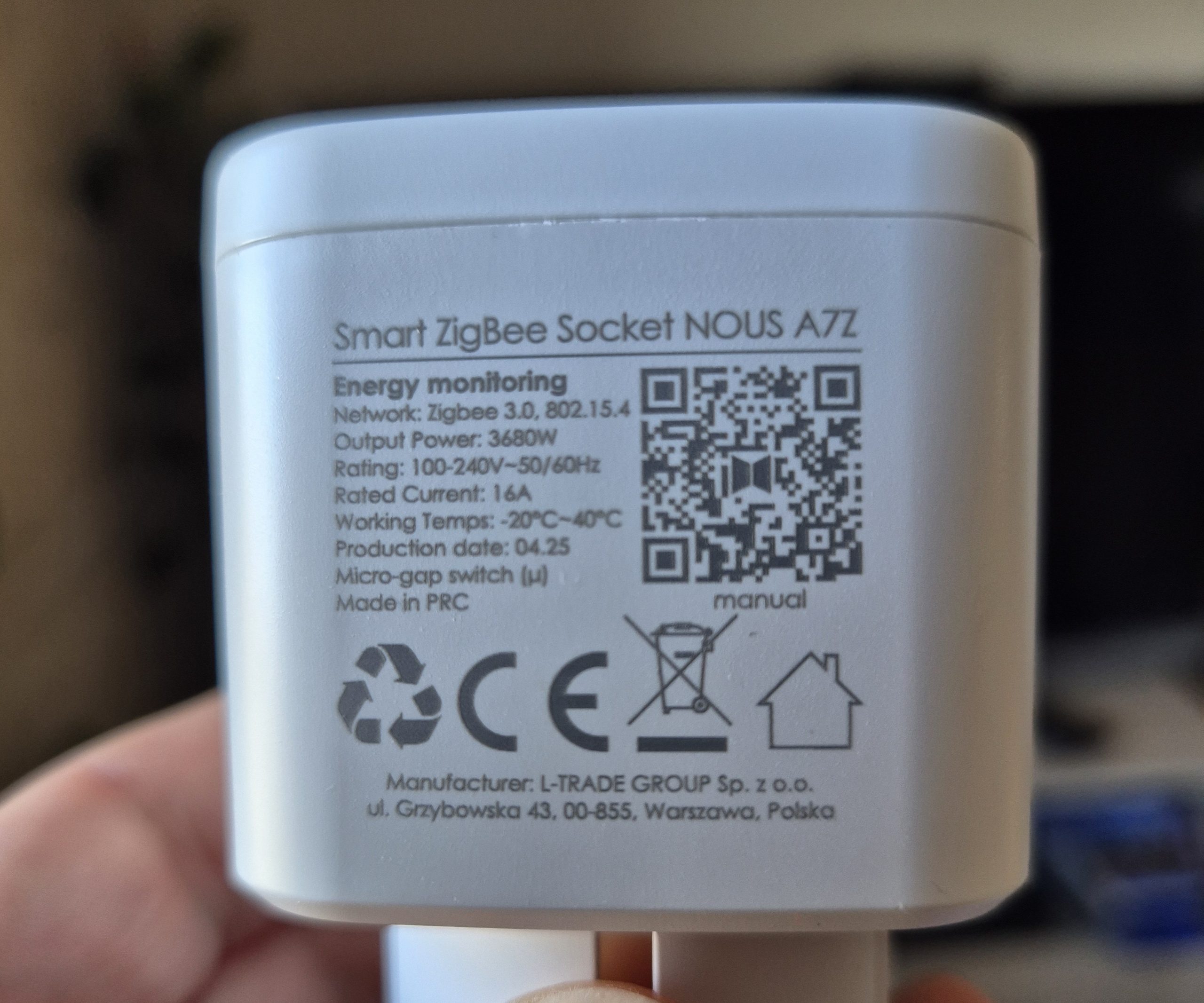
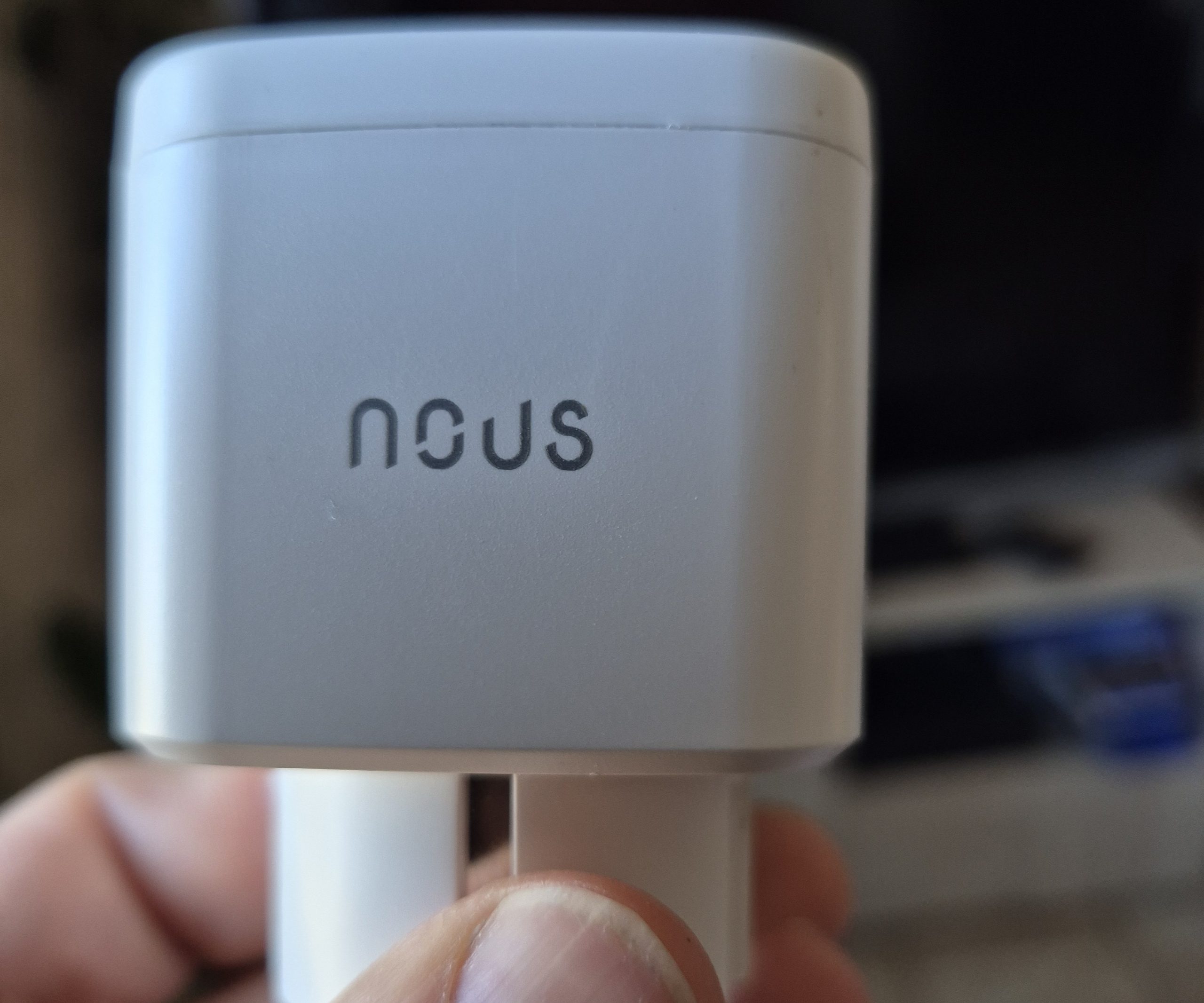
- On the technical sheet : WE A7Z
- On the carton : WE A7Z clearly visible
- Type of equipment : Connected plug sector
- Protocol : Zigbee 3.0
- Power supply : 230V 50/60Hz
- Intended installation : Standard wall socket
- Measuring ranges : Power up to 3680W, current, voltage, energy
- Dimensions / IP : 50x56x83 mm / IP20
 |
 |
🛒 Where to buy this equipment?
Here is the link to the page dedicated to the taking A7Z. I referenced the sellers and prices.
📦 Unpacking and First Impressions
At the reception, I unpack the plug, the quick manual. Compact design in white, physical touch button with LED. Audible electromechanical relay, solid for 16A max.
🔧 Power On / Enclosure Opening
I plug directly into sector. LED flashes for pairing.
🏡 Where I install it
I place it on a wall outlet of my washing machine and insert the outlet of the washing machine on it.
Accessible position for physical button test. I avoid Zigbee multi-socket for safety.
🔗 I pair in Zigbee2MQTT
- I pass Z2M in peering mode
- I plug in the plug: LED flashes fast
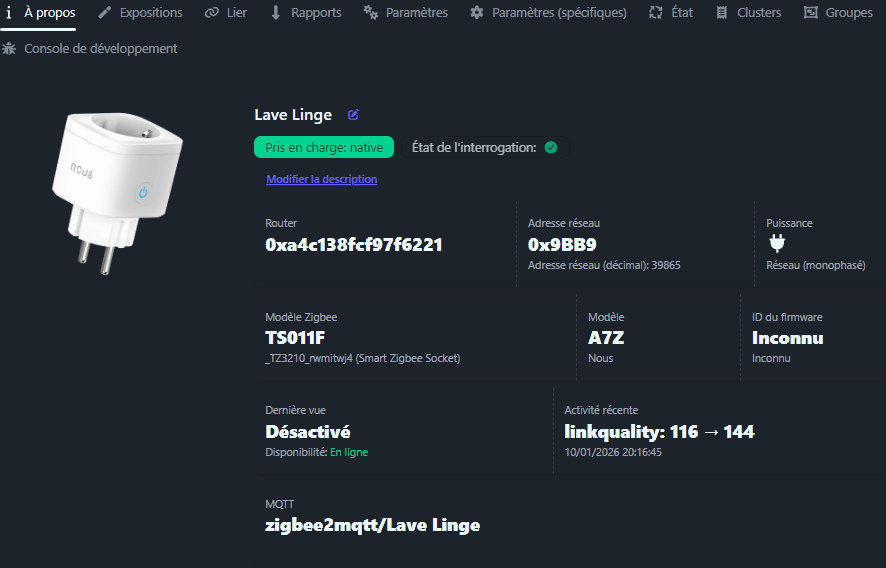
- Detected as A7Z with model zigbee TS011F
- I am renaming the Washing Machine
✗ State (ON/OFF)
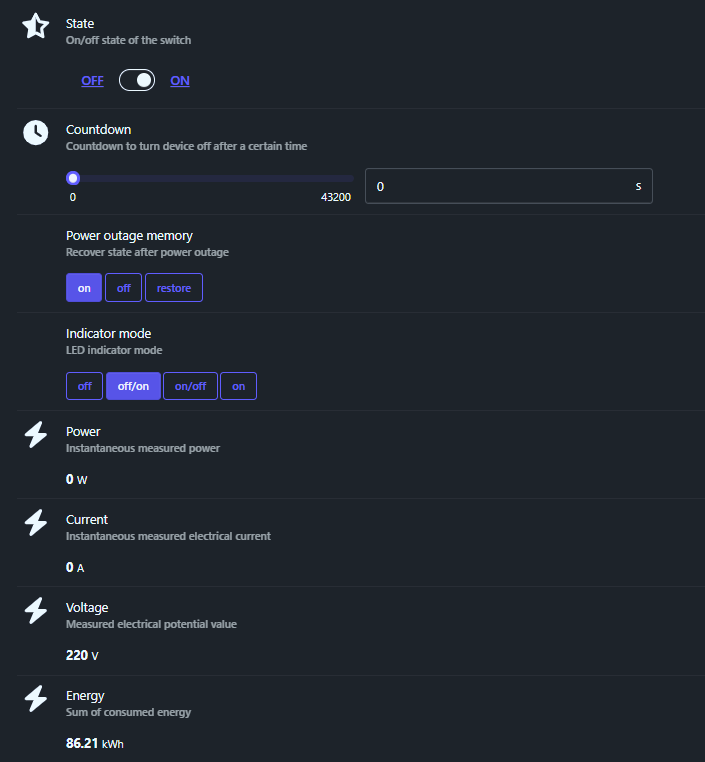
This is the main state of the catch. When I click ON, the internal relay closes and the connected device receives the current. When I click OFF, the relay opens and the unit is switched off. It is this command that I use in my scenarios to turn the charge on or off.
⏱ Countdown
The Countdown is a built-in timer. I can set a time in seconds, the plug will cut automatically at the end. Convenient to cut a radiator, water heater or charger after a certain time. If I set zero, the function is disabled.
🔌 Power Outage Memory
The order Power outage memory manages behavior after a power outage. In mode on, the plug always comes back on when the sector comes back. In mode off, it always comes back off. In mode restore, she recovers to the state she was in just before the cut.
💡 Indicator Mode
Indicator mode controls the LED of the socket. With off, the LED remains permanently switched off. With on, the LED always stays on. Modes off/on or on/off vary the LED depending on whether the socket is powered or not, e.g. LED turned on when the socket is ON only.
⚡ Power
Power displays instantaneous power in watts. This is the live consumption of what is plugged into the socket. I use it to detect that a device has just started or finished, by monitoring a power threshold. The value changes in real time when the load varies.
🔁 Current
Current is the instantaneous current in amperes. It shows how many amperes pass through the socket. This information is mainly used to check that we remain well below the limit of 16A of the catch. It also makes it possible to calculate or check the power in relation to the voltage.
🔋 Voltage
Voltage displays the measured mains voltage, in volts. On a conventional installation, I usually see around 220–230 V. This value can move slightly depending on the load on the network. It is interesting to monitor the stability of your diet.
📈 Energy
Energy is the total energy meter, kWh. It accumulates all the energy consumed by the connected appliance since the last reset or from the pairing. It is this value that I can use in Home Assistant to track monthly consumption and include it in the Energy table.
🔒 Child Lock
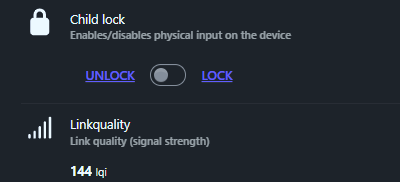
Child lock locks the physical button of the socket. When in LOCK mode, pressing the button no longer changes the ON/OFF status. In UNLOCK mode, the button works normally. This is useful to prevent someone from accidentally cutting the plug.
📶 Linkquality
Linkquality indicates the quality of the Zigbee link between the jack and the associated coordinator or router. The value is usually between 0 and 255, the higher it is, the better the connection. If I see a persistent low value, I know that it can be useful to bring the socket closer, the coordinator closer, or to add an intermediate Zigbee router.
🏠 Integration in Home Assistant
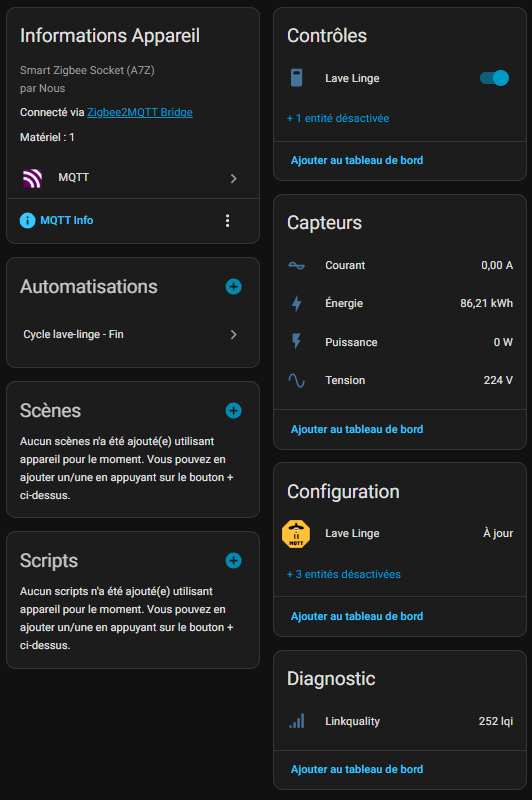
I find the device in HA, I turn off what I'm not interested in and activate what I want to follow .
⚙ Automations
I have already created automation, which is part of what is needed:
💬 My opinion after commissioning
✅ Forts: Powerful 16A, precise measurements, perfect Z2M/HA integration, rather efficient relay function, affordable price.
❌ Weak: Lightly cumbersome, noisy relay at the click, sometimes capricious pairing
My verdict: Perfect. I recommend taking Us A7Z.
 English
  French
  Spanish
  Chinese
  German