

This is great news, since the version 2023.6, the network storage becomes archi-simple, it is managed by the core of Home Assistant. Congratulations to the developers, it was missing.
In my previous Retex, I described how to configure the backup via Samba, in this one I will configure the backup via NFS.
I have had some disconnections from Samba that I do not explain yet and on a local network, if NFS is well configured, it is a simple tool that does not require creating a user, so I will only keep a user protected by double authentication on my NAS.
I configure the backup folder on the NAS
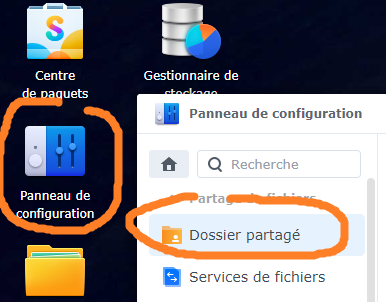
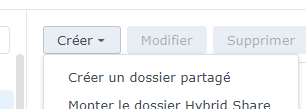
In the Control Panel and then Shared Folder, I create a shared folder.
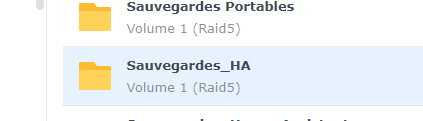
My backup folder is called _HA Backups
In the properties of the _Ha Backups shared folder, I will configure the NFS Permissions
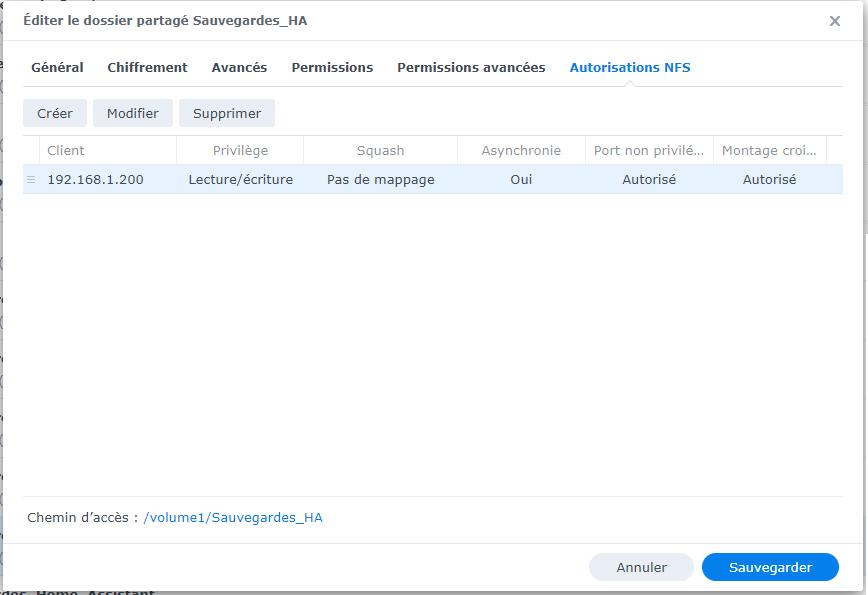
192.168.1.200 is my Home Assistant and I take down the path /volume1/Sauvegardes_HA
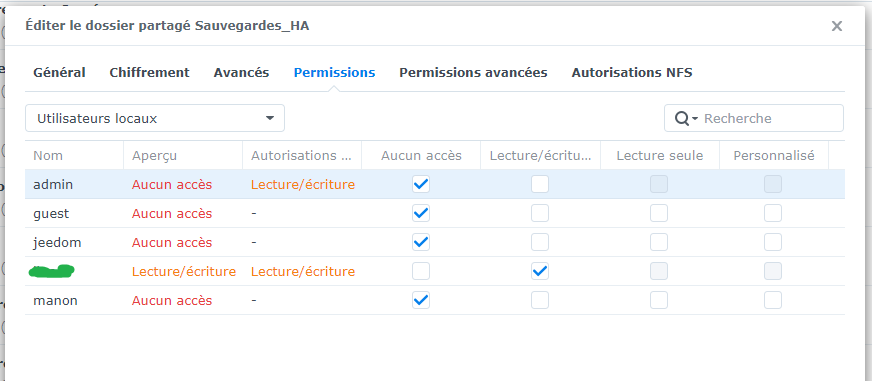
Old reflex, I limit the number of users to have access to this folder, I keep only the user who corresponds to my PC to check the backups from time to time:
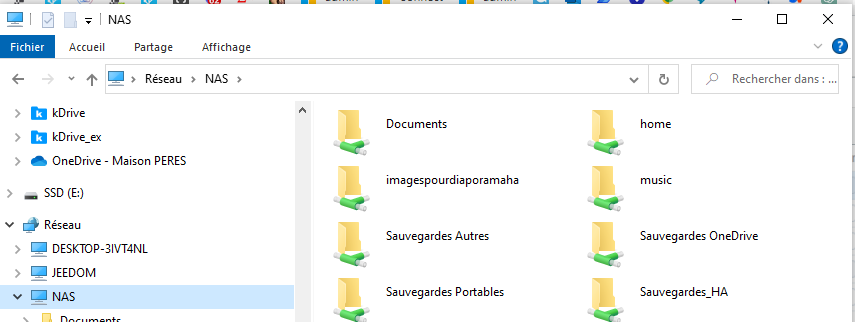
The file is ready, as I have authorised the user of my PC, I can also see it from the computer:
I configure the storage of Home Assistant
I go to Settings / System / Storage

I add network storage
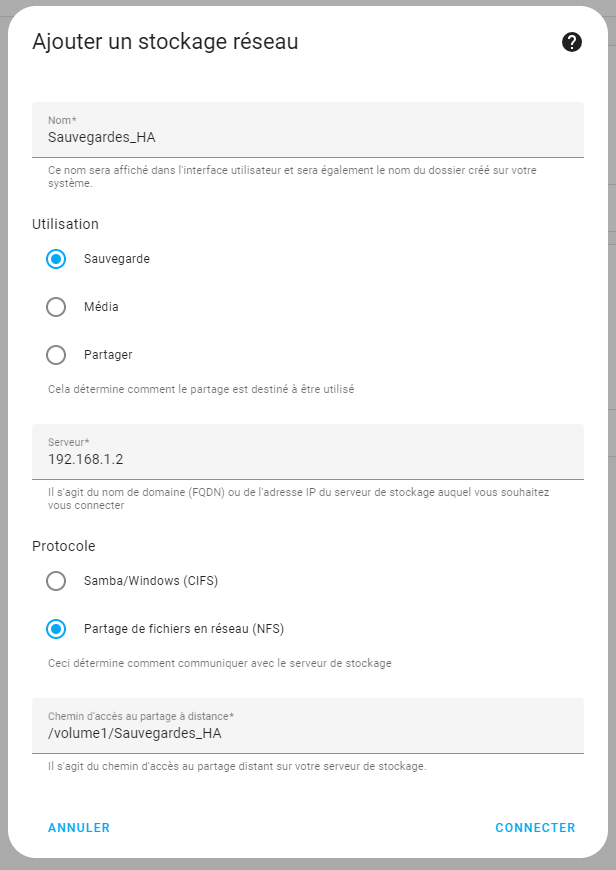
When I validate, I can see my saved backup file:
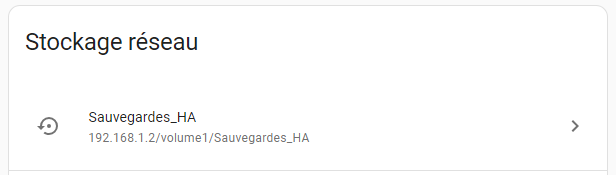
And at this point, it is legitimate to wonder how to explain to Home Assistant that it is now necessary to use this new network storage for backups, and no, he understood on his own. Checking ‘Backup’ when creating network storage will automatically redirect all backups to this folder. HA always has a little bit of magic that gives it a systematic lead over all competing systems.
I automate the backup
We must ask Ha to make the backups, a simple automation will do this very well.
alias: Backup - Every night description: "" trigger: - platform: time at: "01:50:00" condition: [] action: - service: hassio.backup _full data: compressed: true mode: single
I look at the result
 English
  French
  Spanish
  Chinese
  German