

Migration of Oregon Scientific thermometers to the Zigbee: my experience with the Woox R7048
For more than 10 years, I had been using Oregon Scientific thermometers, equipment of remarkable reliability: no failure, batteries that last for years, and a 433 MHz transmission via an RFXCom. However, I decided to gradually migrate my entire system to Zigbee to simplify and modernise my home automation installation.
Why abandon Oregon Scientific?
Oregon Scientific has always been up to the task, but 433 MHz technology is starting to show its limits in terms of integration and compatibility with new home automation solutions. The Zigbee offers better interoperability, lower power consumption and simpler integration with platforms like Jeedom or Home Assistant.
First tests with Aqara and Sonoff sensors
I first tested two popular models:
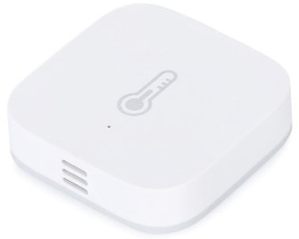
WSDCGQ11LM (Aqara)
On paper, this sensor announces a temperature detection range of -20 °C to +60 °C, with an accuracy of ±0.3 °C. But by reading the data sheet carefully, we discover an operating temperature limited to 0-40 °C. In other words, it measures up to -20 °C, but no longer works below 0 °C. A top for a sensor supposed to monitor a freezer!
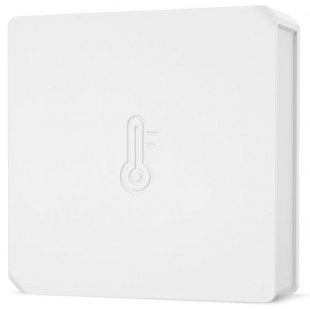
SNZB-02 (Sonoff)
For the Sonoff, the commercial information is unclear. After research, the documentation reveals a very limited operating range, incompatible with freezing use.
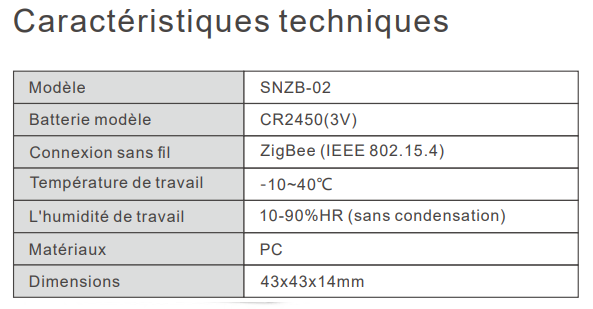
Result: Both models were discarded after a freezer test. They did not withstand the cold.
Looking for a sensor suitable for low temperatures
After a long search, I finally found a reference that announces an operating range of -20 °C to +50 °C: the R7048 Smart Humidity & Temperature Sensor of the trade mark Woox. This sensor is rare in France and difficult to find at a reasonable price. I ended up ordering it on Amazon at €27.45 (the price went up to €28.42 two days after my order, and there were only 11 left in stock).
Reception and first impression
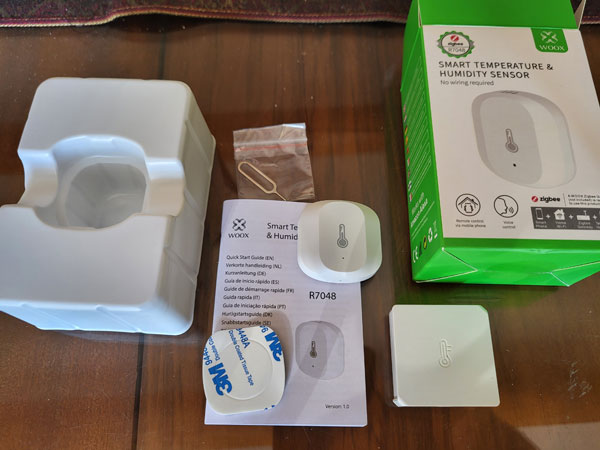
Ordered on November 8, the package arrived on November 14, despite a public holiday. The sensor is smaller than the commercial photos suggested, which is a good point for a discreet installation.
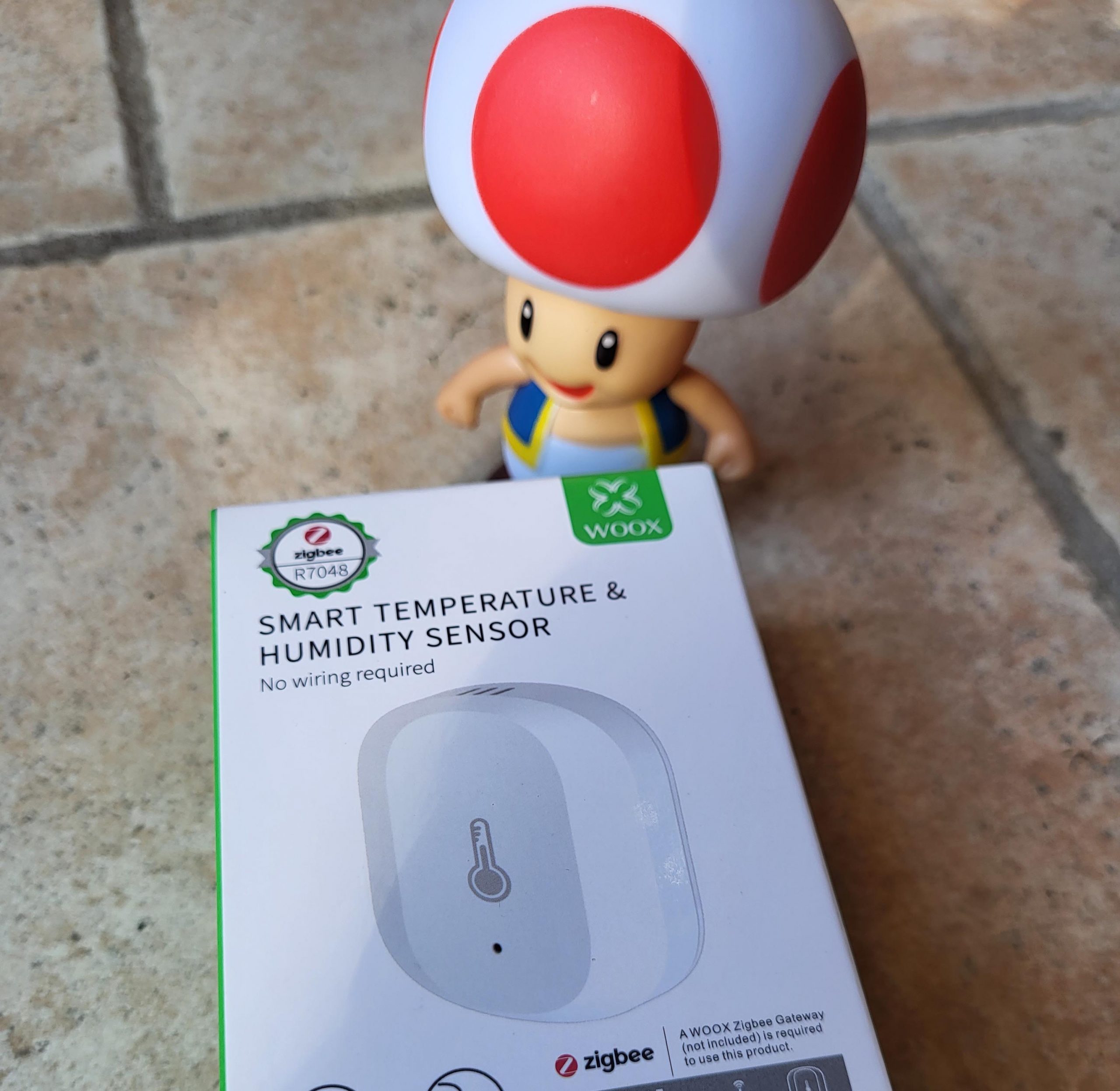
At the opening, I discovered a quality product, with a manual in French and a battery already installed, protected by a plastic tab to be removed for commissioning. A practical detail that avoids looking for tools.
Integration with Zigbee2MQTT
The user manual indicates that the Woox Gateway and the dedicated mobile application should be used. But as often, I skip and attempt direct integration via Zigbee2MQTT.
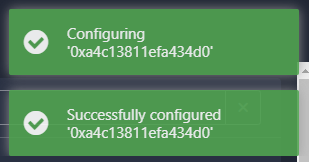
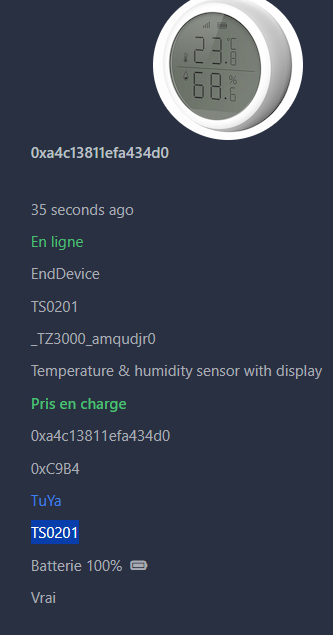
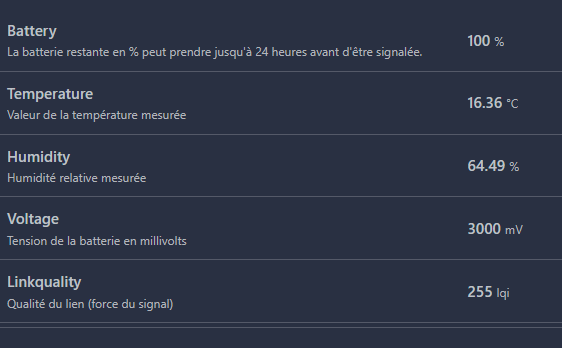
After removing the tongue from the battery, nothing happens. A push of the reset button (using the tool provided) finally triggers the pairing mode. Zigbee2MQTT immediately detects the sensor, which is displayed under the name TS0201. Temperature and humidity data can easily be traced back.
Installation and testing in real conditions
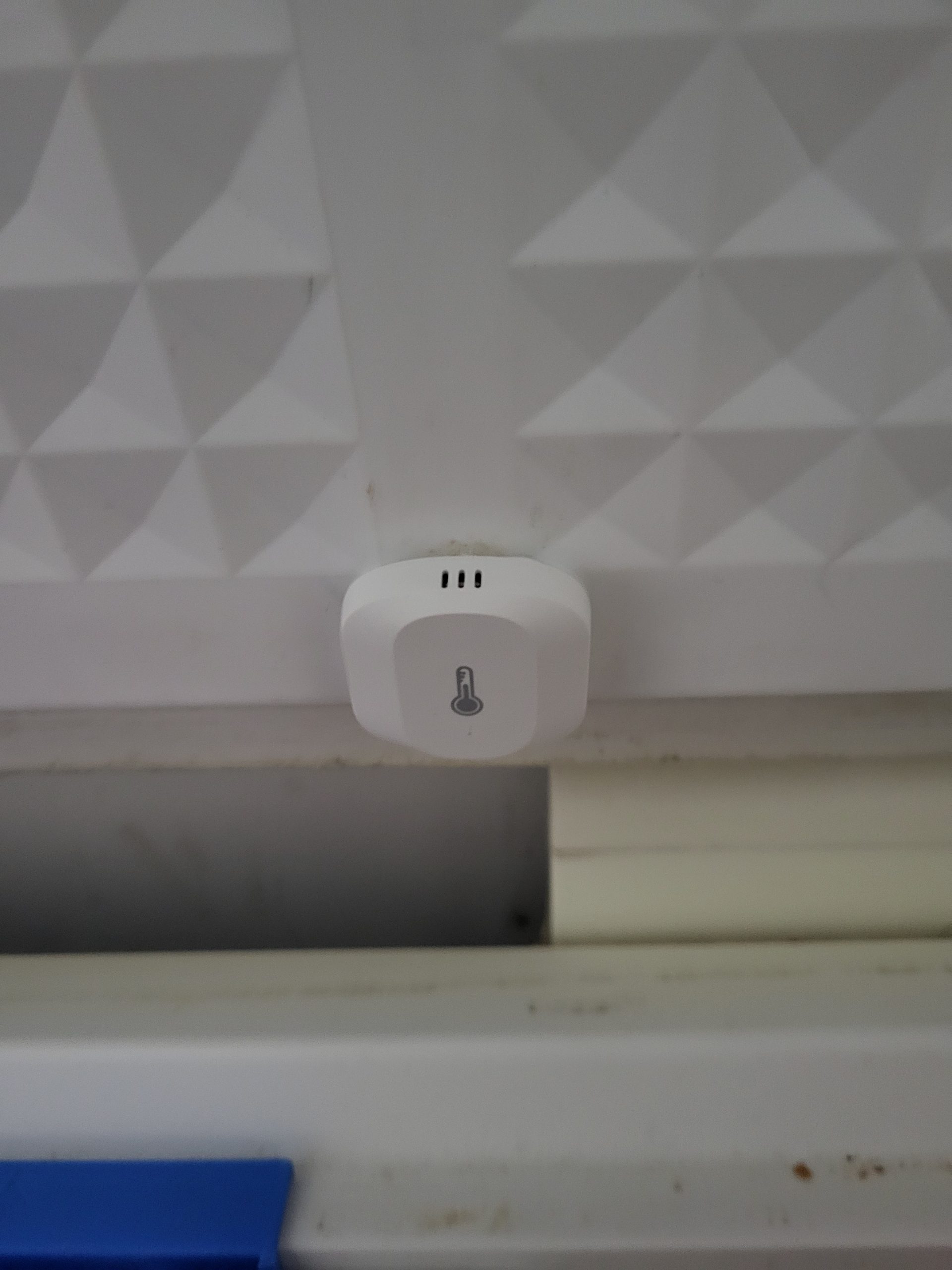
I attached the sensor to the back of the freezer using the provided double-sided. After a few days, the readings are stable and accurate. Seven months later, the sensor is still working perfectly: no frost, no breakdown, no battery change. The data are clear and regular.
Conclusion: a good choice
The Woox R7048 has kept all its promises. It is reliable, accurate and resistant to cold. If you are looking for a Zigbee sensor to monitor a freezer or low-temperature environment, this is a great option, despite a slightly high price and limited availability.
- Replacement Pile on 22/11/2025 or after 2 years
 English
  French
  Spanish
  Chinese
  German