

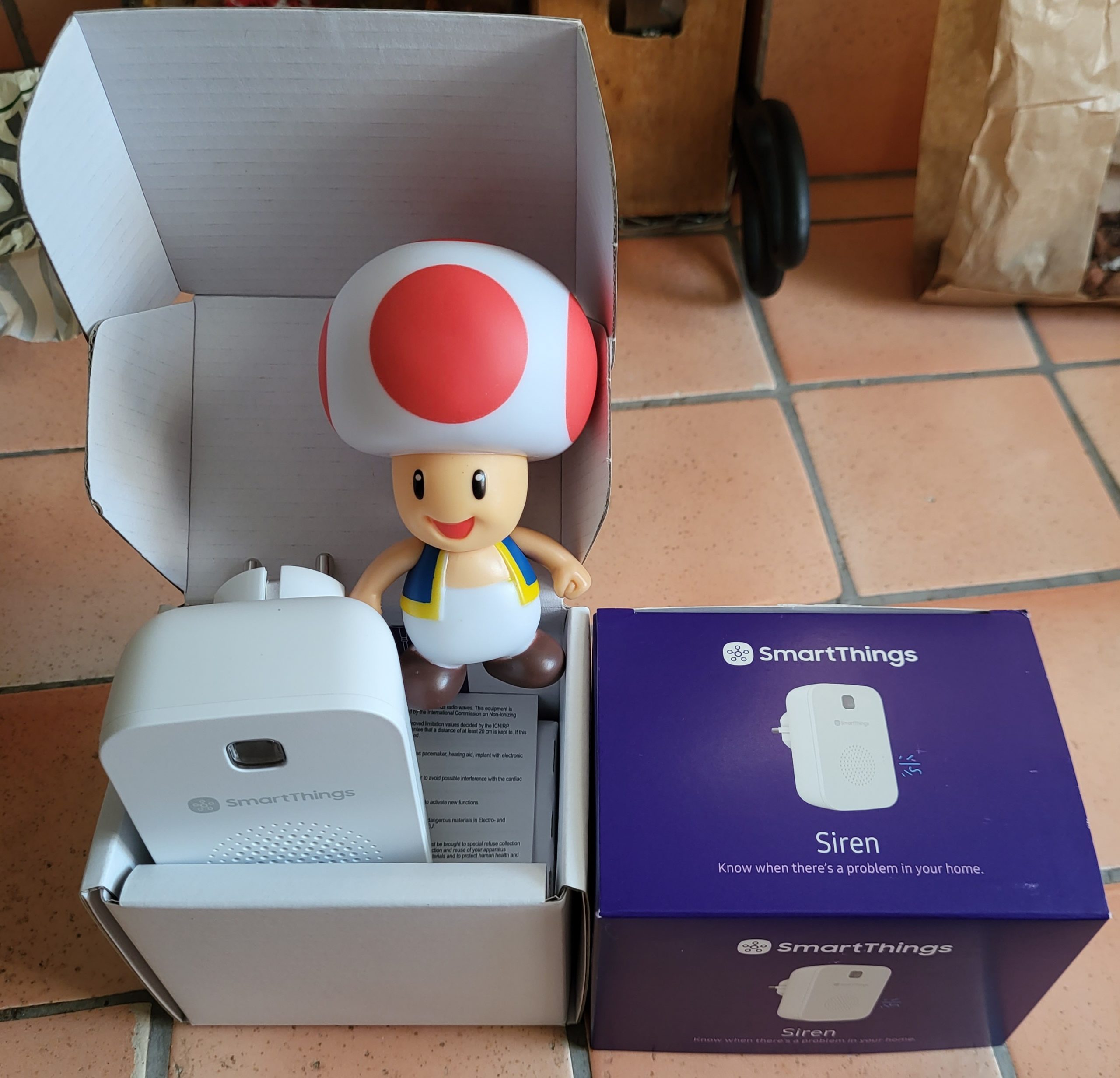
I chose to buy this SmartThing alarm because it is Zigbee, it will improve my network because it will be able to relay the Zigbee frames since it is connected to an electrical outlet.
Link to buy it:
It is clearly a Samsung product, which even Vodafone has offered.
- Model on the box: F-SRN-ZB-VF-1
- Model detected by Zigbee2MQTT: SZ-SRN12N: https://www.zigbee2mqtt.io/devices/SZ-SRN12N.html
I add it in Zigbee2MQTT
To integrate it, nothing is simpler, you leave your finger on the single button and plug it into the sector. Just before, we put Zigbee2MQTT in pairing mode and everyone knows each other.
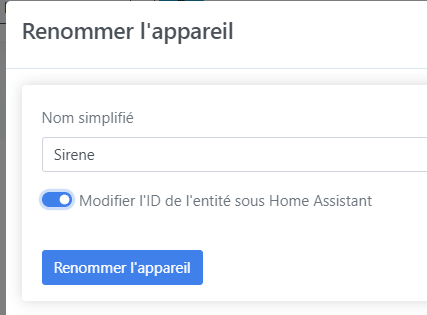
I am renaming the barbaric name given by Zigbee2MQTT as Sirene
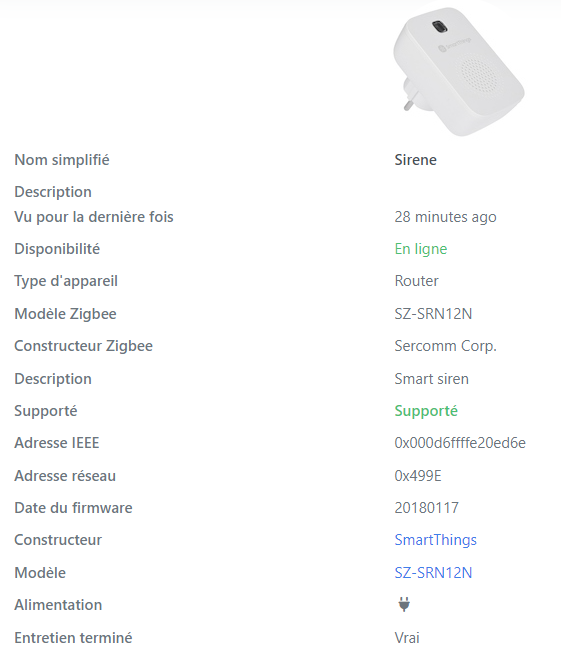
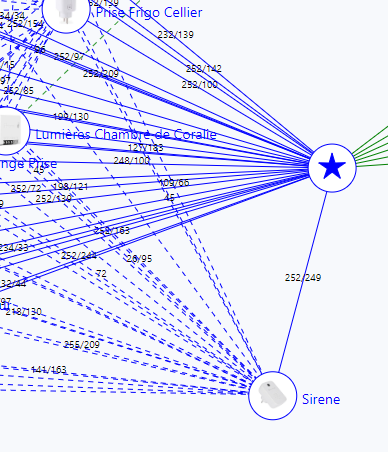
I see that this is a great Zigbee relay.
Indeed, it ensures relay side, I put two in my Zigbee network, it works even better since.
I'm testing the siren.
In the Expose tab, always in Zigbee2Mqtt
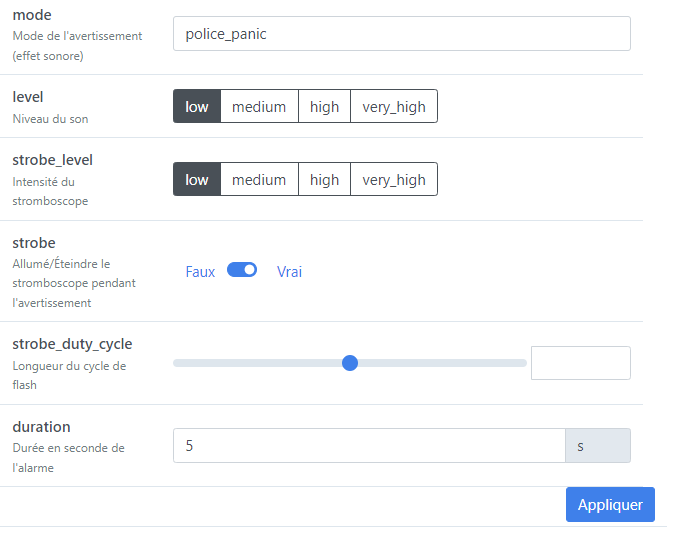
I see that the level is not really set, I did not perceive any difference, but the siren sounds 5s.
I watch what Home Assistant detects me
Rather, it is disappointment, the Zigbee2MQTT link seems not to work properly.
I have done a lot of research, and it is the same for everyone since the alarm was created, integration is not perfect. Anyway, we're gonna do something different, ….
This is what HA’s MQTT integration gives (by forcing the activation of the two diag infos):
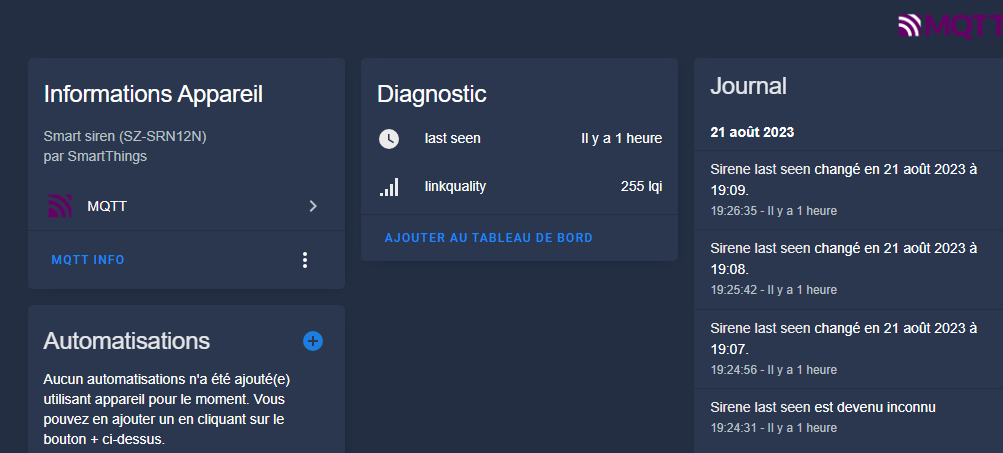
So no useful information and no commands. I'm going to do this manually.
I add two HA scripts
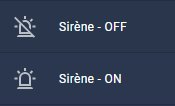
You must post on the MQTT directly to trigger or stop the siren.
The options can be found on this page:
https://www.zigbee2mqtt.io/devices/SZ-SRN12N.html
Note: Like the entire home automation community, I didn't manage to change the volume.
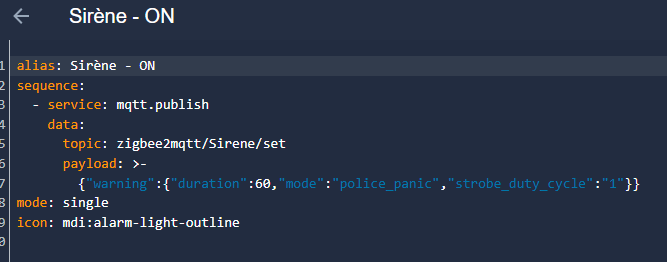
alias: Mermaid - ON sequence: - service: mqtt.publish data: topic: zigbee2mqtt/Sirene/set payload: >- {"warning":{"duration":60,"mode":"police _panic","strobe _duty _cycle":"1"}} mode: single icon: mdi:alarm-light-outline
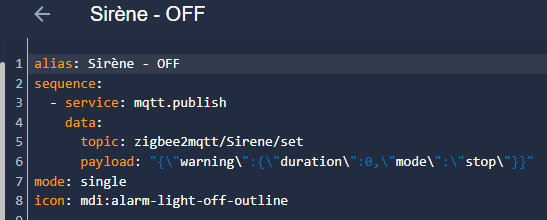
alias: Siren - OFF sequence: - service: mqtt.publish data: topic: zigbee2mqtt/Sirene/set payload: "{"warning":{"duration":0,"mode":"stop"}}"mode: single icon: mdi:alarm-light-off-outline
 English
  French
  Spanish
  Chinese
  German