

My goal
My goal is to make an animation via an animated gif.
I can change gif depending on the state of an entity.
I will draw the two balls (one red one blue)
A little shot of Photoshop or other and here is the basic file

I will create the animation in Canva
As my version of photoshop is old, I don’t have the editing functionality at home, I use Canva (online).
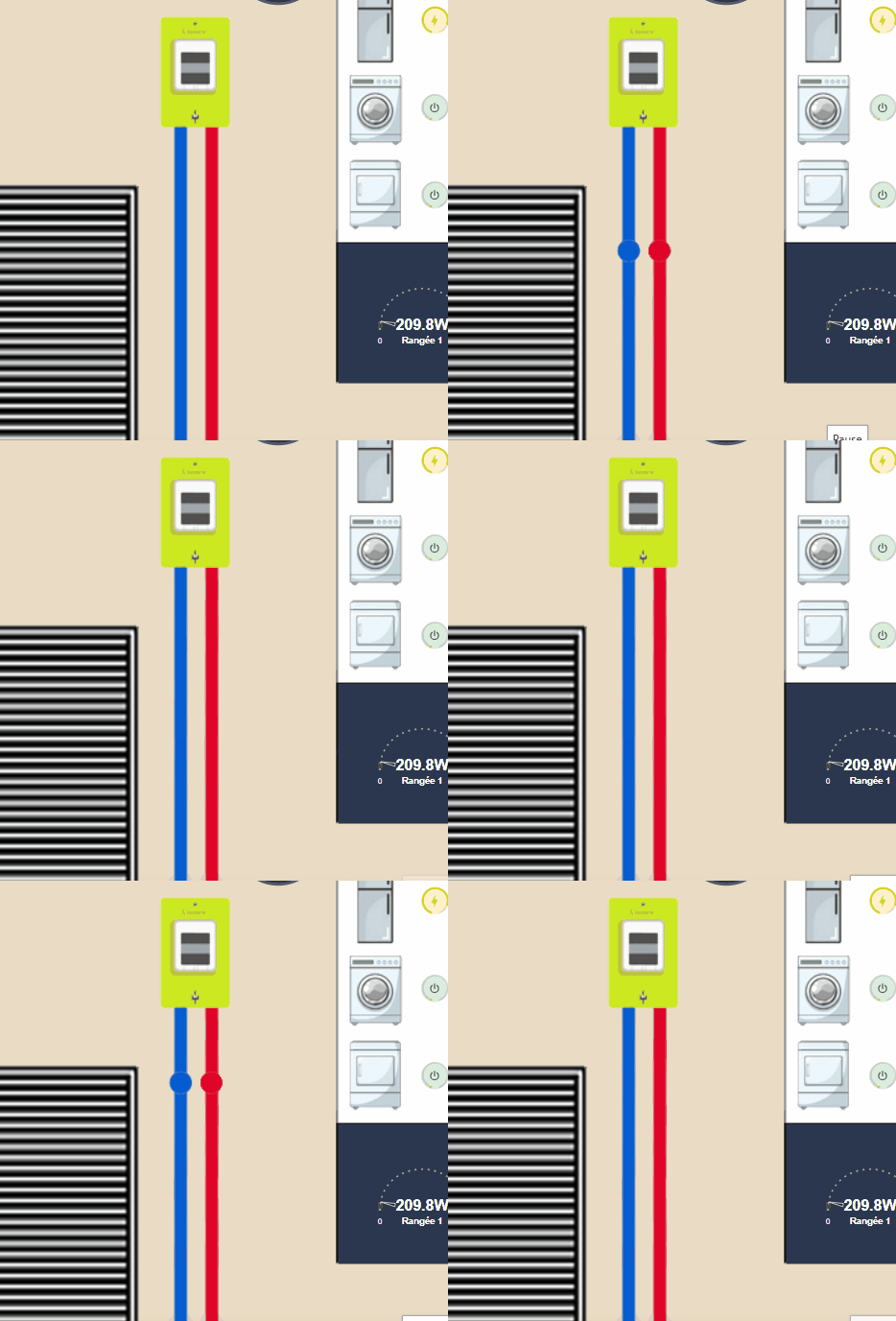
To avoid a white mark when turning, I put the bottom of my HA screen in the background, the result is:

I'm going to rock on a transparent background
I couldn’t figure out how to do this with Canva, I use an online tool
The result is
I do two other animations
To have three states, I generate two other files, one faster and one slower, so three files in total:
 |
 |
 |
I add a template that will match the power consumed
In my templates.yaml file, I add
- name: Consumption _Single speed _id: sensor.consumption _speed state: >- {% if (states('sensor.linky_power_apparent')|float) < 400 %} slow {% elif (states('sensor.linky_apparent _power')|float) >4000 %} fast {% else %} average {% endif %}
On the dashboard, I add a card that will display one of the 3 animated gif, depending on the value of sensor.consumption _speed.
- type: image entity: sensor.consumption _speed tap_action: Action: none style: width: 7% top: 91.6% left: 26.7% state_image: slow: /local/home/Conso/lente.gif average: /local/home/Conso/medium.fast gif: /local/home/Conso/fast.gif
 English
  French
  Spanish
  Chinese
  German