

Sometimes it is easier for the VM to open with its registered password.
Otherwise, you can end up with:
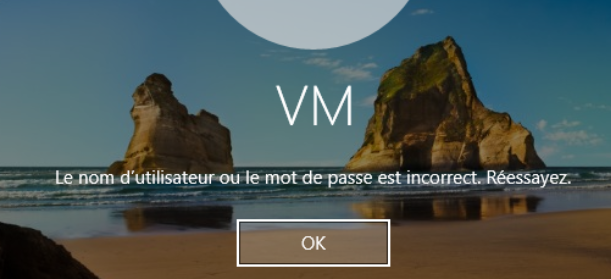
However, it is necessary to put a password, PowerAutomate gateways require a password. Thus, the parameters of the VM could be:
- _nom _ user domain: WORKGROUP\VM
- password: VM
Once you have set the password (thanks to Ctrl+Alt+Sup)
Launch (as Administrator) the small file AutoLogonV310
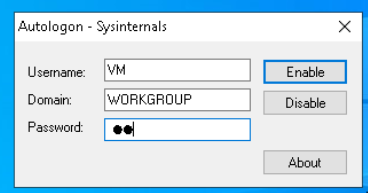
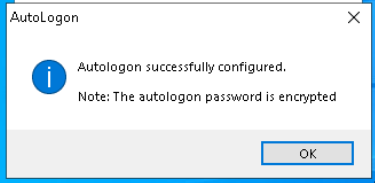
Validate by clicking on Enable
 English
  French
  Spanish
  Chinese
  German