

Warning: any intervention on electrical equipment must be carried out by an electricity professional, this can be dangerous.
Objective
I have classic back-and-forths in the rooms, there is no neutral to switches.
I want to add a Sonoff Zigbee to domotize this light (it works with SonofMini or other equivalents)
Note: : You must have access to the bypass box to make this tutorial
Production time 10 minutes
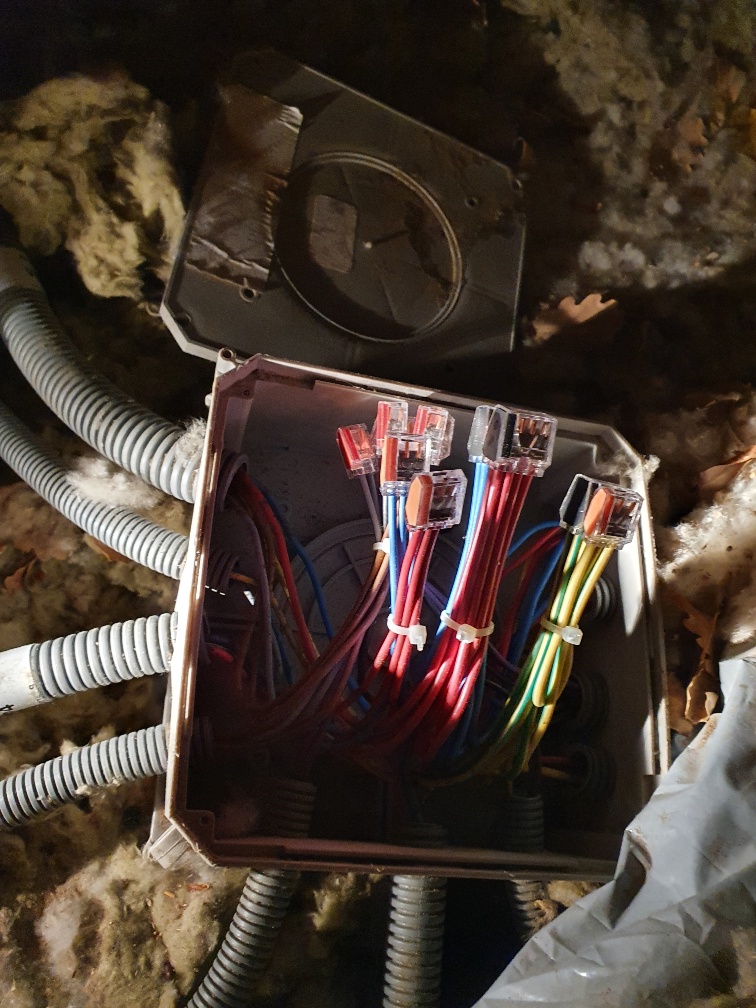
Existing
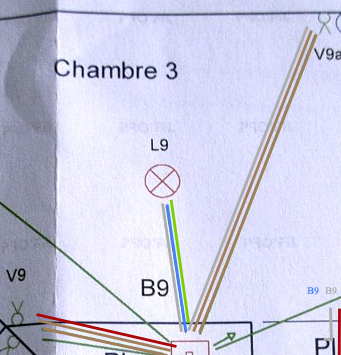
The room is equipped with two switches and a link to the lamp
- Switch 1: One red thread + two brown threads
- Switch 2: One gray thread + two brown threads
- Link to the lamp: A gray thread + a blue thread + a ground thread
My existing back and forth is a very standard cabling, I set the colour of the wires to reality:
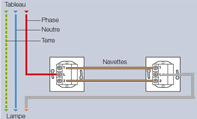
The electrical plane of the chamber is as follows:
Desire for realization
I use Sonoff’s scheme for integrating a Sonoff into a back-and-forth by changing the colours.
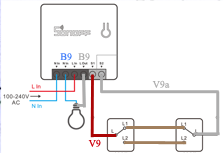
Making the change
Open the bypass box and spot the grey wires, they are connected together, one goes to the lamp (B9) and the other goes to the switch (V9a), disconnecting them from each other (removing the Wago).
- Connect the grey wire that goes on the lamp to the Lout terminal of the Sonoff
- Connect the grey wire on the switch to one of the Sonoff’s S1 terminals
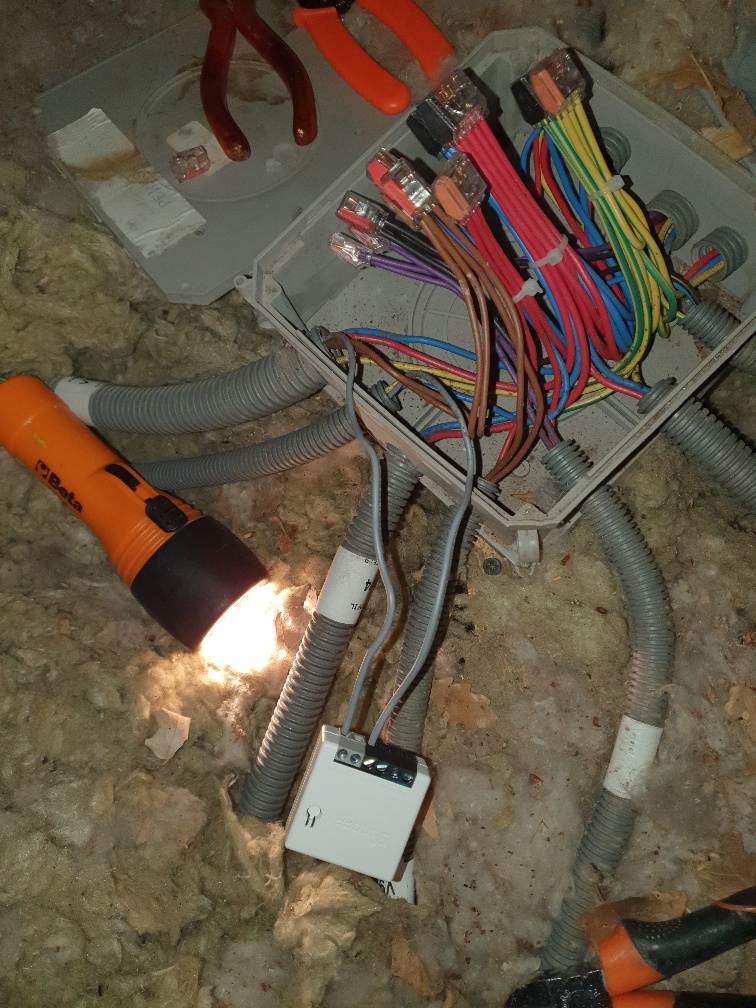
Locate the red wire that goes to the second switch, disconnect it from the Wago "phase" and connect it to the Sonoff's S2
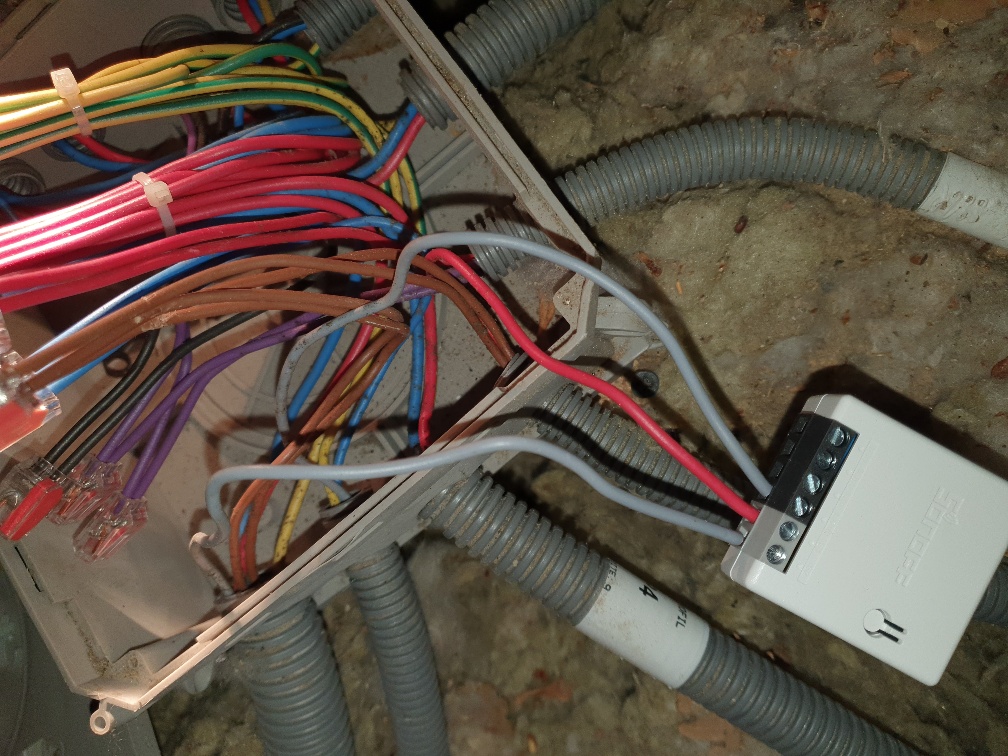
Add a small red rigid cable and take the place of the red cable that has just been disconnected in the Wago ‘phase’ and then connect this red cable to the Lin terminal block of the Sonoff
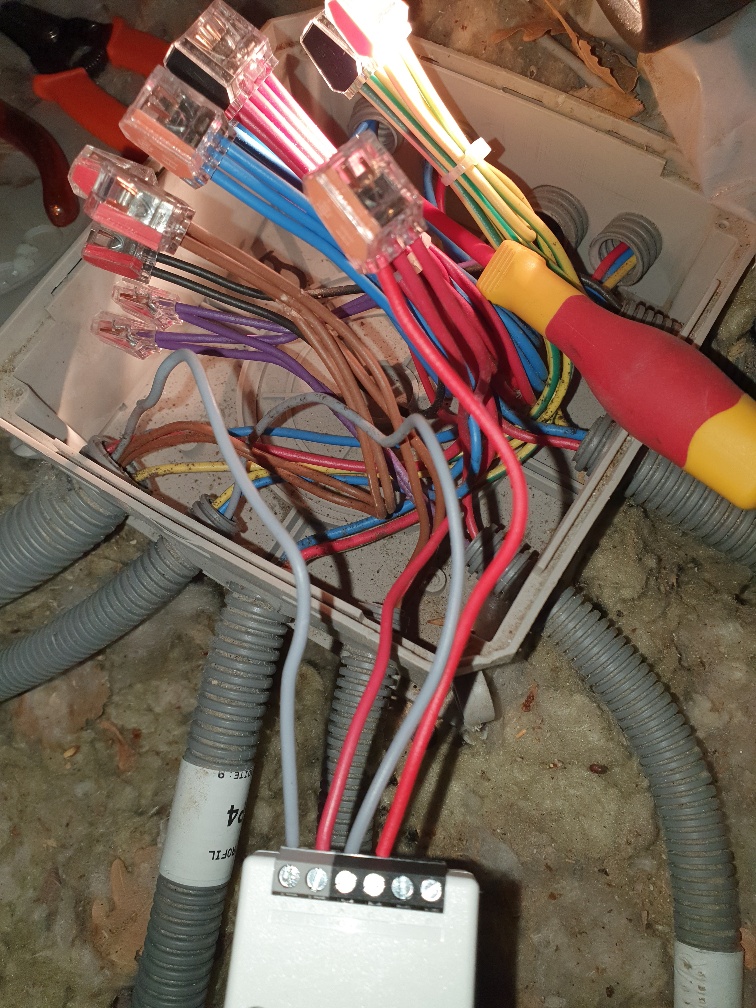
All that is missing is the Neutral to connect, to get the neutral of the lamp, here I replaced a 3-wire connector with a 4-wire Wago and added a blue cable to the Sonoff’s Nin terminal block.
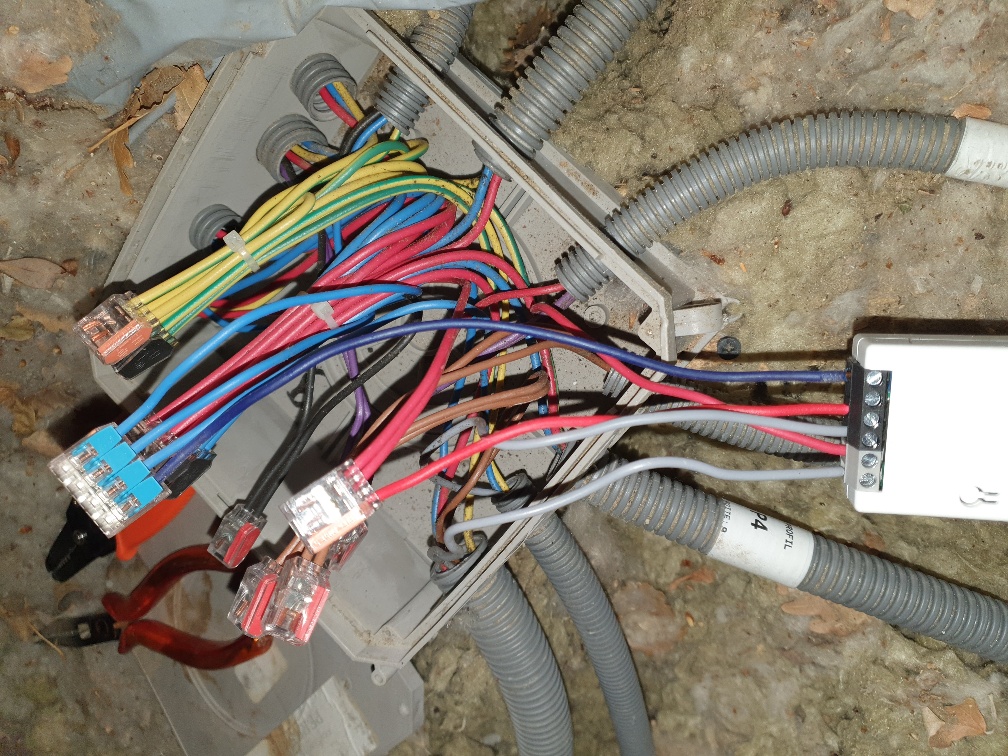
It’s over!!! It is really simple to do.
Result
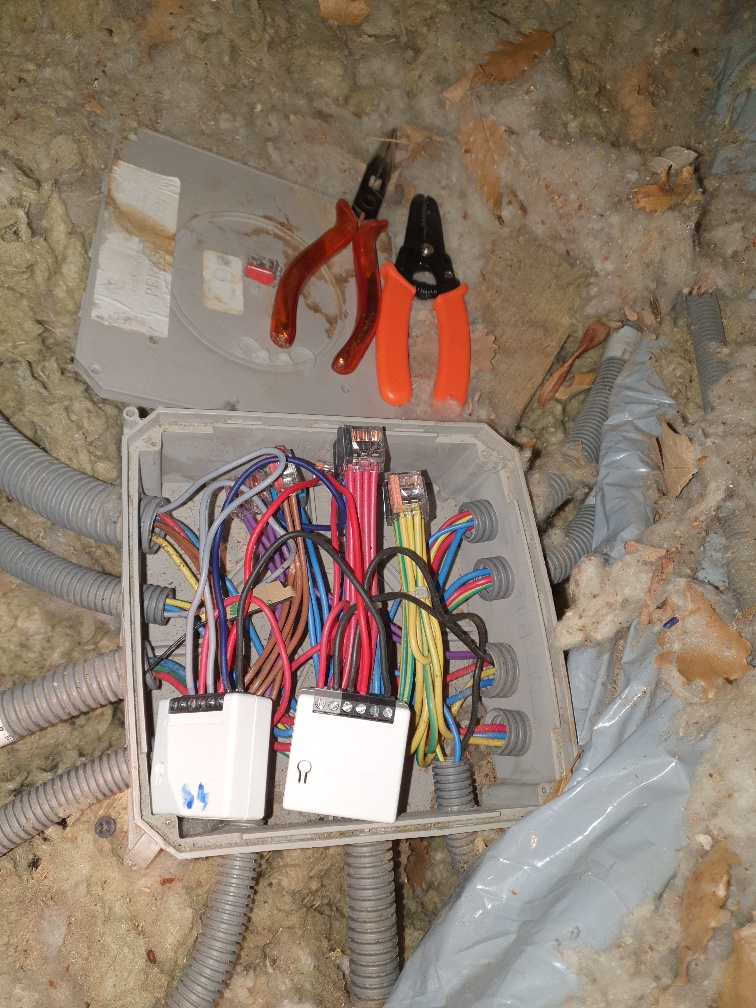
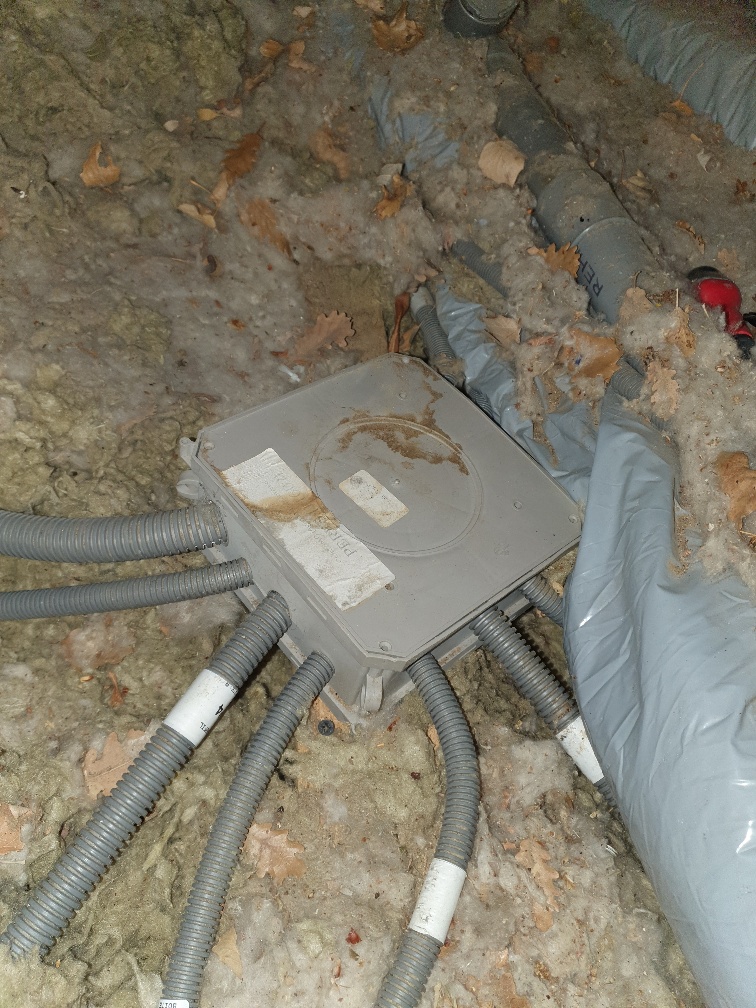
I took the opportunity to wire two rooms in a few minutes on the same principle, here is the result
 English
  French
  Spanish
  Chinese
  German