

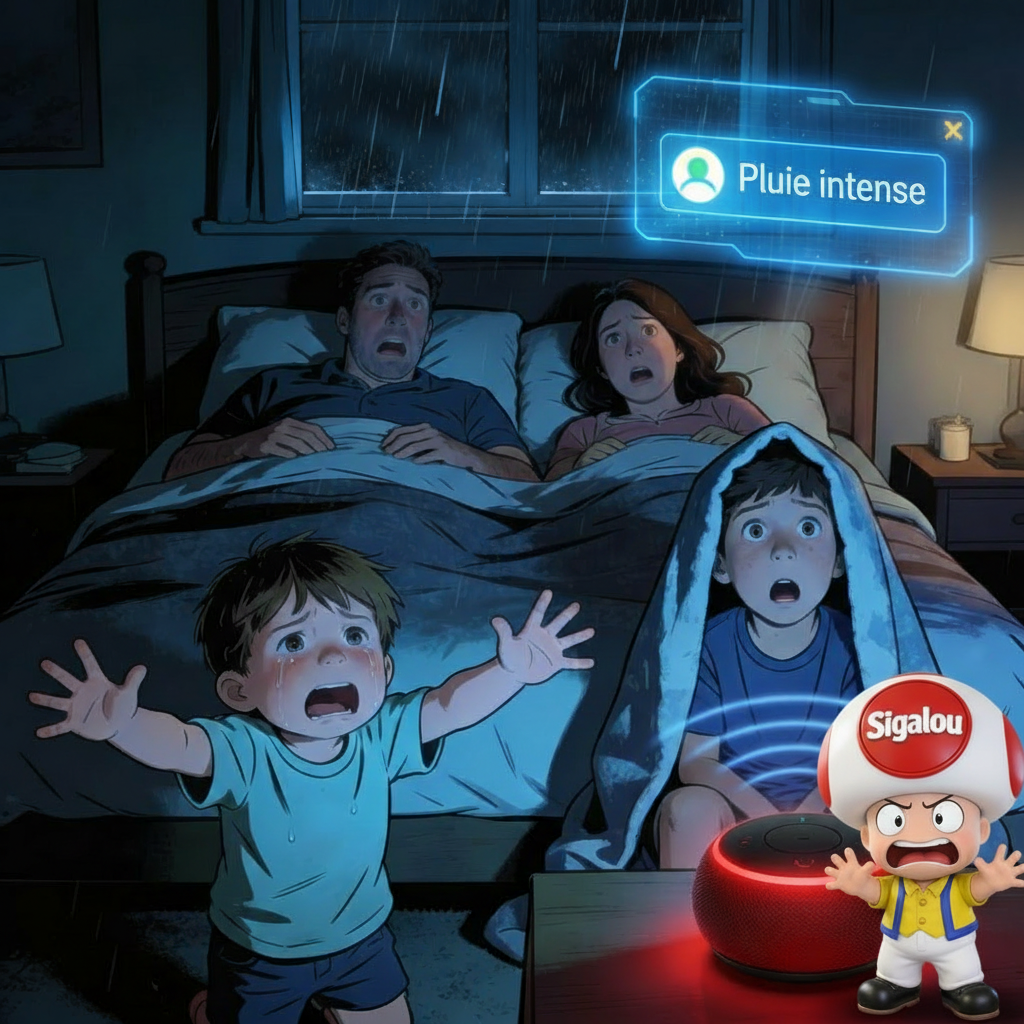
4:32, Saturday morning. An announcement in the 6 Alexa of the house tears up the silence: It's starting to rain! Alexa, just woke up the whole house. I am not telling you the atmosphere at breakfast. Great start to the weekend.
The cause? My rain sensor ZG-223Z had detected a few drops at 4:25 a.m., and my automation had triggered an Alexa ad without thinking about the time.
I wanted a solution simple, native Home Assistant to say: ‘ You announce ONLY between 9am and 9:30pm on weekdays, 10am-10pm on weekends. After testing input_datetime, multiple automations and complex scripts, I discovered THE Planner. 5 minutes of config, and never again of untimely awakening.
I tell you my entire journey, step by step, exactly as I did.
🎯 My plan of attack
Objective: Create a " custodian of timetables which says YES/NO to Alexa ads according to time + day. I have chosen the HA Planner because:
- I slide-and-drop my time slots
- It gives me a state ON/OFF automatic
- Zero code, 100% Home Assistant Interface
- I'm doing it conditioning in ALL my automations
🔧 Step 1: I create my Planner
I click Settings → Devices & Services → Inputs (Helpers)
I click Create an entry → Planner
I name : Message Alexa Authorized → Automatic Entity ID: schedule.message_alexa_ allows
I set up my ranges:
- Monday to Friday : 09:00 → 21:30 (blue)
- Saturday : 08:30 → 21:30 (blue)
- Sunday : 10:00 → 21:30 (blue)

I save and visualize the sensor.
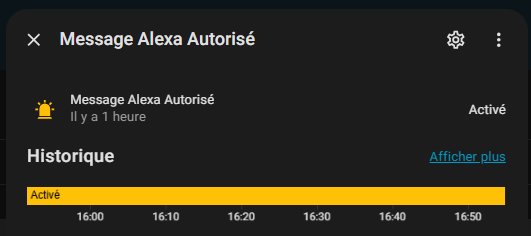
Thus, when the sensor is activated, Alexa has the right to notify either:
schedule.message_alexa_allows=ON
📊 Step 2: I create a visual sensor (optional)
For my dashboard, I code this binary _sensor in my templates.yaml :
- name: "Alexa Authorized Messages" unique _id: binary_sensor.alexa_messages_allowed state: > {{ is_state('schedule.message_alexa_ authorize', 'on') }} device_class: connectivity icon: > {% if is_state('schedule.message_alexa_allow', 'on') %} mdi:bell-badge {% else %mdi:bell-off {% endif %}
HA restart → binary_sensor.alexa_messages_allowed appears. I add it to my picture-elements dashboard:

⚙ Step 3: I secure my automations
My typical example : Rain notification (who woke me up!)
BEFORE (dangerous): Rain → Direct announcement → 4h32 family alarm clock
AFTER (secured): Rain + Schedule ON → Announcement. Otherwise: silence.
alias: Notification Rain Secure Description: "🚨 Rain Detected AND Time OK" triggers: - entity_id: binary_sensor.pluie_en_cours # My ZG-223Z from: "off" to: "on" for: second: 20 # Anti-false positive conditions: - condition: state entity _id: schedule.message_alexa_ allows # ← MY GUARDIAN! state: "on" actions: - service: notify.alexa _media _partout data: Message: 🚨 It's starting to rain outside! Closed blinds, watering cut." data: Type: announce - delay: "00:00:02" mode: single
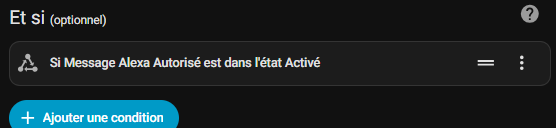
TEST: 4pm → Simulated Rain → "It's Raining!" on all Echo ✅
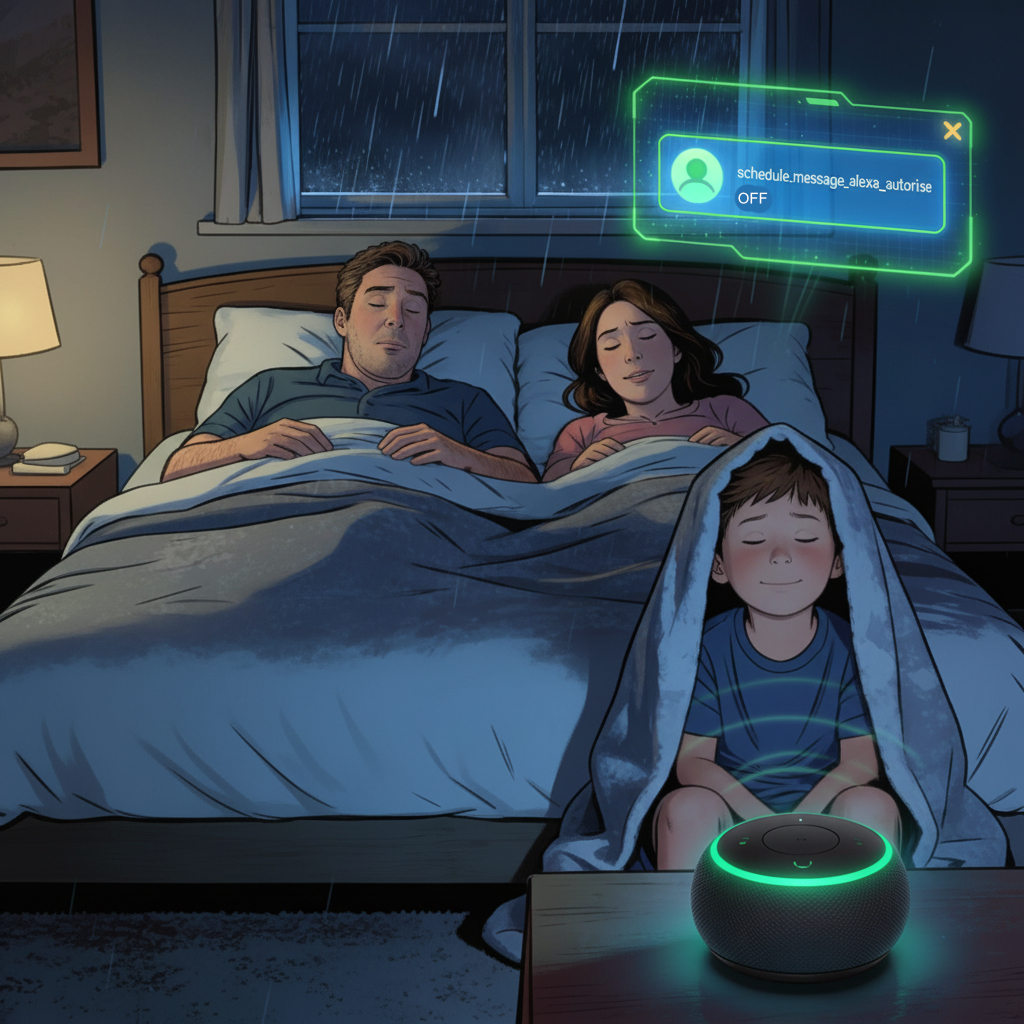
TEST: 23h → Simulated rain → Total silence ✅
🛠 My pro tips (explicit for beginners)
1. Smart dashboard badge
- type: conditional conditions: - entity: binary_sensor.alexa_messages_allowed state: "on" elements: - type: state-badge entity: binary_sensor.alexa_messages_allowed style: top: 85% left: 5% '--card-mod-icon-color': green
Appears in GREEN if OK, invisible otherwise. Magical!
2. Easy Debug
Developer Tools → Template → {{ states('schedule.message _alexa _ authorize') }} → Instant!
To test and verify sensor values.
💬 My verdict after 1 week
✅ Plus a single untimely awakening. The family sleeps, I'm Zen.
✅ 5 MINUTES initial config, then all automatic.
VISUAL ✅: Colorful ranges, dashboard badges, clear logs.
✅ NATIF: Zero external dependency, easily upgradable.
 English
  French
  Spanish
  Chinese
  German