


My goal
I had a Sonoff 4CHPRO R1 flashed with ESP Easy that made the soul, it managed the ignition of the solenoid valves of my watering, I will replace it with a 4CHPRO-R3 that I had in stock.
When I flash it, I give up ESP Easy to flash it in ESPHome, which will make it easier to integrate it into Home Assistant.
I weld the connectors
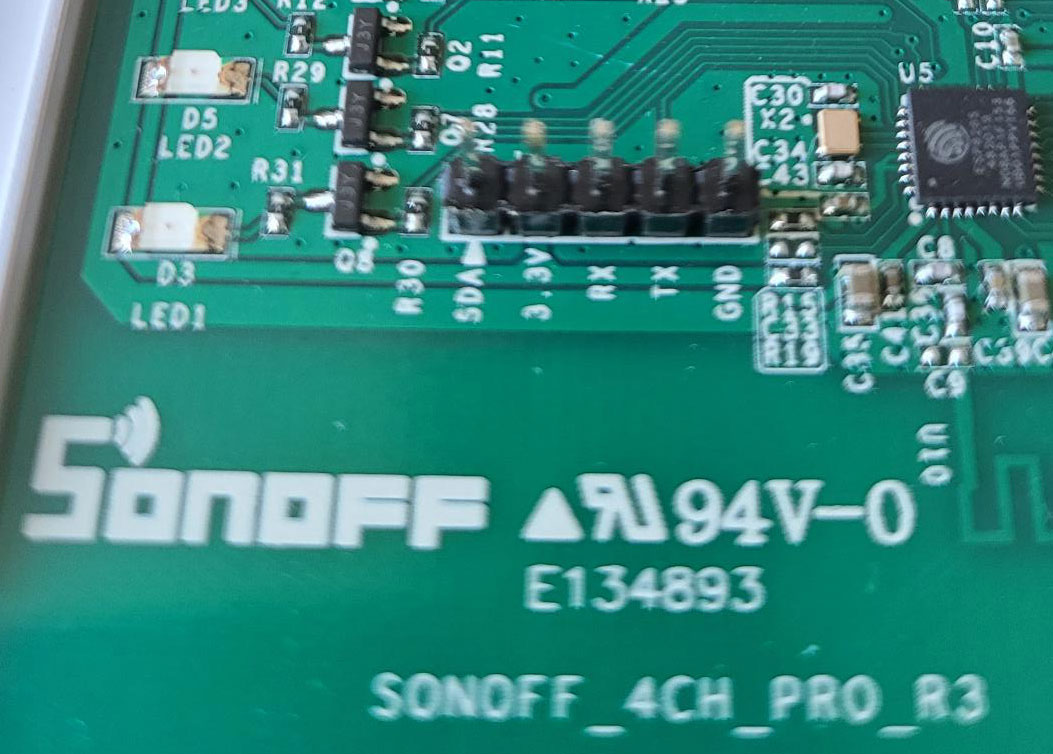
So I will use 3.3V / Rx / Tx / GND connectors
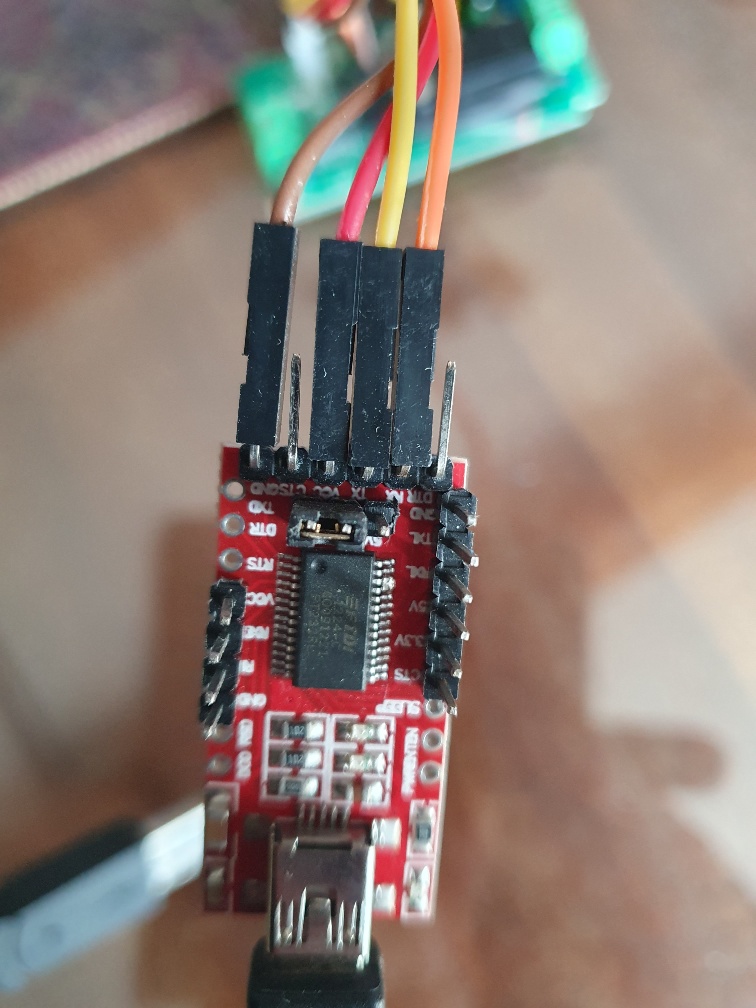
I connect the FDTI232 to the 4 connectors
Rx and Tx is always an adventure, the connection below works but if you have any problems, I know you have to reverse the orange and yellow wires.
For the Sonoff to enter programming mode, the R1 button must be pressed for a few seconds when the power is turned on (=USB connection). We see that it worked because the blue LED does not blink.

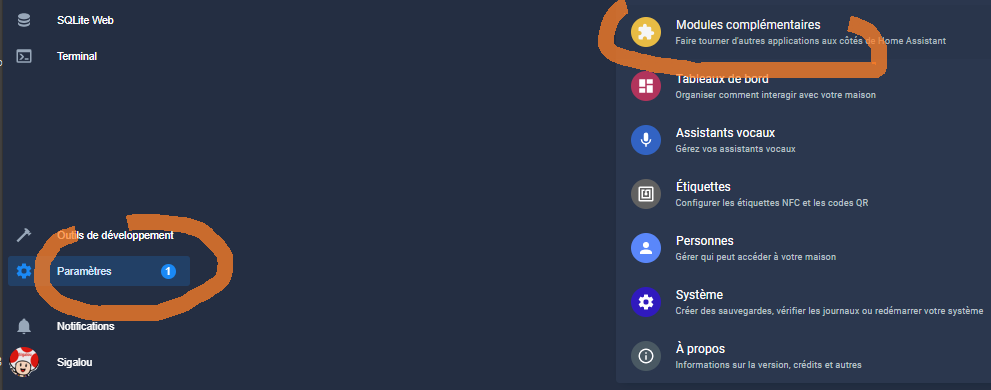
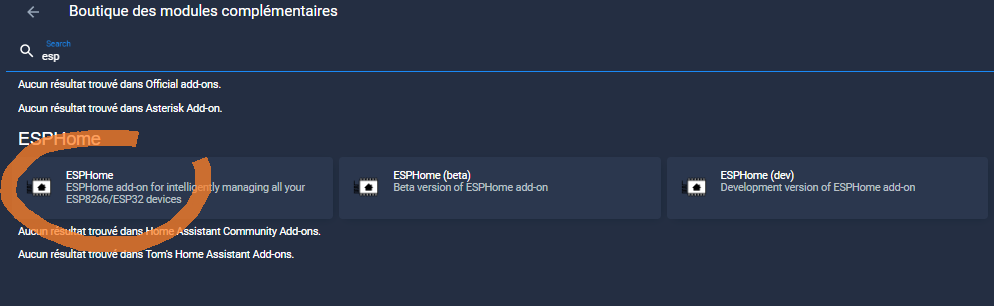
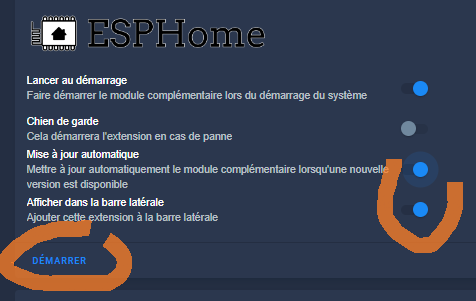
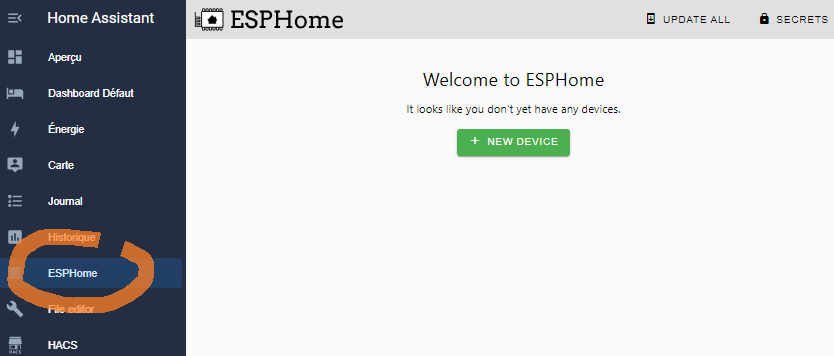
I install the ESP Home integration
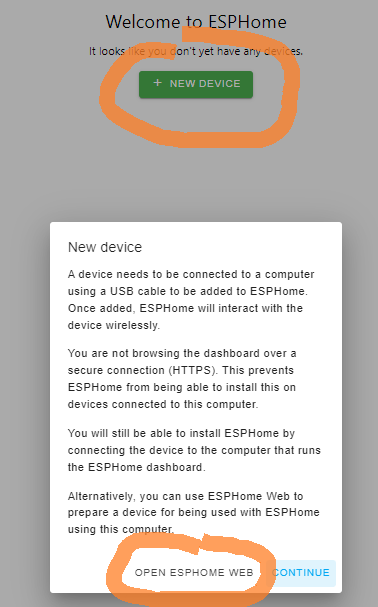
Here I connect the USB jack of the FTDI232, Please note that I press the 2s button when connecting USB to put the module into programming mode.
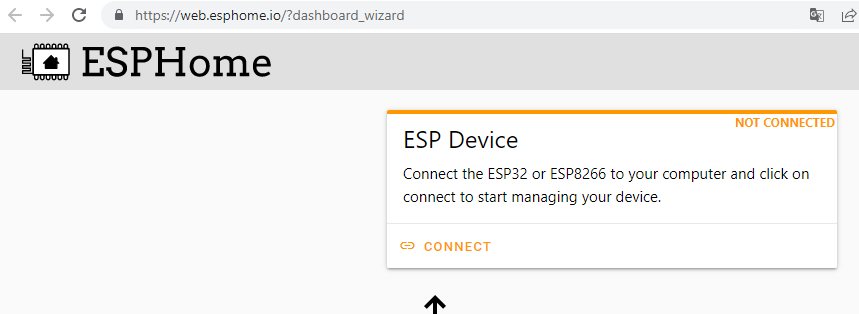
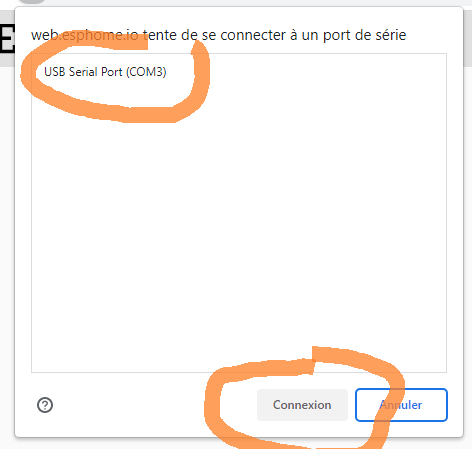
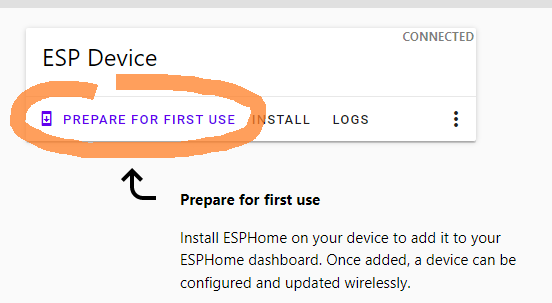
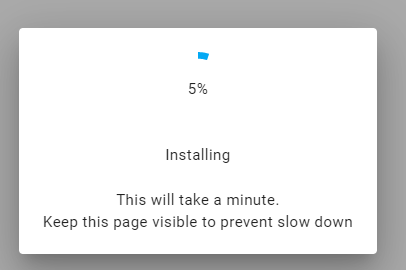
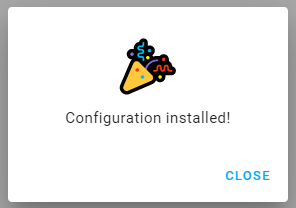
I unplug and then reconnect the USB connector.
If the WiFi configuration is not proposed, I will reconnect and go to:
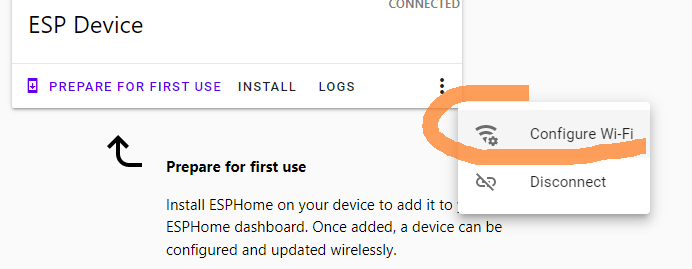
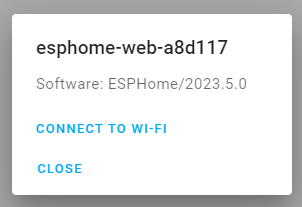
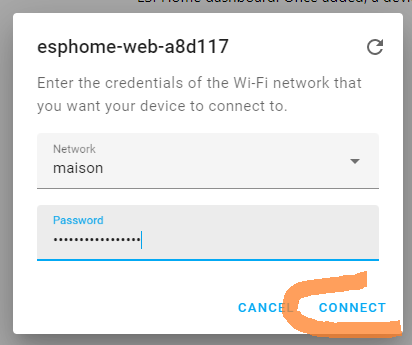
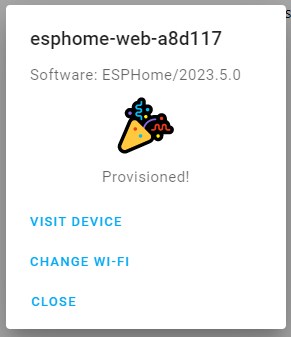
I close web.esphome.io, back in Home assistant, ESP Home tab, the device has arrived.
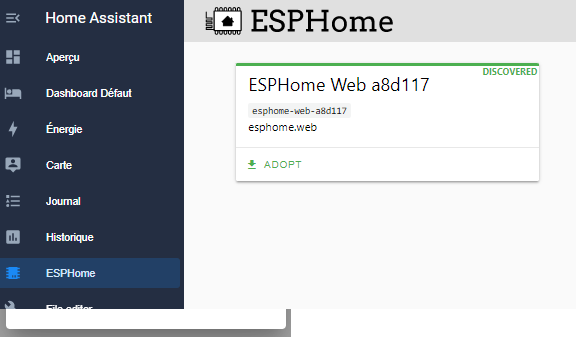
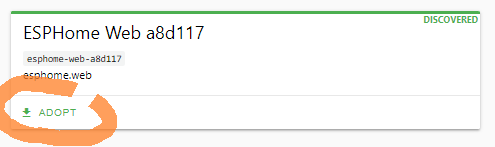

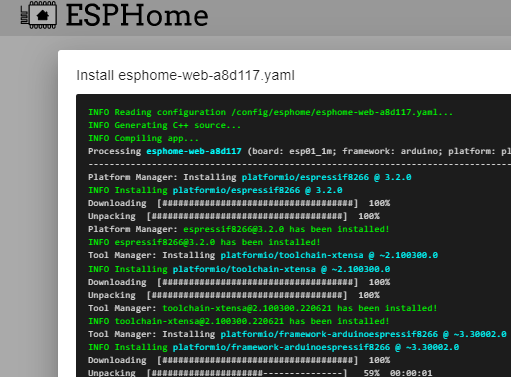
I would like to take this opportunity to identify the IP address:

I add the link between ESPHome and HA
The easiest way is to go through notifications

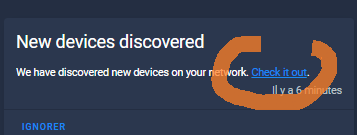

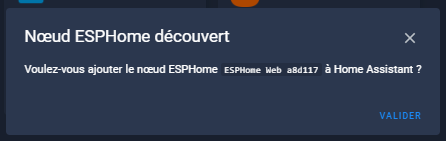
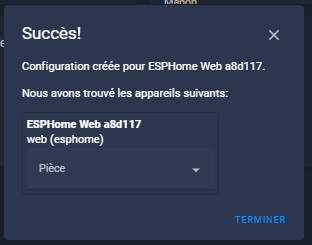
I can rename it.
The device and its update entity shall be installed.

I configure the sensors of the ZMAi-90 in ESP Home

I click on Edit.
Setting up the Yaml file of the Sonoff 4CH PRO R3 is not easy but I found a example for the R2 I was inspired by.
After several tests, here is the code of my equipment:
substitutions: name: esphome-web-c91491 friendly_name: Sprinkling esphome: name: ${name} friendly_name: ${friendly_name} name _add _mac _suffix: false project: name: esphome.web version: '1.0' esp8266: board: esp01_1m # Enable logging logger: # Enable Home Assistant API api: # Allow Over-The-Air updates ota: # Allow provisioning Wi-Fi via serial improv_serial: wifi: ssid: !secret wifi _ssid password: !secret wifi _password # Enable fallback hotspot (captive portal) in case wifi connection fails ap: ssid: "Esphome-Arrosage-Souci" password: !secret wifi _password # In combination with the `ap` this allows the user # to provision wifi credentials to the device via WiFi AP. captive_portal: dashboard_import: _import _url package: github://esphome/example-configs/esphome-web/esp8266.yaml@main import_full _config: true # To have a "next url" for improv serial web _server: # Device Specific Config binary_sensor: - platform: gpio name: "Button 1" pine: number: GPIO0 mode: INPUT_PULLUP inverted: True on _press: - switch.toggle: "relay_1" - platform: gpio name: "Bouton 2" pin: number: GPIO9 mode: INPUT_PULLUP inverted: True on _press: - switch.toggle: "relay_2" - platform: gpio name: "Button 3" pine: number: GPIO10 mode: INPUT_PULLUP inverted: True on _press: - switch.toggle: "relay_3" - platform: gpio name: "Bouton 4" pin: number: GPIO14 mode: INPUT_PULLUP inverted: True on _press: - switch.toggle: "relay_4" switch: - platform: gpio name: "Relay 1" pin: GPIO12 id: "relay_1" - platform: gpio name: "Relay 2" pin: GPIO5 id: "relay_2" - platform: gpio name: "Relay 3" pin: GPIO4 id: "relay_3" - platform: gpio name: "Relay 4" pin: GPIO15 id: "relay_4" # The LED output: - platform: esp8266_pwm id: blue_led pin: GPIO13 inverted: True light: - platform: monochromatic name: "Blue LED" output: blue_led
And here's the result in Home Assistant

 English
  French
  Spanish
  Chinese
  German