

Who is Woox??

Difficult to read their website to know who they are, you have to look a little.
Woox is a Chinese company based in Shenzen founded in 2018 that manufactures products in three distinct worlds: socket, lighting and security. Their Chinese origin is confirmed by the link with Tuya, indeed, their ZigBee connected objects all evolve under Tuya environment. It should be noted that they can fortunately be installed directly on gateways for home automation boxes.
Honestly, this is my first Woox equipment, I am curious to see the finish and functionality of this equipment.
Where to buy this mermaid, at what price?
The siren I am testing was lent to me by Domadoo, so I pay tribute to them first, especially since they are the cheapest.
On the day of this test, the prices recorded are as follows:
- At Domadoo, she's at
20.57€18.51€ - At the manufacturer Woox, it is at 24.96 €
- At Amazon, it's at 26.39€
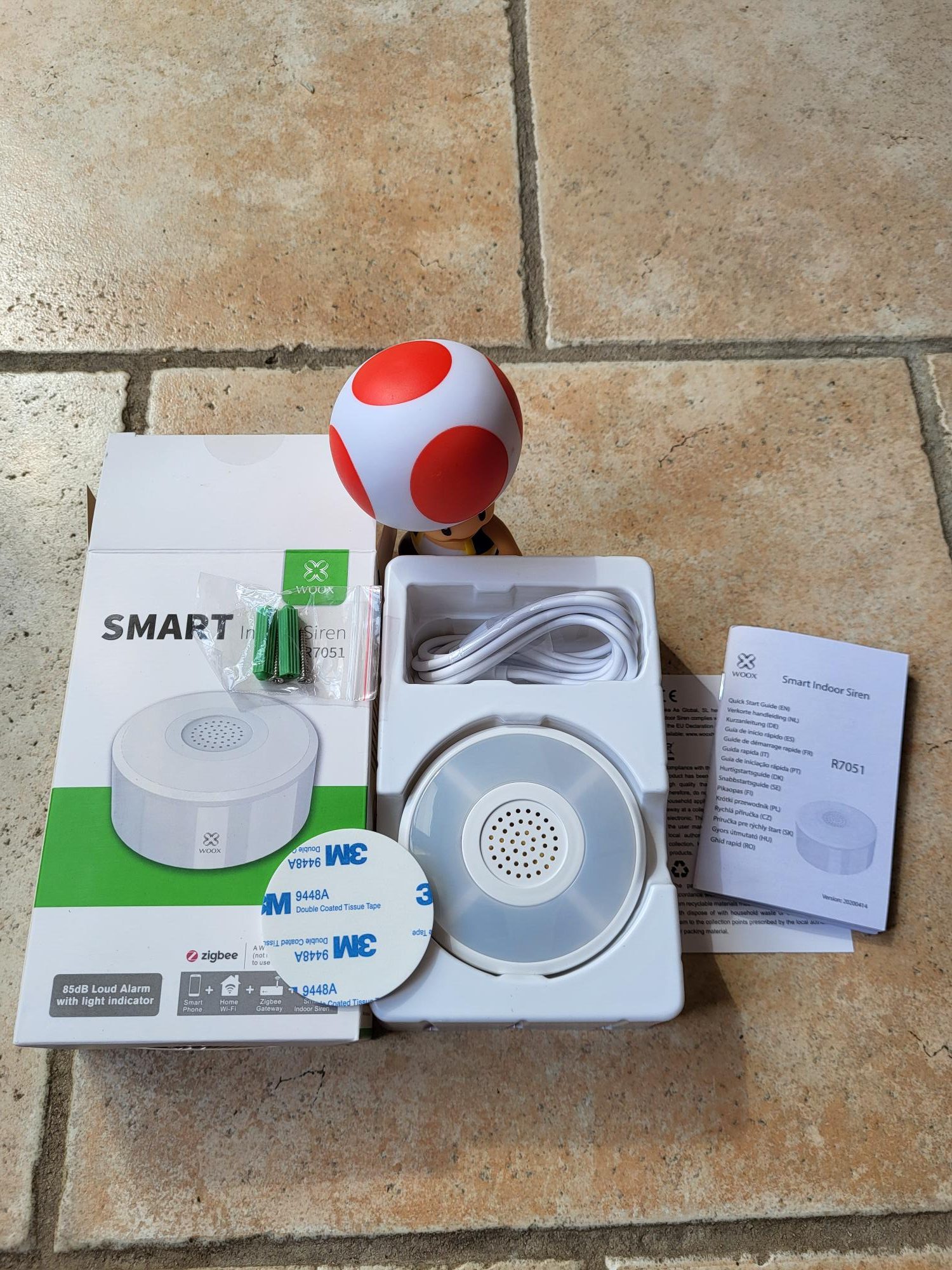
I open the box and check the received model
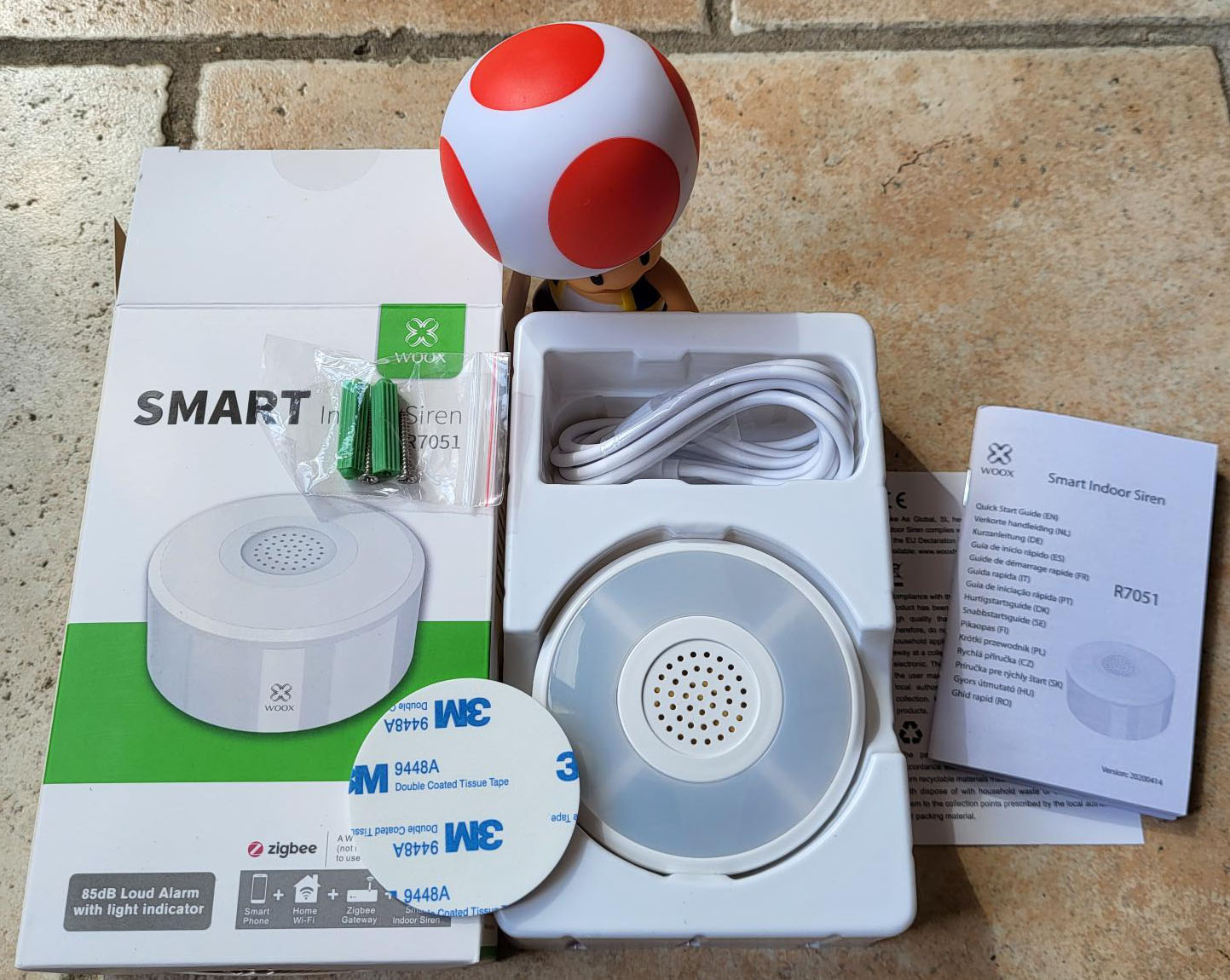


At the opening, first disappointment, there is no 5v transformer, just the cable, you will have to manage to find a power supply. I am looking for the minimum amperage, it is indicated above the connector. So it will take 1A.
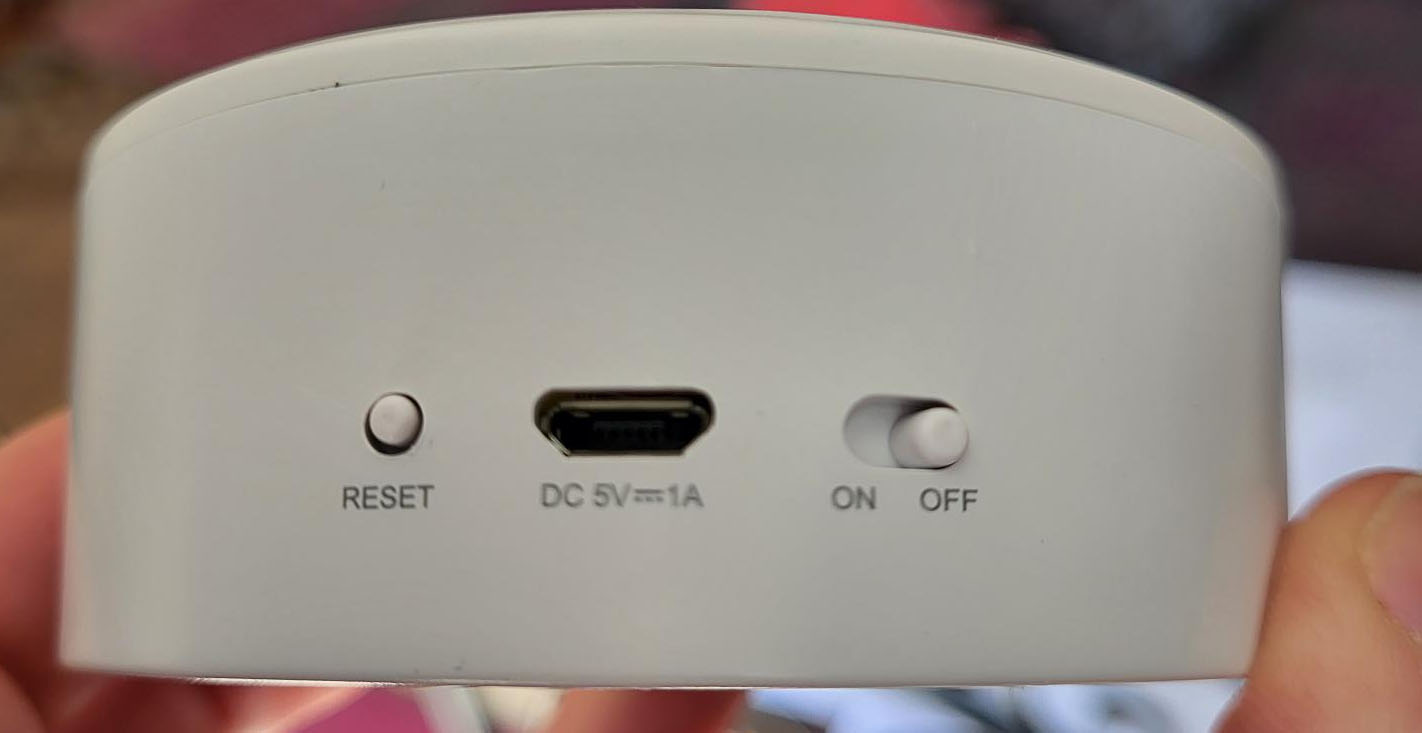
Second disappointment the connector is a Micro-B, I would have preferred a Type C, so much the worse, it is not dramatic but shows that this product is not of recent design.
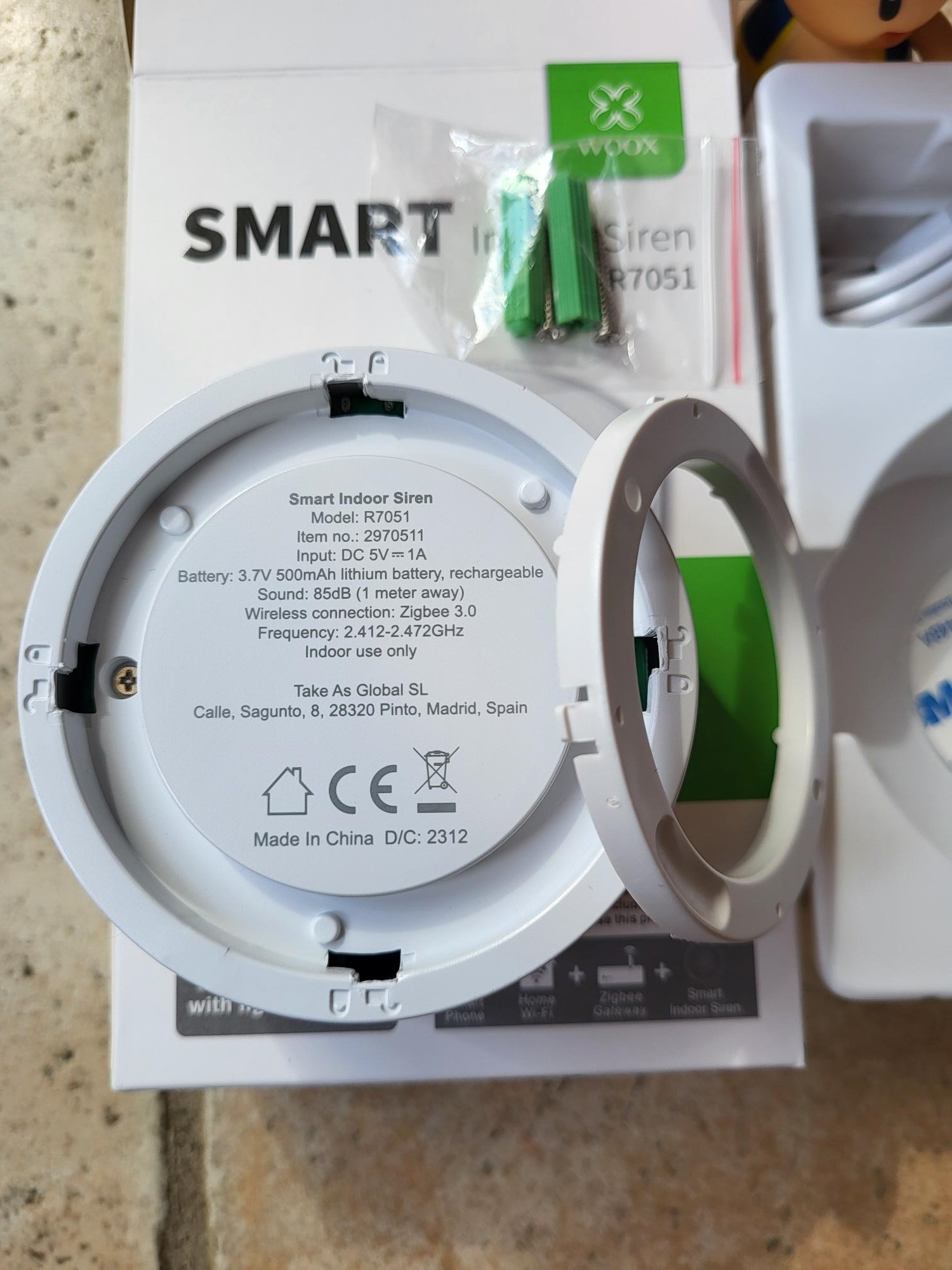
The siren comes with a very thin wall mounting system, a little gadget, which would fit with two tiny screws, why not. It will be remembered that there is a wall-mounting system at all.
I think the use of the provided 3M double-sided will be much more appropriate.
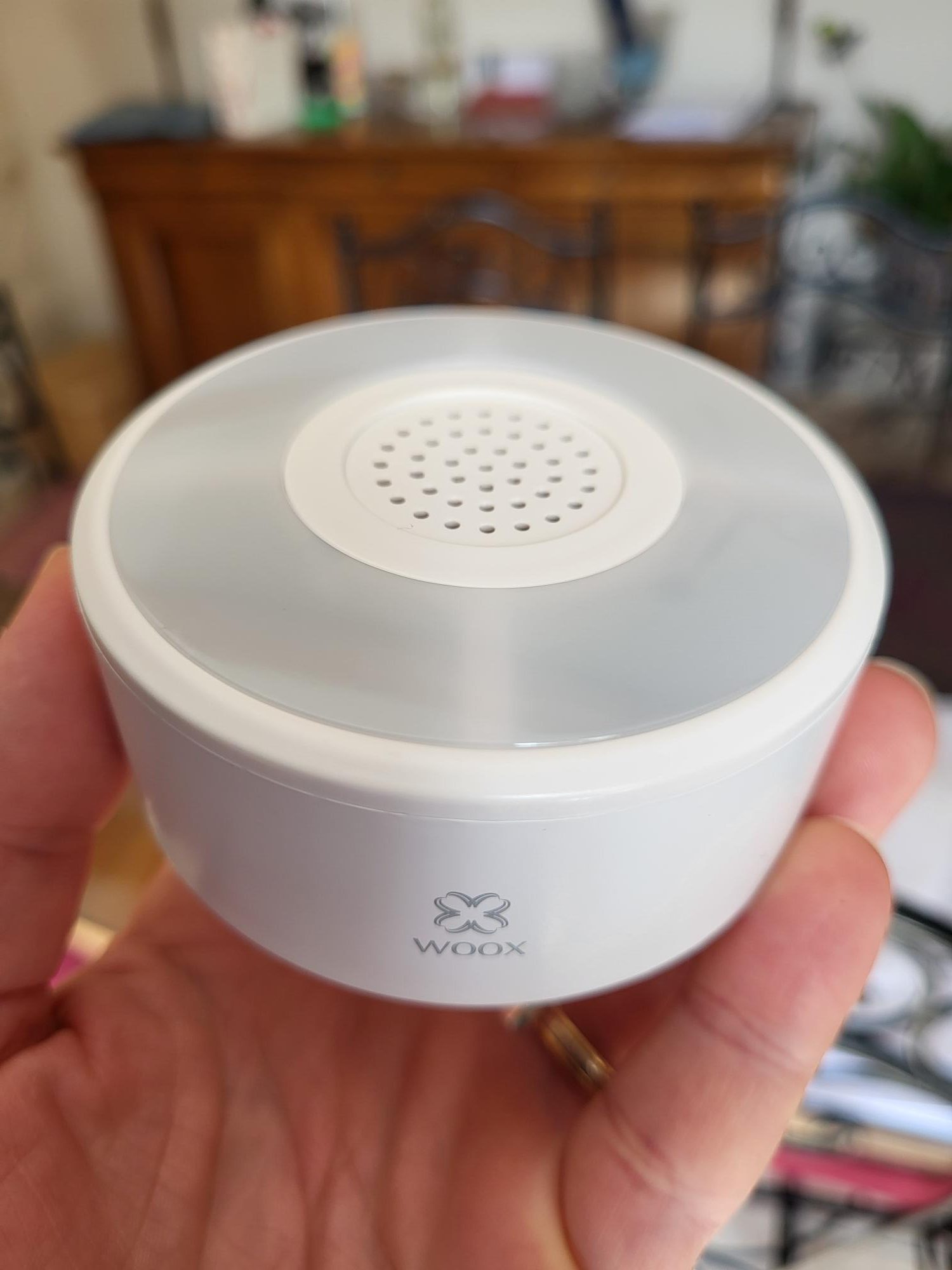
The siren itself is in a low-end plastic, but nothing too unpleasant, it is very light and seems full of emptiness. The bright area on top is pretty nice. She's actually pretty cute.
I grope the buttons
As I am a boy, I have to grope everything, I touch the On/Off button convinced that nothing will happen since nothing is plugged in.
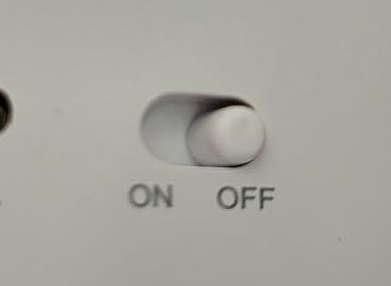
Surprise!! The siren lights 1s in blue and rings 1 small blow. It is therefore on battery, I had not understood this, I thought it had to be plugged into the mains, so this compensates for my first disappointment (see previous paragraph). I search in the doc, nothing is mentioned on the battery, I look at the description of the Domadoo website, I see ‘Battery: 500mAh, rechargeable (included)’ So I read too fast. This is good news.
I read the documentation to pair the siren
As always, I do not intend to use the application of the mark at all, so I do not install the Woox application and since I do not have the Zigbee Woox gateway either, I will close the documentation that tells me nothing more. The Reset button is not mentioned either, I guess it is he who will start the pairing see …
I'm trying a Zigbee2MQTT integration
In Zigbee2MQTT, I enable pairing
 I press the reset button for a long time, the siren turns blue and then blinking blue, all this seems normal to me. I wait a few seconds and the siren is recognized perfectly by Zigbee2MQTT
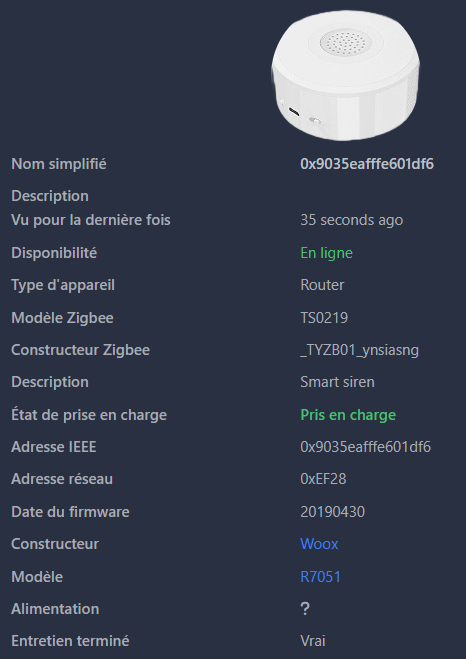
With a little imagination, the image corresponds to the siren (almost at last) and it is well recognised as R7051, perfect at this point.
On the side of the information that goes up, we see that the battery is rather delivered charged
It arrived from China, a little stored at a few intermediaries and then arrived at my house, I light it and it is 85.5%, I think it’s not bad.

The other commands will be able to be tested, here is the screen:

At this point, it seems complete, to be tested in the next paragraphs …
I test the different modes
This can be done via Zigbee2MQTT or HA.
For safety to avoid one more intermediary, I test in Zigbee2MQTT.
Sound effects
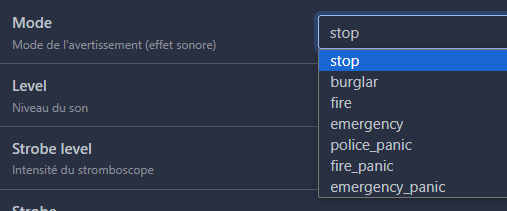
Without being awesome, the list of sounds seems to be enough for what I need.
I test all the sounds, and surprise, they all do exactly the same thing.
Alone stop stop the siren, all other sounds are the same, so this list has no interest!
The sound level

I have no idea what this option means, I thought it had something to do with the volume, not at all. low to very_hight, it does not change anything at all. Unnecessary option.
The intensity of the stroboscope

Same observation, total inaction, useless option.
strobe

Same observation, total inaction, useless option.
Length of flash cycle
 Same observation, total inaction, useless option.
Alarm duration

Still no action, whatever the number of seconds (between 0 and 10), nothing changes, useless option.
I test by acquired consciousness via HA
I publish MQTT via HA thanks to the command warning, Even so, all options do not change anything! I think the integration in Zigbee2MQTT is not perfect.
For the future, it will be enough to use stop to stop the alarm and any tone to trigger it. since they are all identical (a strident ringing); I'll take burglar because it is the first one proposed.
I'm testing the Volume command
This command works. A little strange but it works.
The volume ranges from 0 to 100 but the strongest volume is 50. After 50, the volume goes down.
Thus, the volume at 20 and the volume at 80 give the same result.
I don't think I'll touch the volume in production. Once it had been adjusted as far as possible, I did not find it useful to change it.
The command exists in Home Assistant but I do not plan to activate it, I leave it at 50 (so max)

I'm testing the Duration command
It corresponds to the duration of the siren, the value can be set between 0 and 3600 so between 0 and 1 hour.

This command works perfectly, the alarm is well triggered the number of seconds configured by this value.
As for the volume, I think I don't touch this configuration in production.
For the record, in France, the maximum ringing time for an alarm is 3 minutes outdoors but is not limited indoors. I think a ring for 3 minutes is enough indoors too, so I will set this value to 180.
I'm checking the other information coming up from the siren.
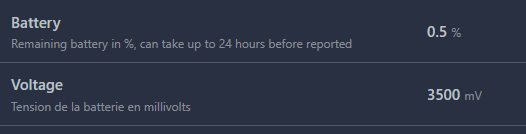
Be careful, this battery information is not up to date in real time. It is also specified, the information goes back every 24 hours. In the image above, we see a 0.5 battery% while it was loaded a few minutes ago. I think tomorrow at the same time I will have almost 100% instead.

Alarm switches to Vrai when the alarm rings and stays on False when she's silent.
Ac connected move on to True When the siren is connected to a 5v charger, it stays on False when it is on battery (not connected therefore).

Finally, some users like to monitor their network and the quality of Zigbee links, I do not have a network problem, I do not load my home automation with these controls, this information will probably be disabled in prod.
I watch if all this goes back well in Home Assistant
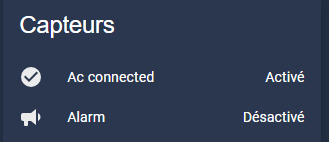
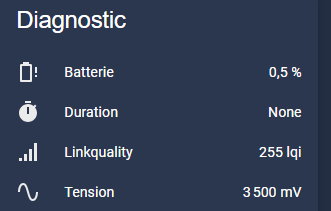
Don't worry, everything is there. In the end, I will disable anything that is not useful to me.
And now how I trigger the siren in Home Assistant
I am looking for a button or a control, and this is the tragedy, there is nothing in the HA integration of the Woox siren equipment:

I test the siren by flying it via a Publish MQTT
So I will try to trigger the siren by asking Zigbee2MQTT to launch a warning with tone burglar.
The Zigbee2MQTT Documentation gives:
Warning (composite)
Can be set by publishing to zigbee2mqtt/FRIENDLY_NAME/set with payload {"warning": {"mode": VALUE, "level": VALUE, "strobe _level": VALUE, "strobe": VALUE, "strobe _duty _cycle": VALUE, "duration": VALUE}}
mode(enum): Mode of the warning (sound effect) allowed values:stop,burglar,fire,emergency,_panic Police,fire_panic,emergency_paniclevel(enum): Sound level allowed values:low,medium,high,very_highstrobe _level(enum): Intensity of the strobe allowed values:low,medium,high,very_highstrobe(binary): Turn on/off the strobe (light) during warning allowed values:truegoldfalseStrobe _duty _cycle(numeric): Length of the flash cycle max value is 10duration(numeric): Duration in seconds of the alarm unit is s
But I know from previous tests that none of these commands work.
In Development Tools/Services, I will trigger:

Service: mqtt.publish data: topic: zigbee2mqtt/Sirène WOOX/set payload: '{"warning": {"mode": "burglar"}}'
It works perfectly, the siren starts ringing when the command is launched.
I could thus use a command to launch the siren and a command to stop the siren (using the mode stop.
This is not the option I will take, rather I will try to incorporate this siren as if it were recognised as a ZHA siren.
I use the siren as a ZHA siren
I want to be able to use the integrated commands Home Assistant (siren.turn_on siren.turn_off)
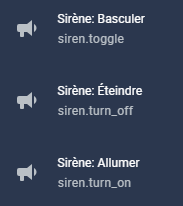
You must declare the siren in the manual MQTT configuration of HA, this is done via the file mqtt.yaml which has been declared in configuration.yaml via mqtt: !include mqtt.yaml
siren: - single _id: Sirene _woox name: Sirene WOOX command_topic: "zigbee2mqtt/Sirène WOOX/set" positive: false state_topic: "zigbee2mqtt/Sirène WOOX" command _template: '{"warning": {"mode": "burglar"}}' command _off _template: '{"warning": {"mode": "stop"}}' icon: mdi:bullhorn
Explanation of each line of the configuration
_id which uniquely identifies this siren device. If two sirens have the same unique ID, Home Assistant will trigger an error.
name which remains optional is a rather nice name that is given to the mermaid, for simplicity, I give the same name as the name given in Zigbee2MQTT.
optimistic is a mode that considers that everything is fine, i.e. if the siren is told to activate, without waiting for the state to return, it is activated. I do not recommend this mode because it does not return to Off after launching the siren. Note that without the presence of the state_topic line, this optional option does not disable, so I added a state_topic line even if I know (see below) that it does not work.
command_topic finally is the command to send to cause an action. The syntax to be used is given in the Equipment doc on zigbee2mqtt.
_template Command and _off _template Command are the commands to send when publishing a on or a off.
Result
Once this declaration has been taken into account by HA, direct siren control services can be used:
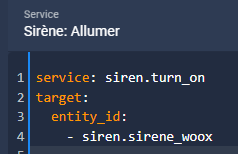 Recovery of the siren value seems impossible.
I searched in every way, with state_value _template, with state_topic, all possible and unimaginable parameters, impossible to have the state. Obviously I am not the only one, the forums are full of users who can not trace the state of a siren declared in siren: in mqtt:
I let go, obviously, I followed the same logic as this page which ended up making two buttons. I do not need buttons, I will keep turn_on and turn_off, that is enough for me. Note that I did not manage to change the icons of the two commands sirene.turn, too bad, they will not be driven by the dashboard so nothing serious. I keep my icons eclair and eclair barred.
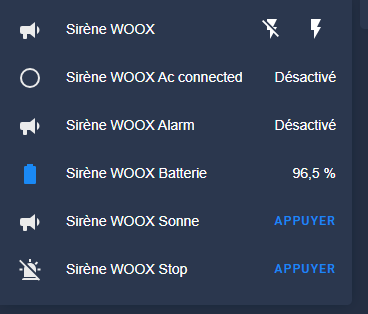 For all intents and purposes, I keep here the code of the two buttons in archive, but I do not keep them in prod:
button: - single _id: Sirene_woox _sonne name: "Sirène WOOX Sonne" command_topic: "zigbee2mqtt/Sirène WOOX/set" payload _press: '{"warning": {"mode": "burglar"}}' icon: mdi:bullhorn entity_category: "config" device _class: "restart" - single _id: sirene_woox_stop name: "Sirène WOOX Stop" command_topic: "zigbee2mqtt/Sirène WOOX/set" payload _press: '{"warning": {"mode": "stop"}}' icon: mdi:alarm-light-off entity_category: "config" device _class: "restart"
Conclusion on this siren
The first conclusion that comes to mind is that its Z2M/Ha integration is not at all simple. You have to do a little tinkering but it is always very rewarding to put your hands in the sludge. I think the Zigbee2MQTT integration is not complete, it then makes it difficult to work in HA. If anyone could tell me how this Mermaid fits into Jeedom, it would be interesting to know.
The tones are not configurable, nor is the strobe effect. However, it is a pity.
Volume and resonance time are easily configurable, but rather once and for all.
I like the battery feature, it is very convenient, if I put it in production, I can put it where I want. See how long it lasts.
Finally, it should be noted that this siren can only be used indoors, the documentation gives it for 85dB max.
Notice (for archives)
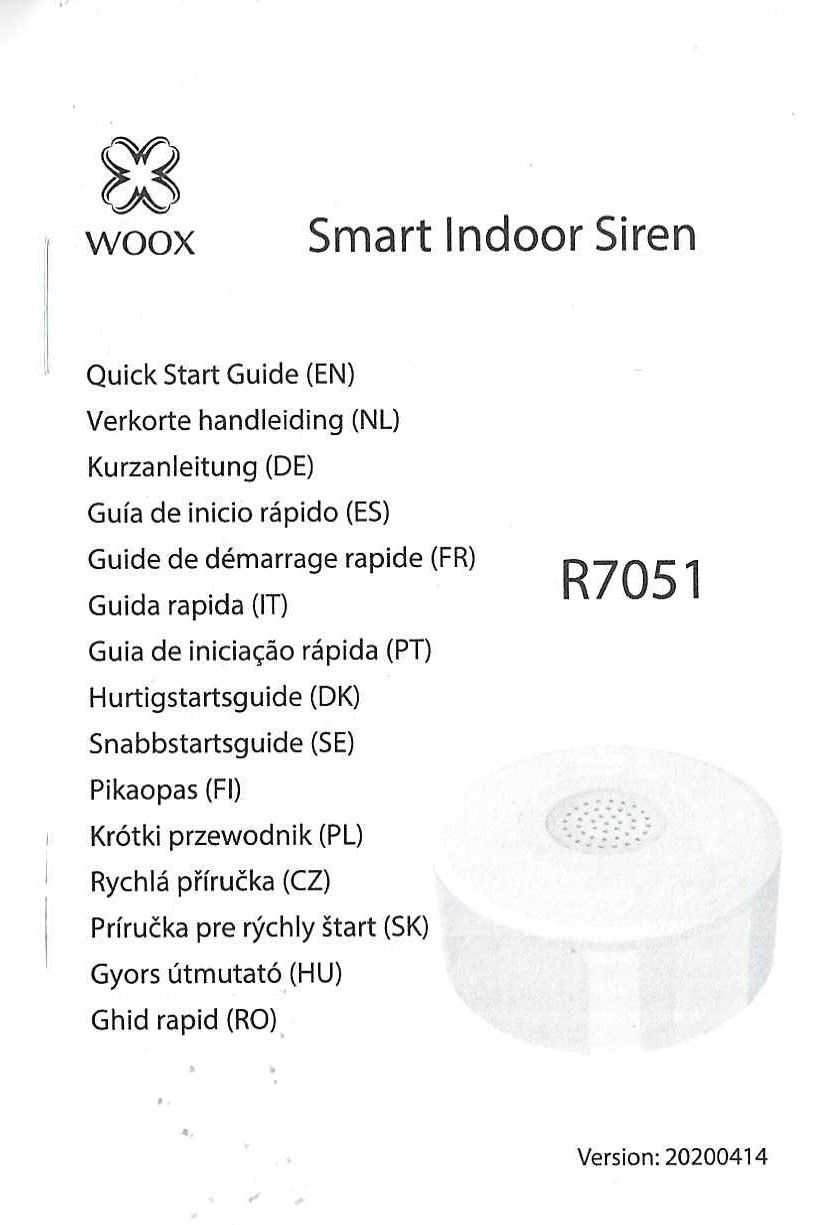
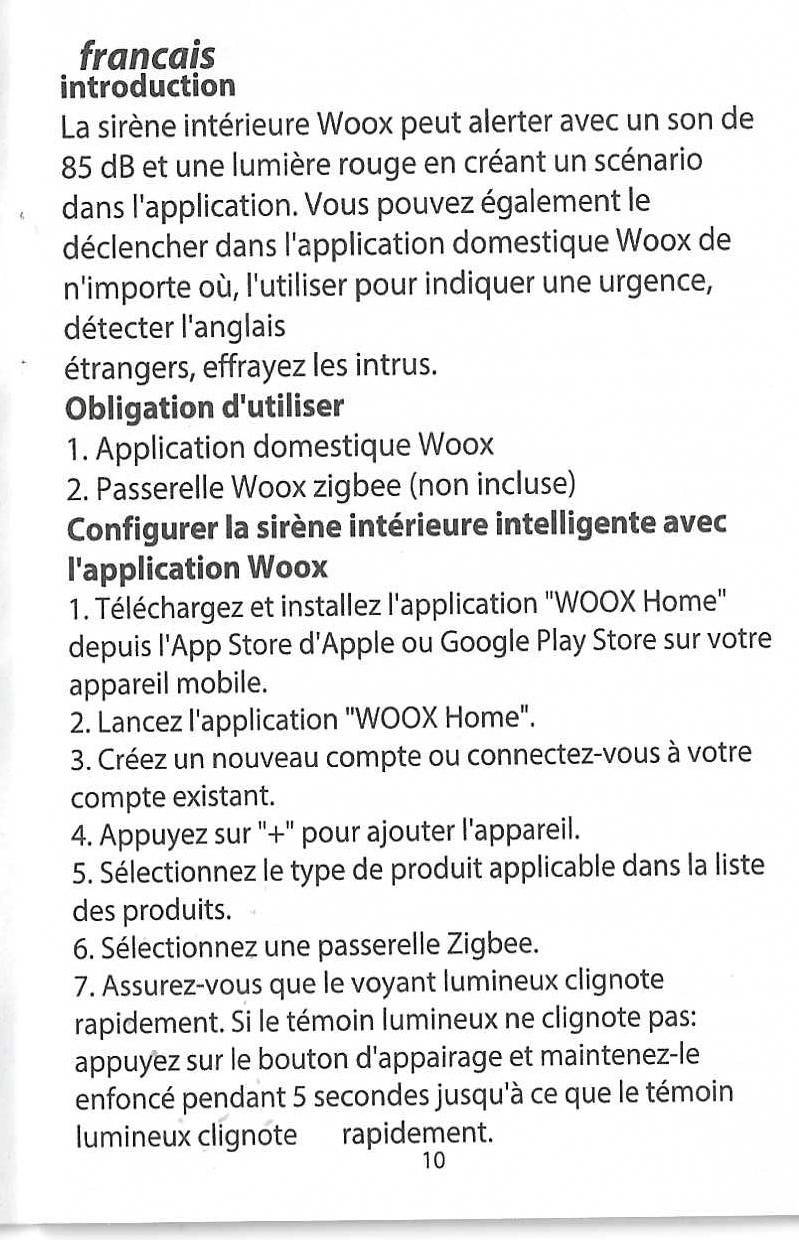
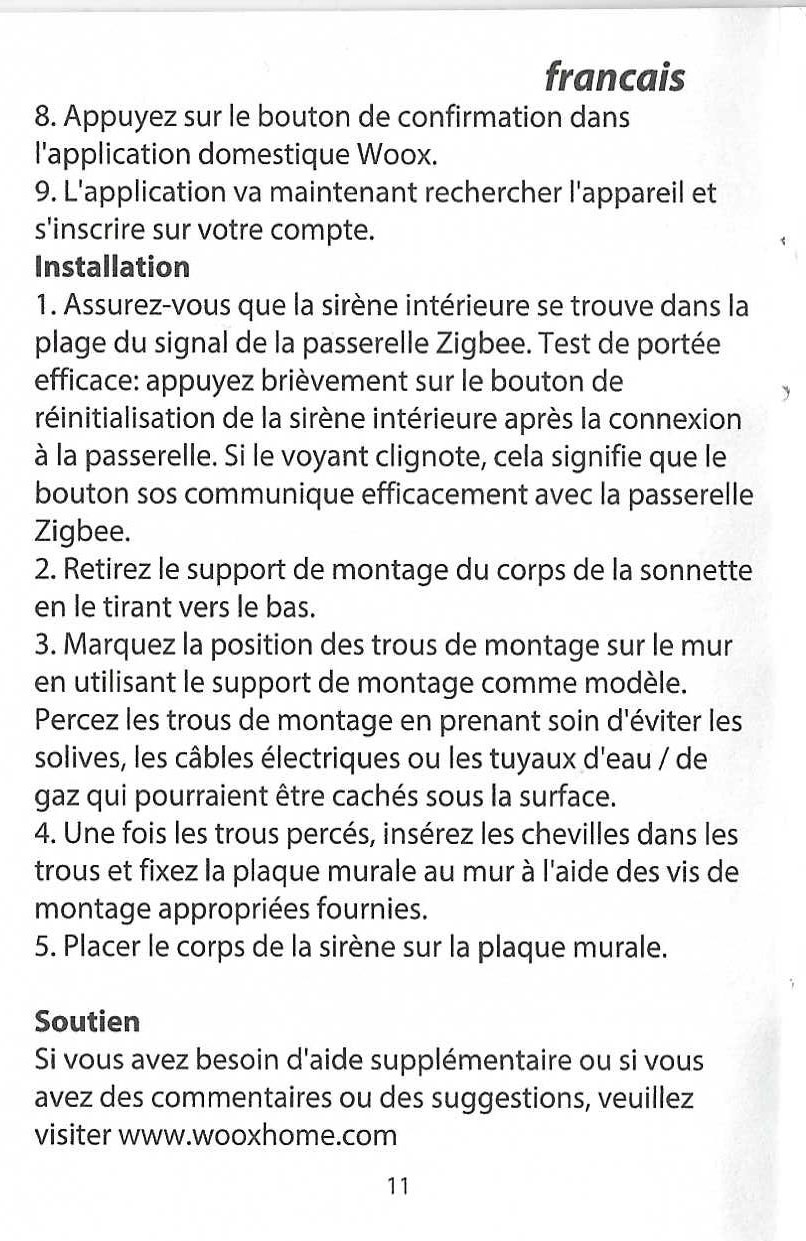
The notice is quite ridiculous, but it has the merit of existing and there are two pages in French.
Comparison of Zigbee sirens
To go further and help choose, I made a comparison of several Zigbee sirens.
 English
  French
  Spanish
  Chinese
  German