

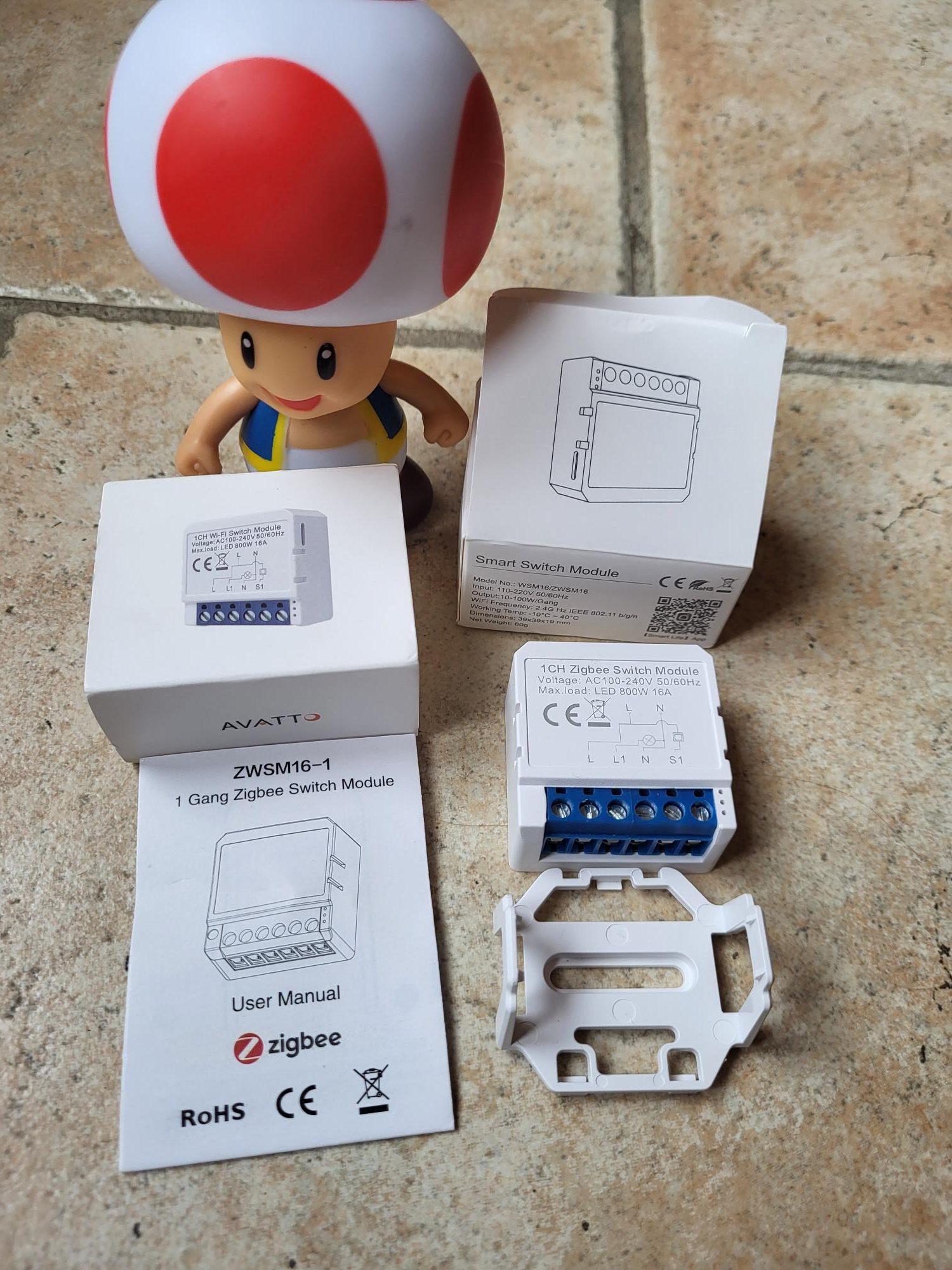
Installation ZWSM16-1 Zigbee without neutral
The ZWSM16-1 module is a neutral Zigbee switch for home automation. I explain step by step its installation, pairing and integration in Zigbee2MQTT and Home Assistant. Even inexperienced, follow these precise instructions for a perfect result.
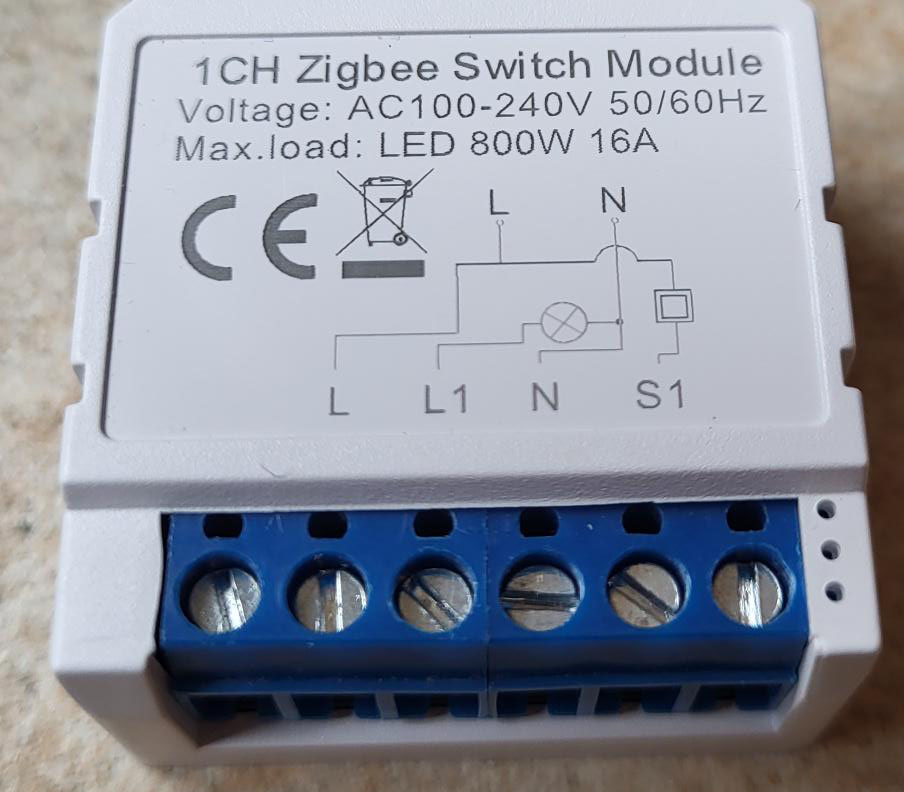
I check the model ZWSM16-1 received
The module arrives stamped ZWSM16-1, a specific reference for neutral wireless installations. This version works on phase and return phase, ideal for standard non-neutral flush-mounted housings available.
It does not contain a capacitor in the box. This component is not always necessary, but in some installations with LEDs or low consumption lamps, a capacitor from 0.1µF to 470nF in parallel with the load avoids flickering or residual brightness due to the residual current.
I connect L and L1 correctly
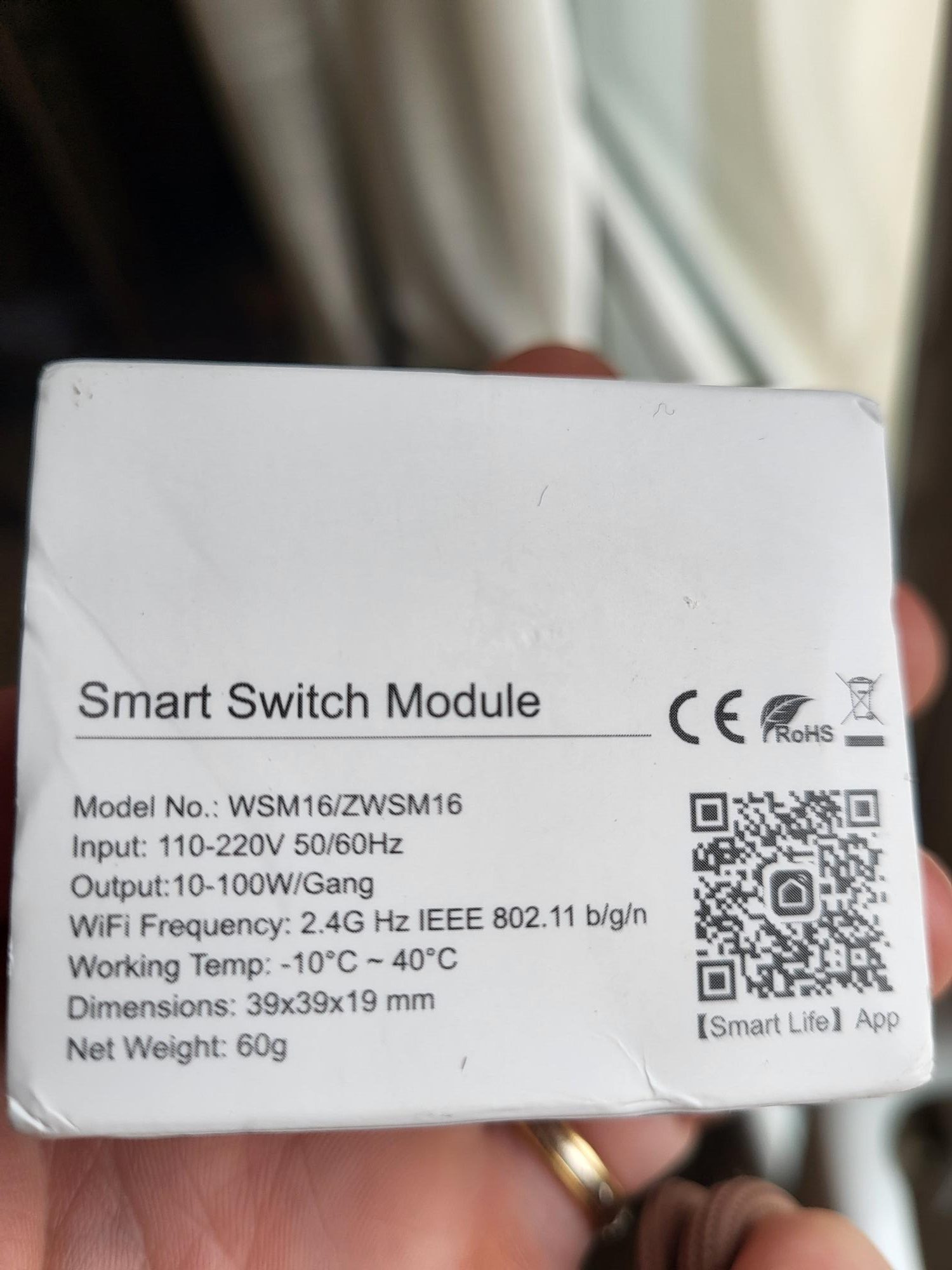
The connectors are classic: Soft screws for easy and secure clamping. Plug L on the incoming phase (230V), L1 on the back to the load (lamp or socket). Check the absence of neutral and make sure the earth is present if necessary.
I pair the module to Zigbee2MQTT
When power is turned on, nothing appears. Enable pairing mode in Zigbee2MQTT (Permit Join button). Then press the button at the top of the module for 5 to 10 seconds: the blue LED flashes rapidly, indicating that the pairing starts.
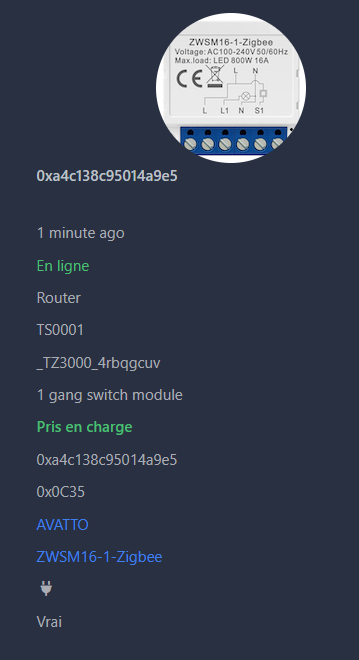
The module appears as ZWSM16-1, with the corresponding image. The states (on/off, linkquality) and commands (state) go up perfectly and meet the tests.
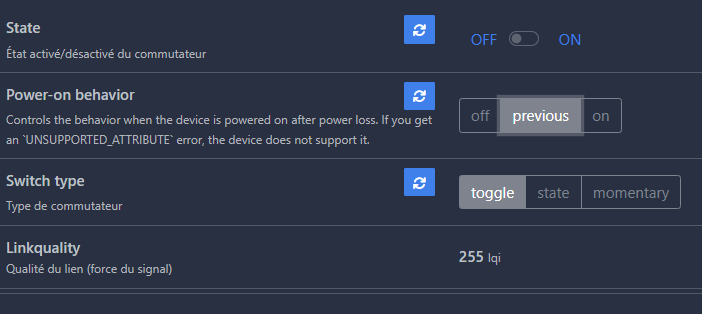
I integrate into Home Assistant
In Home Assistant, the equipment automatically migrates via the MQTT integration. It appears with its entities: switch to turn on/off, and sensors for link quality.
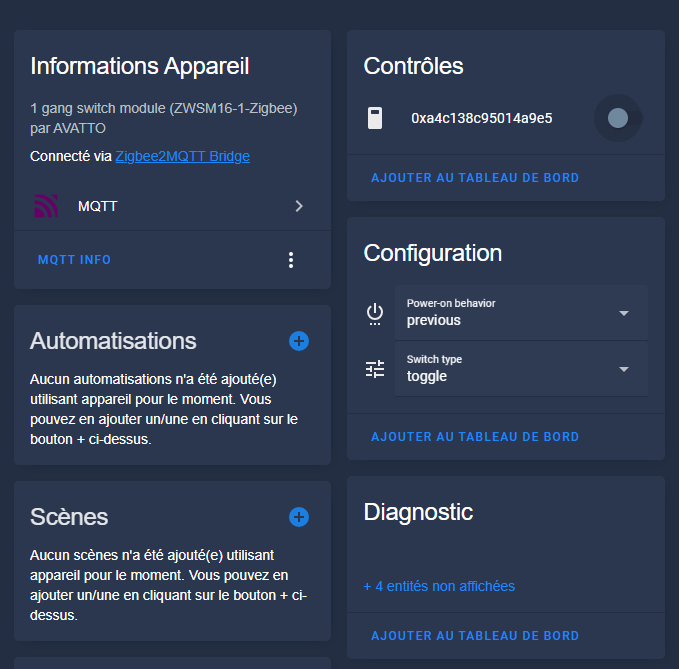
The switch is fully functional, ready for automations or dashboards.
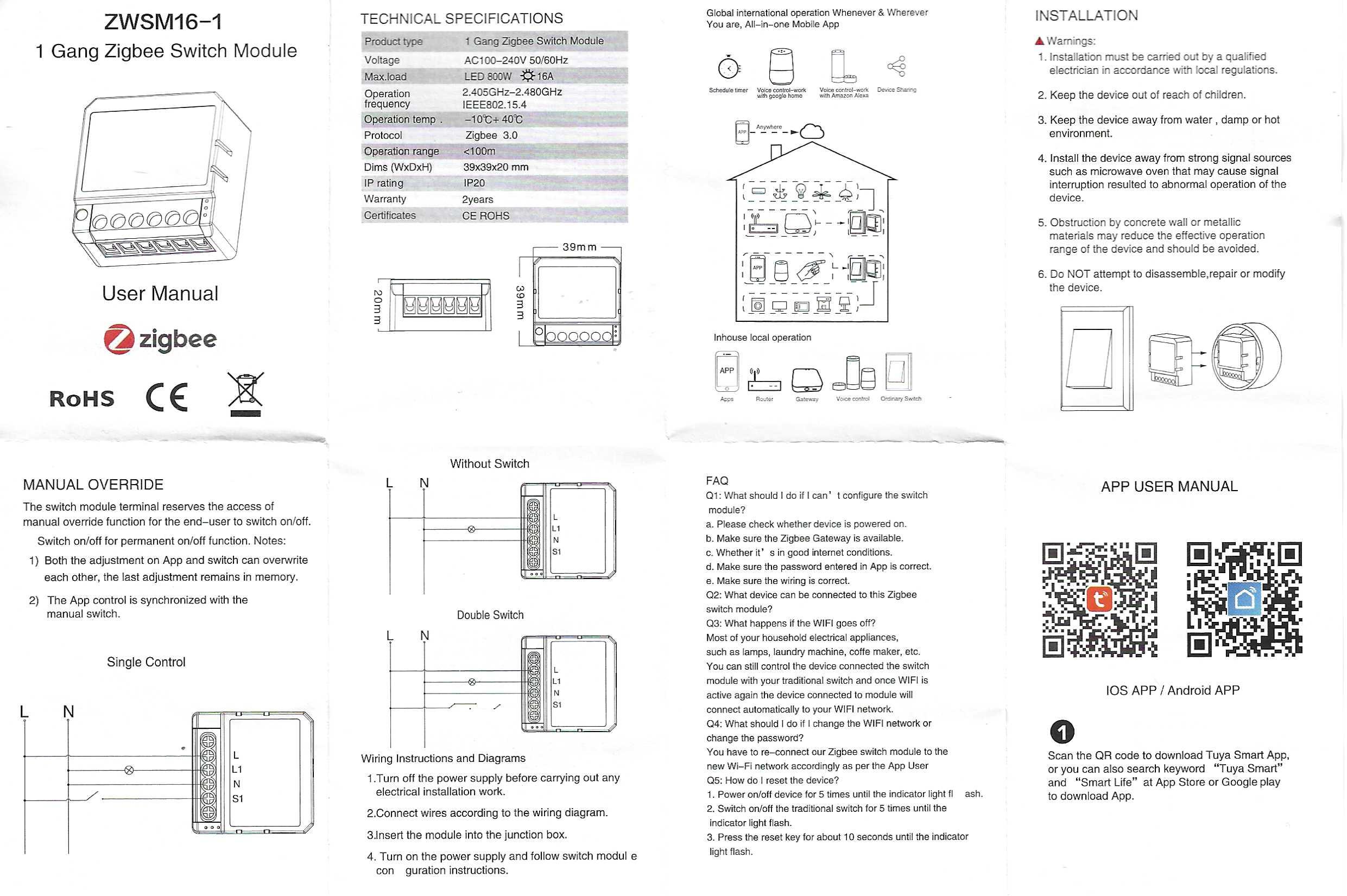
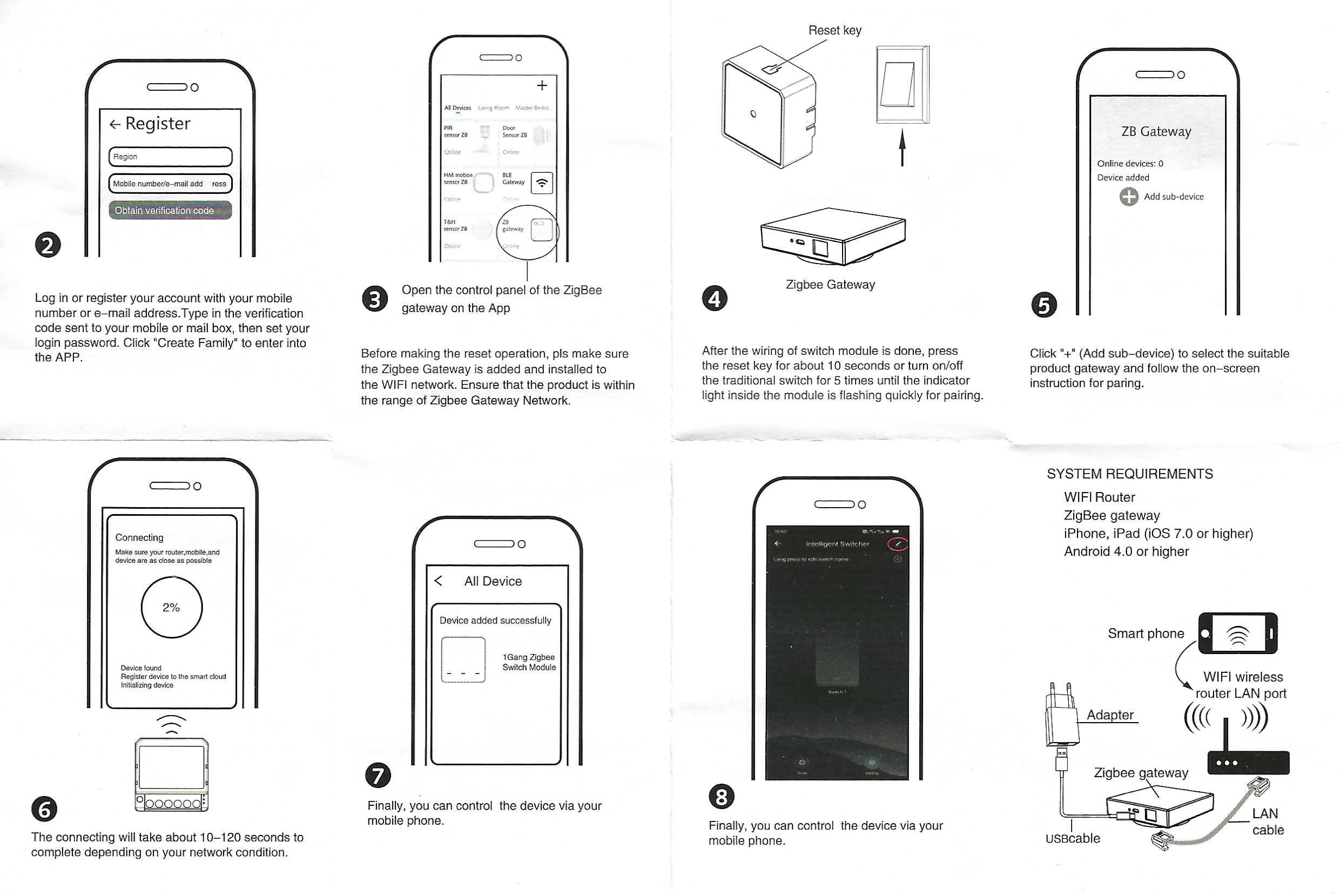
Archives: Full instructions for use
Here is the official manual in high resolution images for future reference. Consult it for detailed diagrams and safety precautions.
 English
  French
  Spanish
  Chinese
  German