

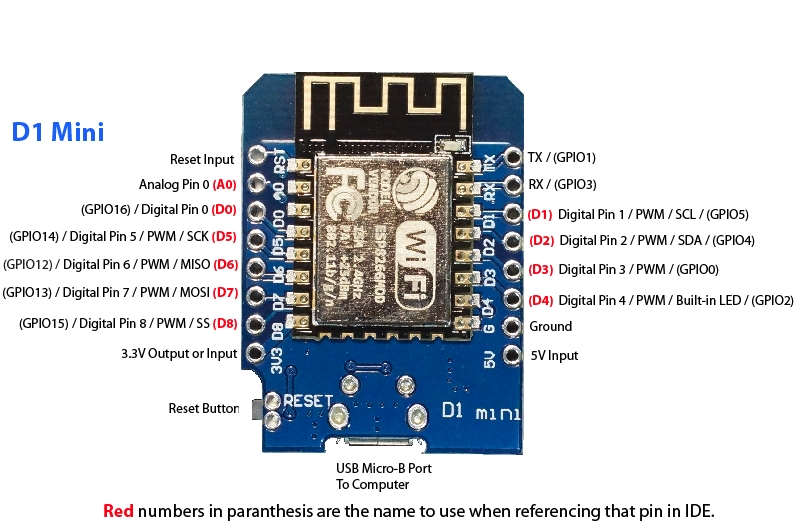
To Flash a D1 Mini with ESP Easy, you need
- A D1 Mini
- Micro-B USB – USB cable (a real one, not a first-price charger cable)
- The bin file of the latest version of ESP Easy (as ESP_Easy_mega_xxxxxxxx_normal_ESP8266_4M1M.bin)
- The FlashESP8266.exe executable
- A computer
- 25 seconds
Important, since the writing of this tutorial, a New D1 Mini V4 is out!!
ESP Easy
- Go to the downloads page take the latest version of ESPEasy_ESP82xx_mega-xxxxxxxx
- Unzip archive

Go to the bin folder look for the ESP_Easy_mega_xxxxxx_normal_ESP8266_4M1M.bin file and put it in the same folder as the FlasshESP8266.exe file
Connect the D1 Mini to its USB cable and connect it to the PC, a COM port is detected.
Launch FlashESP8266, the port is detected, select the bin file and launch the Flash
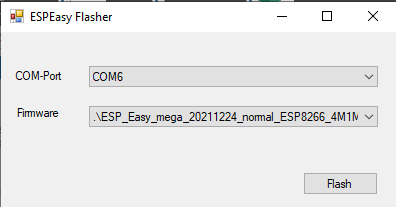
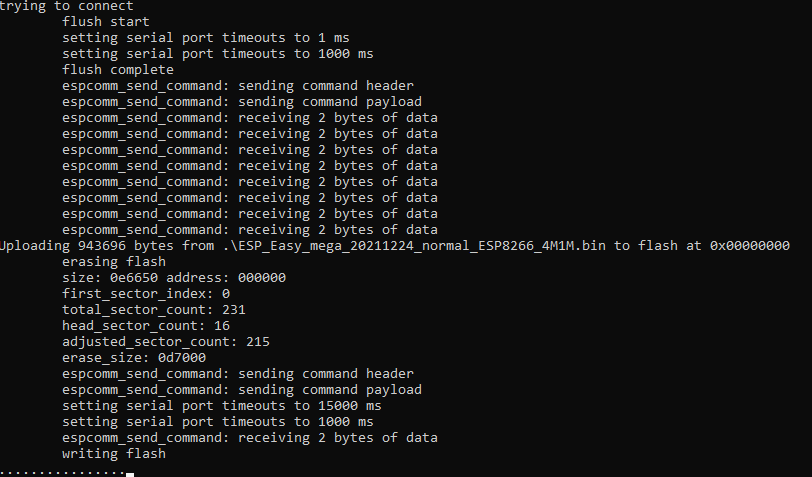
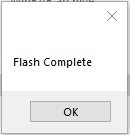
Relaunch the D1Mini and start the Wi-Fi connection procedure
Wifi connection
Launch WiFi detection on the smarphone
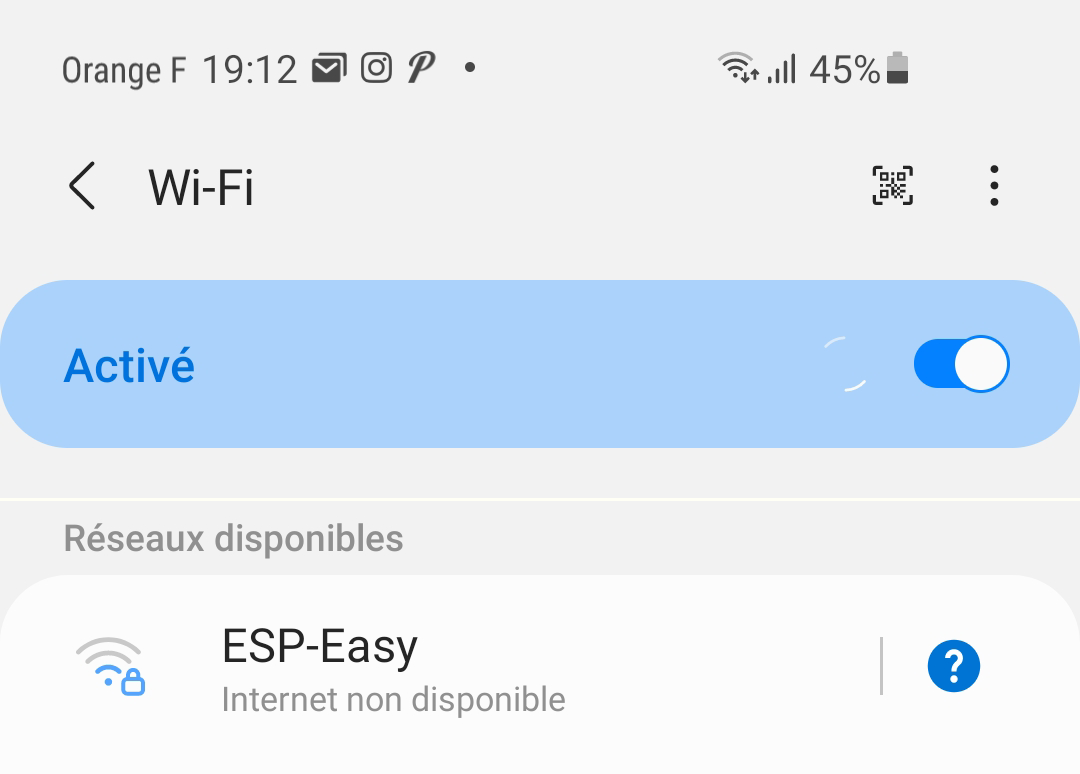
- Select ESP-Easy, to your surprise, there is no password in this version, if you ask, you have to enter it configesp
- Launch the smarphone browser and go (for this version) to 192.168.4.1
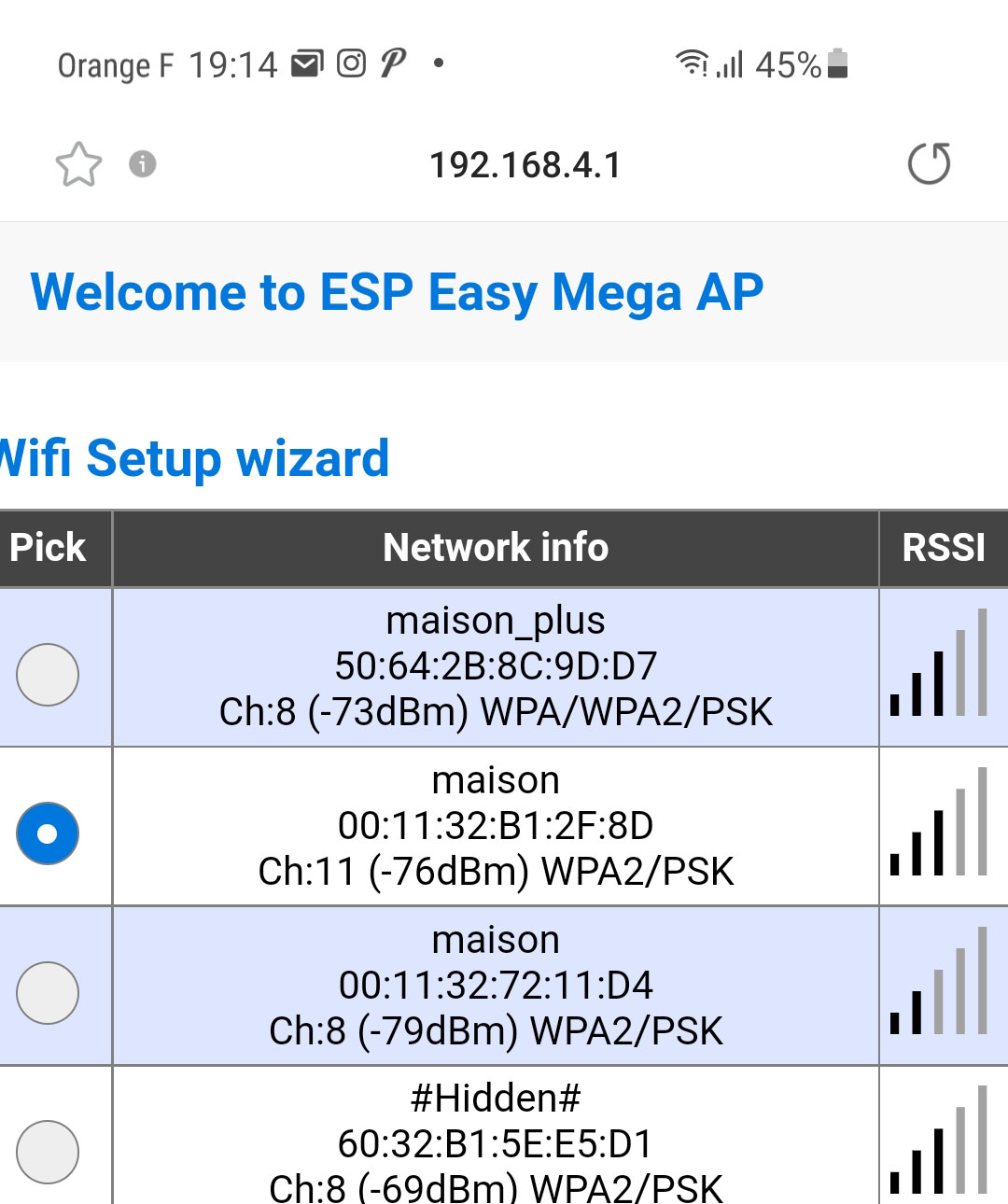
- Select the correct Wifi and add the password, validate, after a while, the Wifi will reconnect and the configuration will appear
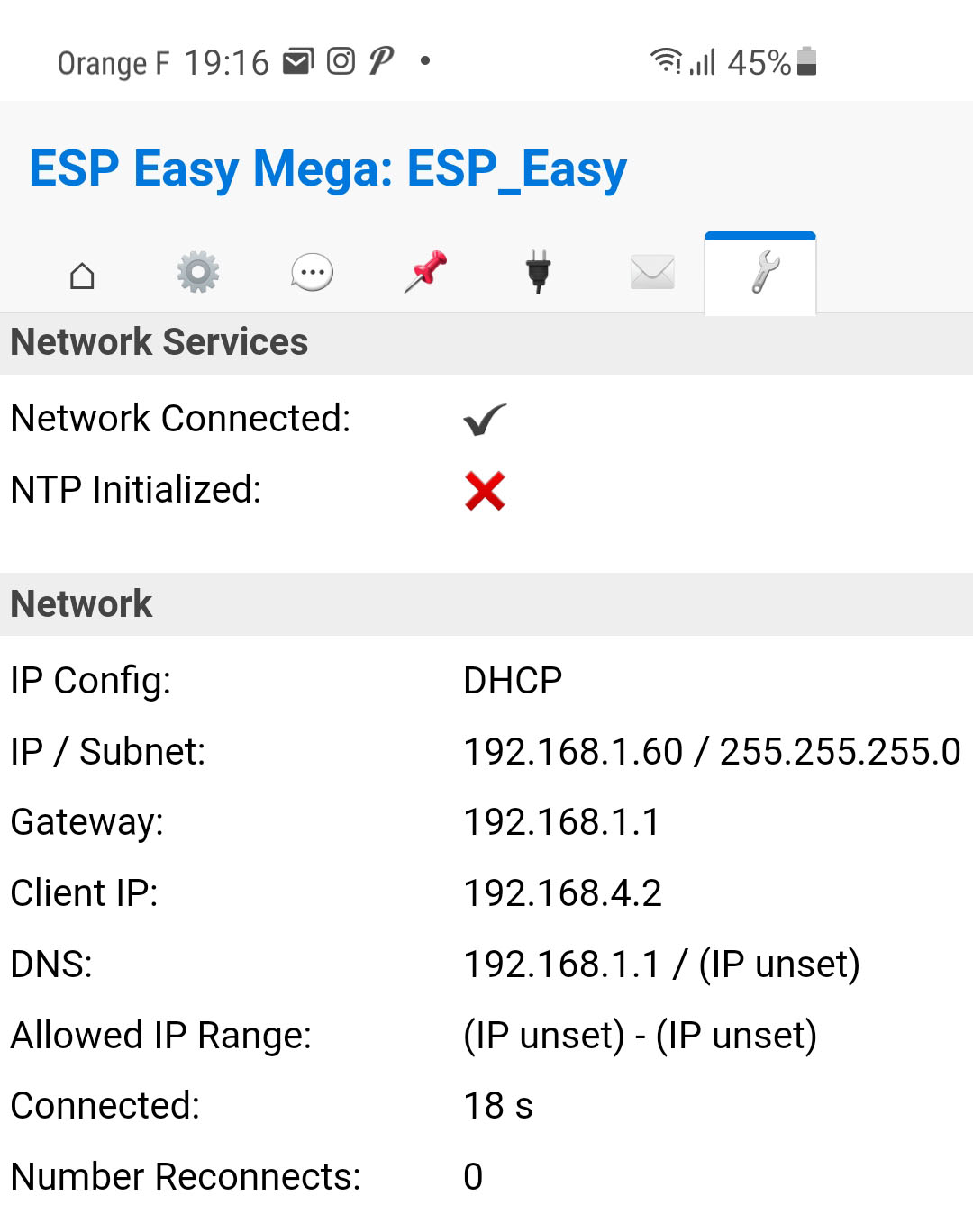
Here in this example, we see that the DHCP assigned it the IP 192.168.1.60, I like to store the equipment in the router, so I will assign it an IP
Assigning an IP to the router (optional)
I find the equipment in the list of DHCP leases

I change the IP and give it a name, here it is in 192.168.1.230

Integration of D1Mini in Jeedom
Once ESP Easy is installed, whether it is a D1Mini of a Sonoff or any other equipment accepting ESP Easy, the procedure is the same. this Tuto will therefore give all the information to connect the D1 mini to Jeedom
 English
  French
  Spanish
  Chinese
  German