

This manipulation is already documented but I have adapted my method, everyone will be able to follow his own, here are some references:
I chose to use the SynologyVirtual Machine Manager application
Installing the latest version of Jeedom on the VM
Here are, in order, the screens and what I chose to use
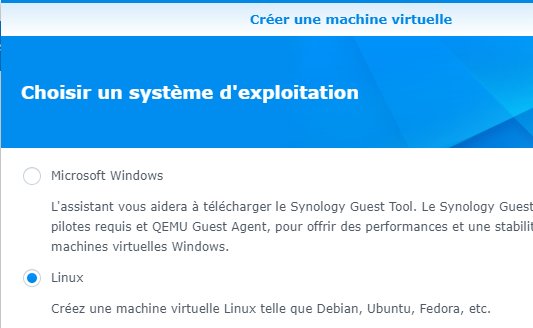
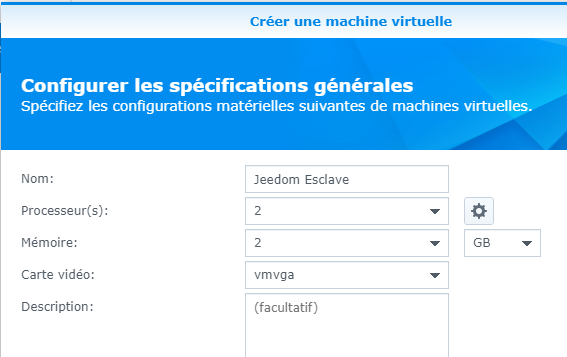
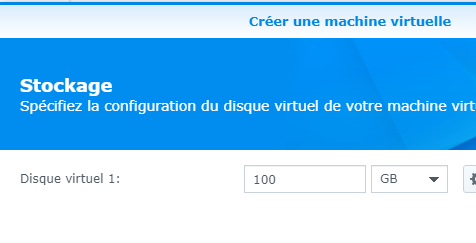
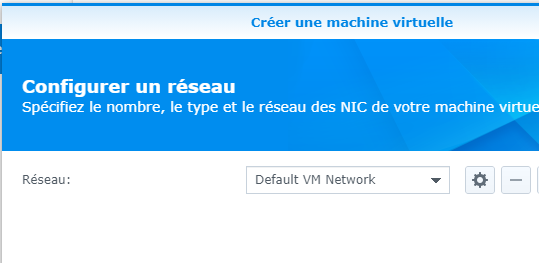
It was on the next screen that I chose to send the image of Jeedom.
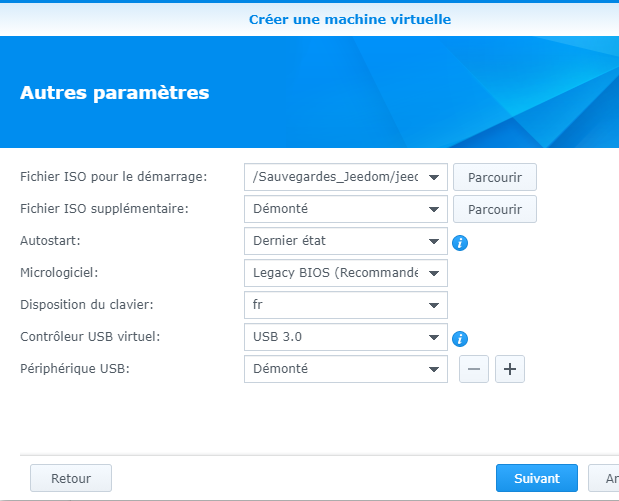
The most recent ISO file should be downloaded from:
Copy it to a folder on the NAS and fetch it in the "ISO Startup File" field.
At this point, I leave USB device disassembled, I will mount it later.
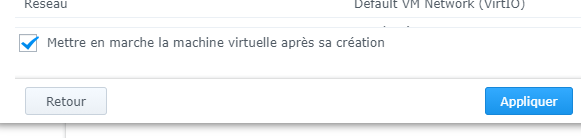
On the next screen, give the rights to your Syno users and then validate the installation
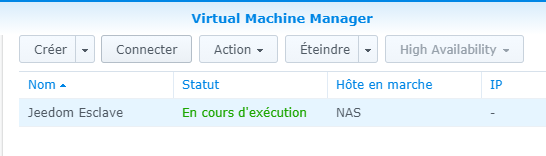
Click on the "Connect" button
The installation screen appears:
 |
 |
Let's let … turn
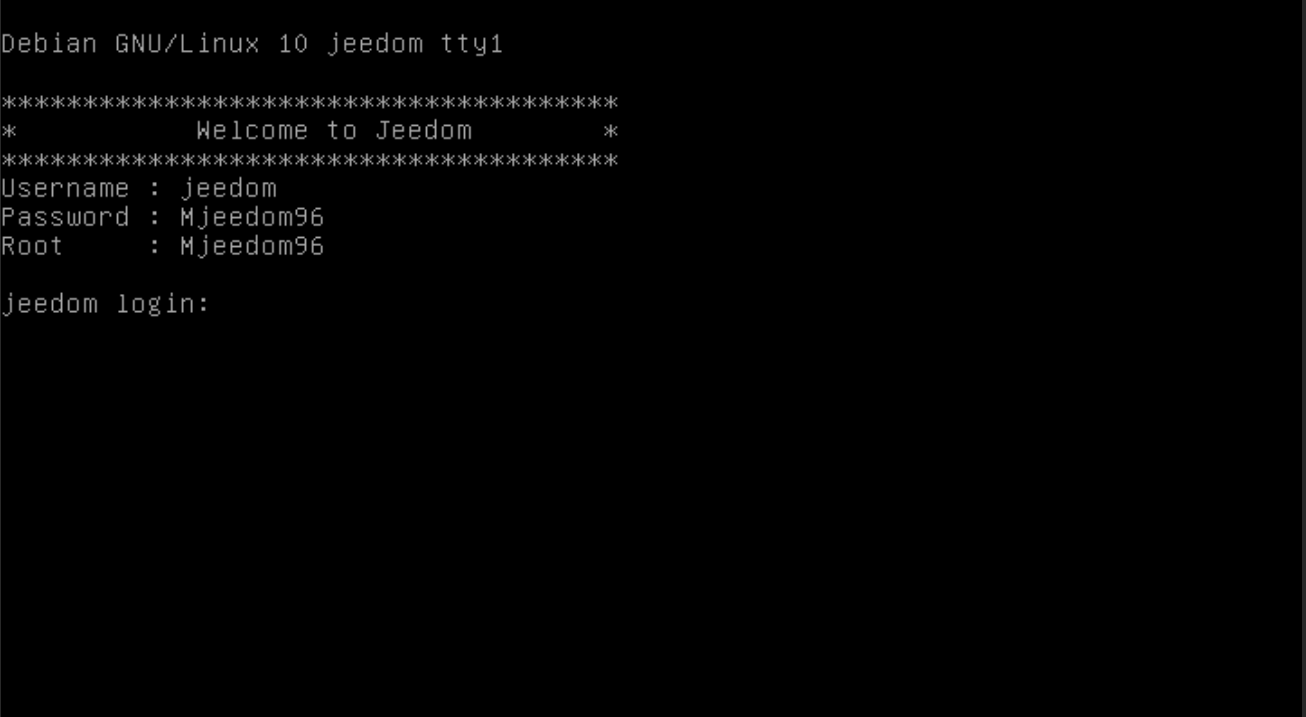
IP address recovery and first connection
Once the installation is complete, the IP must be found in the router, and the DHCP will give it an address.

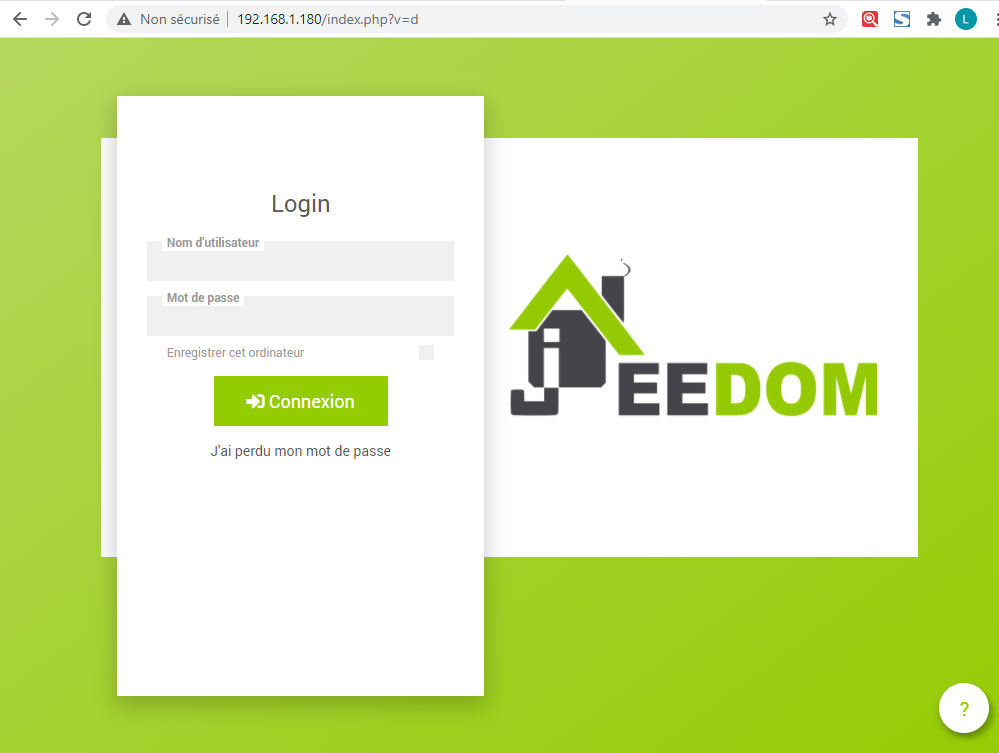
By habit, once the VM is detected I freeze the address on 192.168.1.180

Then Jeedom can be accessed via IP in the browser
And send orders on the order line:
 English
  French
  Spanish
  Chinese
  German