

Objective
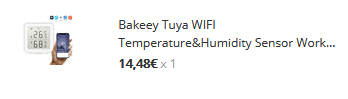
Integrate a thermometer purchased on Bangood Jeedom
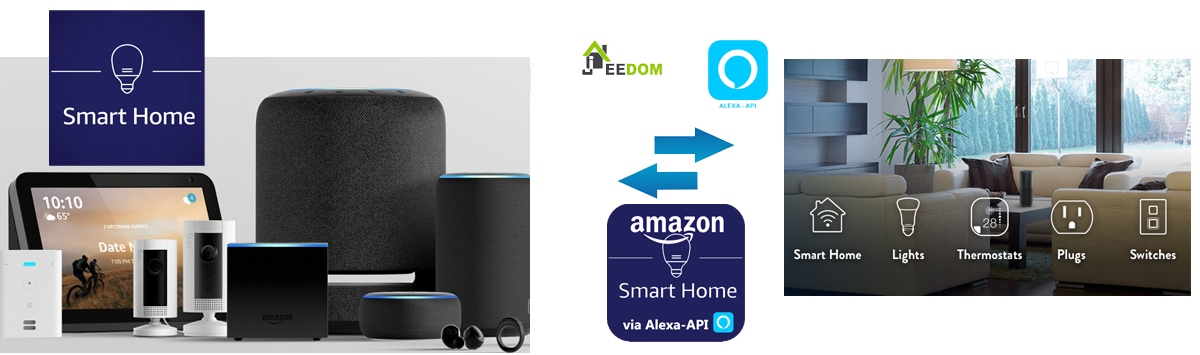
This thermometer displays a whole series of logos, so it will be integrated with Jeedom via the smartHome plugin of the Alexa-API series.

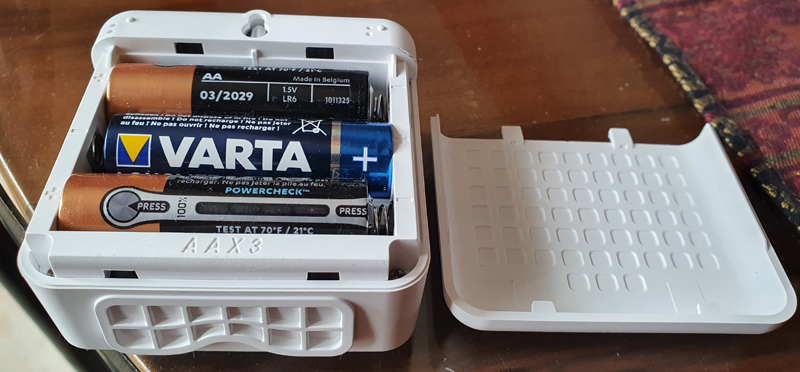
Put the batteries
Surprise: 3 AA batteries, nothing simpler and easy to change.
Integrate the thermometer with SmartLife
Install or launch SmartLife on the smartphone

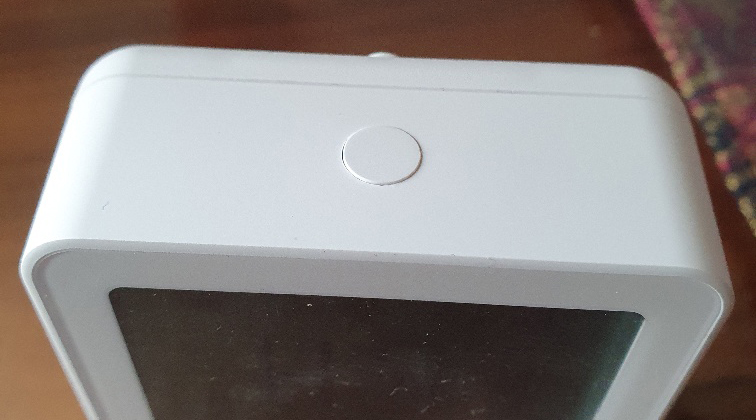
Press the top 5s button
Start the detection of a WiFi sensor on SmartLife
The thermometer is quickly detected and then added to the Smart Life screen
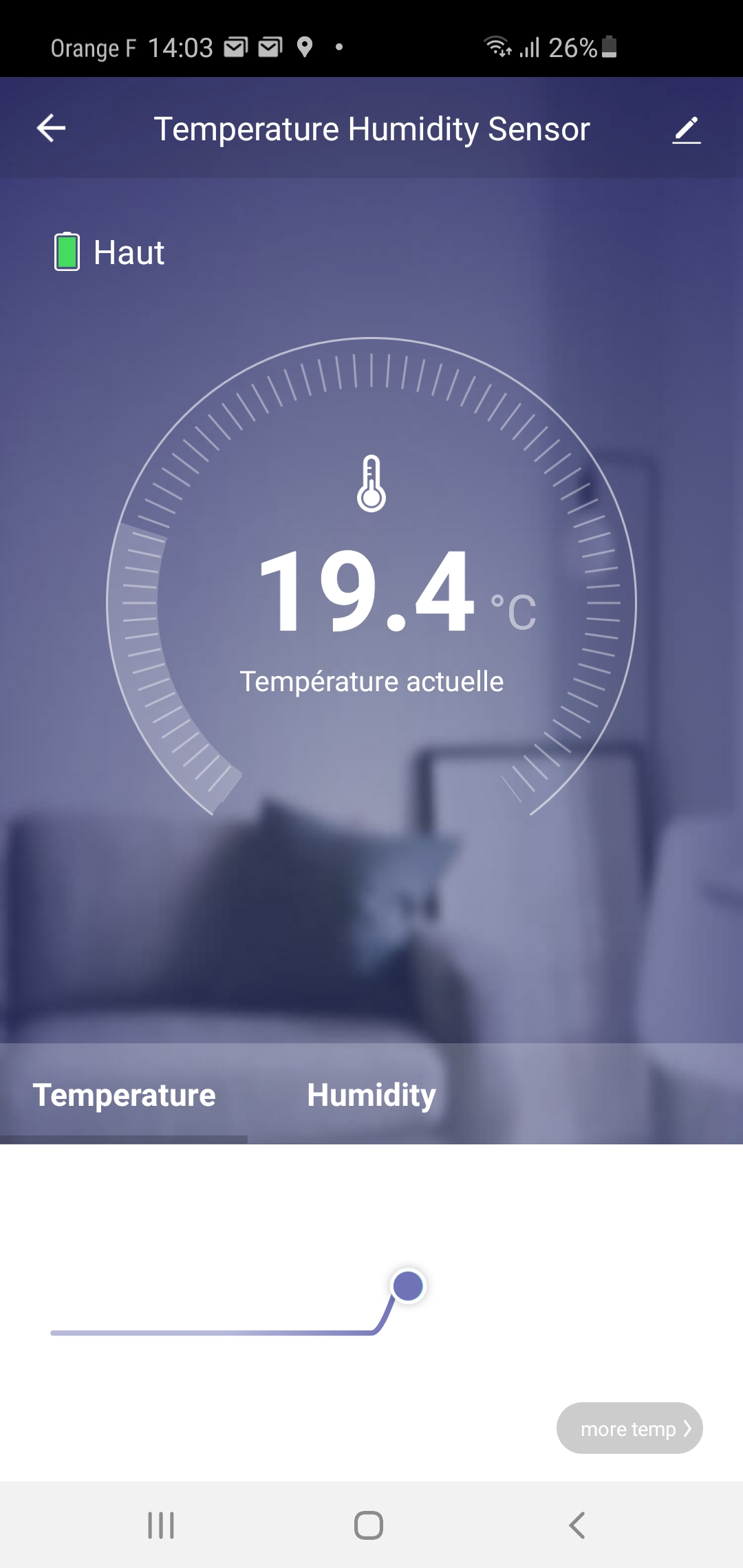
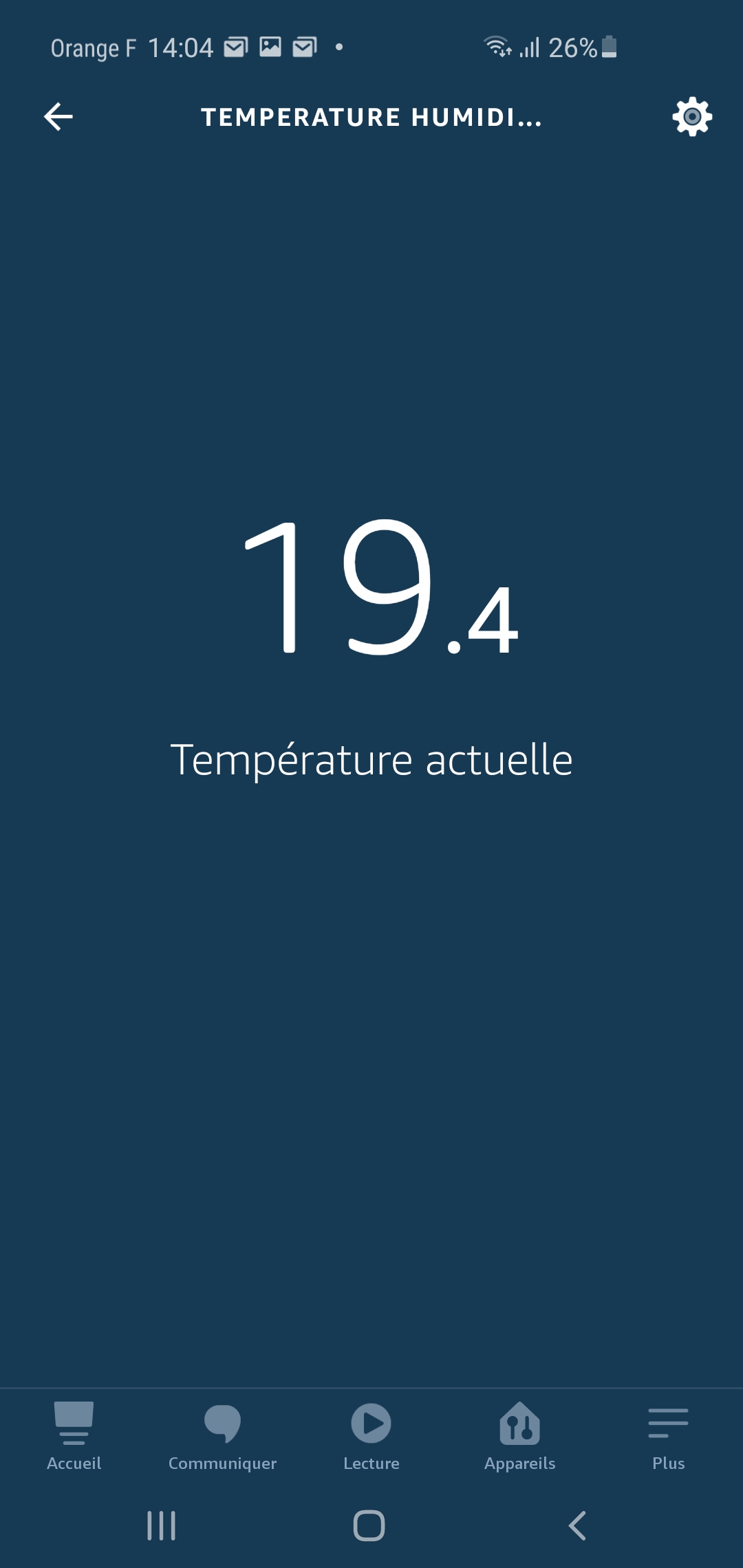
Thanks to Skill SmartLife installed in the Alexa app, within seconds, you are informed that new equipment is available on Amazon, and by clicking on it, you can check it:
To link to Jeedom, the Alexa-API plugin must be asked to scan:

Getting to smartHome
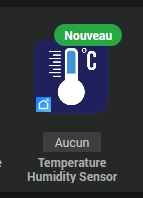
The new thermometer is here.
It can be updated every 5 minutes, which is enough for a thermometer:

By default, the tile looks like this:
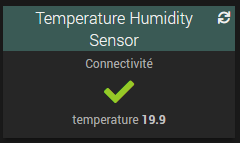
with a little imagination, it can be improved a little.
Change the type of value returned by temperature, and put a unit in it

There you go, a very classic temperature sensor online 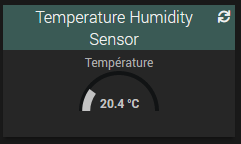
 English
  French
  Spanish
  Chinese
  German