


I am trying to transcribe a ministerial hearing
I would like an accurate summary of a recent hearing between the Minister for Digital Affairs and the Director of ANSSI. This video, available on the website of the National Assembly, is not the subject of any official written report. My objective is clear: extract the content for serene analysis.
The video is hosted at this address: video.assemblee-nationale.fr. So I start by inspecting the source code of the page to identify the media file.
🔍 I locate the source file of the video
I open the development tools of my browser by pressing the F12 key. I search the HTML code for the video tag. I quickly find my happiness in a beacon <source> pointing to an HLS stream.
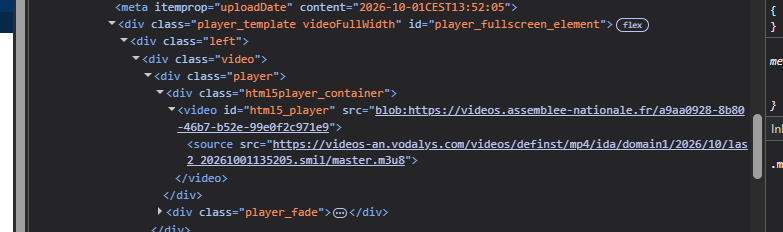
Here is the exact URL I retrieved:
<source src="https://videos-an.vodalys.com/videos/definst/mp4/ida/domain1/2026/10/las2_20261001135205.smil/master.m3u8">
The source file is therefore identified. I can now proceed with its recovery to convert it into a classic MP4 file, easier to manipulate for the rest of my tests.
📥 I recover and convert video with VLC
I use my Swiss multimedia knife, VLC Media Player, to download the feed. Once the file video.mp4 recorded on my hard drive, I focus on transcription.
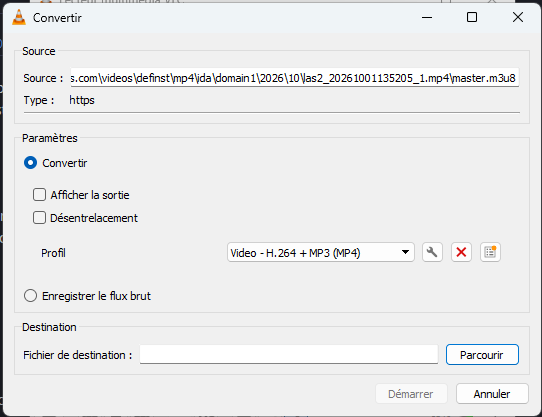
I then embark on a quest to find the tool capable of transcribing such a heavy file into French.
I'm testing transcription tools online
My video goes well beyond the gigabyte. I am looking for a free or affordable solution to get a faithful text. My first reflex turns to Turboscribe.ai.
🚫 Turboscribe.ai: a blocking limit
I'm going to their dashboard. I add my file and select the ‘Whale’ mode for maximum accuracy. Transcription is launched and speed is at the rendezvous.
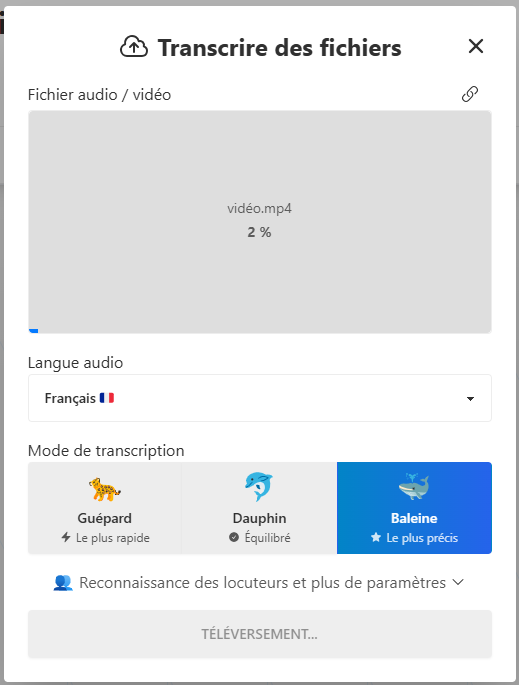
However, I quickly ran into a wall: the free version stops net at 30 minutes of audio. My file being much longer, I have to look for an alternative.
🎵 I bypass the weight limit with audio extraction
I then turn to Notta.ai, renowned for its quality in the French language. New problem: My video file is denied because it exceeds the 1 GB limit.
To solve this problem, I decide to extract only the audio track. The file will be much lighter. I'm going back to VLC for this technical operation.

Here is the manipulation I do to isolate the sound:
- I open VLC and go to the menu Media then Convert / Save.
- I add my file
video.mp4and I click on the conversion button. - In the profile, I choose Audio – MP3.
- I start the conversion and get a file
video.mp3of only 177 MB.
This is much more manageable for online tools. So I go back to Notta.ai with this new file.
⚠✘ Notta.ai and Vook.ai: unsuccessful tests
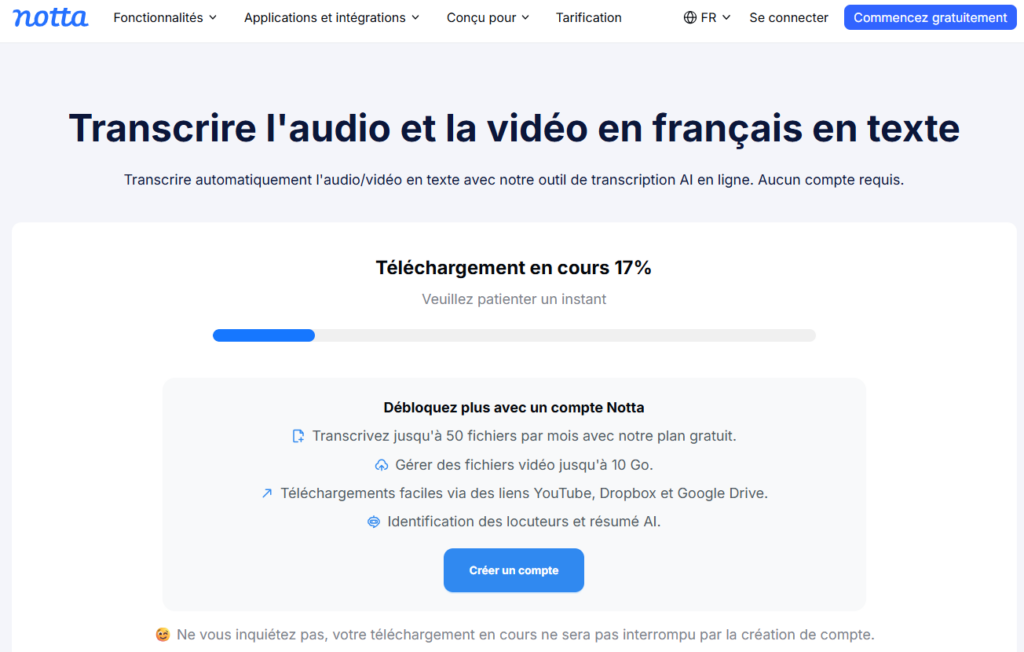
I import my MP3 file to Notta. The tool works well, but during the recovery, I find that only a 30-minute extract is available. The registration promised to unblock the follow-up does not work as expected: the paid option returns systematically.
I'm not discouraged. I'm testing Vook.ai hoping for better.
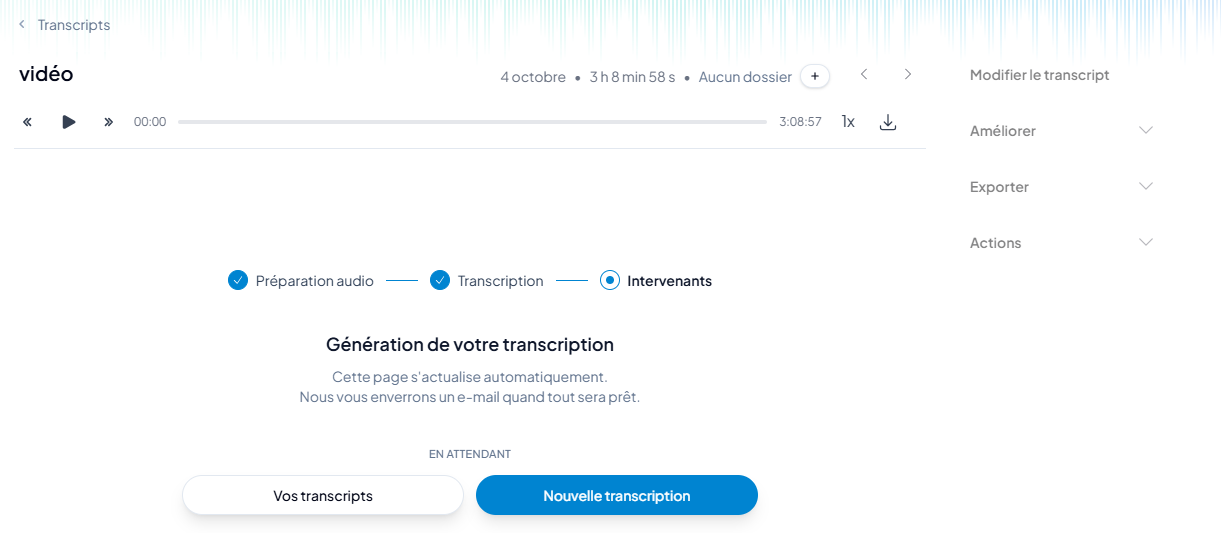
I send my MP3 file, let it run... and the same is true. The service also blocks me from listening for 30 minutes.
My opinion on finding the right tool
Faced with these successive limitations, I understand that free access has strict ceilings for large files. I must now turn to one last solution: Scribe.cemea.org.

I continue my test with this tool to see if it will manage to process the entire hearing without asking me for payment.
46 minutes later, I receive the transcription.zip file, it is 630K and contains 3 files: phrases.txt subtitles.srt timed_phrases.txt
It’s really perfect, I have exactly what I wanted.
I can inject the phrases.txt file into an AI and work all this to summarize, extract the key points ...
 English
 French
 Spanish
 Chinese
 German