

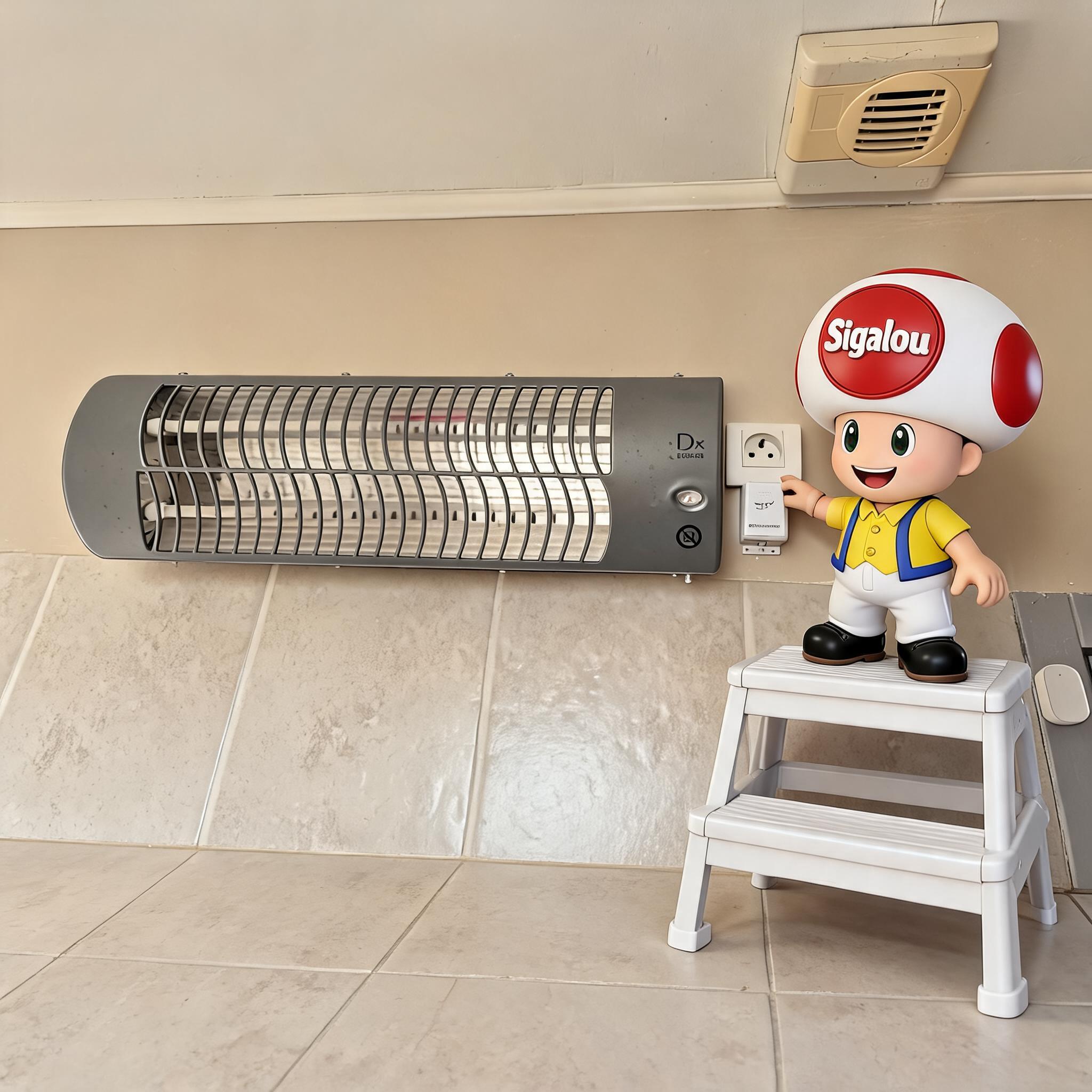
🔥 Why I rebuilt this installation
There are home automation installations that are made for the first time, They serve for years, and then we end up revisiting them because the ecosystem around them has evolved.
This is exactly what happened here: I already had domotized the heating of my bathroom several years ago, but this time I wanted to start with something simpler, more modern and, above all, better integrated with Home Assistant.
The original idea has not changed: be able to start heating when I need it, switch it off easily, and integrate it properly into my automation systems.
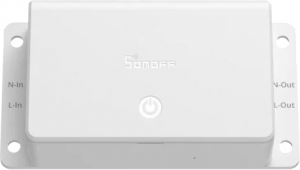
On the other hand, the equipment has changed: for this new version, I chose to use a SONOFF BASIC-1GS, a Matter-compatible Wi‑Fi module that Sonoff presents as a 10A connected switch designed for simple, local use in Matter and Home Assistant-compatible ecosystems.
🧮 I first check the 10 A limit
Before I even took out the screwdriver, I started by checking a very simple point: Did my heating fit well in the nails of the module?
The SONOFF BASIC-1GS is announced for 10 A max in resistive charge, or about 2,300 W under 230 V.
In my case, the bathroom heater is given for 1 000 to 1 200 W. It is therefore around 4.3 to 5.2 A, which leaves me a comfortable margin before reaching the module limit.
It was important for me to check it black and white before going any further, because a clean assembly also starts with a consistent choice of material.
⚡ I start by configuring the module in Home Assistant
Before installing it in its final location, I preferred to prepare the module quietly. To do this, I plugged a power outlet into L In and N In in order to supply the SONOFF Basic Gen5 with power for the duration of its configuration.
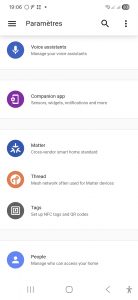
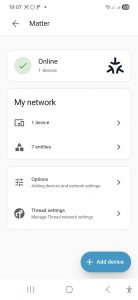
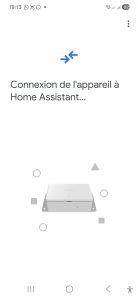
Once the module was powered on, I opened the Home Assistant app on my smartphone to start adding the Matter equipment. The application offers the route of adding a Matter device, with the choice between a new or already used device, and then the step of connecting the equipment to Home Assistant.
 |
 |
 |
 |
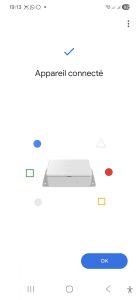 |
Moments later, the module appeared as connected, then visible in the Matter section with its device and entities. Frankly, for a first commissioning, I could not have dreamed simpler.
🧱 I adapt the housing to my assembly
At that point, I had a functional module in Home Assistant, but the mechanical part still had to be taken care of. Since I wanted to use the Basic Gen5 in an upright position, I drilled an additional hole in the holder so that I could secure it properly in the right direction.
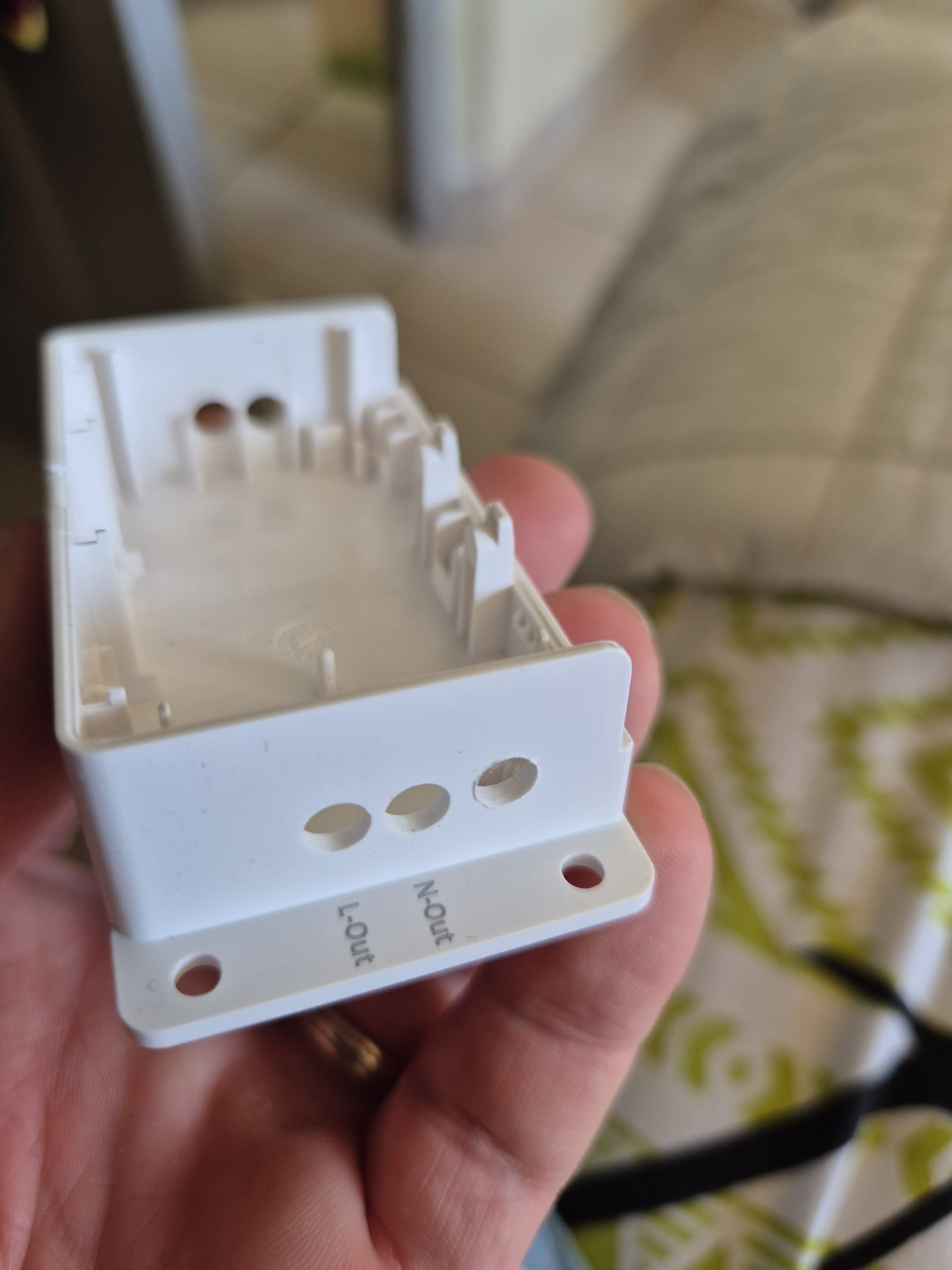
This is the kind of small detail that does not change the way home automation works, but changes a lot in the final rendering. Rather than force a medium mount, I preferred to take two more minutes to ensure that the case was well aligned and consistent with the available location.
🔌 I cable the arrival and the exit
Then I went to the real editing. I delivered the food on L In and N In, with the idea of bringing out the cable cleanly at the top of the housing.
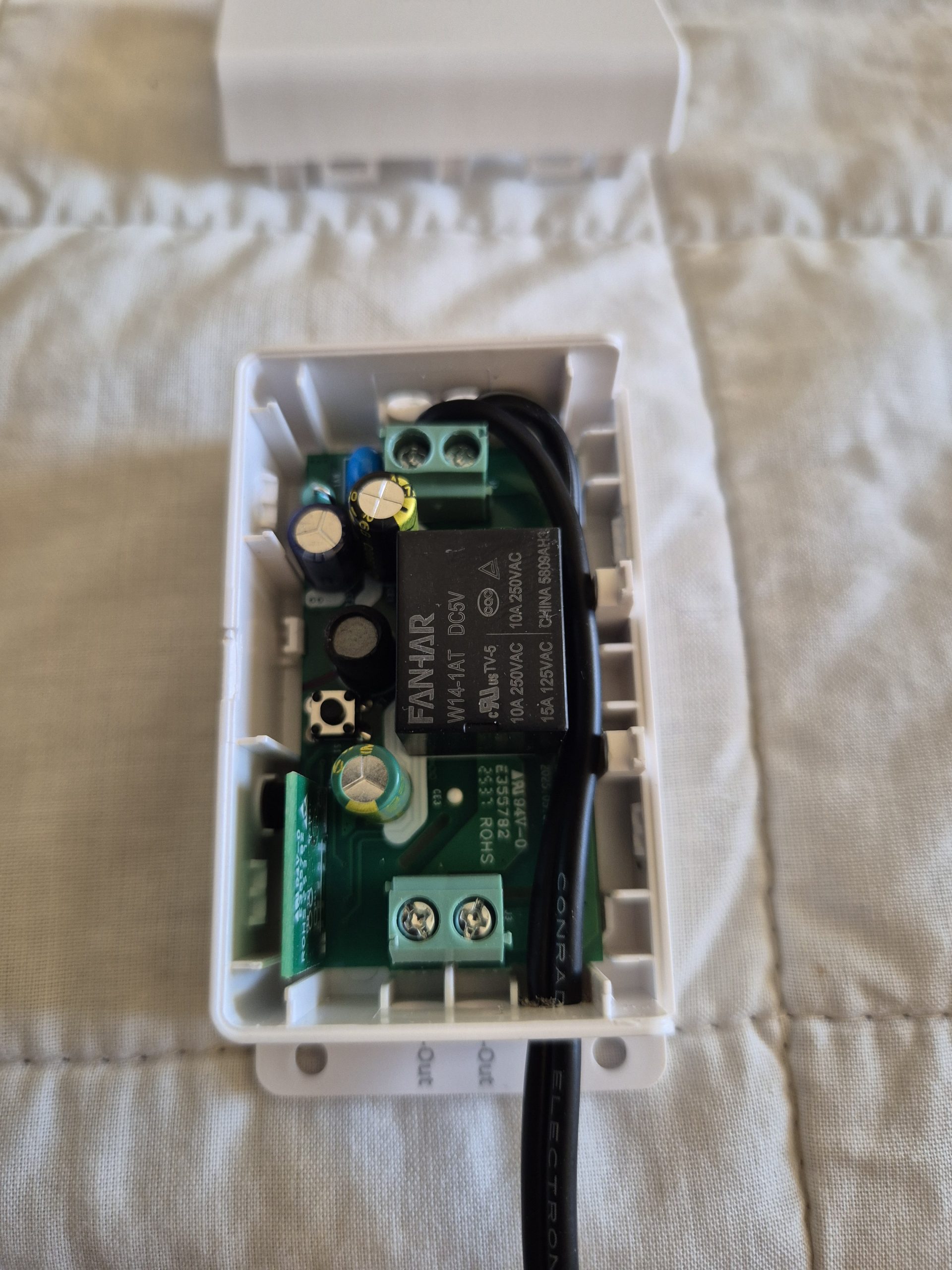
Then I connected L Out and N Out the heating supply cable so that the module acts as a switch between the mains and the radiator.
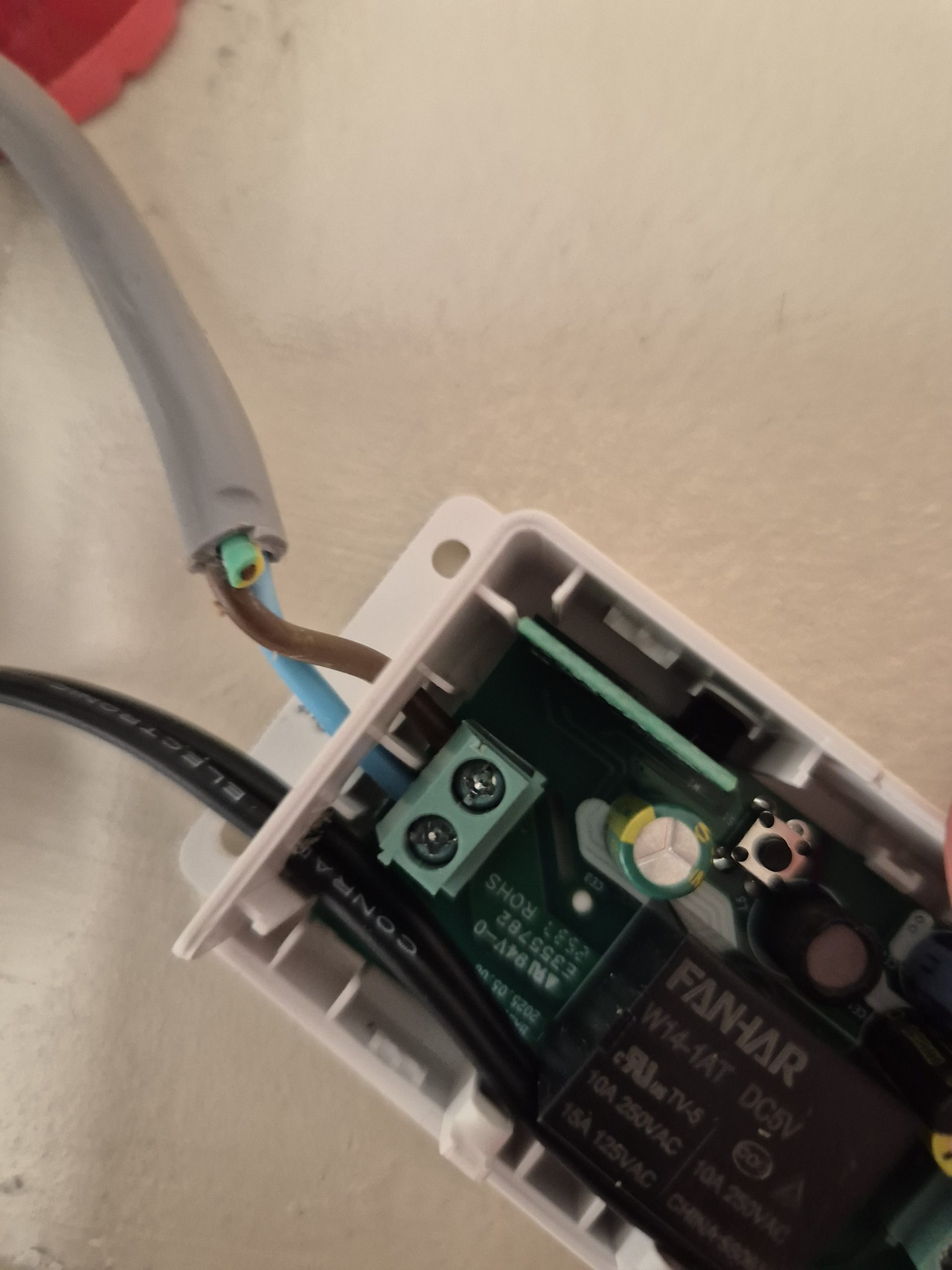
I like this type of easy-to-read assembly: an arrival, an exit, and a very clear role for the module.
In the photos, you can see the logic behind the threads and the fact that I tried to keep something clean, with no cable pulling in all directions.
🧼 I also take care of the final rendering
Once everything was wired, I was able to secure the module in its place, right under the socket, next to the bathroom heater. First open case to validate the assembly, then closed to find a much more discreet and much cleaner visually.
Frankly, I really like the end result. The module is well aligned, the white case blends correctly into the wall, and the whole thing does much less DIY than I might have feared at first.
 |
 |
 |
📱 In Home Assistant, that's exactly what I wanted
Once added to Matter, the module is recognized by Home Assistant as a locally controllable device.
This is exactly what I was looking for for this heater: something simple, modern, and above all properly integrated into my installation.
In my case, this is the ideal scenario: a simple module, local control, obvious use in automations, and no reliance on cloud logic to just turn on or off a bathroom heater.

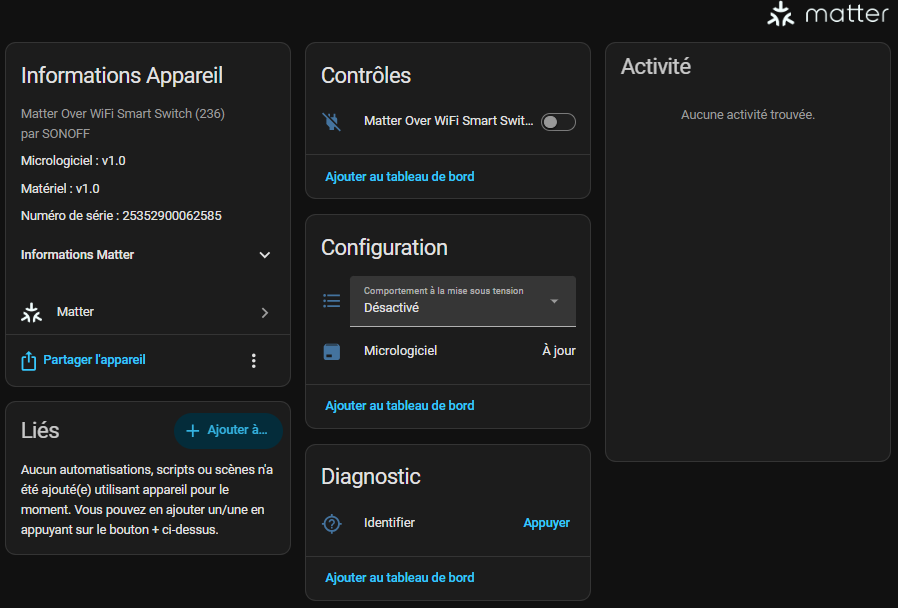
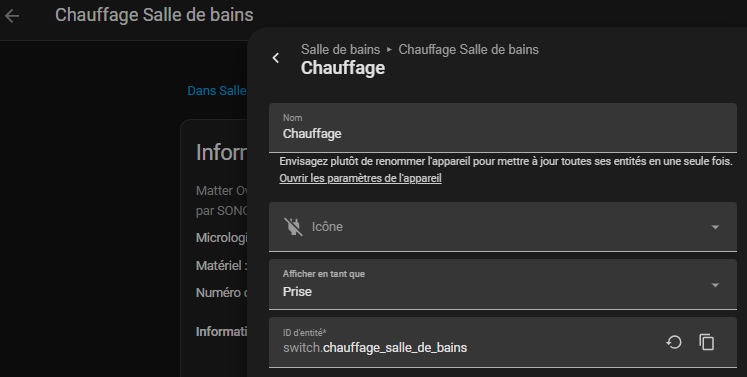
I am changing the name of the equipment and sensor to switch.heating_salle_de_bains
♨ Adding heating to Alexa
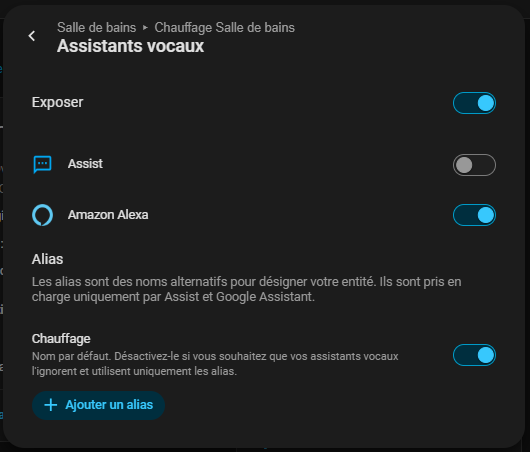
I go to Voice Assistants to check Amazon Alexa, this will add Heating to Alexa’s list of equipment.
So to turn on the heating of the bathroom, I say: Alexa, turn on the heater.
✅ My Hot Review
What I like about this montage is that it remains very simple to understand.
The Basic Gen5 is just used to allow or cut off the heating power supply, but it does so in a modern, Matter-compatible format, and above all perfectly comfortable in Home Assistant.
I also appreciate the fact that I was able to redo this installation while keeping the spirit of my old assembly, but with a more current integration.
In the end, I did not just win a domotised heater: I also got a clean, discreet installation that was much more consistent with the rest of my Home Assistant environment.
 English
  French
  Spanish
  Chinese
  German