

I integrate Withings with Home Assistant
I decide one day to integrate my Withings devices – my connected scale and my blood pressure monitor – directly into Home Assistant to monitor my health in real time in my home automation.
As a beginner, you may be wondering: How do I get my scale to communicate with my home automation system?
Do not panic, I tell you step by step this adventure as if you were by my side, explaining every click and every reason.
I add the Withings integration
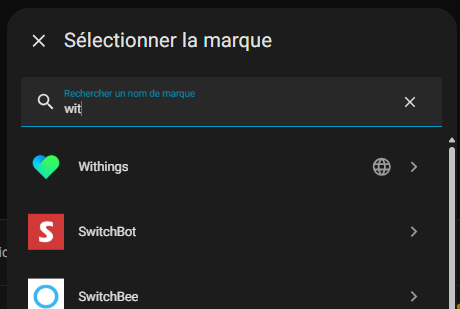
I start by opening Home Assistant on my browser. I access Settings > Devices and Services > Integrations > Add Integration.
In the search bar, I type ‘Withings’ and select the official integration.
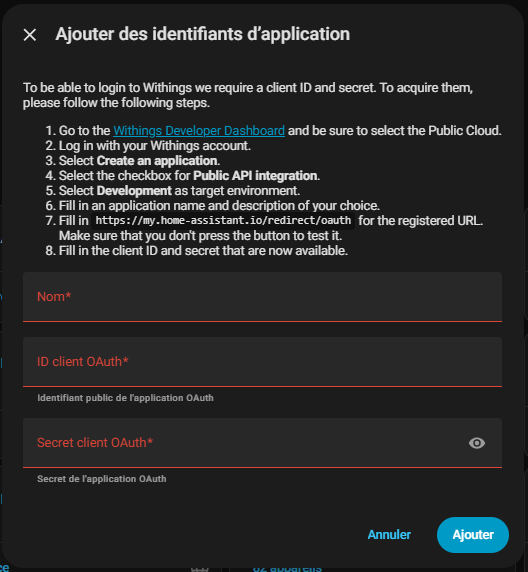
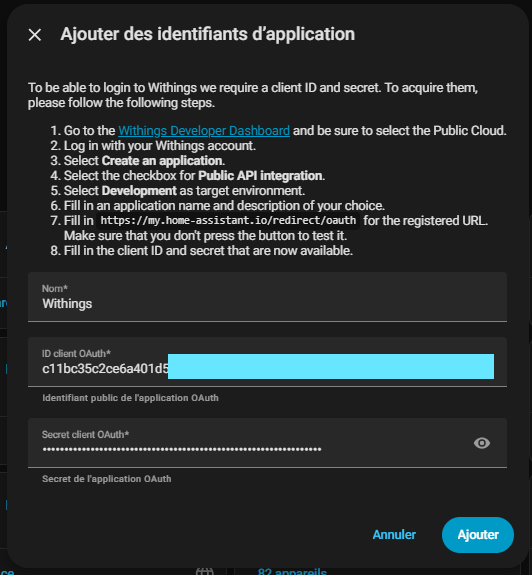
Home Assistant then asks me for a Client ID and a Secret Client – secret codes that I will get from Withings.
It is like registering for an exclusive club so that both systems can chat.
I study the documentation
Before diving head first, I read the documentation provided by Home Assistant.
It tells me exactly where to get these famous keys: on the Withings developer portal.
For a beginner, this is crucial – imagine trying to open a keyless door! The document is clear: direction the Withings Developer Dashboard.
I access the Withings developer portal
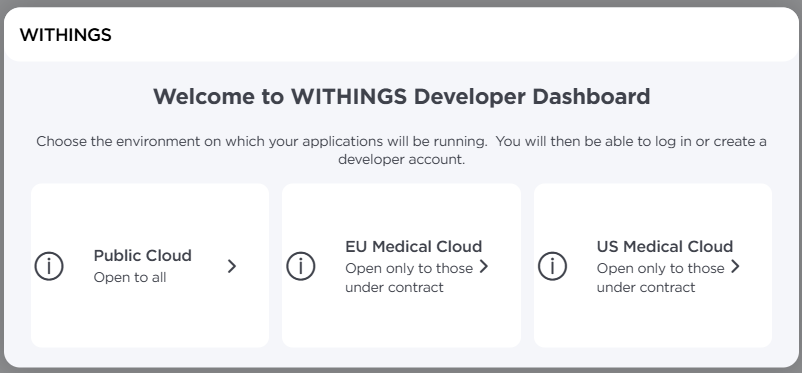
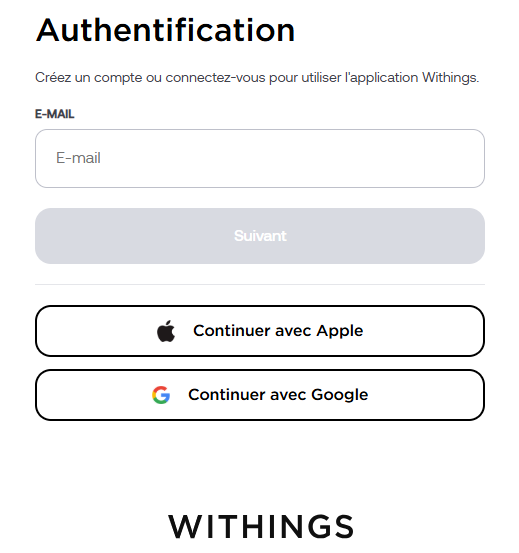
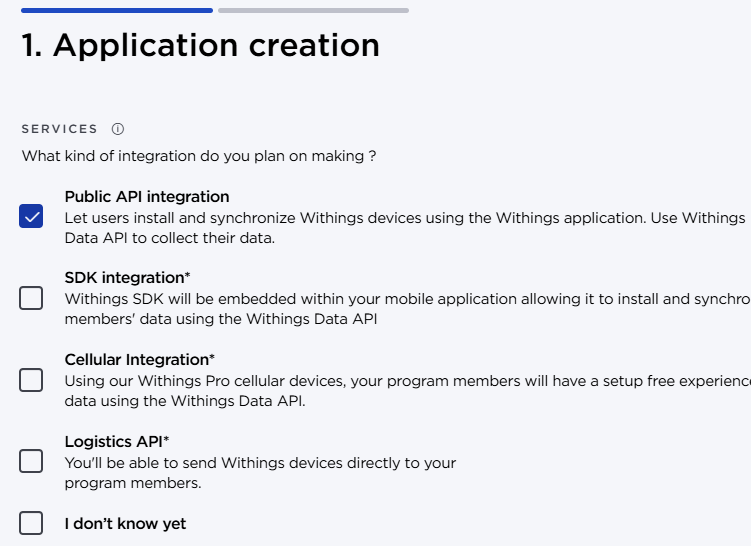
I click on the Link and landed on the developer’s homepage. I select Public Cloud because this is the mode for integrations like Home Assistant – no need for complicated private server. Then I log in with my personal Withings account, the one linked to my health devices.
I create my new application
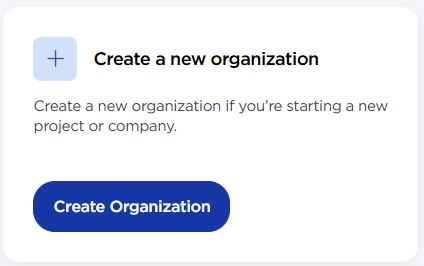
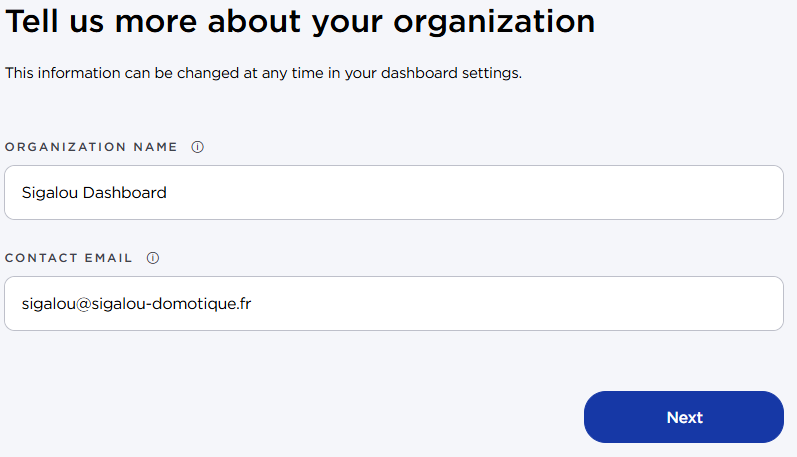
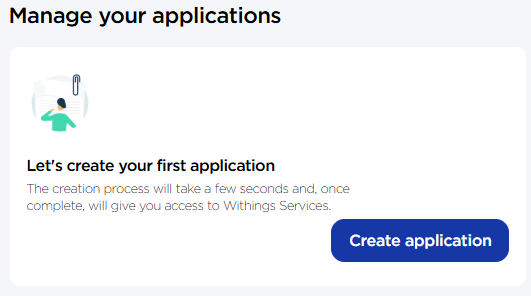
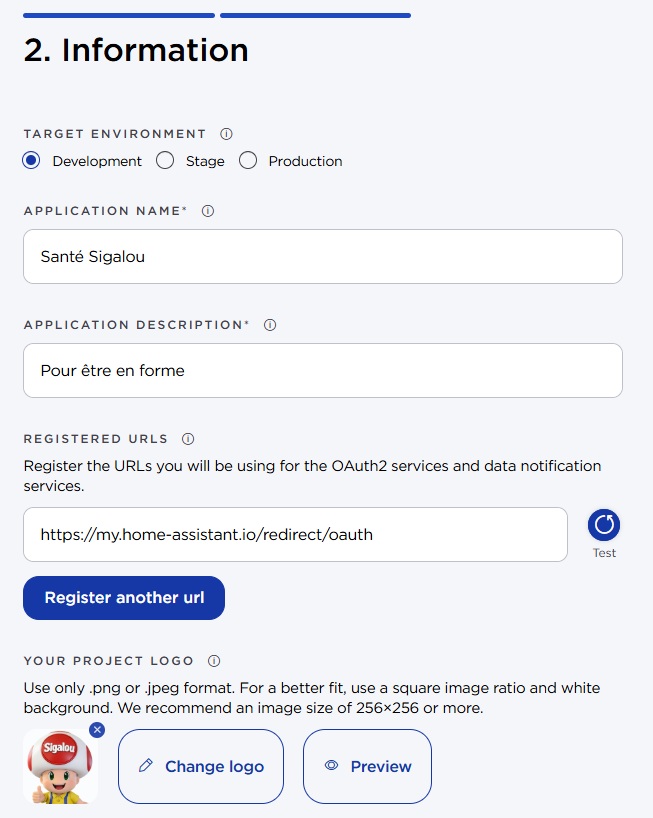
Once logged in, I click on Create a new application. I fill out the form with basic information:
I save and retrieve the keys
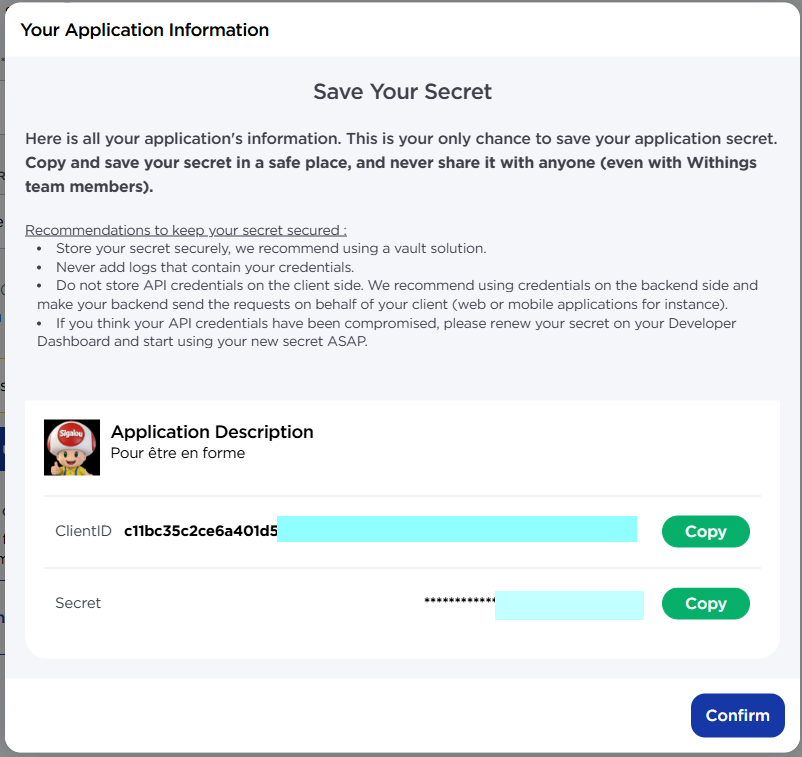
I validate the creation. Withings then generates my Client ID (public) and Secret Client (Secret, never to be shared!).
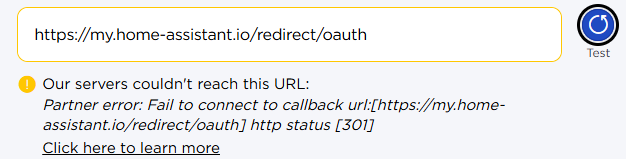
The ‘Test’ button may display an error at this stage – this is normal.
I configure Home Assistant with keys
Back in Home Assistant, I paste the Client ID and the Client Secret into the integration fields.
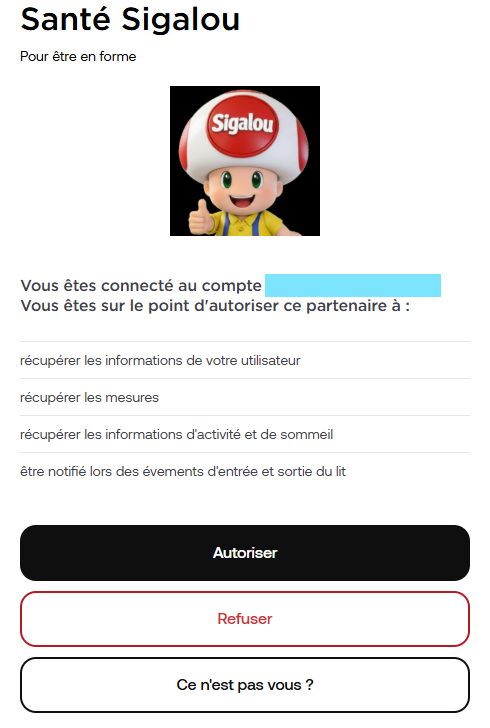
I'm validating. Immediately, it redirects me to Withings to allow access.
I adjust the external redirect URL
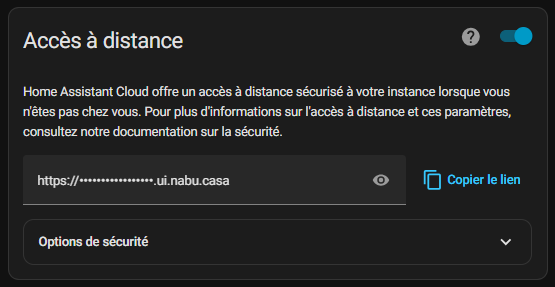
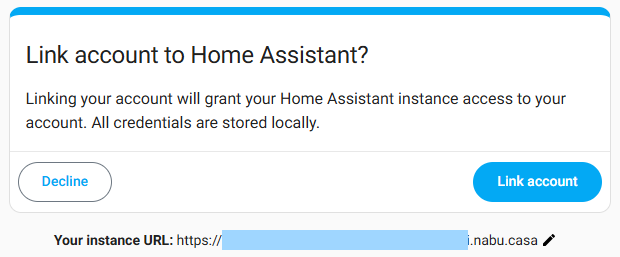
By default, Withings tries to go back to http://homeassistant.local:8123, but this local link is not accessible from the Withings servers (which are far from home). I get a classic mistake:
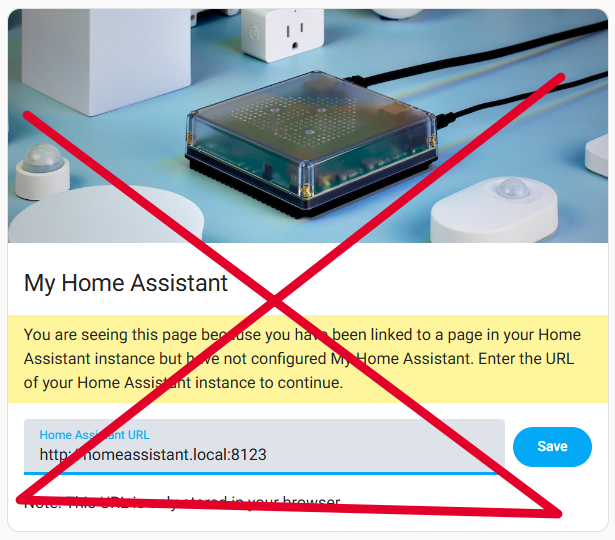
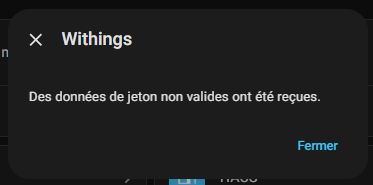
I go back to my Withings app, edit the redirect URL to use my external access via Nabucasa
I save and start the config again. Victory!
I welcome my devices and profiles
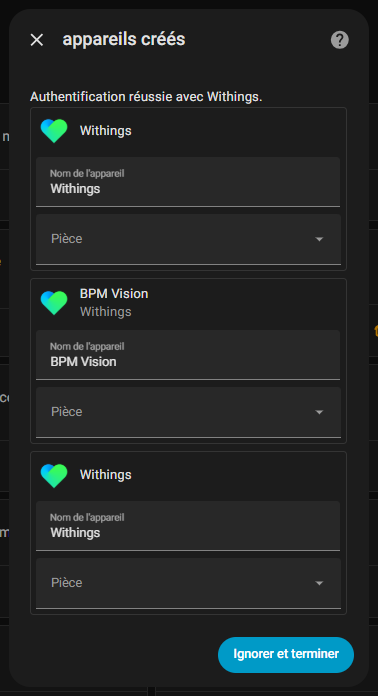
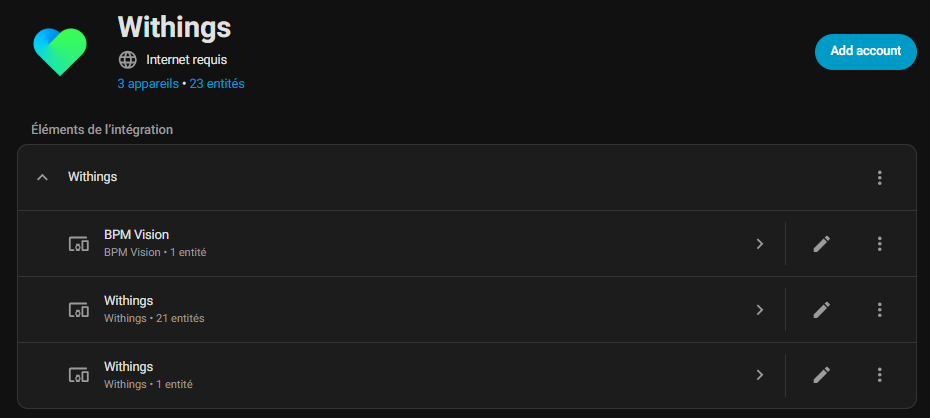
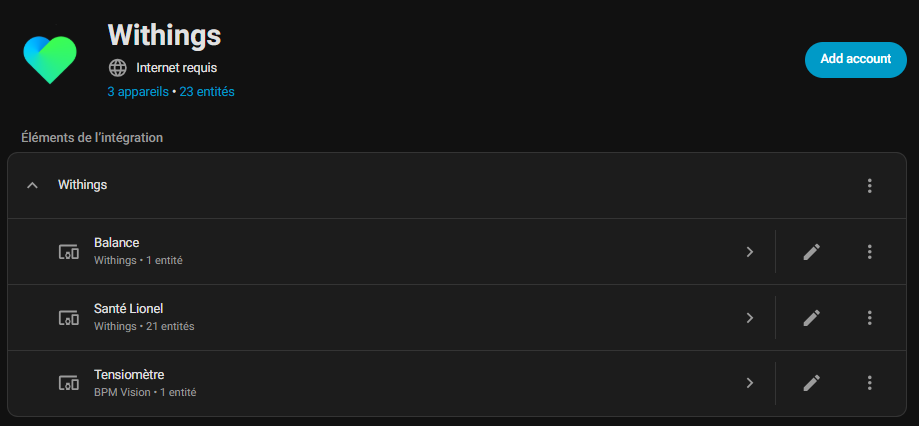
Once connected, Home Assistant automatically detects my devices: "My data", "My balance" and "My tensiometer".
Each appears as a sensor with weight, blood pressure, battery, etc.
I rename for the sake of clarity: "Lionel Health" for my global data, "Balance" and "Tensiometer".
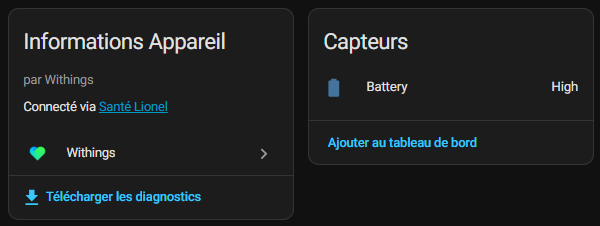
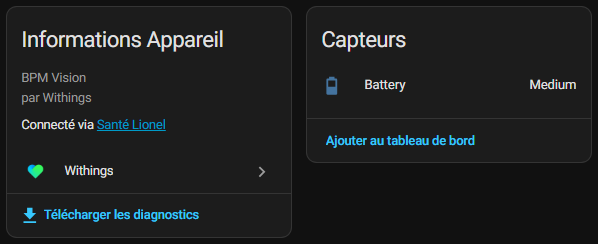
Note that the balance and the tensiometer often have only one useful sensor: the battery.
I add family profiles
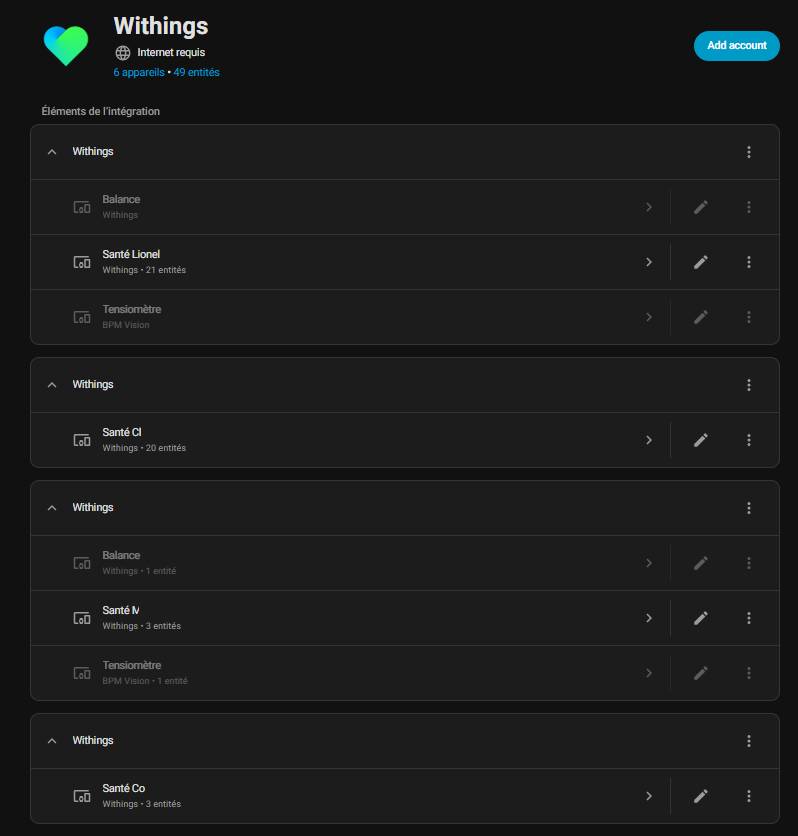
For the family, I add the following profiles: my independent daughter (separate profile >16 years), my other daughter (<16 years) on my account, and that of my wife.
Home Assistant list everything neatly.
Attention: batteries can generate unnecessary duplicates, I have deactivated these sensors to avoid data spam.
Tips to avoid traps
- Mandatory external URL : Always use Nabucasa or a public reverse proxy.
- Disable duplicates : ‘Balance/Tensiometer’ devices are used only for the battery. Avoid duplication and disable what is not necessary.
I customize my Dashboard
As soon as I figure out how to do …🤣simplely.
Useful references
If you block, the community helps:
Now my health data is displayed live in Home Assistant – ready for fun automations like alerts if my weight takes off!
 English
  French
  Spanish
  Chinese
  German